
Last updated: August 3, 2026
Finding a reliable Squarespace timeline template can be a challenge since the platform doesn't offer a native timeline block out of the box. While you might be tempted to search for a heavy Squarespace timeline plugin, this approach often leads to bloated code that significantly slows down your site.
A much better, more modern approach is to use lightweight, custom code-based widgets. These allow you to instantly add a beautiful Vertical timeline Squarespace layout or a sleek Squarespace horizontal timeline without compromising your page speed or spending hours watching a confusing Squarespace timeline tutorial.
Whether you are looking for a premium aesthetic or a Squarespace timeline free alternative, here are the best widgets to help you build a professional roadmap, company history, or process page.
How to Build an About Timeline Section for Squarespace
Your "About Us" page is frequently one of the most visited pages on your website, but massive walls of text about your company history are rarely read. Building a dedicated about timeline section for Squarespace is the most effective way to visualize your brand's journey, milestones, and growth.
Instead of forcing visitors to read paragraphs of corporate history, a well-structured timeline makes your story scannable and highly engaging. Whether you use a vertical roadmap to show year-by-year growth or a horizontal draggable slider to showcase major achievements, the templates below will instantly upgrade your About page and keep visitors scrolling.
1. Year Pill Process Timeline Template
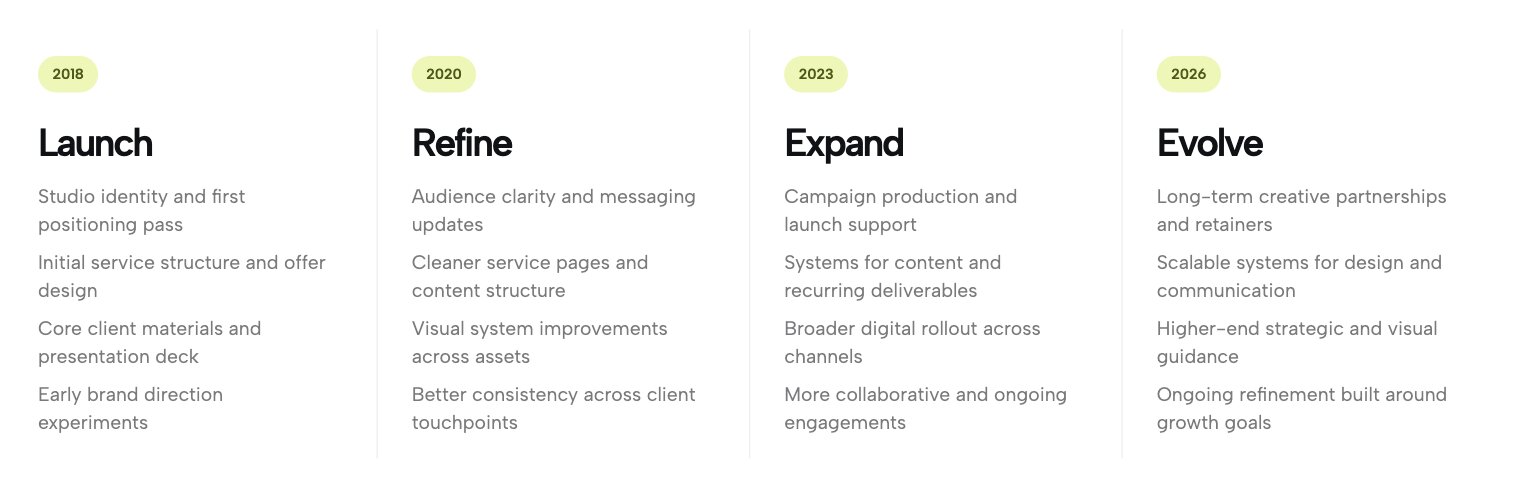
The Year Pill Process Timeline is a precision-engineered layout designed to articulate complex service structures, multi-year business growth, or detailed project phases with absolute clarity. Each stage is anchored by a prominent, pill-shaped badge that provides immediate chronological orientation for the reader. The design uses bold typography to create a clear focal point for each stage, while the detailed bulleted list beneath offers granular context, making it simple to present specific deliverables without cluttering your page.
2. Editorial Year Timeline for Squarespace
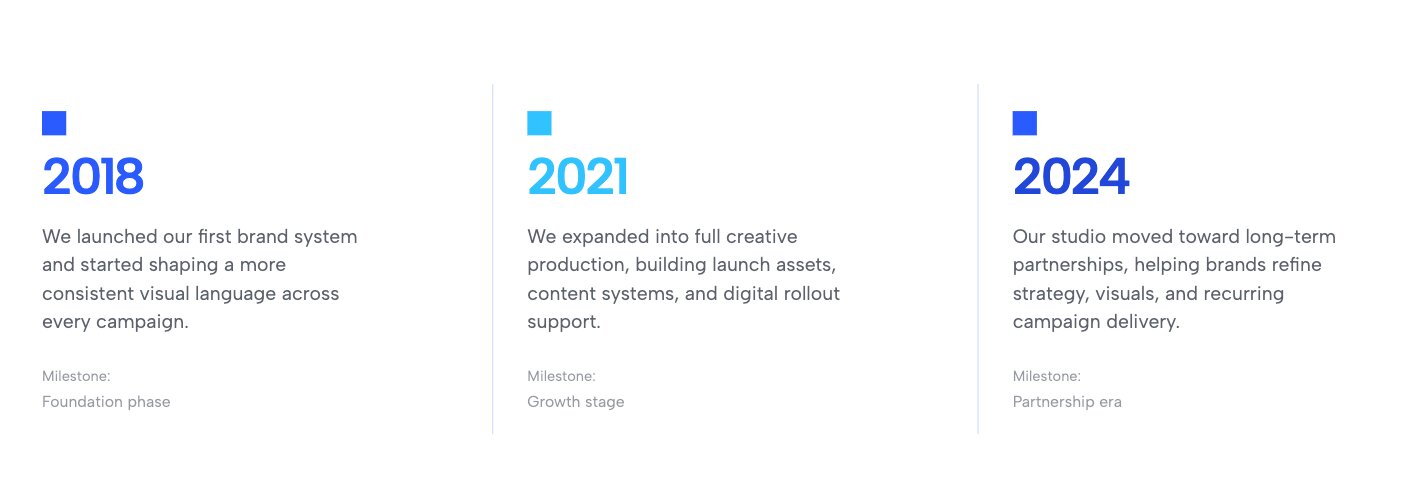
When you need to communicate a company's history or a multi-year case study, the Editorial Year Timeline is an excellent choice. It champions an airy, minimalist aesthetic that allows your milestones to breathe. Each era is distinctly separated by crisp, subtle vertical dividers, creating a structured but uncrowded flow. The typographic hierarchy is masterfully balanced, pairing bold year markers with concise narrative summaries and distinct milestone tags. This layout feels like it was lifted directly from a premium digital magazine.
3. Process Timeline Columns Widget
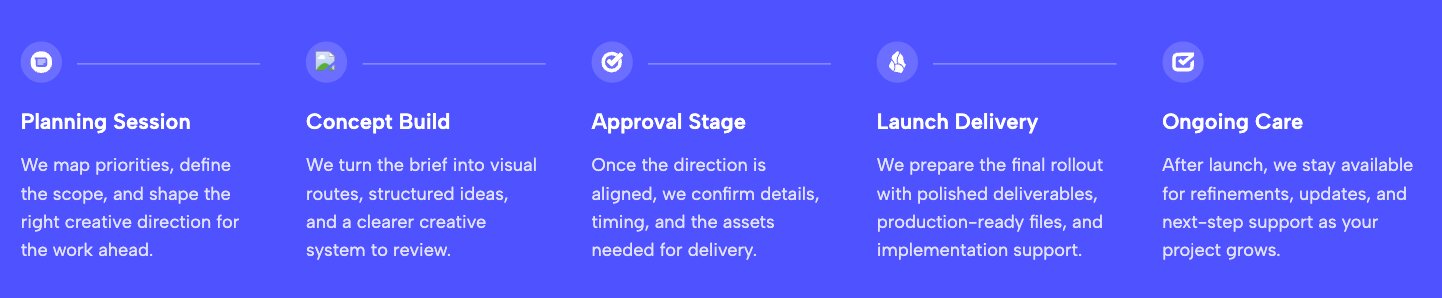
The Process Timeline Columns widget transforms your operations into a sleek, easy-to-follow visual journey. Set against a high-contrast background, this layout leverages a continuous axis, using thin, elegant lines to connect circular, icon-based nodes. This design subconsciously guides the user's eye from the initial concept stage to completion. Each column is meticulously spaced, featuring a punchy stage title anchored by a concise description. The aesthetic is flat, modern, and professional, stripping away unnecessary clutter so the user focuses entirely on your expertise.
4. Minimalist Portfolio Timeline Template
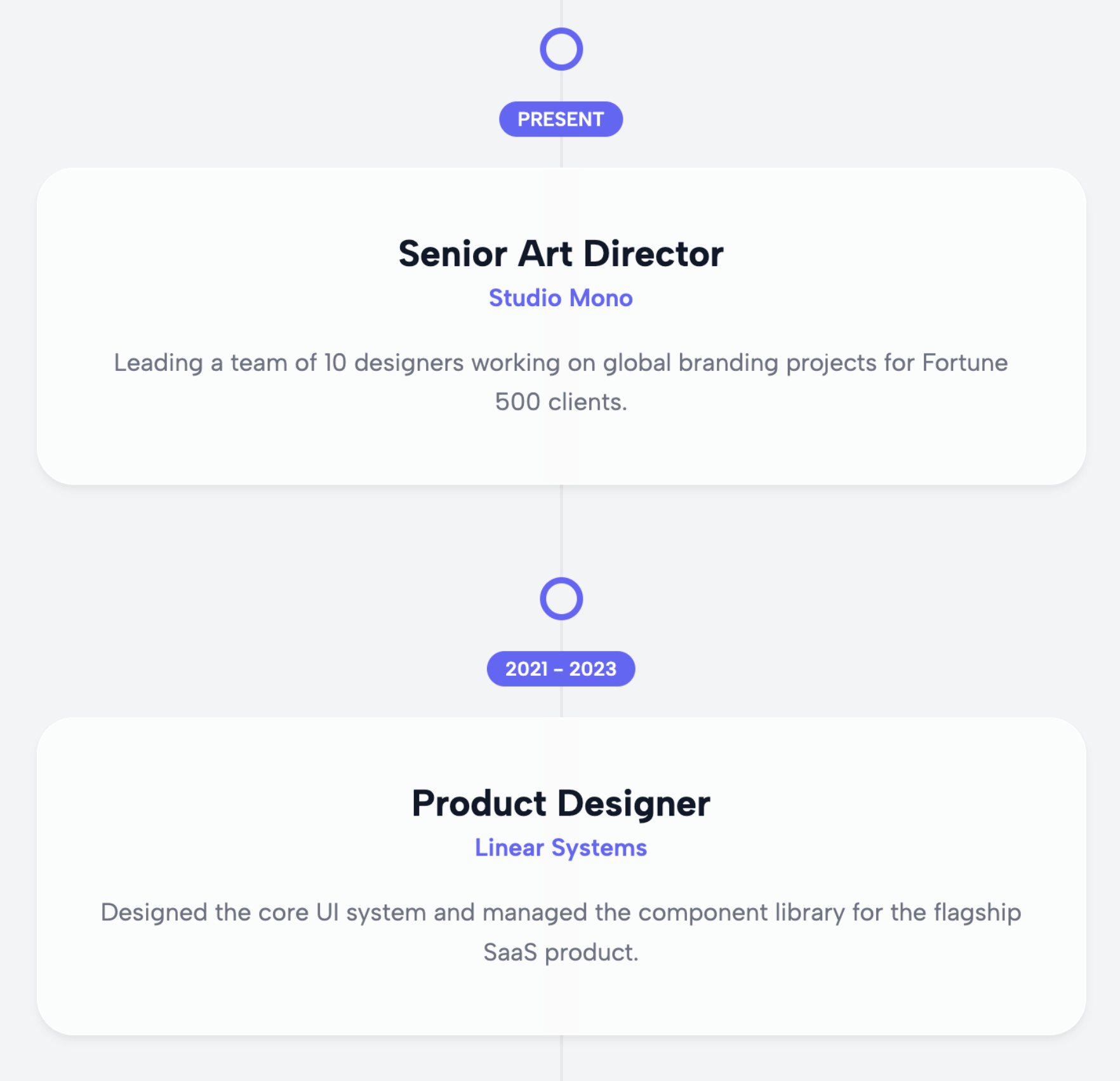
If you are a creative professional looking for an elegant way to showcase your career trajectory, the Minimalist Portfolio Timeline offers a highly refined choice. It focuses on white space and clean lines, ensuring that your work history remains the center of attention without extra noise. By using a simplified layout, it ensures that prospective clients can scan your milestones quickly and understand your progression, all while maintaining a highly sophisticated brand image.
5. Corporate Evolution Timeline Plugin Alternative
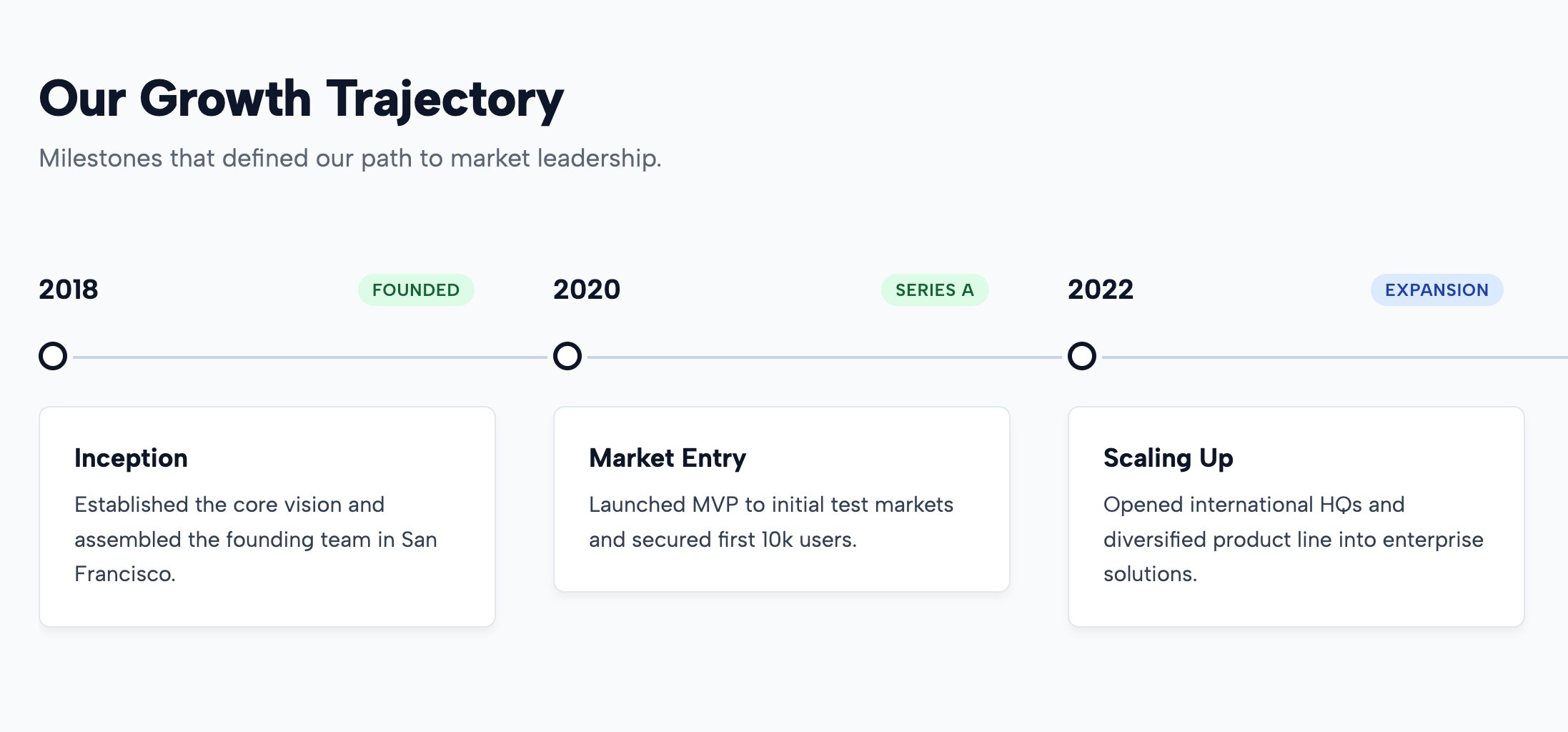
This widget is specifically designed to document growth stages and company milestones with absolute clarity. The Corporate Evolution Timeline provides a structured format that helps businesses establish authority and transparency with their audience. By clearly defining significant moments in your firm's history, you build trust with stakeholders and potential partners. The layout is optimized for readability, ensuring that your achievements are presented in a format that feels intentional and impressive rather than purely statistical.
6. Agency Creative Stream Squarespace Timeline
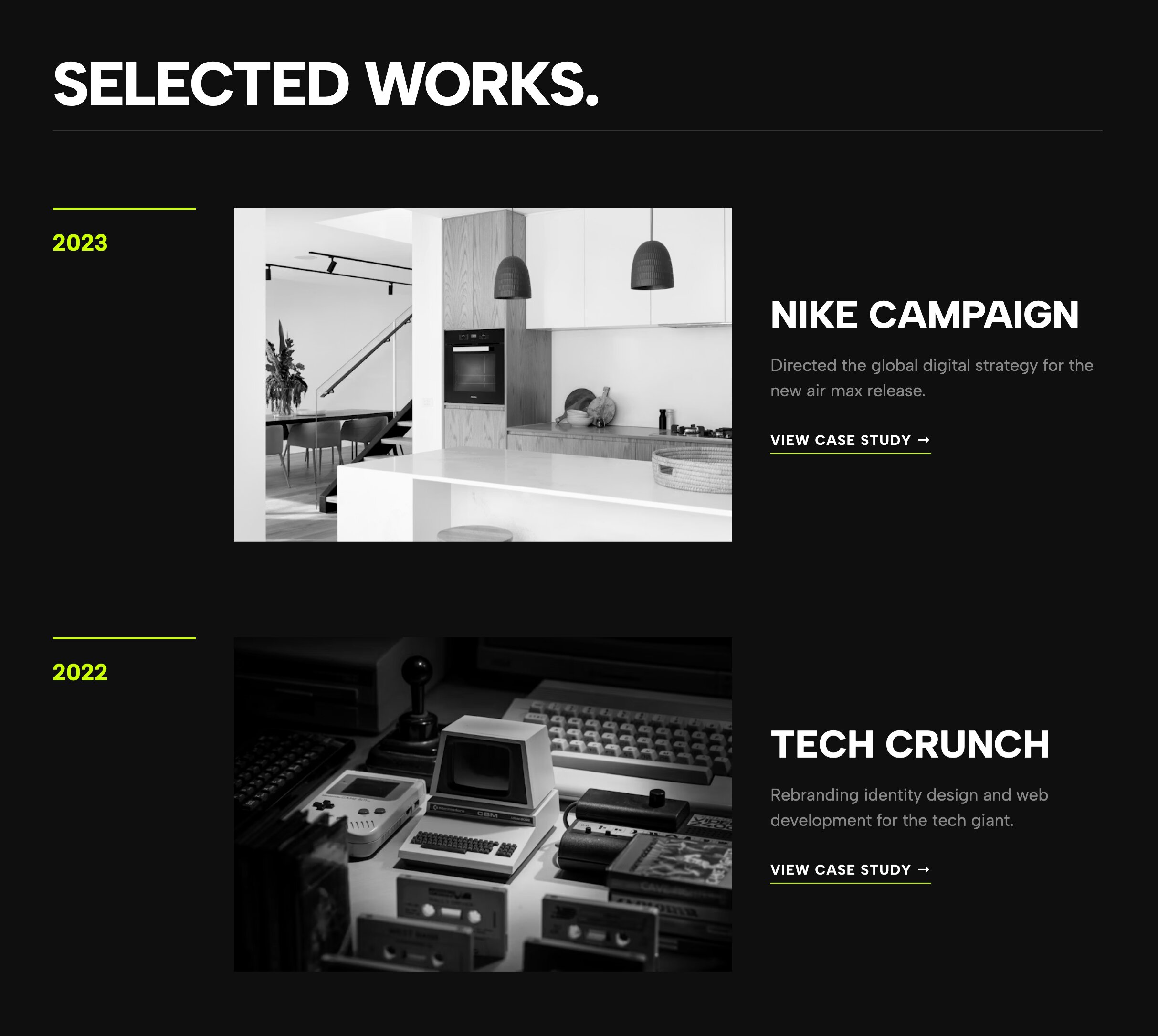
The Agency Creative Stream is a high-end, premium layout that presents agency work in a dynamic, continuous flow. It is built for teams that need to showcase a high volume of projects or evolving creative campaigns. This widget excels in environments where storytelling is paramount, allowing you to map out your firm's evolution alongside client business growth. It is a powerful tool for agencies looking to move beyond basic lists and present a highly structured view of their creative output.
7. Simple Process Steps Template
.jpg)
Sometimes, the best approach is the simplest one. The Simple Process Steps widget is the go-to choice if you need a straightforward, clutter-free way to present a multi-step workflow. It removes all distractions, allowing your service or project phases to stand on their own. This is ideal for landing pages where you need to quickly explain what a client can expect when working with you, ensuring the user experience remains fast, focused, and incredibly efficient.
8. Urban Bold Timeline - Industrial Streetwear Layout
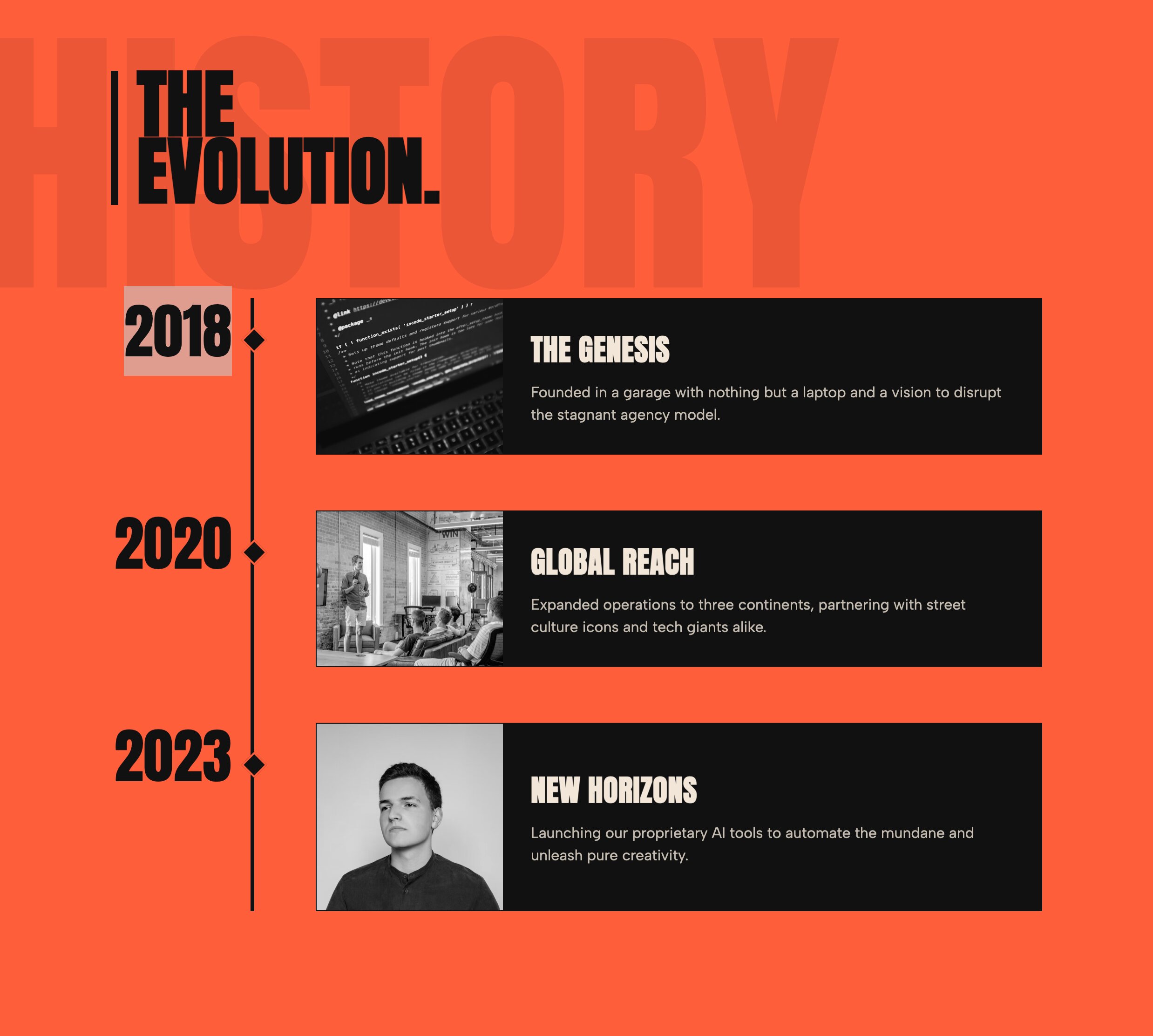
Perfect for brands that require an edgy, bold aesthetic, the Urban Bold Timeline is a striking choice. It utilizes thick lines, impactful fonts, and a high-contrast style that commands attention. If your brand occupies the streetwear, industrial, or urban design space, this widget provides the visual punch required to match your identity. It effectively turns your timeline into a design statement, ensuring that your history is remembered just as much for its striking look as for its content.
9. Draggable Horizontal Timeline Plugin Alternative
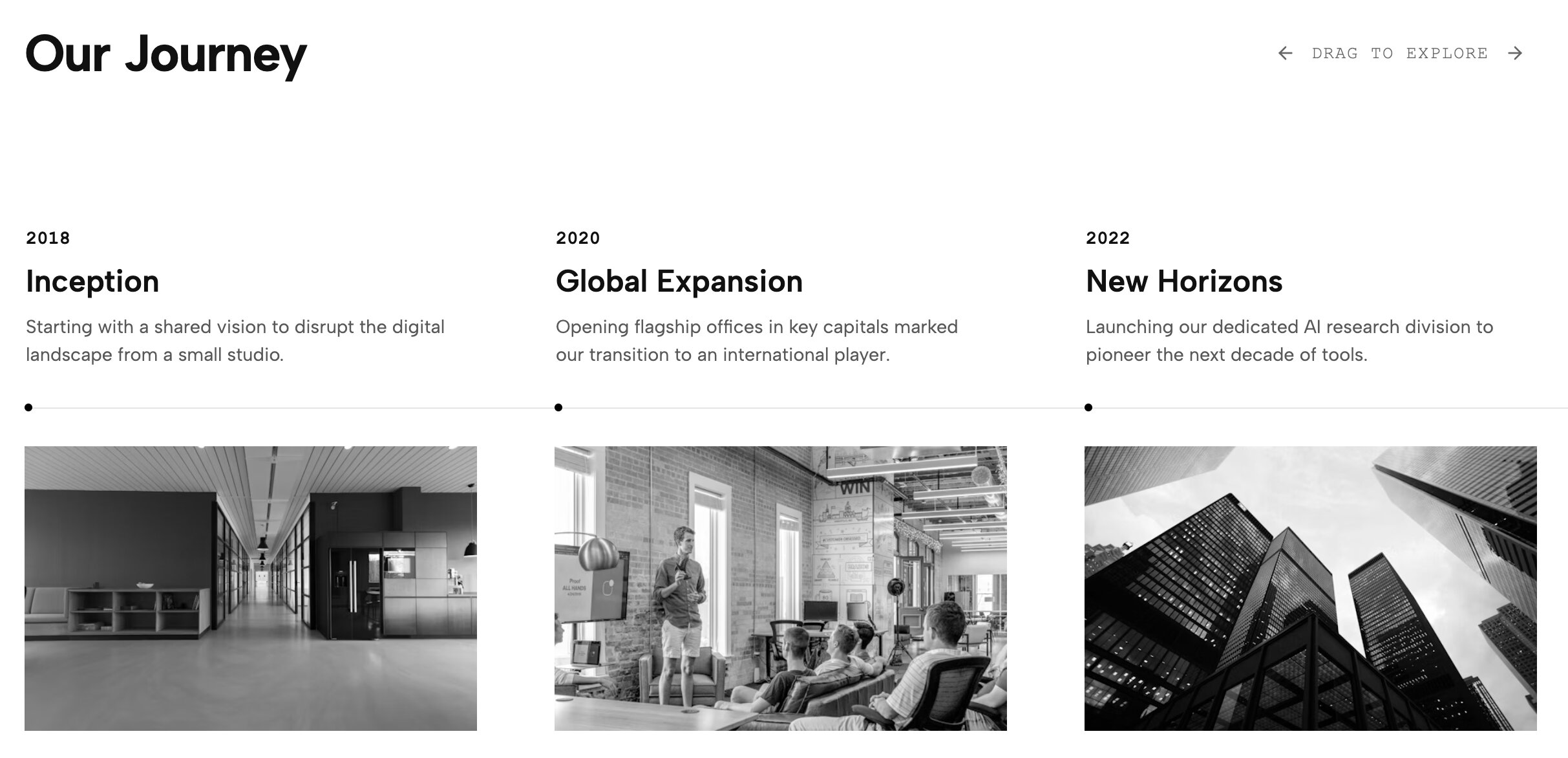
This widget offers an engaging, interactive experience for users who prefer to click and drag to explore content. The Draggable Horizontal Timeline is perfect for extensive company histories where you have too much data to fit onto a single screen. It provides a tactile way for the user to navigate through time, making the act of reading about your past feel like an active discovery process rather than a passive scrolling experience.
10. Agency Minimal Timeline - Architectural Layout
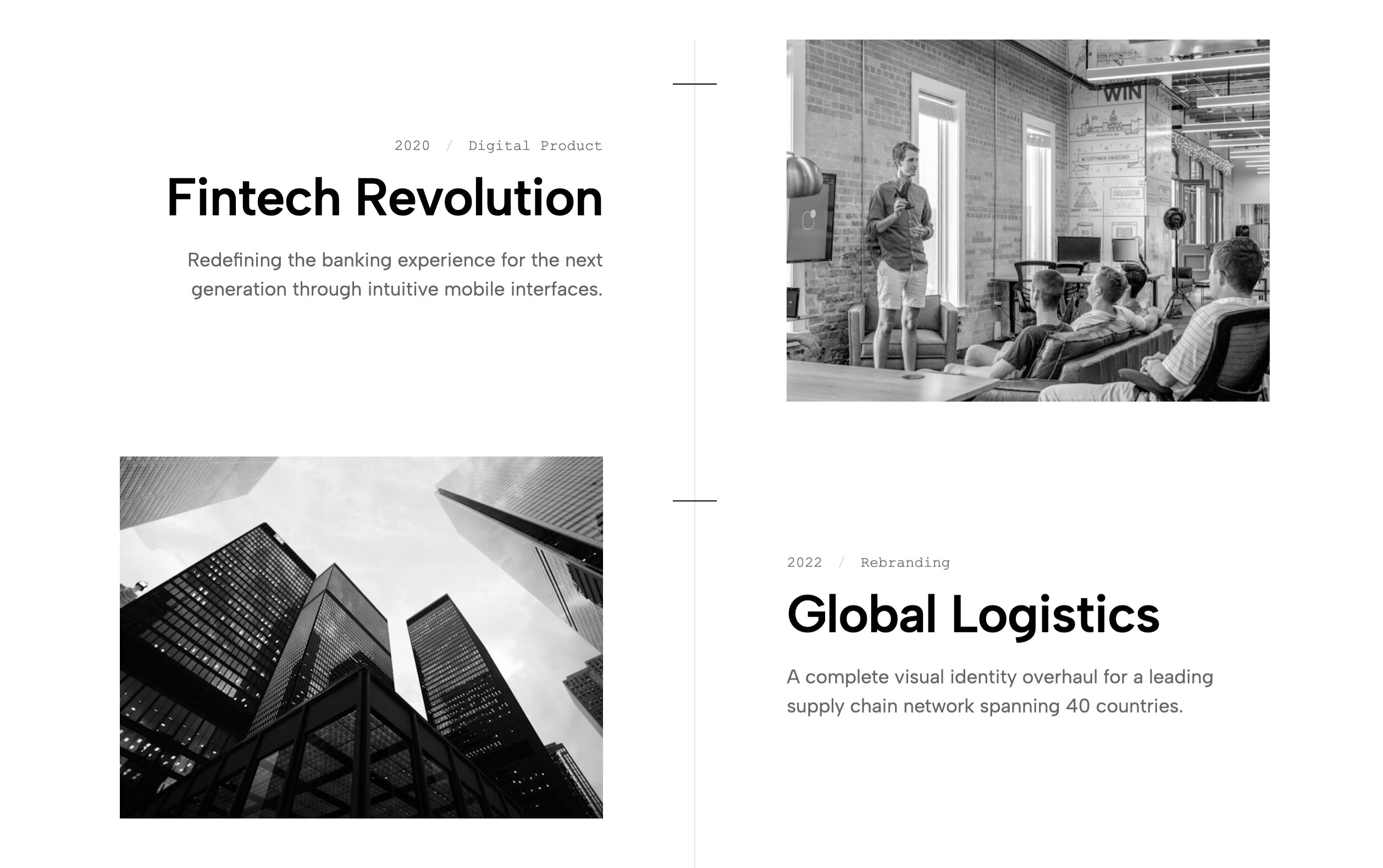
For architectural studios or high-design firms, the Agency Minimal Timeline is a flawless fit. This layout focuses on spatial precision, using generous white space and sharp typography to highlight each stage of a project. It is purpose-built for agencies that value subtlety and sophistication, ensuring that your timeline complements your portfolio rather than detracting from it. It is a highly effective way to present long-term project milestones without compromising your brand's aesthetic standards.
11. Aesthetic Vertical Timeline Squarespace Layout
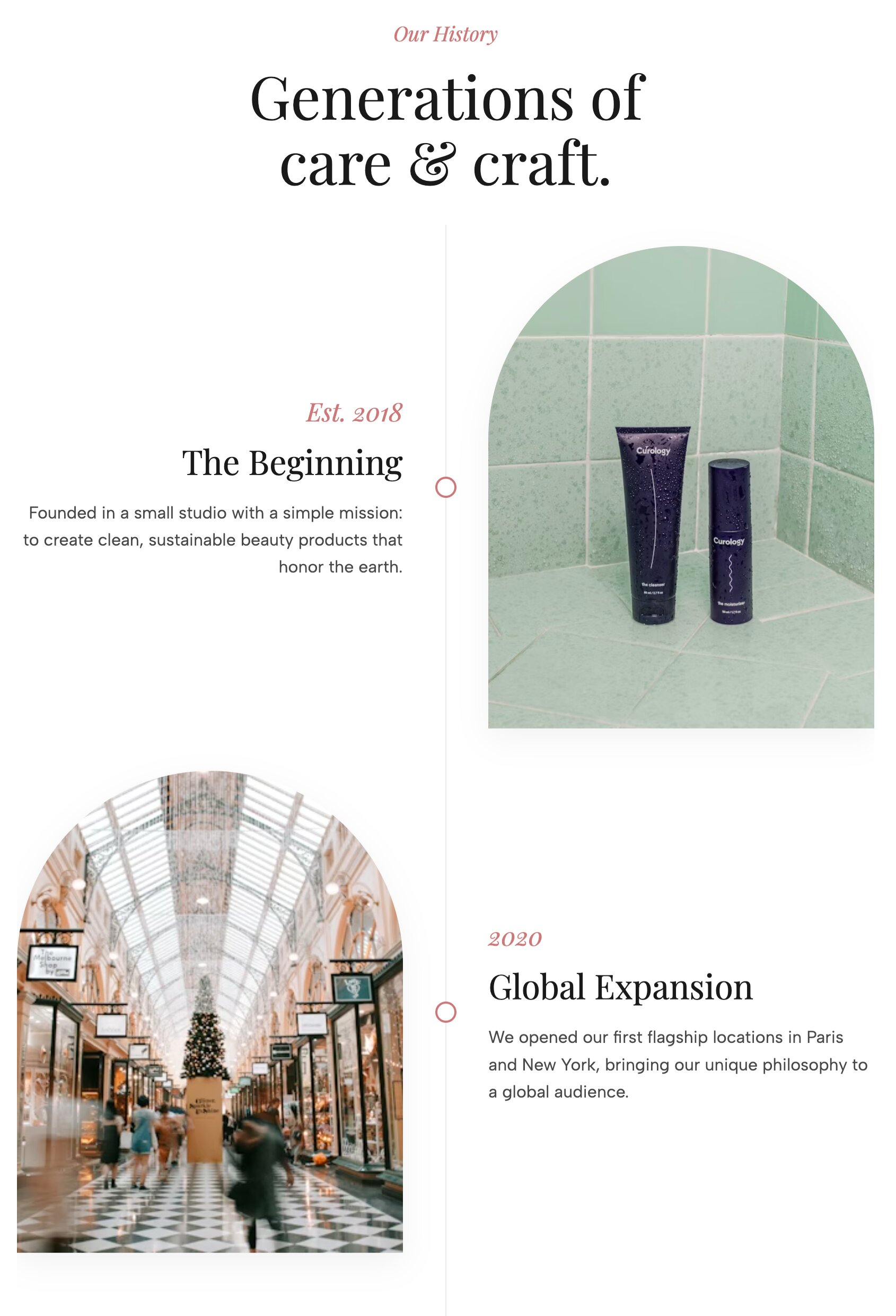
The Aesthetic Vertical Timeline uses an auto-alternating layout to create a balanced rhythm as the user scrolls down the page. By placing content on alternating sides, it keeps the eye moving and prevents the "wall of text" feeling that many vertical timelines suffer from. This is a visually dynamic option for those who want their site to feel modern and engaging, providing enough space for detailed descriptions—making it a stellar choice for comprehensive case studies.
12. Horizontal Timeline Squarespace Template
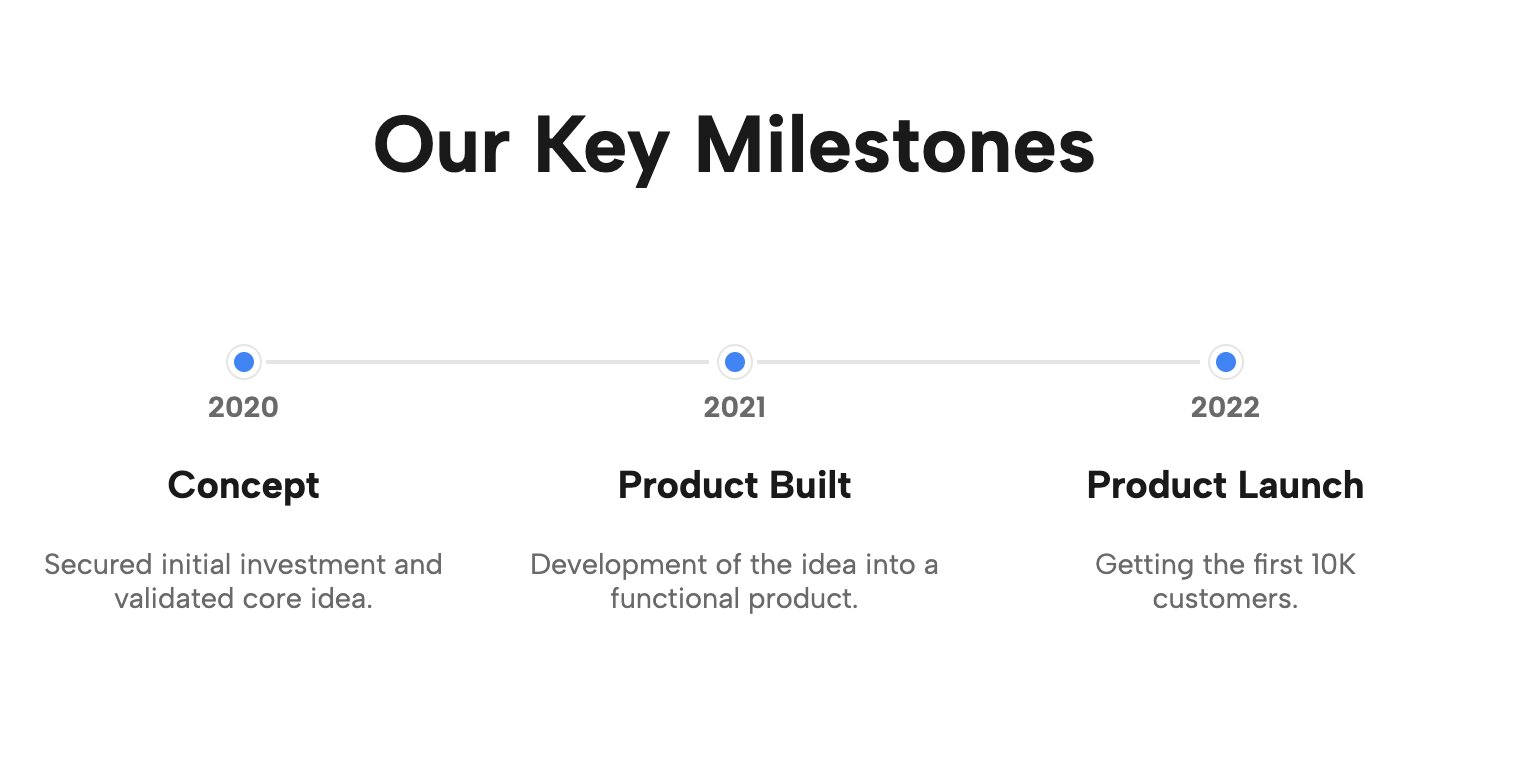
For sites that just need a basic, reliable chronological view, the Horizontal Timeline for Website is an essential tool. It is designed to be as lightweight and efficient as possible, providing a clear path from one year or phase to the next. It avoids unnecessary complexity, making it an ideal candidate if you are hunting for a Squarespace timeline template free option that gets the job done elegantly without any fluff.
13. Vertical Dual-Side Timeline
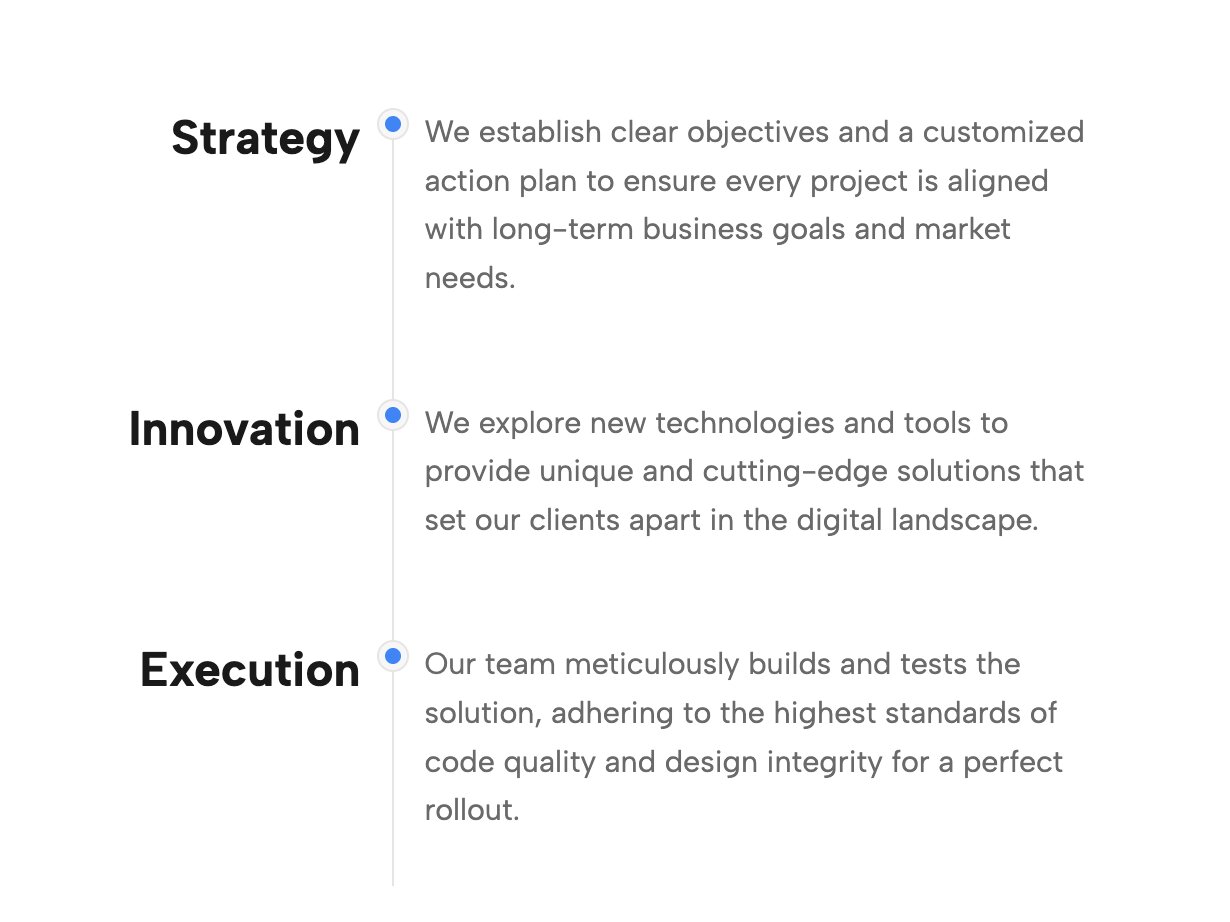
The Vertical Dual-Side Timeline is an excellent way to stagger events and save valuable vertical screen space. By utilizing two columns, you can pack more information into a shorter page length, making it much easier for users to digest a large volume of milestones at a single glance. It is a highly organized way to handle larger datasets, ensuring your content remains readable even when displaying years of history.
14. Bi-Directional Horizontal Timeline Template
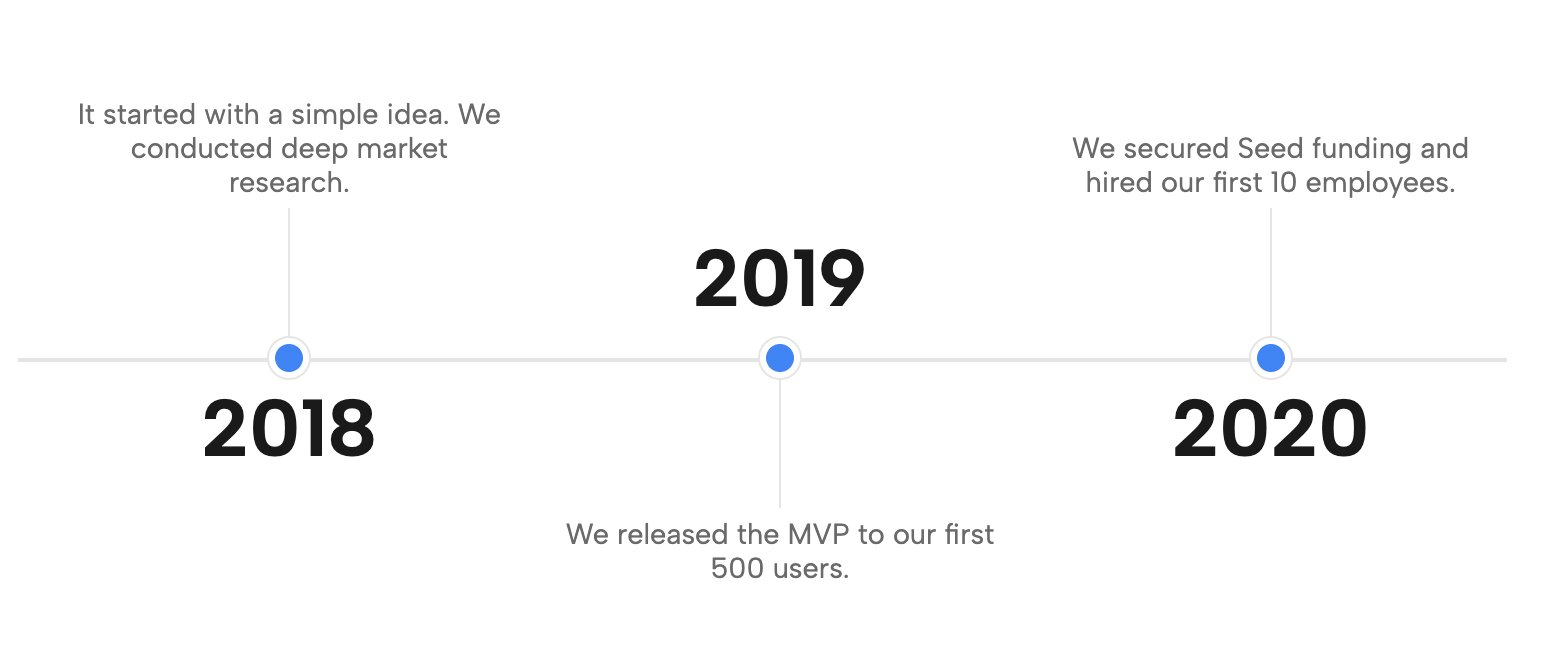
The Bi-Directional Horizontal Timeline & Roadmap is a flexible choice for complex workflows that need to wrap across multiple rows. If your project has a roadmap that is too wide for a standard screen, this layout allows the path to flow naturally to the next line. It is a robust solution for product teams or anyone managing multi-phase projects that require a clear, logical sequence capable of accommodating large amounts of text without breaking the page layout.
15. Professional Vertical Timeline & Roadmap
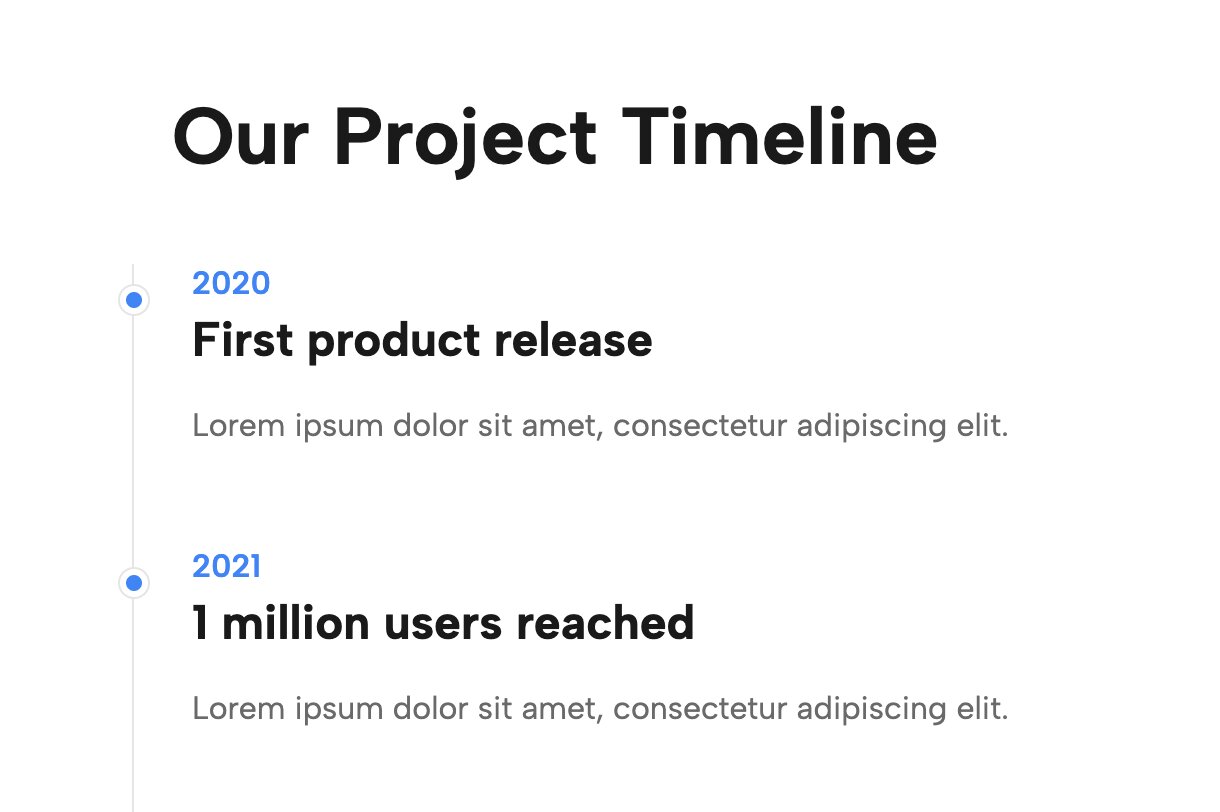
This is a classic, corporate-ready layout that is easy to read and highly effective for business service pages. The Professional Vertical Timeline & Roadmap is built to be universally applicable, fitting effortlessly into any corporate or agency site. It emphasizes structure, making it a reliable choice for anyone who needs to demonstrate a predictable, proven process. It expertly balances detailed explanations with clean visual design, ensuring that your site remains professional and trustworthy.
Streamline Your Workflow with the Redesignee Extension
While manually pasting code blocks is an effective way to maintain fast site speeds, you can streamline this workflow significantly by connecting your site to our dedicated Squarespace extension. This allows you to easily browse and manage all the timeline widgets directly from a centralized library.
Using the extension, you can open a live visual editor to tweak typography, colors, and layout configurations in real-time before seamlessly deploying them to your site. This method removes the friction of manual code handling while ensuring your site remains responsive and fast. Stop searching for a bloated Squarespace timeline plugin free download and start building with a tool that keeps your design process organized and effortless.
Frequently Asked Questions
Does Squarespace have a native timeline block?
No, there is no built-in timeline Squarespace block available in the default editor. To create a timeline from scratch, users typically have to piece together complex multi-block layouts using basic text and line blocks. These manual layouts frequently break or overlap on mobile devices, which is why using a pre-coded Squarespace timeline template is highly recommended for a seamless, responsive result.
Should I use a Squarespace timeline plugin?
While you can find a traditional Squarespace timeline plugin on various third-party marketplaces, they often rely on heavy external scripts that can severely slow down your website's load time. A much better and safer alternative is using a lightweight, cloud-based widget (like the native options from Redesignee) that integrates perfectly without bloating your site's codebase or hurting your SEO.
Are these timeline templates mobile-friendly?
Yes! Every Squarespace timeline template listed in this guide is completely responsive. Unlike manual drag-and-drop layouts that scramble on smaller screens, these custom widgets are engineered to automatically stack, resize, and adjust. This ensures your company history or process roadmap looks absolutely perfect on desktop, tablet, and mobile devices.




Comments (0)