
Trying to add dynamic, moving image displays to your website? While there are a few built-in auto-scrolling carousel sections and basic native scrolling blocks, their functionality is incredibly limited. If you want to build a seamless horizontal scrolling gallery in Squarespace, or create a continuous, fluid loop of client logos, you usually hit a wall.
Most workarounds require piecing together complex custom CSS marquee effects. Not only is this frustrating for non-developers, but custom code often breaks on mobile devices or after standard platform updates. If you have ever searched for "how to create horizontal scrolling images in Squarespace," you know that the tutorials are often overwhelming and result in slow, rigid layouts that are impossible to maintain without a developer.
The Redesignee Extension: The Ultimate No-Code Solution
Instead of wrestling with broken code just to get an auto-scrolling gallery, you can use the Redesignee Extension. It is a powerful cloud widget library that integrates natively with your website, allowing you to add premium, interactive elements without writing a single line of code.
Here is how easy it is to upgrade your site:
- Connect to your site: Install the free extension from Redesignee and link it directly to your Squarespace account.
- Find your widget: Once installed, open your editor. You can search directly for the specific widget name, or simply browse the "Image elements" category to explore the options.
- Customize visually: Drop the widget onto your page and adjust everything—speed, spacing, colors, and content—directly in the intuitive visual editor. It requires zero coding.
7 Stunning Squarespace Scrolling Banner and Marquee Widgets
Ready to upgrade your Squarespace scrolling images? Here are 7 premium widgets you can drop into your site right now:
1. Infinite Scrolling Logo Carousel

Build trust instantly by showcasing your clients, partners, or press features in a continuous, smooth loop. This widget is infinitely better than standard scrolling blocks, offering flawless looping without any awkward jumps, stutters, or pauses.
👉 Live Demo: Get it now
2. Infinite Project Marquee with Interactive Lightbox
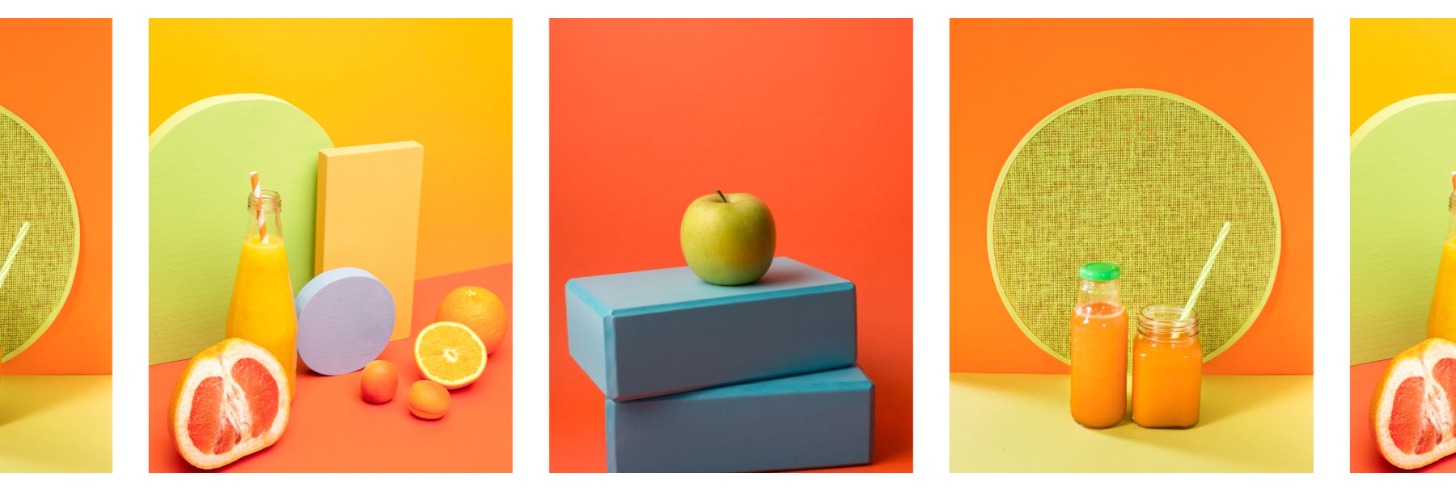
Perfect for portfolios, photographers, and creative agencies. This highly interactive marquee lets visitors click on scrolling images to open a beautiful, high-resolution lightbox. It seamlessly combines a dynamic horizontal scrolling gallery with practical, user-friendly functionality.
👉 Live Demo: Get it now
3. Kinetic Marquee Grid
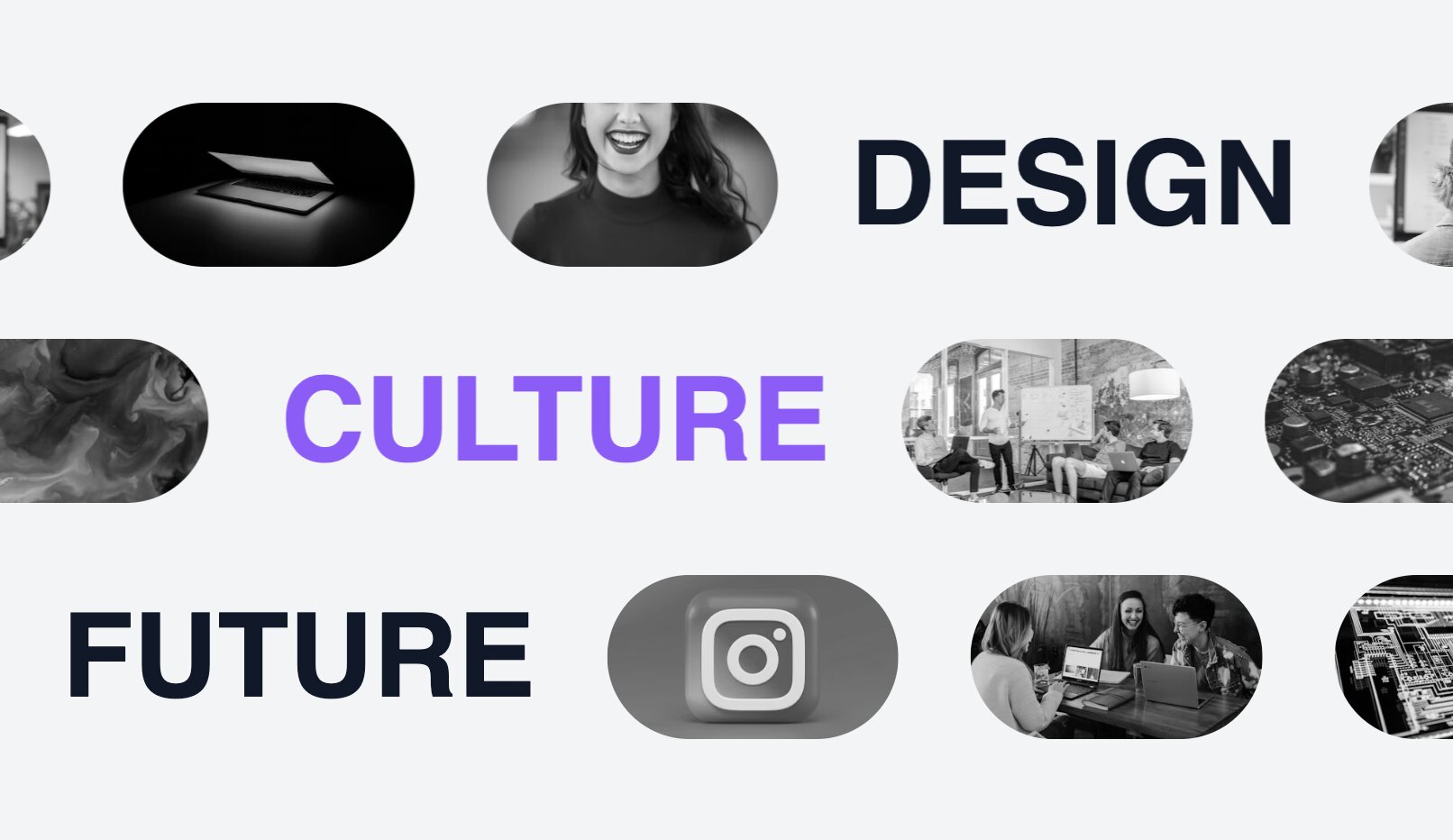
If you want to make a bold statement, this kinetic grid moves text and images in opposing directions as users scroll. It is an incredibly modern, high-end effect that is completely impossible to achieve with default Squarespace tools.
👉 Live Demo: Get it now
4. Single Icon Infinite Marquee
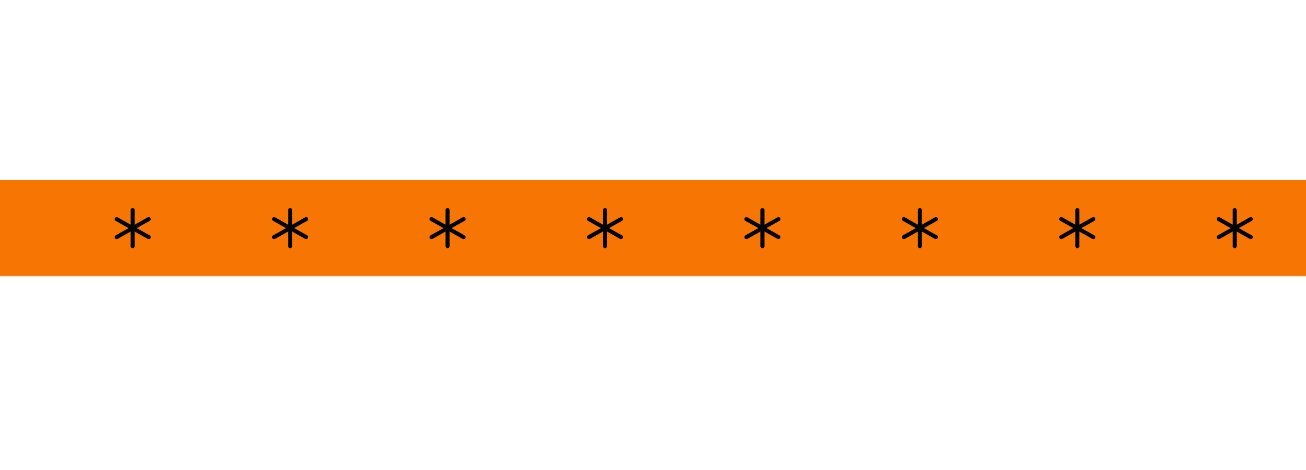
Create a sleek, minimalist Squarespace scrolling banner using a single repeating icon or graphic. It is a fantastic layout choice for separating page sections or reinforcing your brand identity with subtle, constant motion.
👉 Live Demo: Get it now
5. Infinite Animating Masonry Scroller Gallery

Take your vertical scrolling images to the next level. This layout uses an offset masonry grid that continuously animates, making it a spectacular way to display large photography collections, eCommerce lookbooks, or extensive design portfolios.
👉 Live Demo: Get it now
6. Infinite Content Marquee

Mix text, images, and buttons in a single, never-ending stream. This versatile widget is perfect for highlighting announcements, promotional sale items, or featured blog posts in a dynamic, eye-catching format that keeps visitors engaged.
👉 Live Demo: Get it now
7. Infinite Image Carousel Over Text

Give your site an editorial, agency-level edge. This widget features a smooth, auto-scrolling gallery that glides directly over large, bold typography. It is a striking alternative to basic Squarespace scrolling images, allowing you to create a high-end, layered look that perfectly highlights featured services or standout portfolio pieces.
👉 Live Demo: Get it now
More Than Just Marquees: The Benefits of the Redesignee Extension
Solving your scrolling image limitations is just the beginning. The Redesignee extension is a complete ecosystem designed to upgrade your entire website's functionality and aesthetic. Here is why creators are ditching clunky plugins and custom CSS for Redesignee:
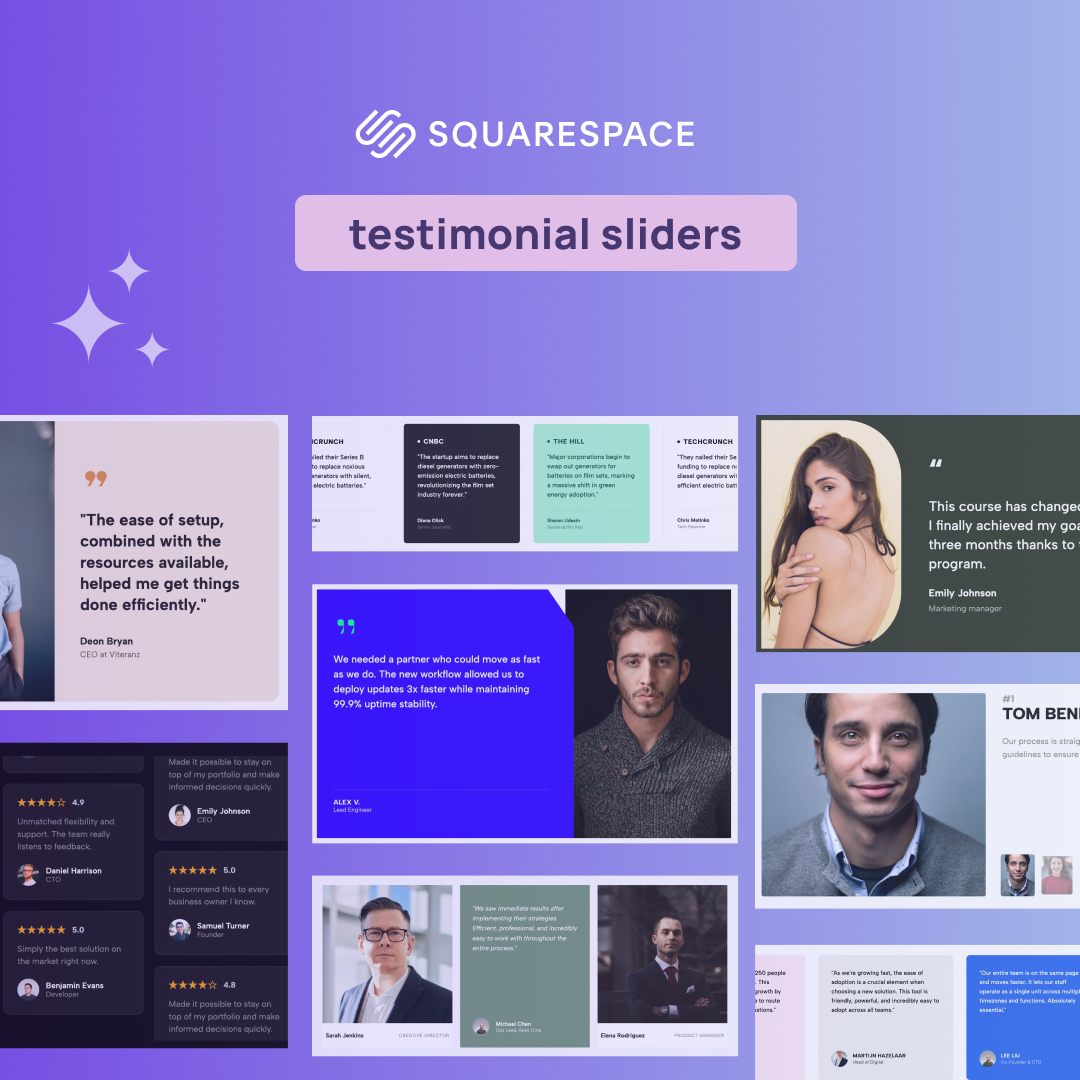
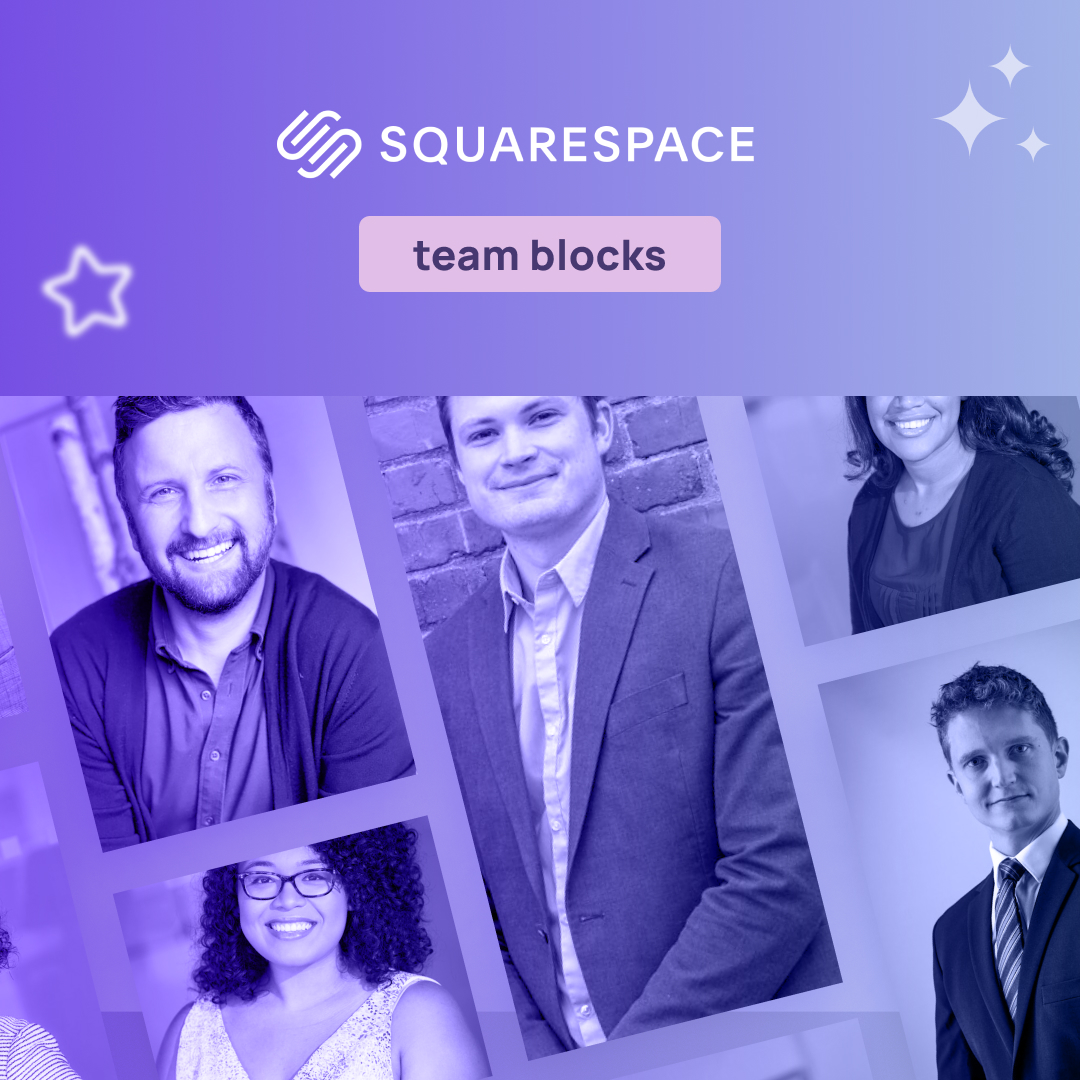
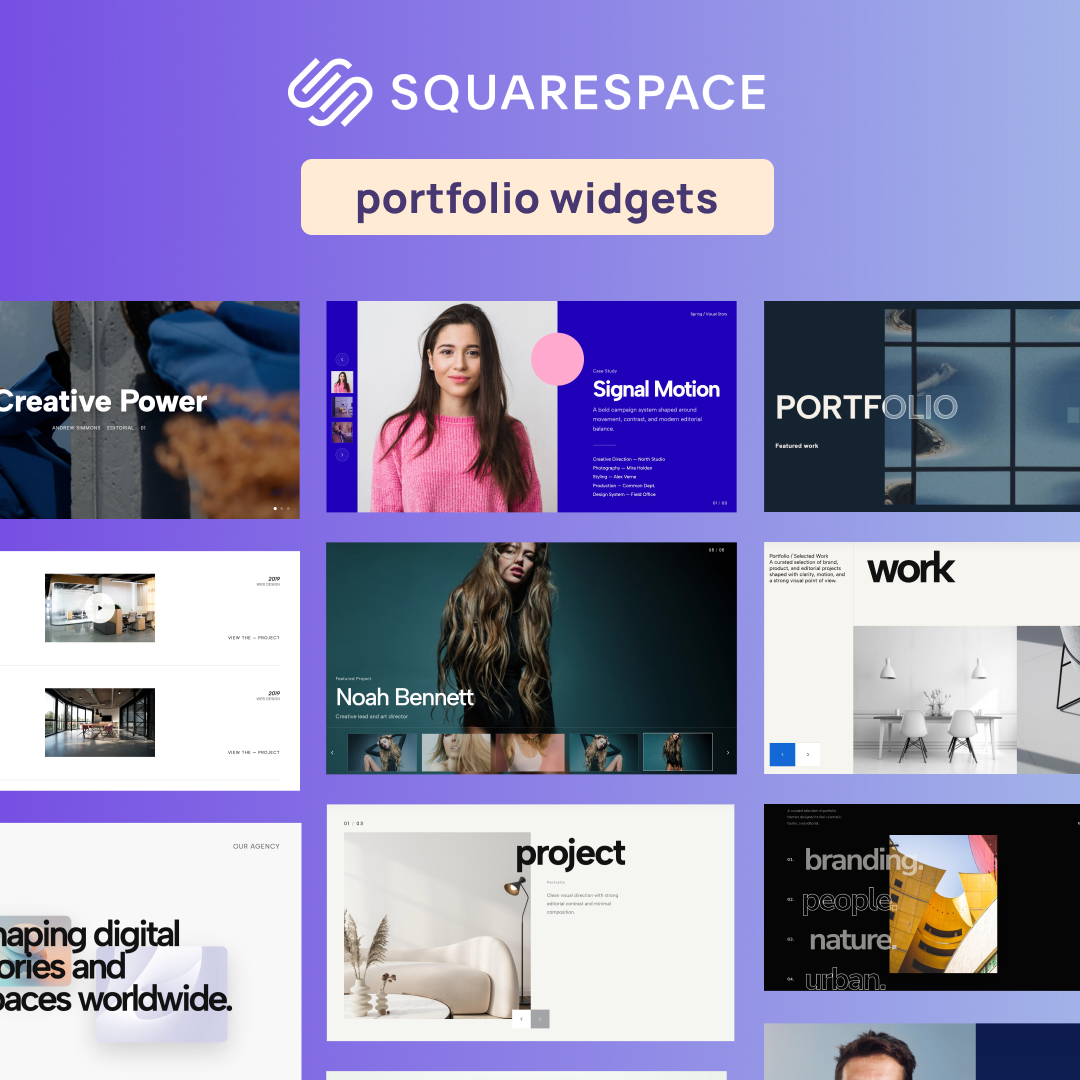
- The Largest Premium Widget Library: You get instant access to the largest library of premium widgets for Squarespace. Beyond scrolling banners, you can instantly add interactive team blocks, kinetic accordions, dynamic tabs, and advanced sliders to your site.
- Zero Coding Required: You manage all your new widgets through a clean, intuitive visual interface. You can easily edit text, adjust colors, and tweak animations without ever leaving your Squarespace editor or touching a single line of code.
- Lightning-Fast Performance: Heavy plugin packs often ruin your page speed, but Redesignee is a performance-focused cloud library. Because they are cloud-delivered, they will not bloat your code or slow down your site. They only load the exact animation you are actually using, ensuring streamlined code and lightning-fast page loading speeds.
- Professional, High-End Design: Every widget is crafted to look stunning natively. Instead of generic, default blocks, you get access to lightweight, professional widgets that instantly give your site a custom-coded, premium aesthetic.
There is no need to settle for basic, rigid layouts or waste hours troubleshooting custom CSS marquee effects. By using the Redesignee extension, you can easily add professional, highly optimized Squarespace scrolling images to your site in minutes. Connect the extension today, explore the visual editor, and bring your digital storefront to life!
Comments (0)