
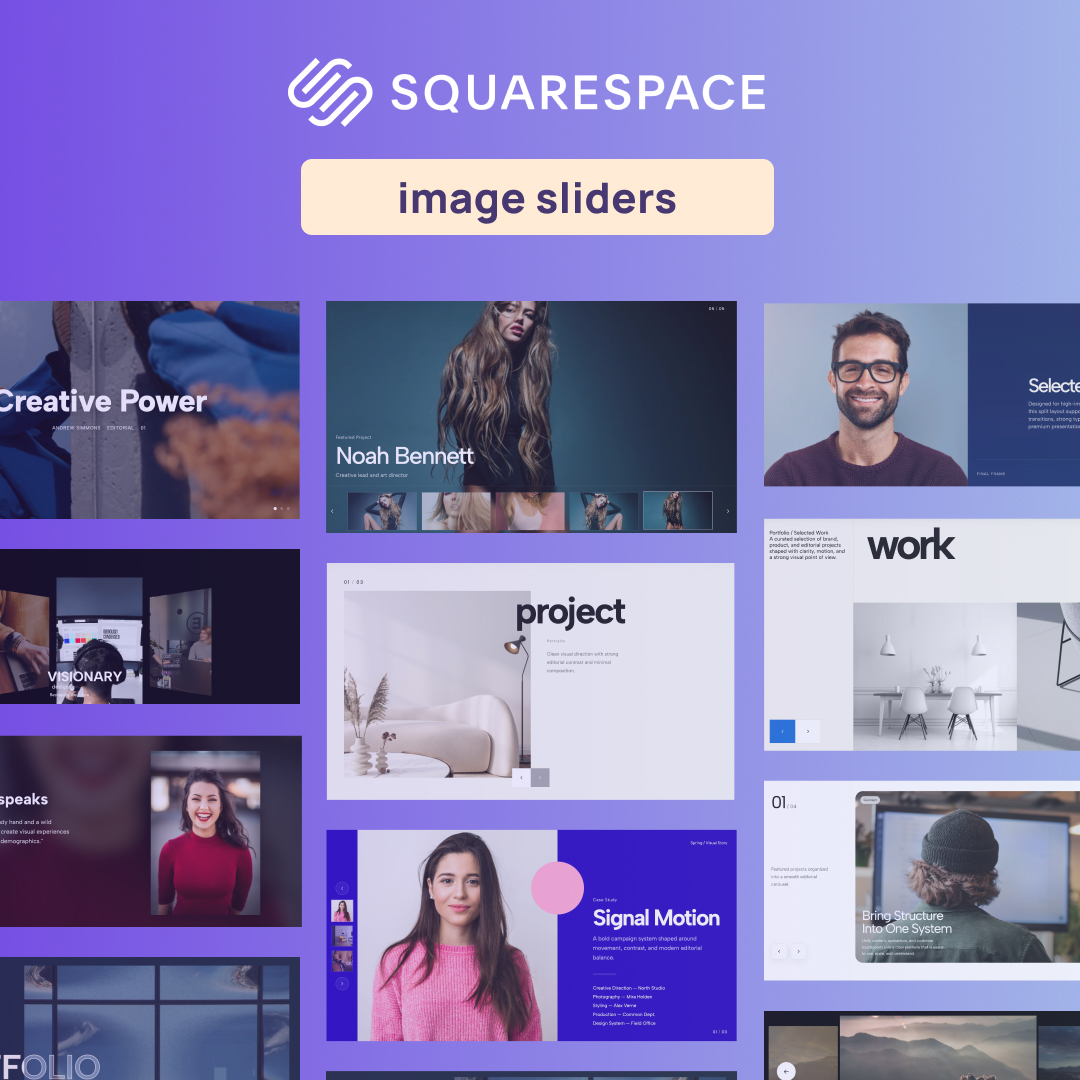
If you've ever tried to build a highly engaging, interactive portfolio or product showcase, you know that the default Squarespace slideshow block can feel somewhat limiting. While functional, it often lacks the kinetic, premium feel that modern brands demand. That is where custom widgets come in.
Whether you need a dynamic Image carousel Squarespace plugin, or you are running the latest version and need a responsive Squarespace 7.1 image carousel, Redesignee offers a massive library of beautifully coded, ready-to-use components.
The Premium Carousel Collection
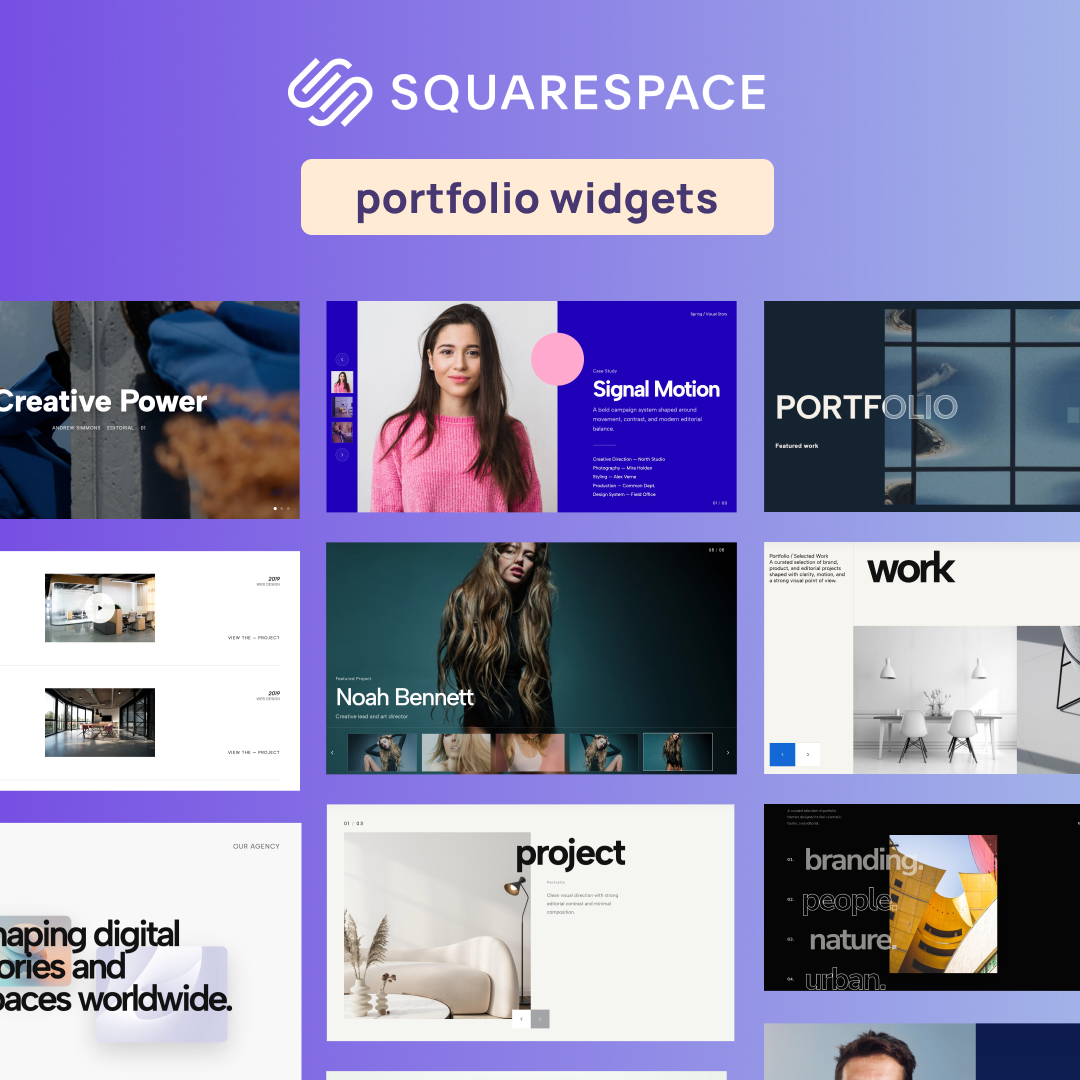
Explore our top 25 interactive sliders and carousels below. Each widget is fully responsive and designed to transform your visual assets into a captivating user journey.
1. Portfolio Hero Slider with Thumb Navigation
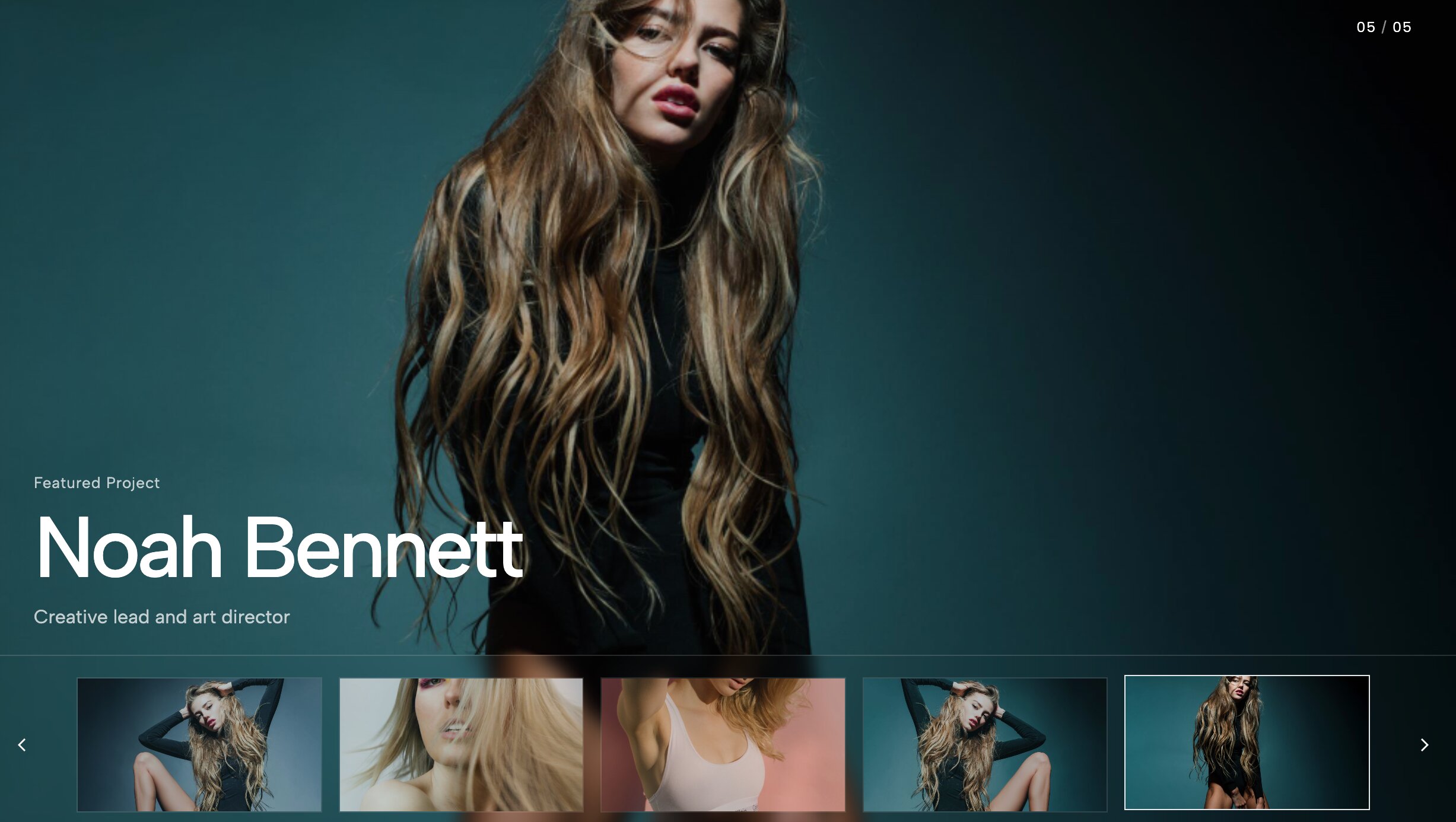
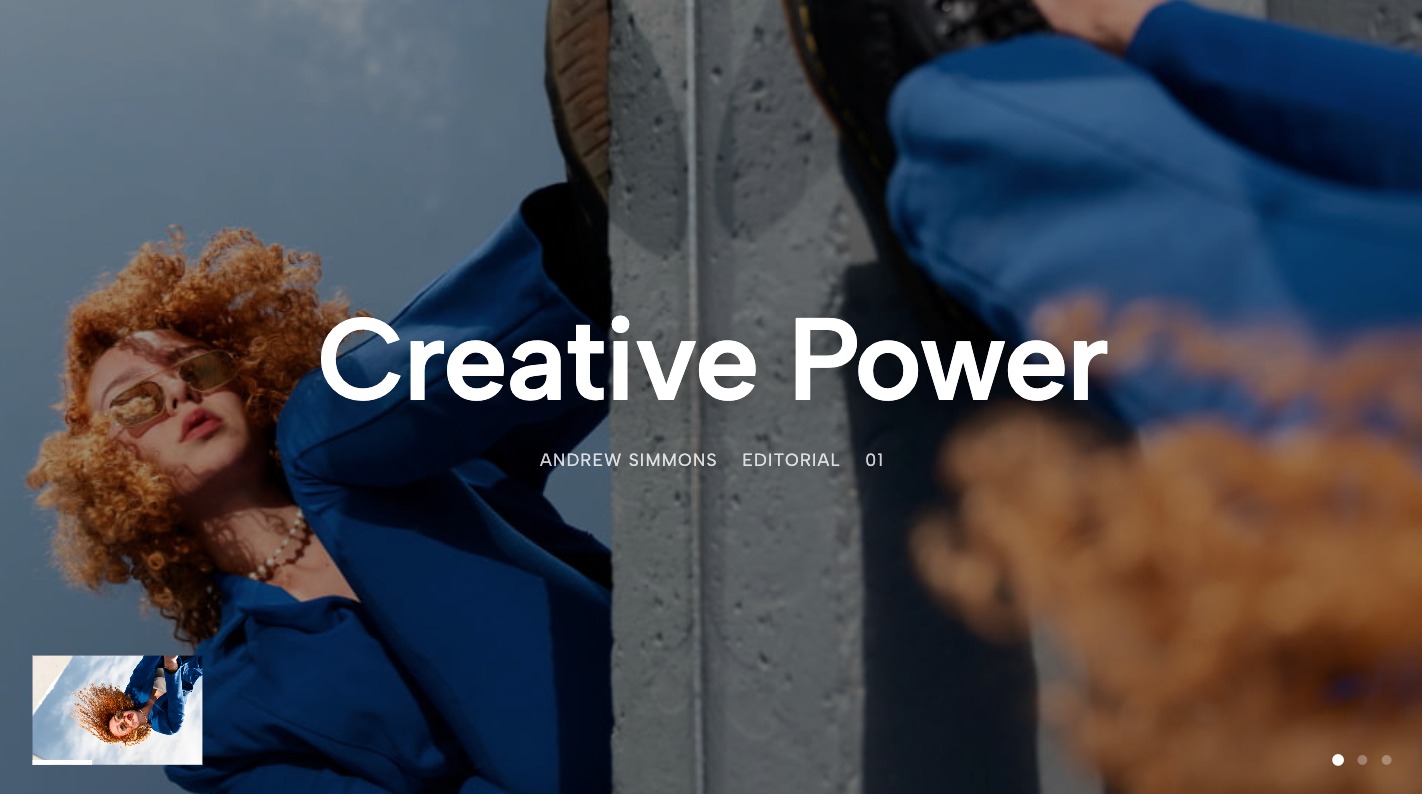
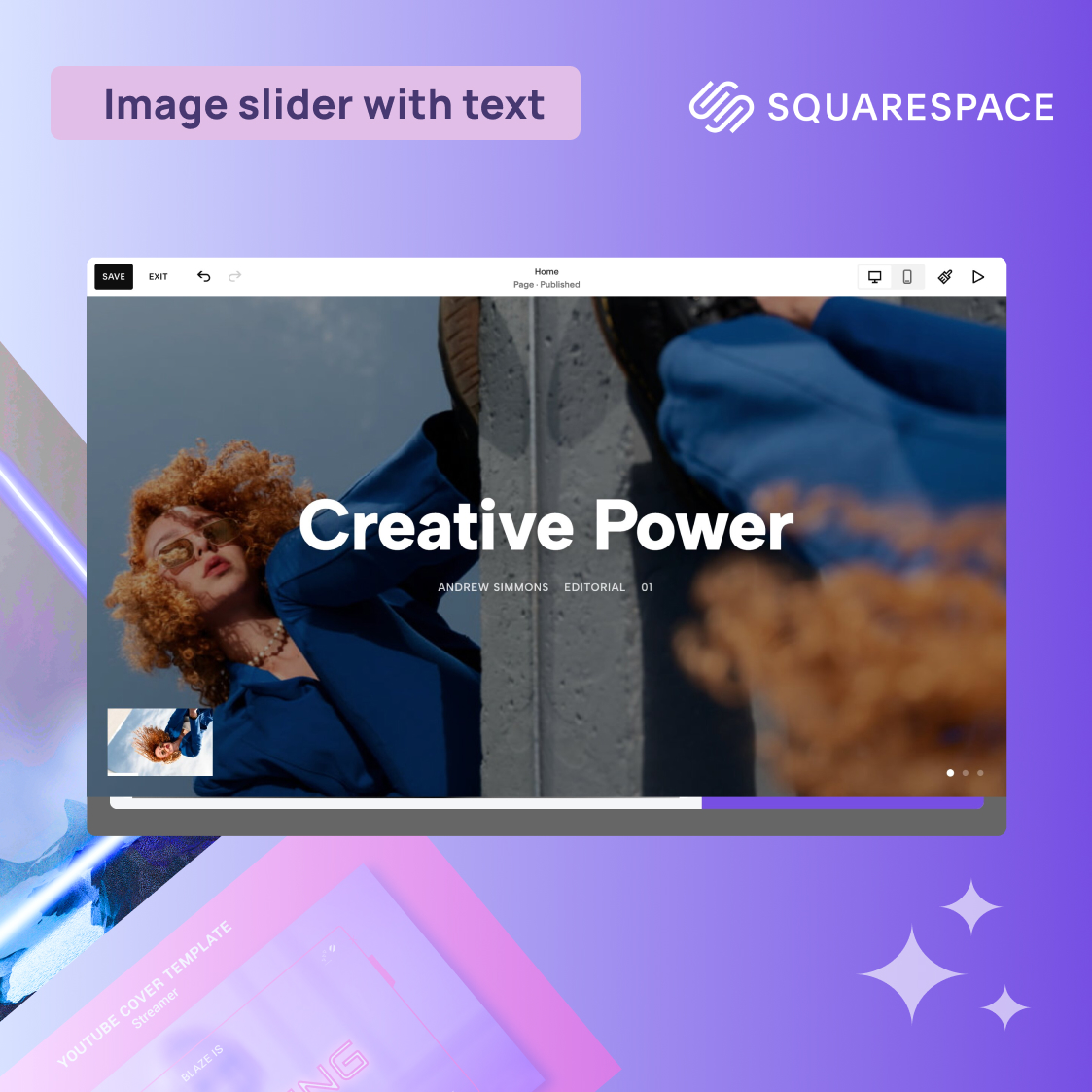
A full-screen hero experience featuring elegant thumbnail navigation for seamless portfolio browsing. Standard hero sections can often feel static and uninspired, but this slider fixes that by introducing a highly interactive, full-screen visual experience. The integrated thumbnail navigation allows users to preview upcoming slides effortlessly, giving them absolute control over their browsing journey. It is absolutely ideal for creative agencies and independent photographers who want to make a massive first impression. The smooth transitions keep the user engaged, drastically reducing bounce rates while showcasing high-resolution imagery in the best possible light.
2. Case Study Hero Slider with Left Thumbnails
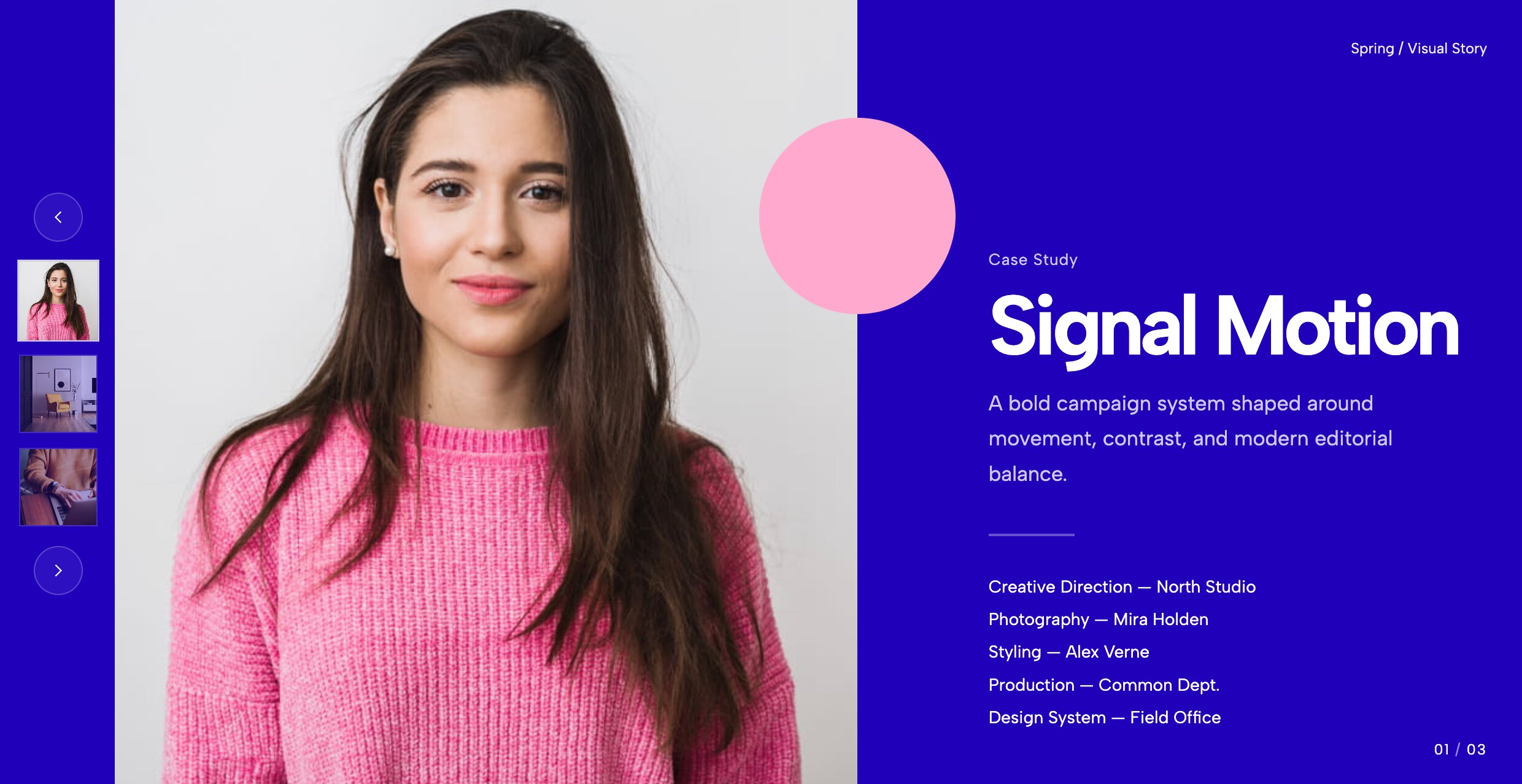
Perfect for agencies, this layout anchors navigation to the left, putting heavy emphasis on high-res case study imagery. Instead of hiding your navigation at the bottom of the screen where it might be missed, this unique layout pins a sleek vertical thumbnail track directly to the left side. This creates a highly structured, editorial feel that is absolutely perfect for in-depth case studies and B2B portfolios. It allows users to read through a project summary while easily clicking through related gallery images. The left-anchored UI draws inspiration from modern web apps, making your Squarespace site feel entirely custom-coded.
3. Case Studies Carousel with Split Layout
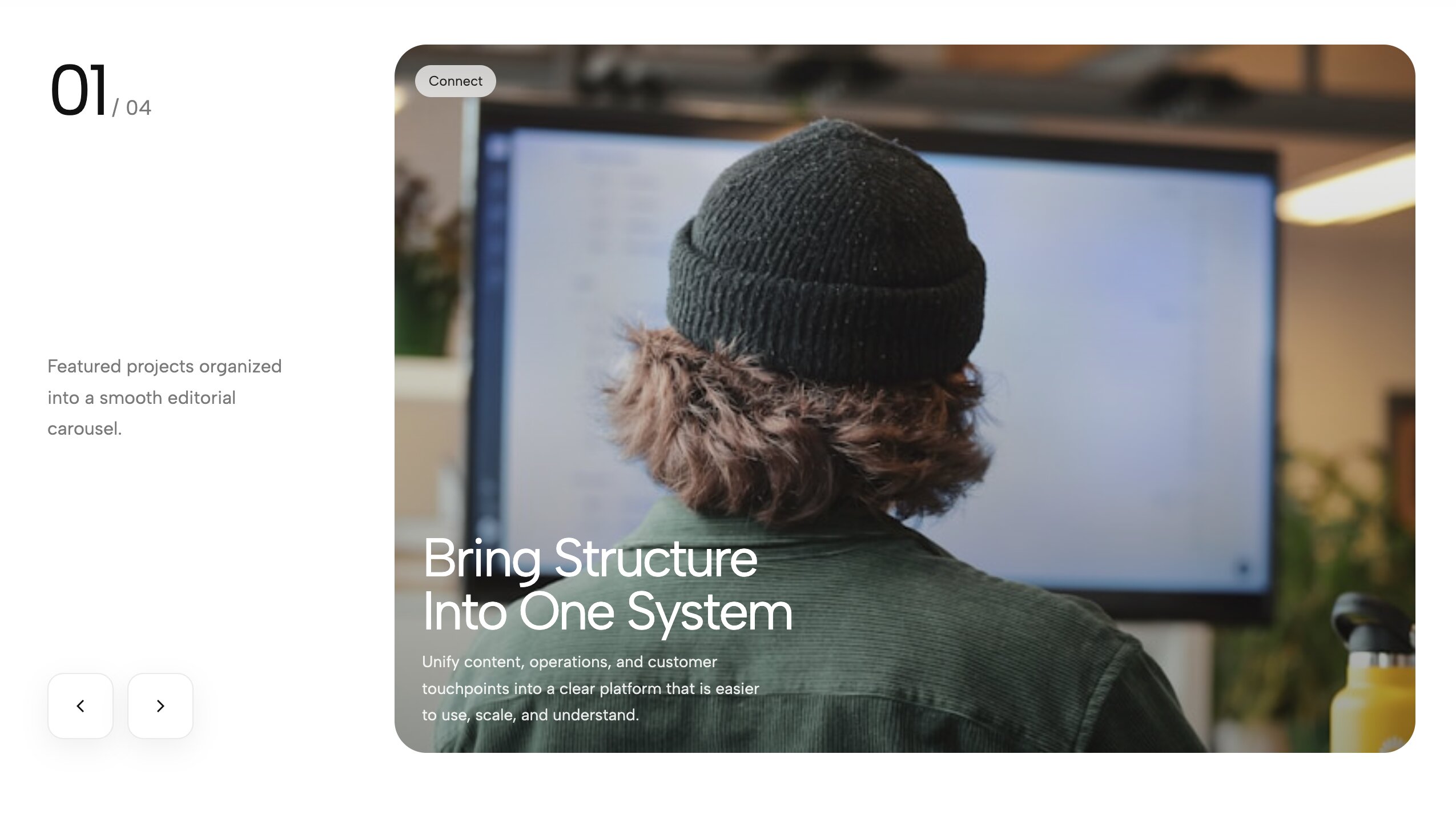
A modern, asymmetrical split layout combining rich typography on one side and a sweeping visual carousel on the other. When you need to thoroughly explain the context behind your visuals, this split layout is the ultimate solution. One half of the screen is strictly dedicated to large, highly readable typography where you can detail your project's goals, challenges, and outcomes. The other half features a buttery-smooth image carousel that users can interact with at their own pace. This juxtaposition of static text and kinetic imagery creates a perfect balance for narrative storytelling.
4. Portfolio Hero Carousel with CTA

Drive conversions instantly with this hero carousel that prominently features a highly customizable Call-To-Action button. Your homepage hero section is the most valuable real estate on your entire website, so it needs to do far more than just look pretty—it needs to convert visitors into clients. This widget pairs a stunning edge-to-edge background image carousel with a static, high-contrast text overlay and a bold CTA button. Whether you are driving users to book a consultation, shop a new collection, or view your latest architectural project, this setup ensures your primary conversion goal is always front and center.
5. Minimal Two Image Slider
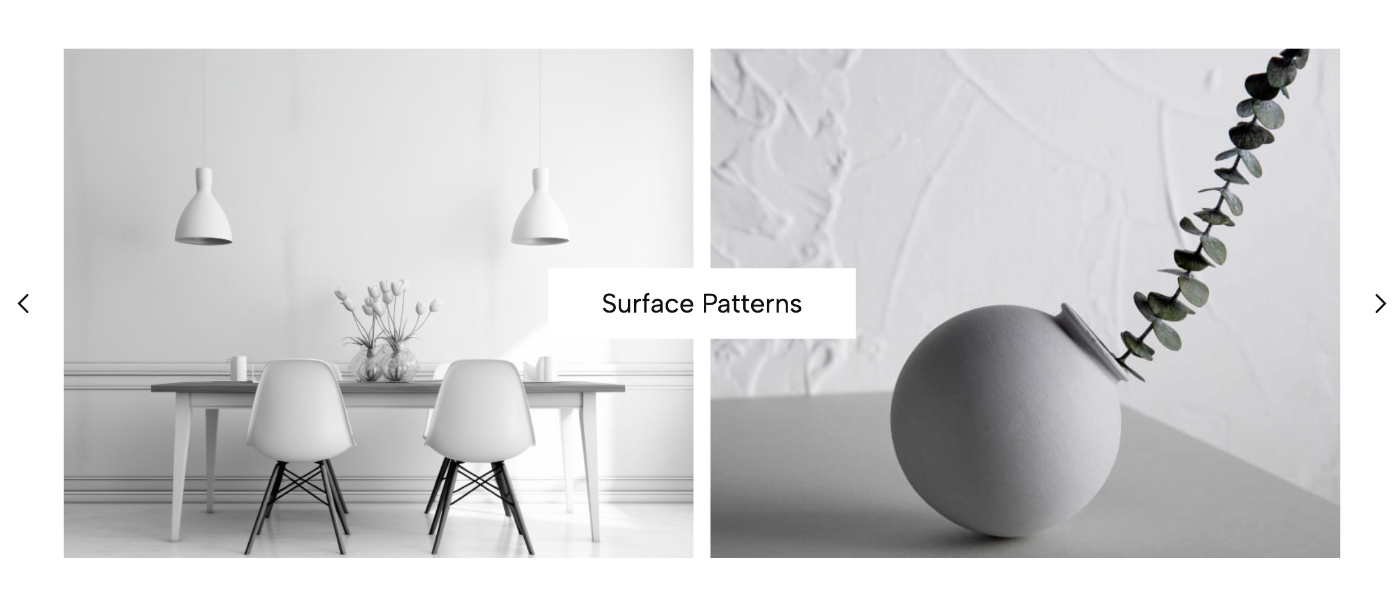
A refined, editorial layout displaying two images side-by-side to showcase relationships between macro and micro details. Break away from the standard single-image carousel with this highly sophisticated, dual-pane design. By presenting two images simultaneously, you can tell a much richer visual story through direct juxtaposition. Pair a wide establishing shot of a modern interior with a close-up of a fabric texture, or a full-body fashion shot with a macro view of the accessories. It utilizes generous whitespace and elegant typography, making your Squarespace site feel like a high-end art gallery.
6. Centered Image Coverflow Slider
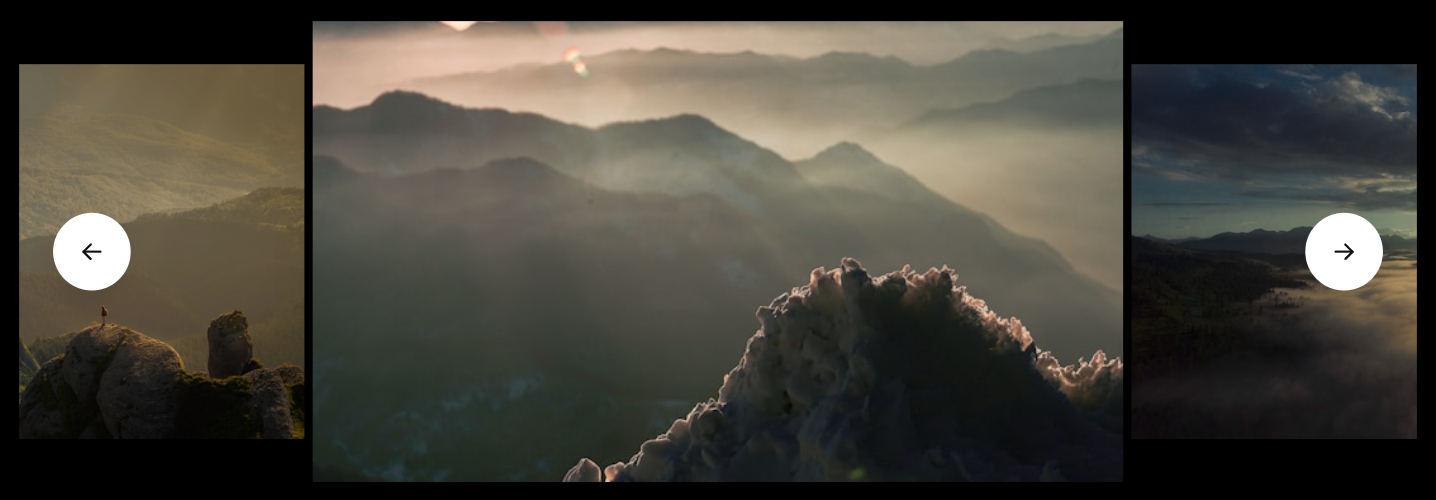
A cinematic, 3D depth-of-field effect that illuminates the center image while dimming peripheral slides. Standard image grids can feel incredibly flat and uninspired, causing users to scroll right past them. This coverflow slider injects spatial depth into your website by bringing the active center image to the forefront while slightly scaling down and dimming the adjacent images on the left and right. This 3D perspective creates a tunnel-vision effect that naturally draws the user's eye to the primary focal point. It’s an incredibly premium way to display photography portfolios or travel destinations.
7. Corporate Split Hero

A professional, highly structured split hero banner perfect for corporate landing pages and B2B services. Not every website needs wild, avant-garde animations to be successful. For corporate entities, law firms, financial consultants, and B2B SaaS companies, building trust and clarity are paramount. This widget delivers a highly organized, professional aesthetic by cleanly dividing the hero section. On one side, you have ample room for a clear value proposition and mission statement. On the other, a sleek, auto-scrolling carousel displays your team or product dashboards, bridging the gap between corporate design and modern interactivity.
8. Hero Split Slider

A versatile, high-contrast slider dividing the screen space equally between bold text and compelling imagery. Maximize the immediate impact of your landing page with a hero section that gives equal, balanced weight to your copywriting and your art direction. This slider features a sharp 50/50 vertical split. As the user clicks the navigation arrows, both the image on one side and the corresponding text on the other side transition in perfect harmony. It is an excellent choice for showcasing different service pillars, diverse product categories, or a series of featured content.
9. Editorial Work Slider With Thumbs
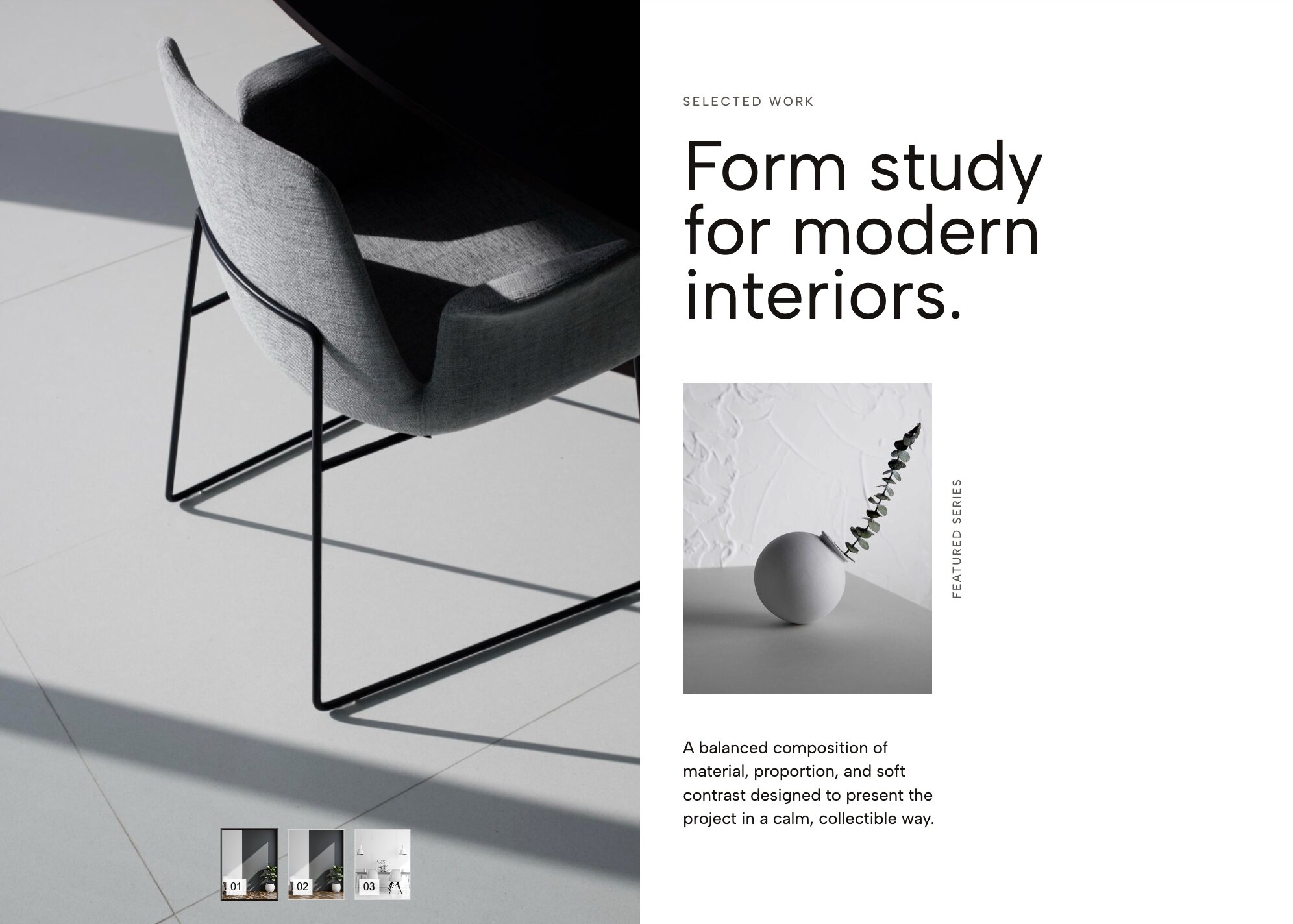
Bring a high-end magazine feel to your digital portfolio with crisp typography and subtle thumbnail indexing. Elevate your digital presence to the premium level of a glossy print publication. This widget focuses heavily on refined typography and meticulous, breathable spacing. The active image always takes center stage, while a subtle, beautifully formatted row of thumbnails sits quietly below, serving as both navigation and a preview of your broader work. It is an absolute must-have for fashion designers, editorial photographers, and boutique creative agencies who want their site to exude sophistication.
10. Editorial Masonry Portfolio Slider
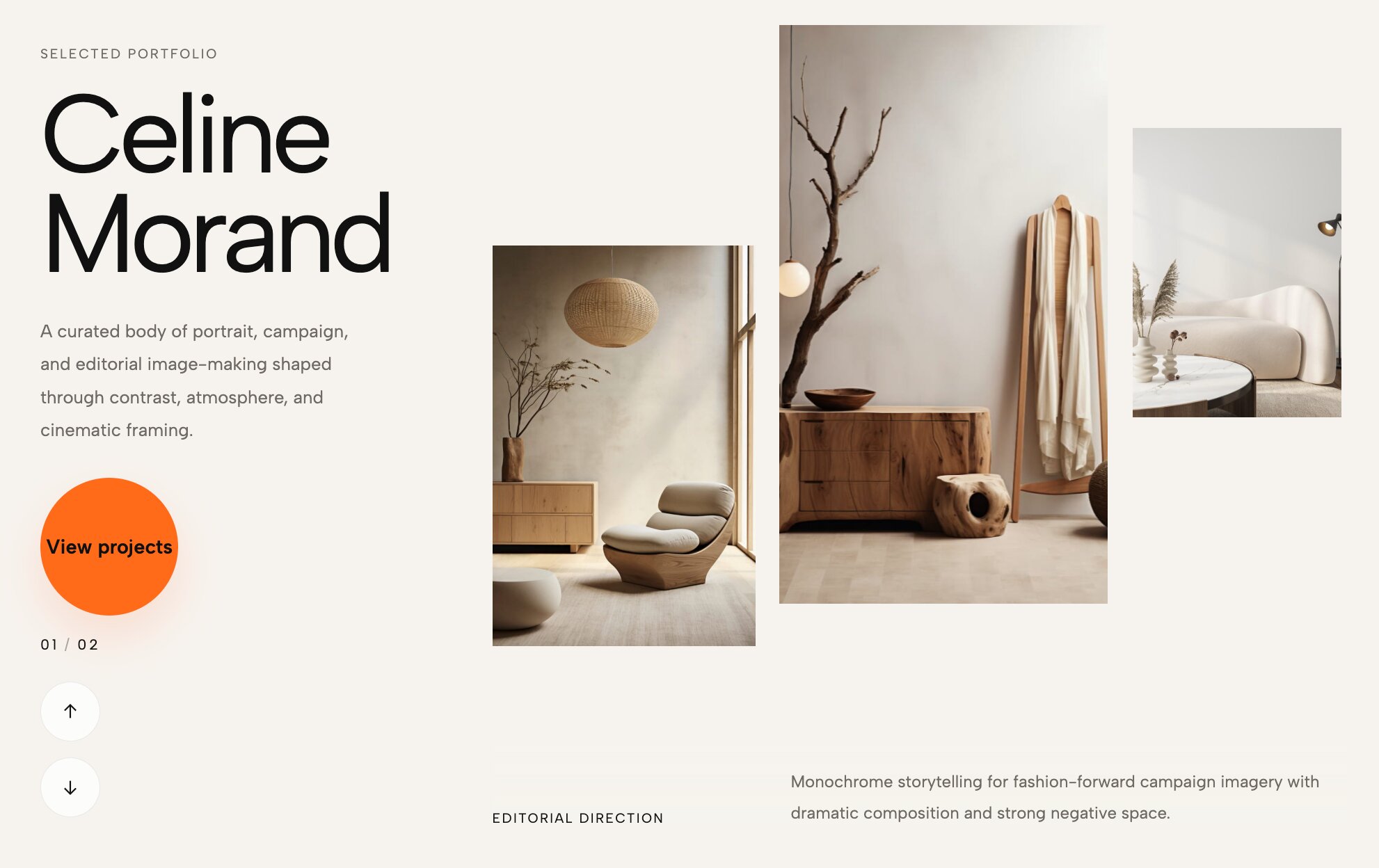
Break the standard grid with a staggered, masonry-inspired slider that adds dynamic movement to your work. Traditional carousels align everything on a perfect, rigid horizontal axis, which can sometimes feel a bit overly corporate. This masonry-style slider rebels against that uniformity by staggering the heights and alignments of the images as they scroll across the screen. The resulting visual effect is organic, fluid, and highly engaging, mimicking the feeling of looking through a scattered collection of physical photographs. It is the perfect layout for artists, illustrators, and lifestyle brands.
11. Work Hero Slider With Title Overlap
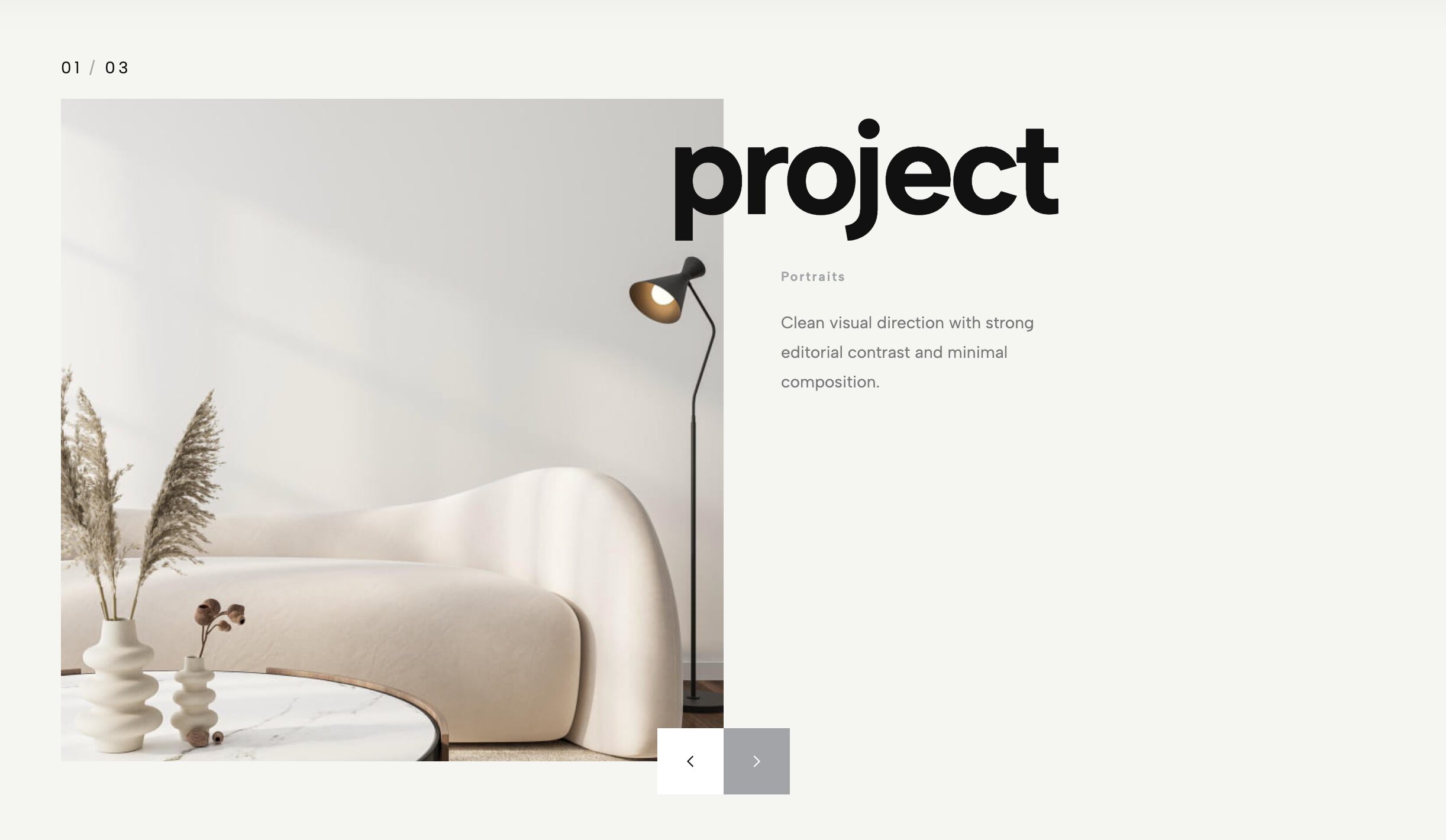
Create striking depth by allowing massive, bold typography to slightly overlap your scrolling visual assets. Depth is one of the hardest design principles to achieve in flat web environments. This widget uses a clever layering technique to push your visuals backward and pull your typography forward. By allowing oversized, heavyweight headline text to physically overlap the edges of your image carousel, it creates a tactile, scrapbook-like aesthetic. As the images slide dynamically behind the static text, it generates a beautiful friction that immediately captures attention and holds user focus.
12. Portrait Case Study Slider With Auto Thumbnails
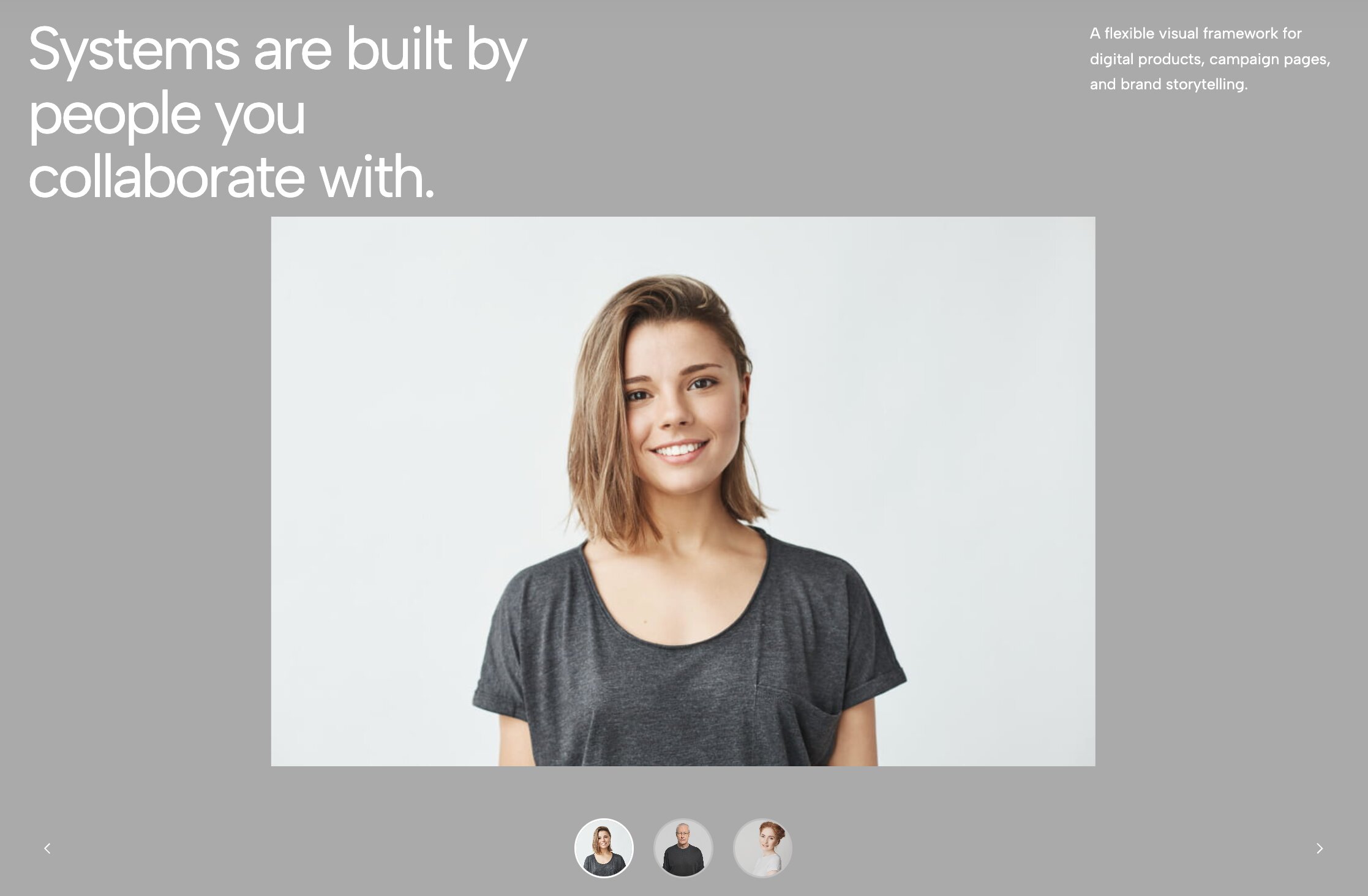
Optimized specifically for vertical and portrait imagery, this widget generates automatic thumbnail navigation for a smooth user experience. In an era completely dominated by mobile devices and vertical video formats, horizontal image sliders can sometimes feel a bit outdated. This carousel is strictly engineered to highlight portrait-oriented photography, making it ideal for mobile app showcases, fashion lookbooks, and social media marketing portfolios. The widget automatically generates a sleek track of thumbnail previews, allowing users to quickly jump between different case studies while your primary subjects stand tall.
13. Split Portfolio Carousel
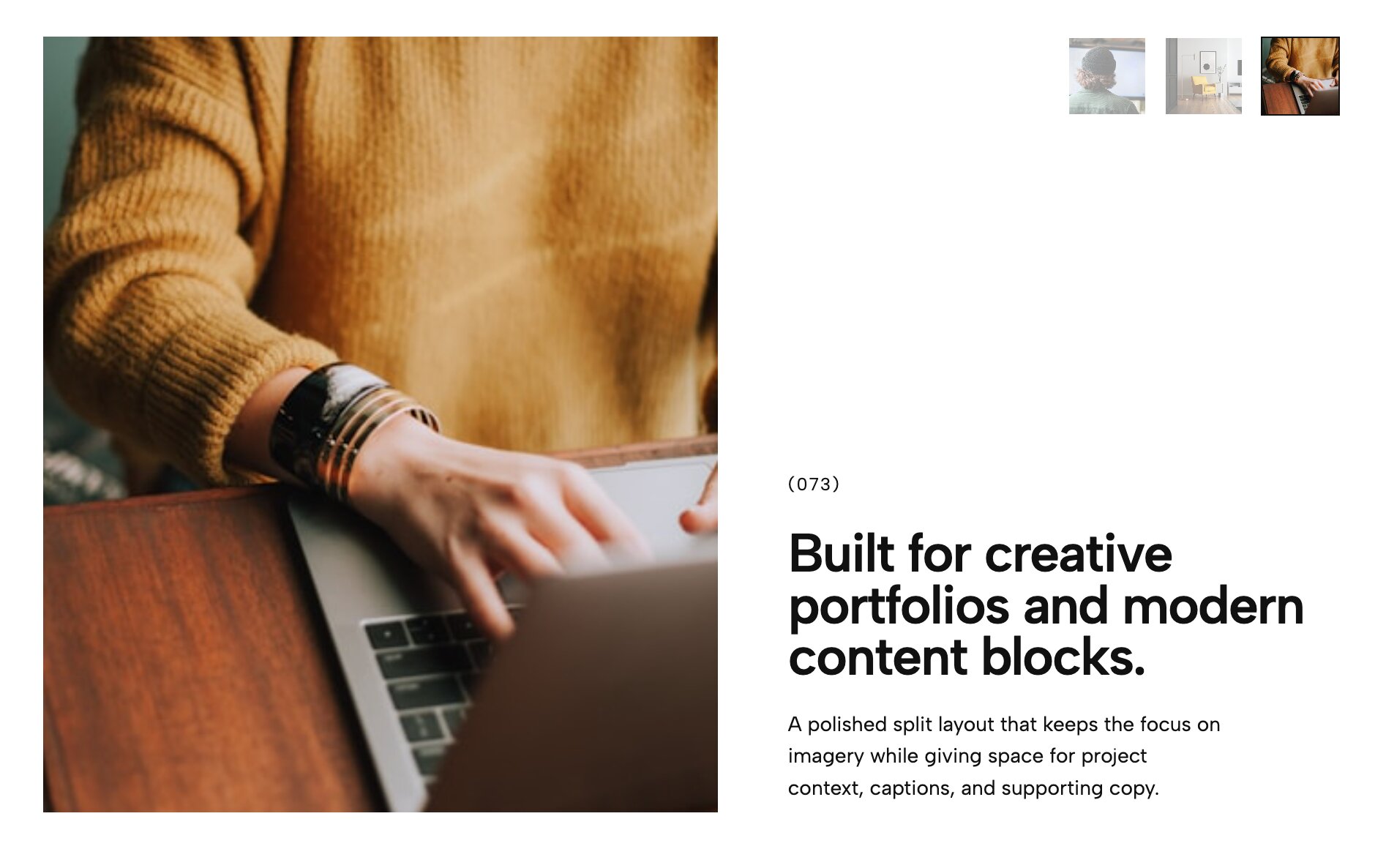
An elegant dichotomy of space, perfect for contrasting detailed project descriptions with striking full-bleed photos. Sometimes you have an incredible image, but you also have a critically important story to tell about it. The Split Portfolio Carousel solves the ongoing dilemma of where to put your text without ruining the photo's composition. By cleanly dividing the container into two distinct zones, you can display a pristine, uncropped image on one side and a beautifully formatted narrative on the other. It’s a favorite among architects, interior designers, and fine art photographers.
14. Minimalist Portfolio Carousel
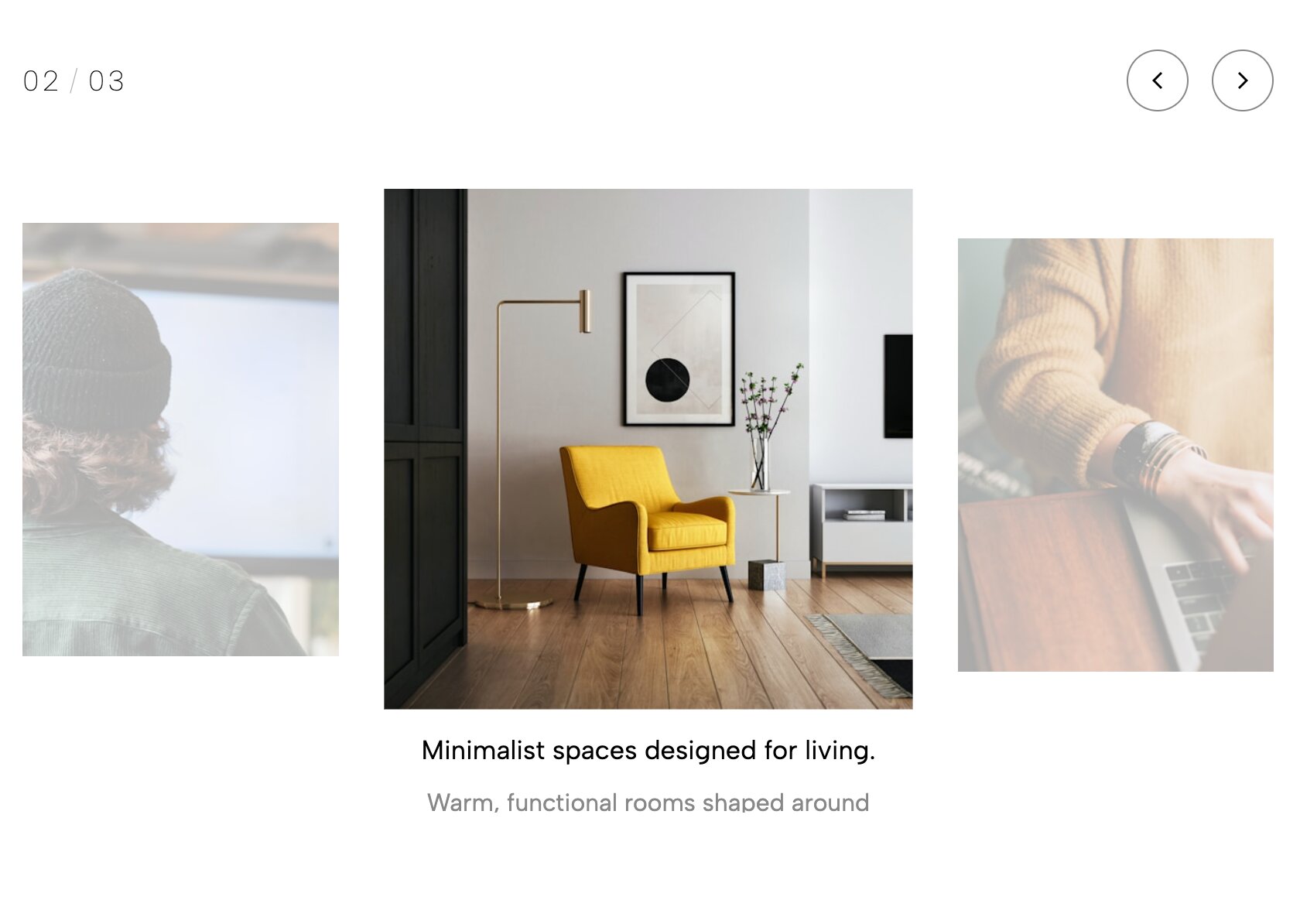
Stripped back and ultra-clean, letting your imagery do all the talking without any unnecessary UI clutter. For the design purists who believe that truly great art requires no explanation, this minimalist carousel is the ultimate choice. We have ruthlessly stripped away heavy borders, clunky navigation buttons, pagination dots, and intrusive text overlays. What remains is a frictionless, edge-to-edge digital canvas that allows your photography to speak entirely for itself. The navigation is handled effortlessly through intuitive swipe gestures and subtle hover states, ensuring nothing distracts the viewer.
15. Category Hero Slider
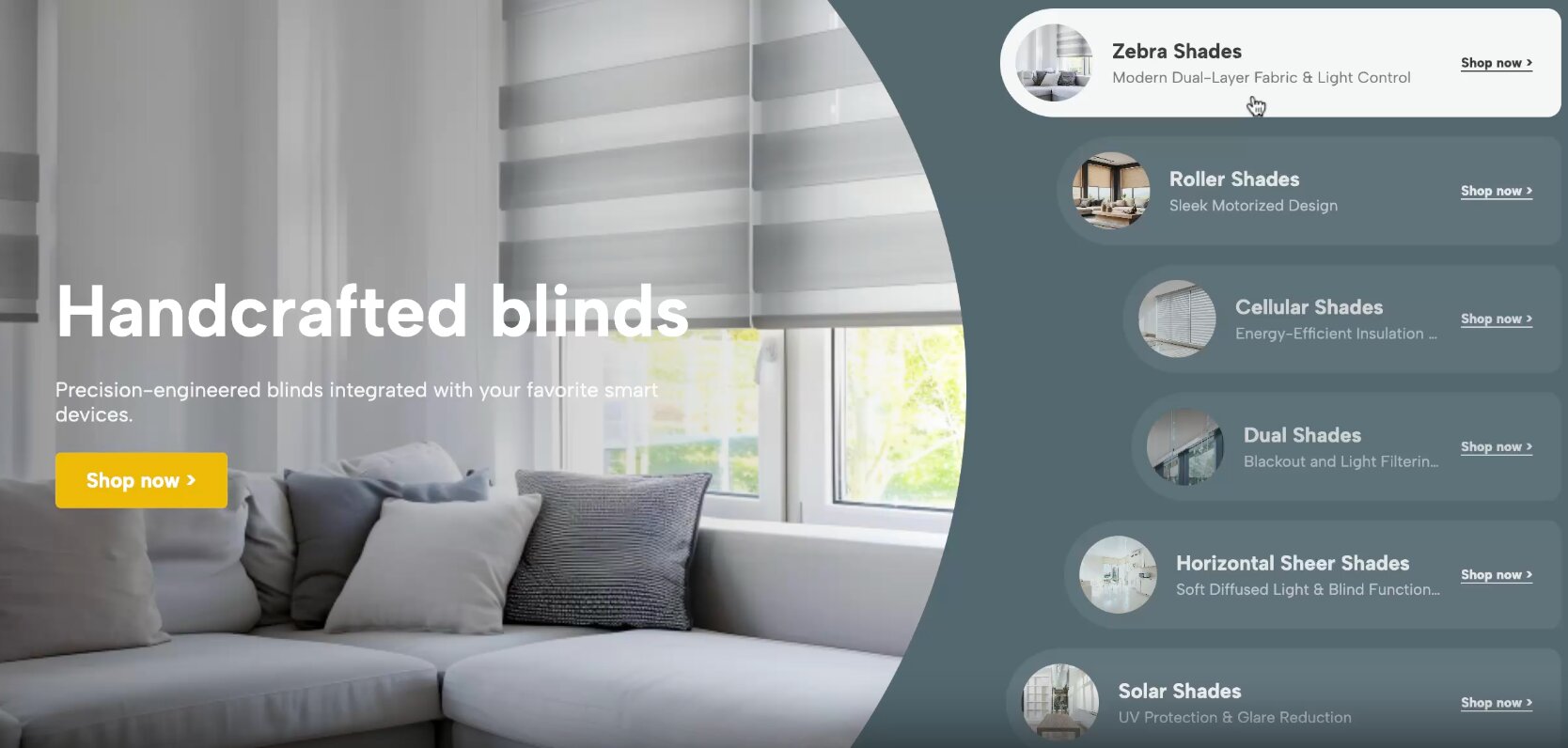
Organize your e-commerce or editorial content beautifully by allowing users to instantly slide through broad categories. If your website features a massive amount of content, throwing it all at the user the second they load the page can be overwhelming. The Category Hero Slider acts as a highly visual directory, allowing visitors to swipe through broad overarching themes before diving into specific sub-pages. Whether you are an e-commerce store separating your main departments, or an online magazine categorizing distinct topics, this widget provides an incredibly intuitive gateway.
16. Interactive Comparison Slider
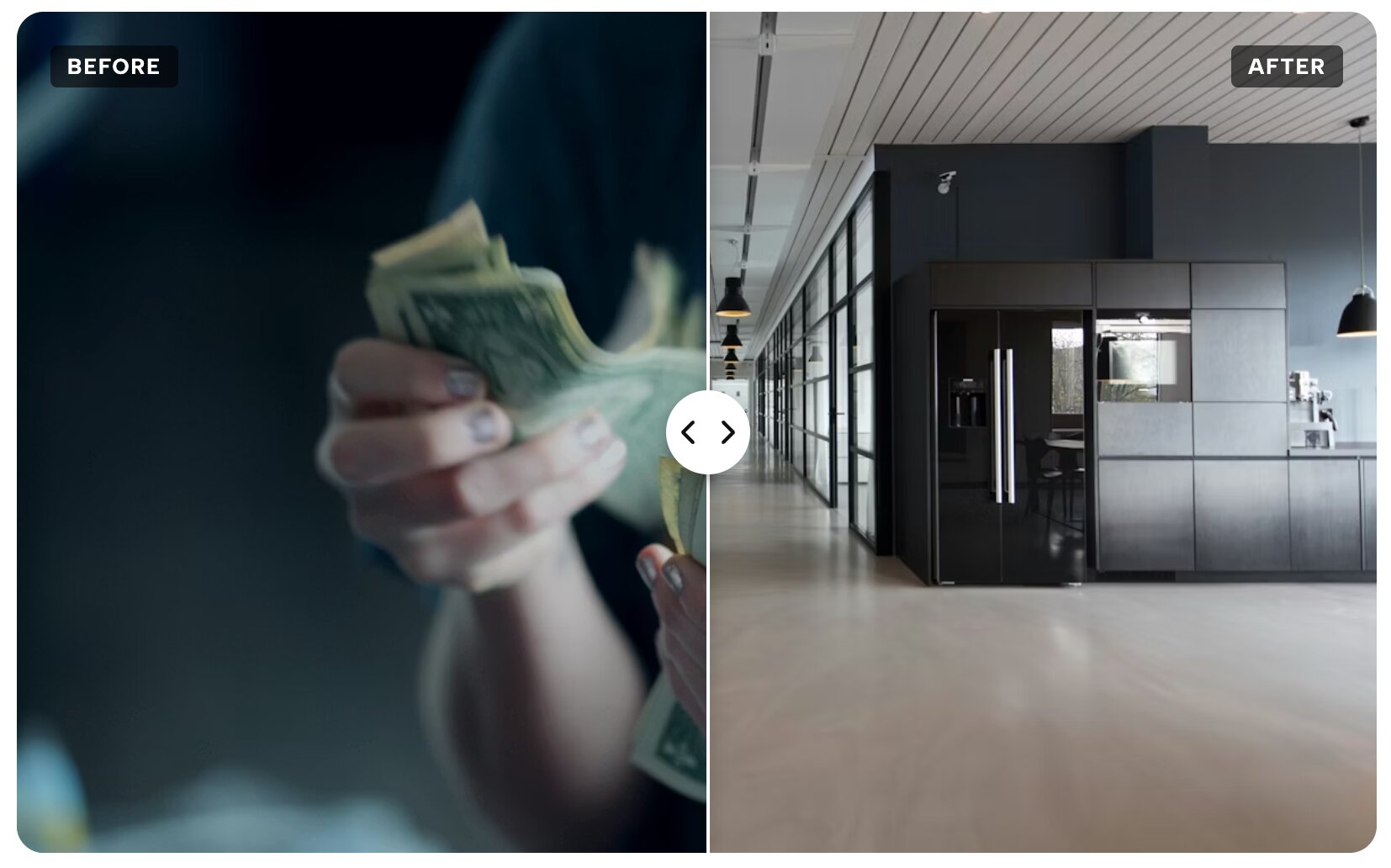
A highly engaging before-and-after slider, absolutely perfect for real estate, photo editing, and home renovation showcases. Nothing proves the true value of your work quite like a dramatic, undeniable transformation. Instead of putting two static images next to each other and hoping the user sees the difference, this interactive widget lets them grab a central handle and physically drag it back and forth to reveal the "before" and "after" states. It is a wildly engaging, hands-on experience that builds immediate trust and provides undeniable visual proof of your expertise.
17. Urban Bold Hero Slider - Industrial Split Layout
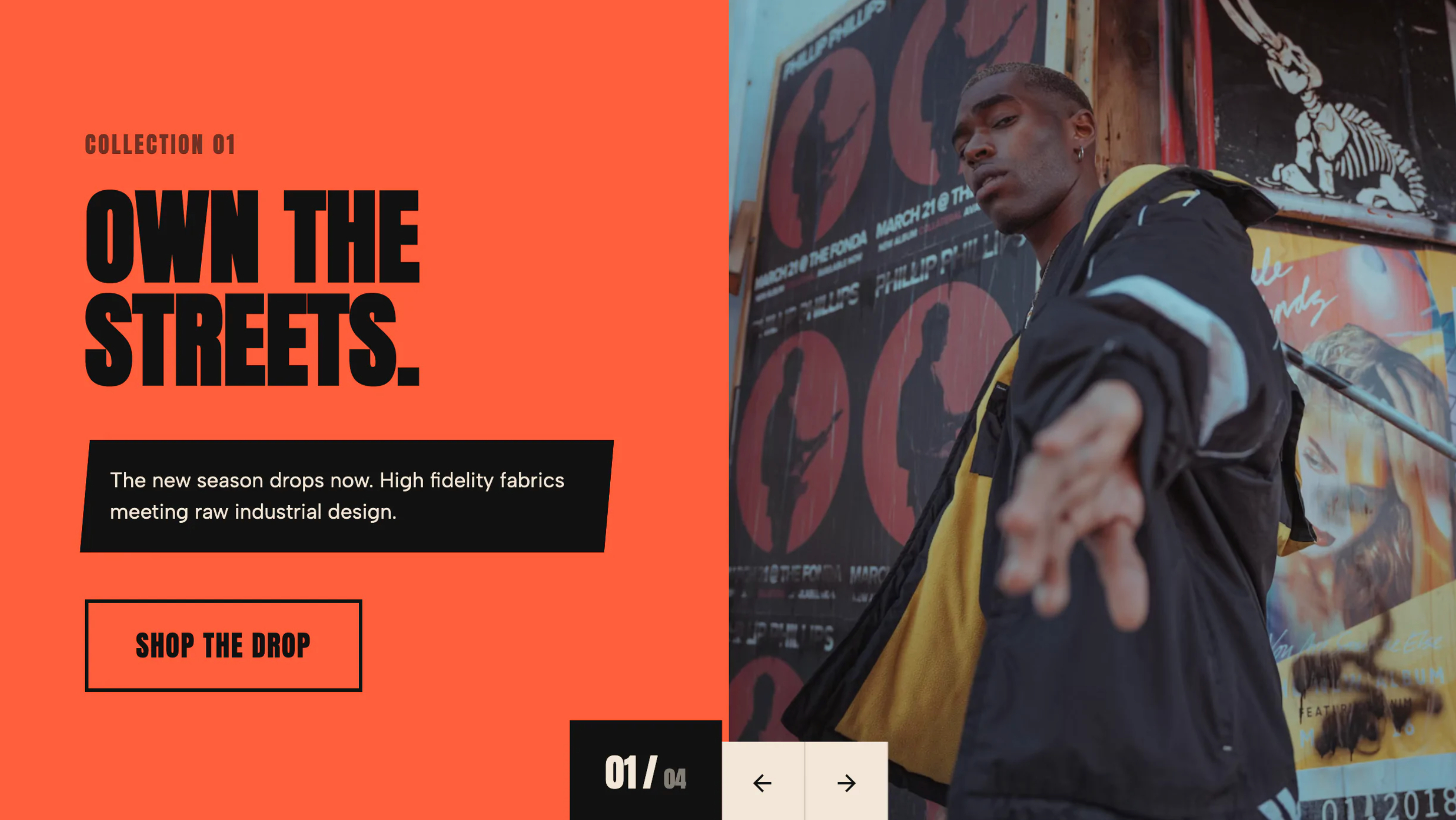
Raw, gritty, and heavy-hitting typography paired with an industrial split layout designed for maximum visual impact. Step away from soft, delicate design aesthetics and embrace a brutalist, industrial edge. This slider is intentionally designed for brands that want to make a loud, unapologetic statement from the first click. Featuring aggressive, oversized typography, thick dark borders, and high-contrast color blocking, it commands the screen with absolute authority. It is an exceptional fit for fitness brands, music venues, tech startups, and edgy creative agencies who want to project strength.
18. Synced Thumbnail Carousel
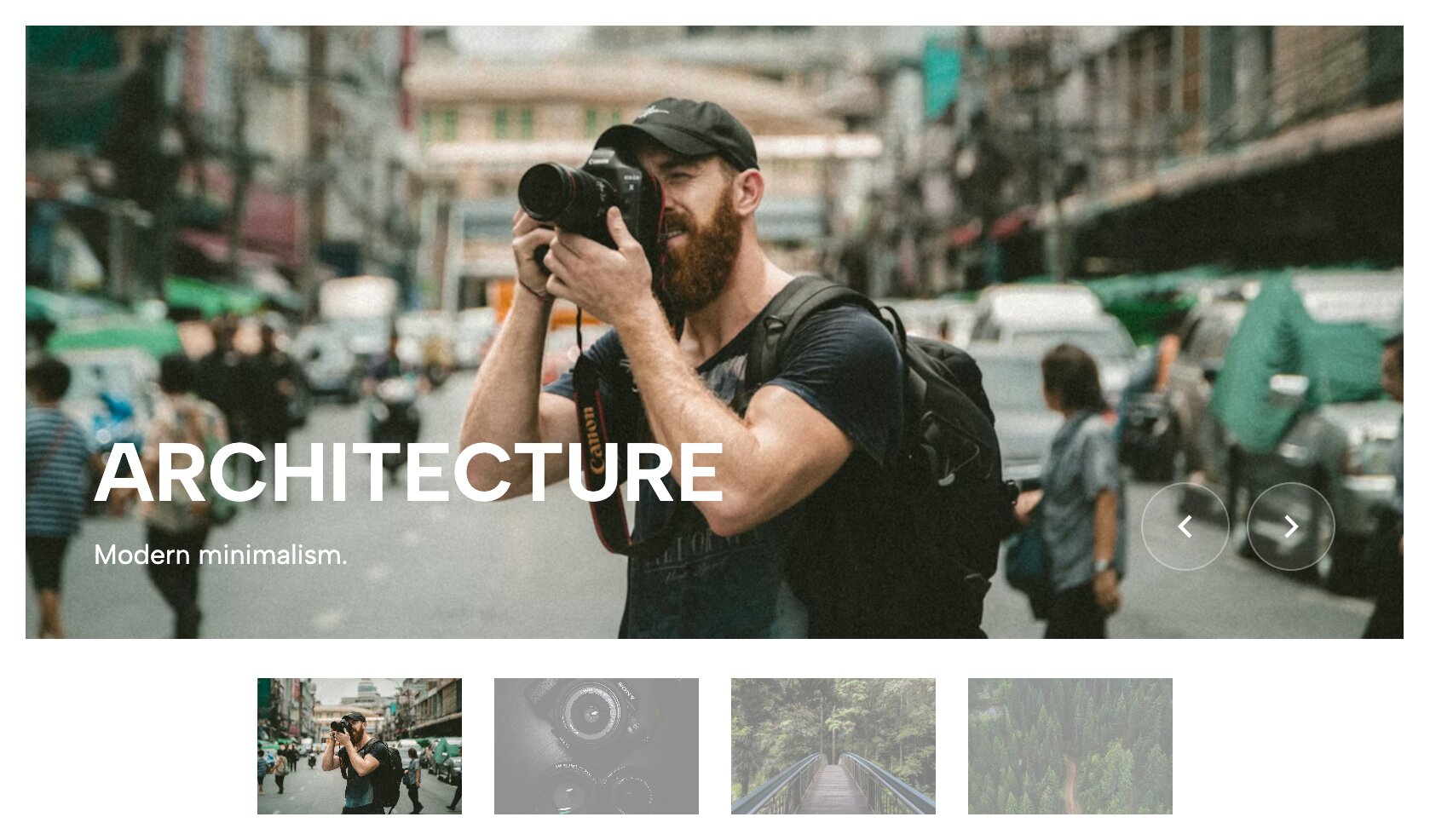
A dual-track carousel where a large display window stays perfectly in sync with a smaller, scrollable thumbnail track below it. When you are showcasing a complex product, a real estate listing, or a detailed event gallery, a single image simply isn't enough to tell the story. This widget features two synchronized sliding tracks to solve that problem. The main stage displays a gorgeous hero image, while a secondary ribbon of thumbnails sits below. As the user clicks a thumbnail, the main stage smoothly transitions to match, allowing rapid scanning.
19. Depth Stack Slider - 3D Card Image Gallery
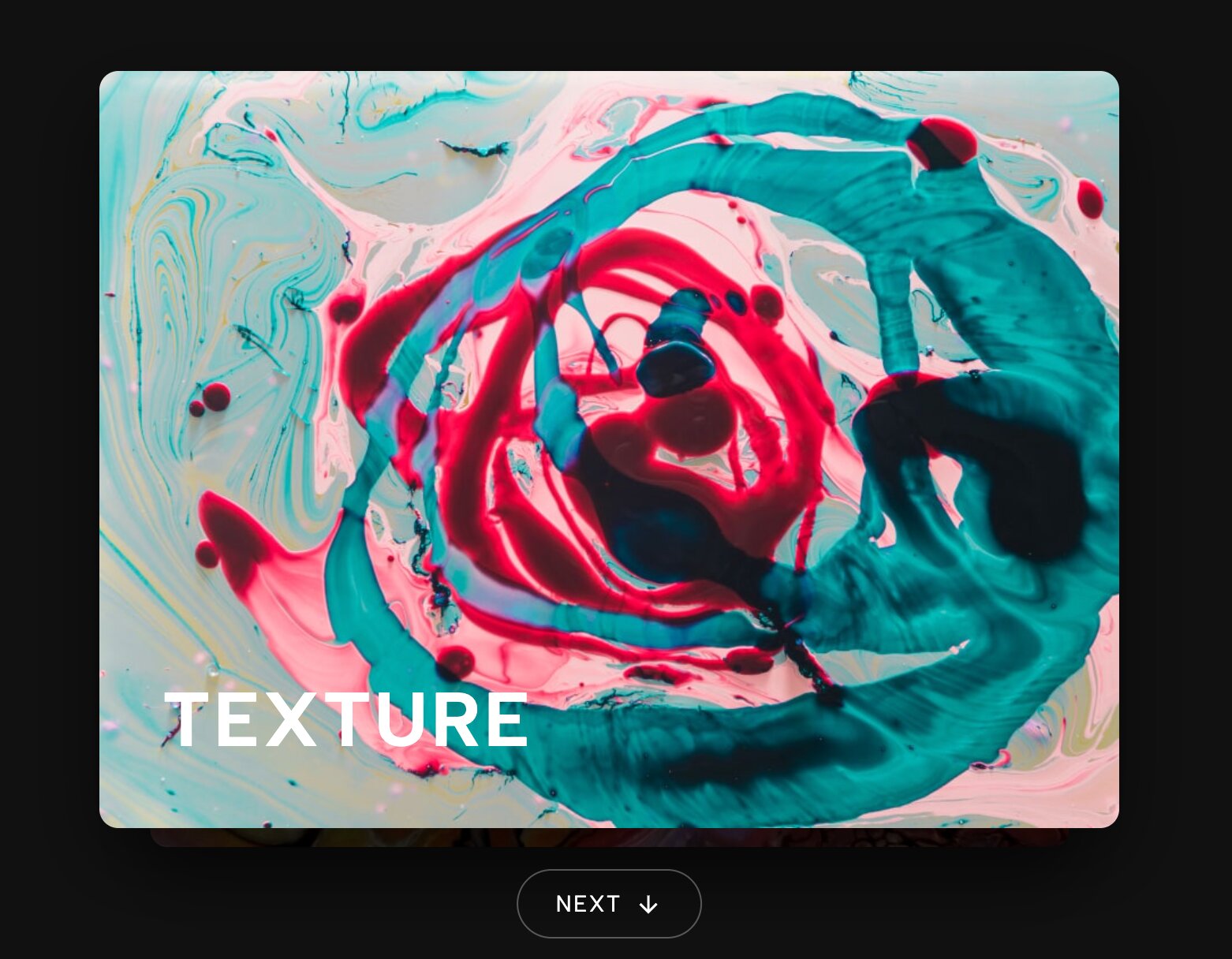
Images stack securely on top of one another like physical cards in 3D space, peeling away beautifully as the user navigates. Transform your digital gallery into a tactile, physical experience that begs to be interacted with. Instead of sliding horizontally in a predictable manner, these images are stacked precisely on top of one another along the Z-axis. When the user clicks to view the next slide, the top card dramatically scales up, fades out, and peels away, revealing the next image waiting beneath it. It’s a stunning 3D transition.
20. Curtain Reveal Slider - Clip-Path Transition

Uses advanced CSS clip-paths to reveal the next slide exactly like a theatrical curtain opening on a stage. Say goodbye to boring crossfades and standard sliding animations that users have seen a thousand times. This highly advanced widget utilizes modern CSS clip-path technology to create a dramatic, theatrical entrance for every single image. As the slider transitions, the current image splits apart or wipes away in sharp, geometric patterns. It is a visually arresting effect that turns a simple portfolio gallery into a premium, motion-rich, and unforgettable experience.
21. Parallax Momentum Slider - Kinetic Carousel
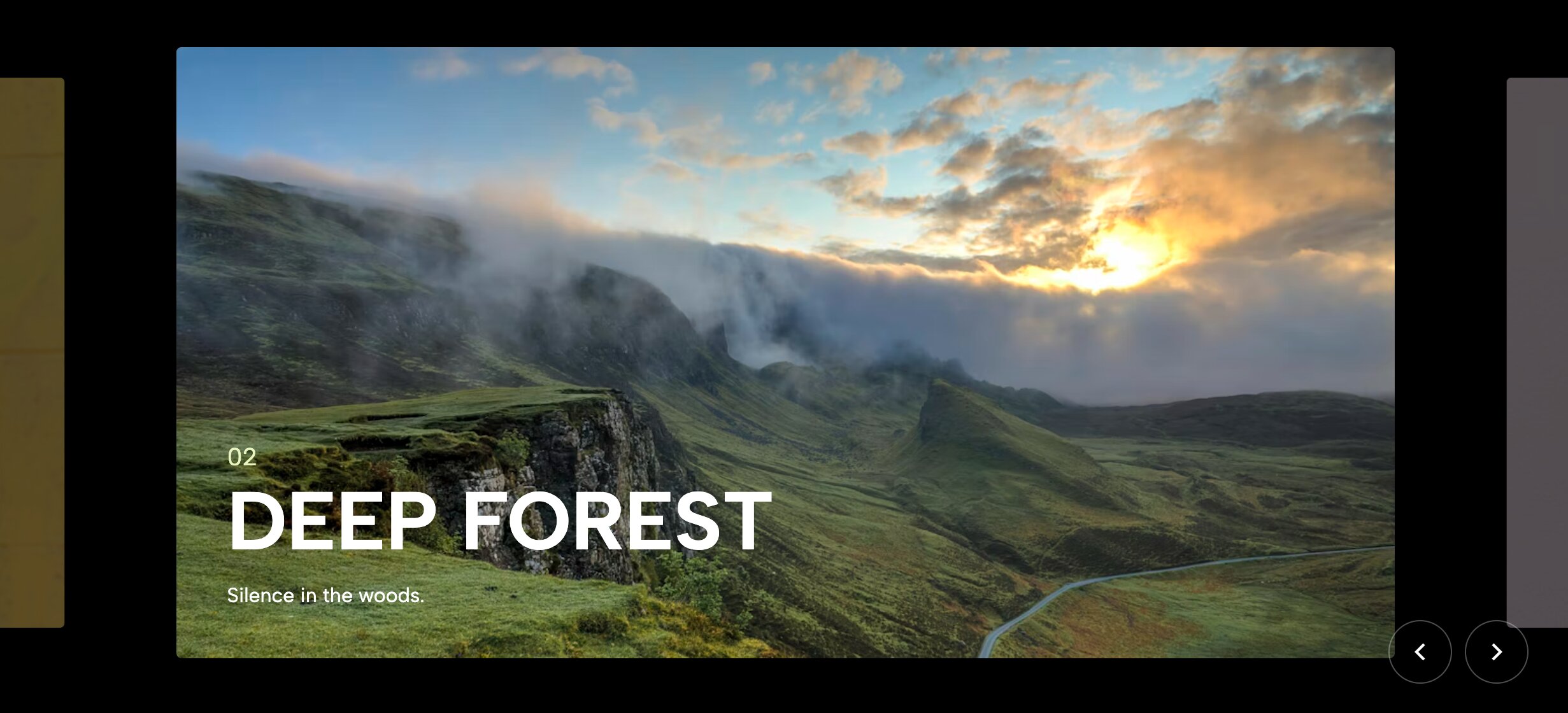
Adds a subtle, delayed parallax effect to the images inside the slider, creating a liquid, highly kinetic feel. Inject a distinct sense of physics and momentum into your website's browsing experience. When a user swipes or clicks through this specific carousel, the images don't just move linearly; the actual image inside the frame moves at a slightly different speed than the frame itself. This delayed parallax effect creates a sense of liquid inertia, making the slider feel heavy, smooth, and deeply interactive for anyone clicking through it.
22. Atmospheric Team Hero Slider with Blurred Backgrounds

Introduce your team members with stunning, automatically blurred ambient backgrounds derived directly from their portrait images. It is time to ditch the boring, rigid grid of corporate headshots. This dynamic slider allows you to introduce your company leaders, guest speakers, or podcast hosts with serious cinematic flair. The widget automatically takes the active portrait image, scales it up, and applies a heavy Gaussian blur to create a glowing, color-matched ambient background behind the crisp foreground image, resulting in a highly polished and deeply cohesive aesthetic.
23. Vertical Title Portfolio Slider - Editorial Layout
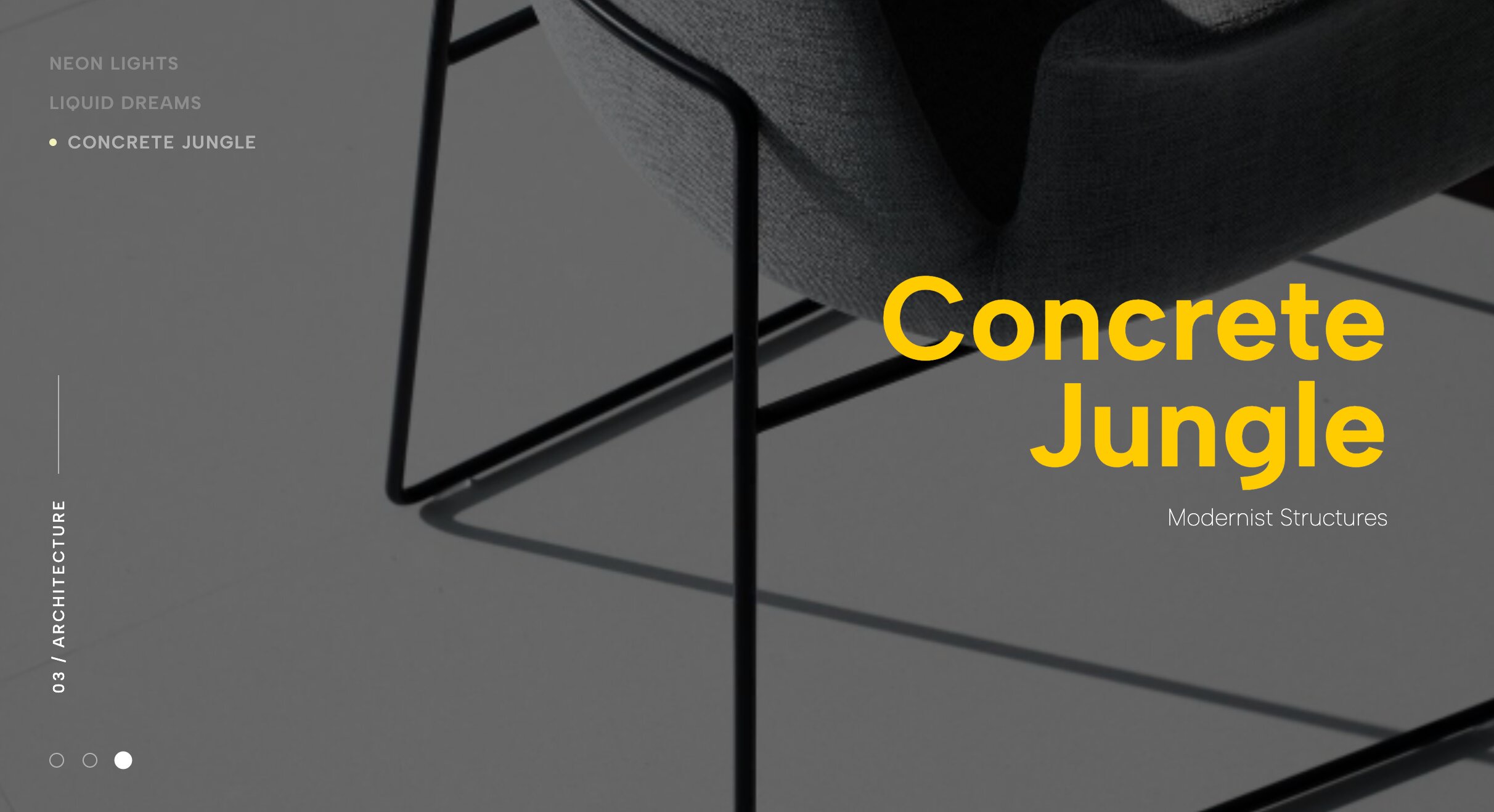
Plays cleverly with typography orientation by utilizing striking vertical titles set against expansive, horizontal photography. Challenge standard web design conventions by turning your typography entirely on its side. This highly stylized, editorial widget contrasts sweeping, widescreen landscape photography with striking vertical text elements that demand attention. The 90-degree rotated titles act as structural pillars within the overall design, guiding the user's eye and creating a beautiful, magazine-like grid. It is a fantastic layout for architecture firms and avant-garde designers who want to showcase their understanding of spatial alignment.
24. Minimalist Poster Slider - Centered Reveal
Showcase posters, prints, or digital artwork in a beautifully isolated, perfectly centered layout that demands respect. Give your creative artwork the high-end, museum-quality presentation it truly deserves. This slider is specifically calibrated for showcasing posters, typography prints, canvas art, and digital book covers. It isolates a single, vertically oriented image in the absolute center of the screen, surrounding it with vast amounts of clean, protective whitespace. This distinct lack of distraction forces the viewer to focus entirely on the finer details, colors, and composition of your art.
25. Cinematic Reveal Slider with Thumbnail Navigation
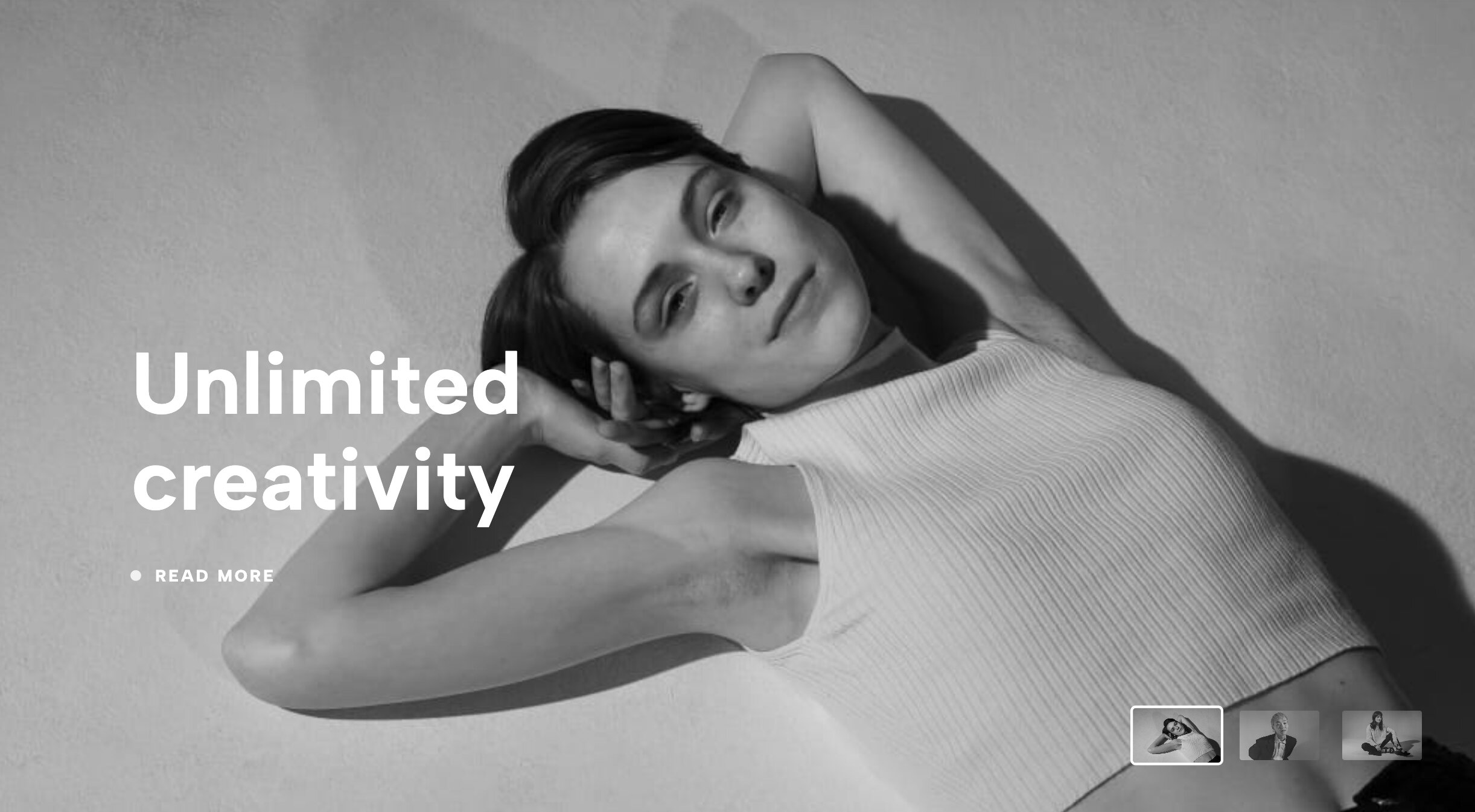
A slow, dramatic fade-in effect paired seamlessly with discreet thumbnail controls for a high-end, luxurious viewing experience. Create a distinct sense of breathless anticipation with a slider that values timing, pacing, and elegance over sheer speed. Instead of instantly snapping or aggressively swiping to the next image, this widget utilizes long, luxurious, cinematic crossfades. As the user clicks the sleek, unobtrusive thumbnail controls, the current image slowly dissolves as the new one softly comes into focus. This deliberate animation style is absolutely perfect for high-end luxury brands.
How to Install Redesignee Widgets
- Connect Redesignee: Install the free Redesignee Squarespace Extension to your site.
- Choose Your Template: Browse the library of widgets directly from your dashboard.
- Customize Visually: Use our live, no-code editor to change colors, text, and prices to match your brand.
- Publish Instantly: Click a button to push the clean, lightweight code natively onto your Squarespace page.
Frequently Asked Questions
How to add an image carousel in Squarespace using Redesignee?
Learning how to add an image carousel in Squarespace is effortless with Redesignee. Simply install our extension, select your preferred widget from the dashboard, customize your visuals, and click publish. The code embeds natively without you having to touch a single line of CSS.
Can I create a Squarespace carousel with text?
Yes! A Squarespace carousel with text is one of our most popular requests. Many of the widgets listed above, such as the Corporate Split Hero and Work Hero Slider With Title Overlap, allow you to seamlessly blend rich, editable typography with your visual assets.
Is it possible to make the Squarespace carousel auto scroll?
Absolutely. Our widgets feature configurable settings that allow you to enable a Squarespace carousel auto scroll feature. This keeps your site feeling dynamic and ensures users see all your content even if they don't actively click the navigation arrows.
What is the best Squarespace image carousel 2026 has to offer?
The best Squarespace image carousel 2026 has to offer depends entirely on your brand's aesthetic. For an editorial vibe, the Minimal Two Image Slider is exceptional. For a high-impact entrance, the Cinematic Reveal Slider with Thumbnail Navigation takes the top spot this year.
How do these plugins interact with the Squarespace image library?
Our widgets are designed to integrate smoothly. You can easily pull your existing visual assets from your Squarespace image library directly into the Redesignee visual editor, ensuring a seamless workflow when populating your new carousels.


Comments (0)