
The Challenge of Combining Images and Text in Squarespace
If you have spent any time building a portfolio or a landing page, you have likely run into a frustrating limitation: figuring out how to overlay text on an image in Squarespace, particularly within moving galleries. While the platform offers basic gallery blocks, achieving a truly premium Squarespace text slideshow often feels impossible without resorting to clunky workarounds or writing extensive custom CSS.
Designers frequently ask in forums how to execute a proper Squarespace 7.1 Gallery text overlay because the native tools often force text below the image or restrict styling options, ruining the cinematic hero-banner effect modern brands demand.
The Redesignee Solution: No-Code Text Carousels
You don't need to be a developer to build a high-converting Squarespace carousel with text. Redesignee provides a massive library of pre-coded, highly interactive slider widgets designed specifically to seamlessly blend rich typography with kinetic imagery.
Using our visual builder, you can effortlessly add text to a gallery section in Squarespace. Simply choose a layout—whether it's a split-screen design, a dramatic center overlay, or an asymmetrical grid—edit your text directly in the browser, and inject the clean code onto your page instantly.
The Premium Text & Image Slider Collection
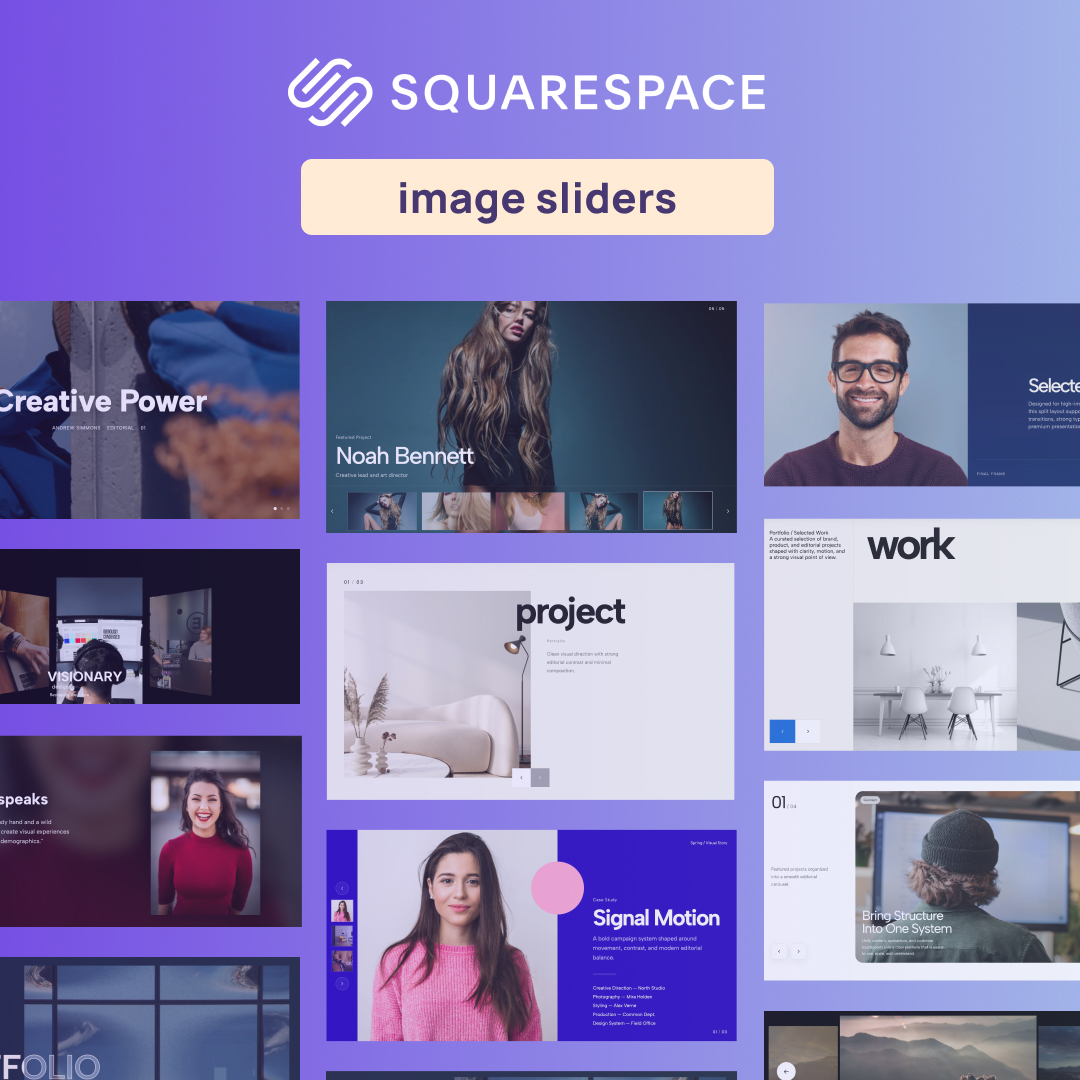
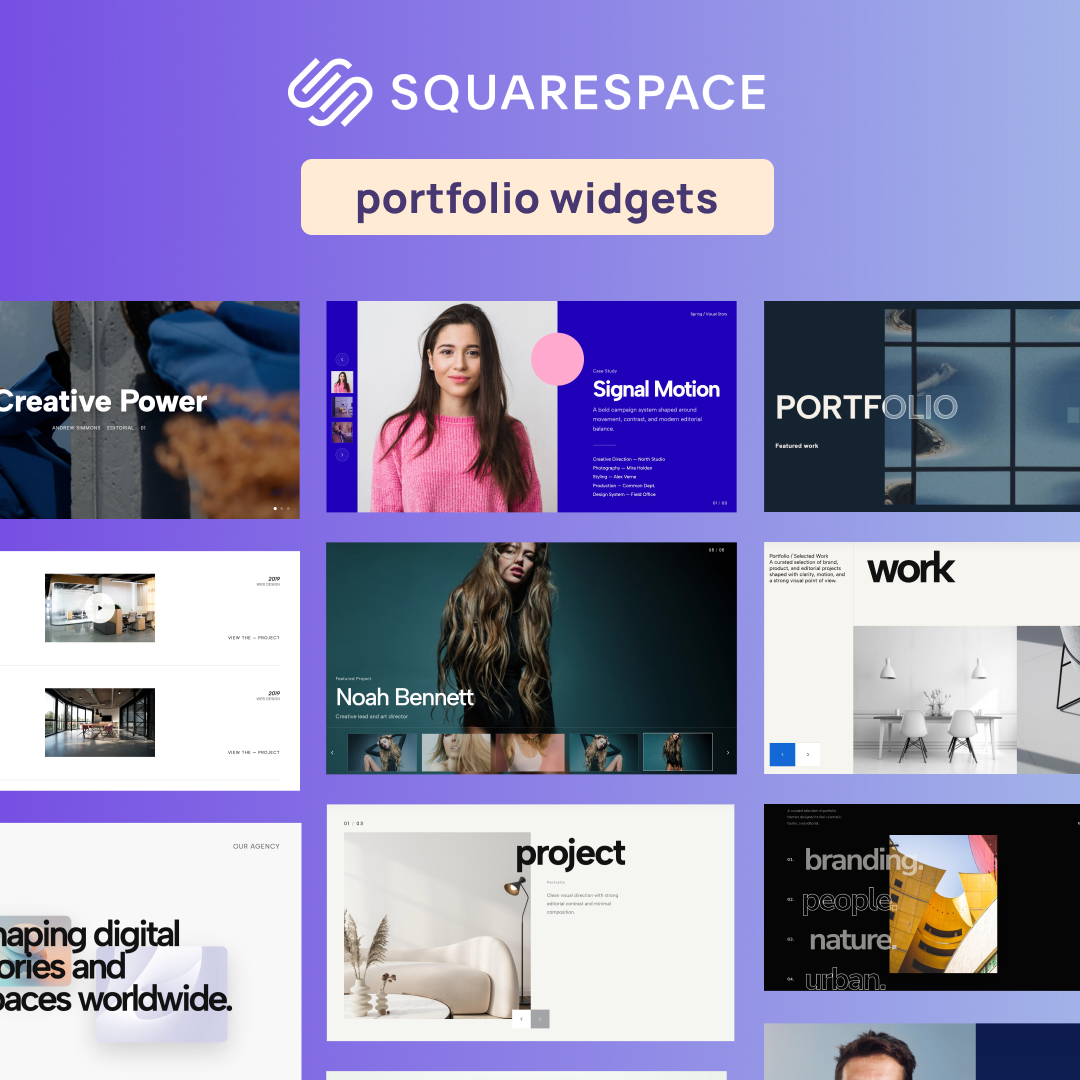
Explore our top text-integrated sliders below. Each widget is designed to solve the exact problem of combining copywriting and imagery into a captivating user journey.
1. Case Studies Carousel with Split Layout
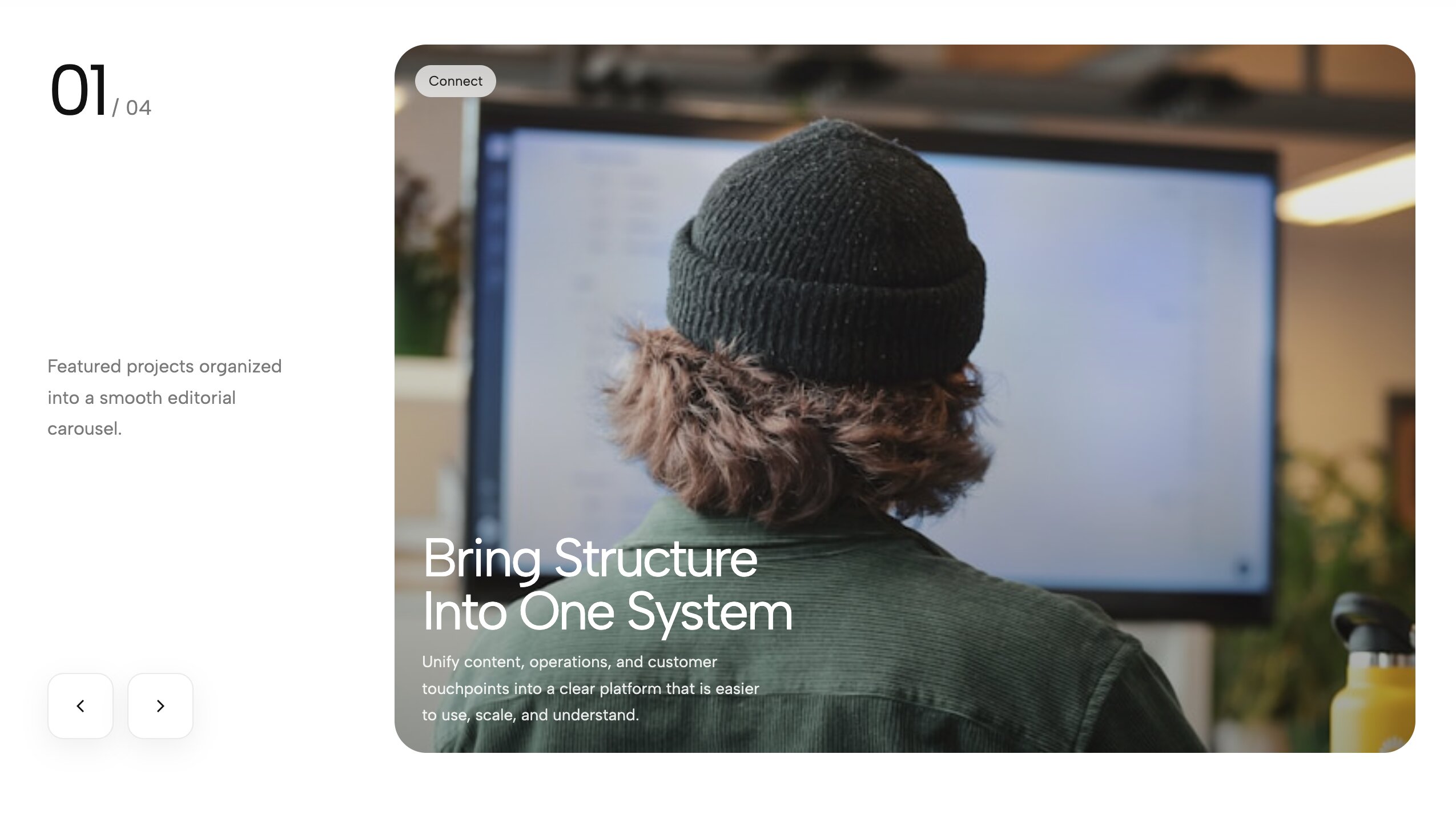
A modern, asymmetrical split layout combining rich typography on one side and a sweeping visual carousel on the other. When you need to thoroughly explain the context behind your visuals, this split layout is the ultimate solution. One half of the screen is strictly dedicated to large, highly readable typography where you can detail your project's goals, challenges, and outcomes. The other half features a buttery-smooth image carousel that users can interact with at their own pace. This juxtaposition of static text and kinetic imagery creates a perfect balance for narrative storytelling, making it a powerful Text carousel for agencies.
2. Portfolio Hero Carousel with CTA Overlay

Drive conversions instantly with this hero carousel that prominently features a highly customizable Call-To-Action button and text overlay. Your homepage hero section is the most valuable real estate on your entire website, so it needs to do far more than just look pretty—it needs to convert visitors into clients. This widget pairs a stunning edge-to-edge background image carousel with a static, high-contrast text overlay and a bold CTA button. Whether you are driving users to book a consultation or shop a new collection, this setup solves exactly how to overlay text on an image in Squarespace while keeping your primary conversion goal front and center.
3. Hero Split Text & Image Slider

A versatile, high-contrast slider dividing the screen space equally between bold text and compelling imagery. Maximize the immediate impact of your landing page with a hero section that gives equal, balanced weight to your copywriting and your art direction. This slider features a sharp 50/50 vertical split. As the user clicks the navigation arrows, both the image on one side and the corresponding text on the other side transition in perfect harmony. It is an excellent choice for showcasing different service pillars, diverse product categories, or a series of featured content without sacrificing readability.
4. Work Hero Slider With Title Overlap
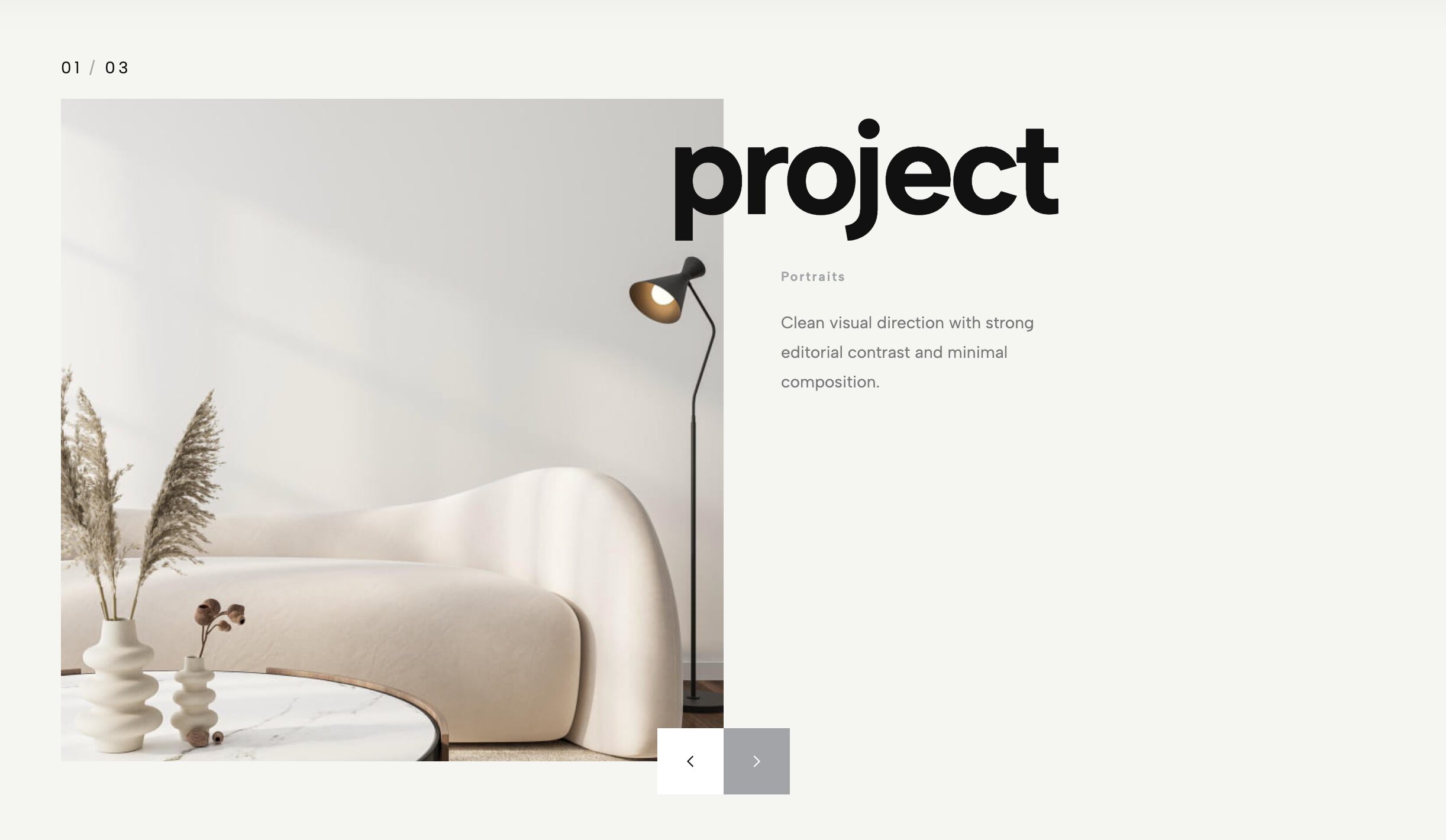
Create striking depth by allowing massive, bold typography to slightly overlap your scrolling visual assets. Depth is one of the hardest design principles to achieve in flat web environments. This widget uses a clever layering technique to push your visuals backward and pull your typography forward. By allowing oversized, heavyweight headline text to physically overlap the edges of your image carousel, it creates a tactile, scrapbook-like aesthetic. As the images slide dynamically behind the static text, it generates a beautiful friction that immediately captures attention and acts as a brilliant Squarespace 7.1 Gallery text overlay alternative.
5. Corporate Split Text Hero

A professional, highly structured split hero banner perfect for corporate landing pages and B2B services that require extensive text integration. Not every website needs wild, avant-garde animations to be successful. For corporate entities, law firms, financial consultants, and B2B SaaS companies, building trust and clarity are paramount. This widget delivers a highly organized, professional aesthetic by cleanly dividing the hero section. On one side, you have ample room for a clear value proposition and mission statement. On the other, a sleek, auto-scrolling carousel displays your team or product dashboards, bridging the gap between corporate design and modern interactivity.
6. Split Portfolio Text Carousel
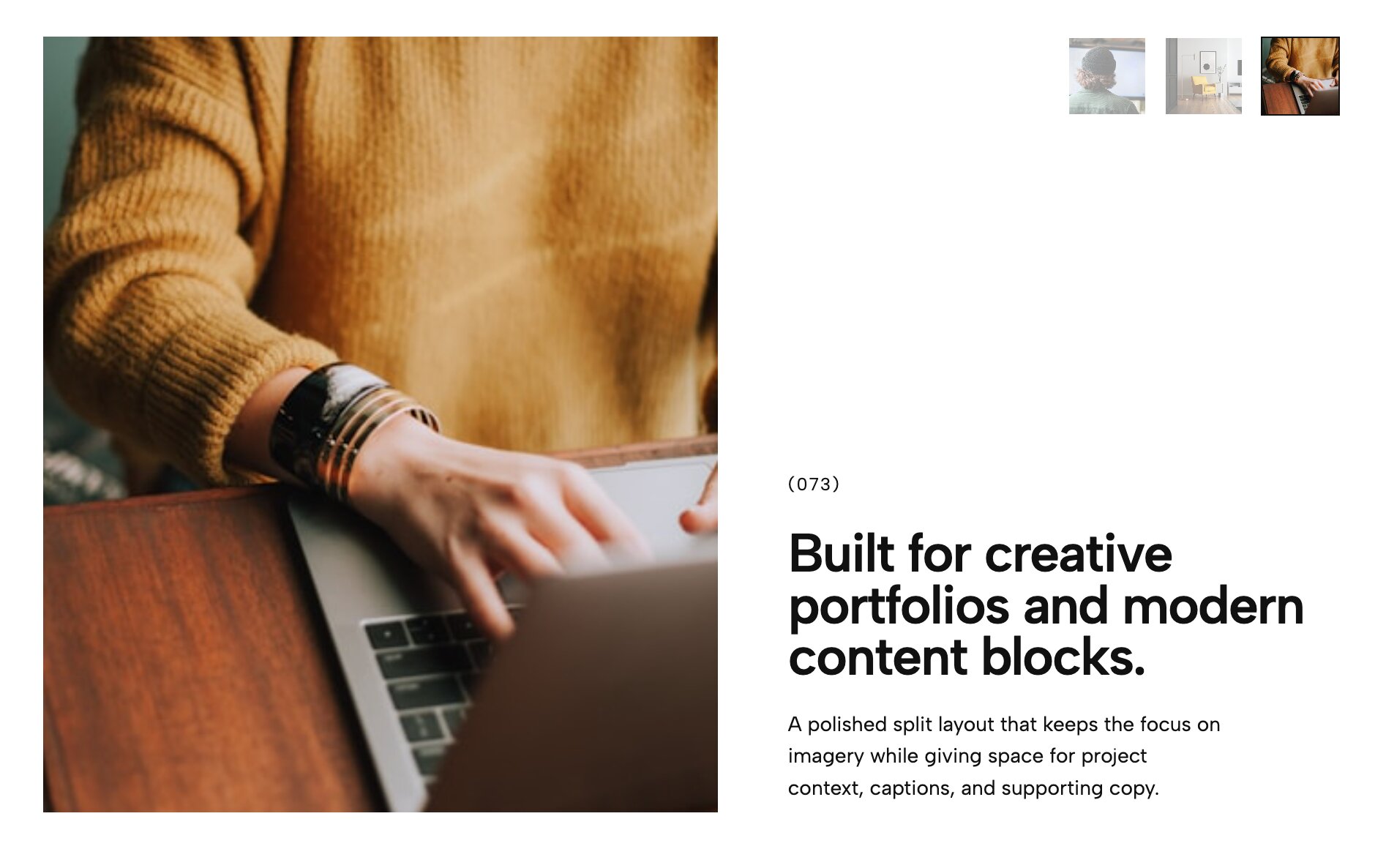
An elegant dichotomy of space, perfect for contrasting detailed project descriptions with striking full-bleed photos. Sometimes you have an incredible image, but you also have a critically important story to tell about it. The Split Portfolio Carousel solves the ongoing dilemma of where to put your text without ruining the photo's composition. By cleanly dividing the container into two distinct zones, you can display a pristine, uncropped image on one side and a beautifully formatted narrative on the other. It’s a favorite among architects, interior designers, and fine art photographers who need a genuine Squarespace text slideshow experience.
7. Urban Bold Text Slider - Industrial Split Layout
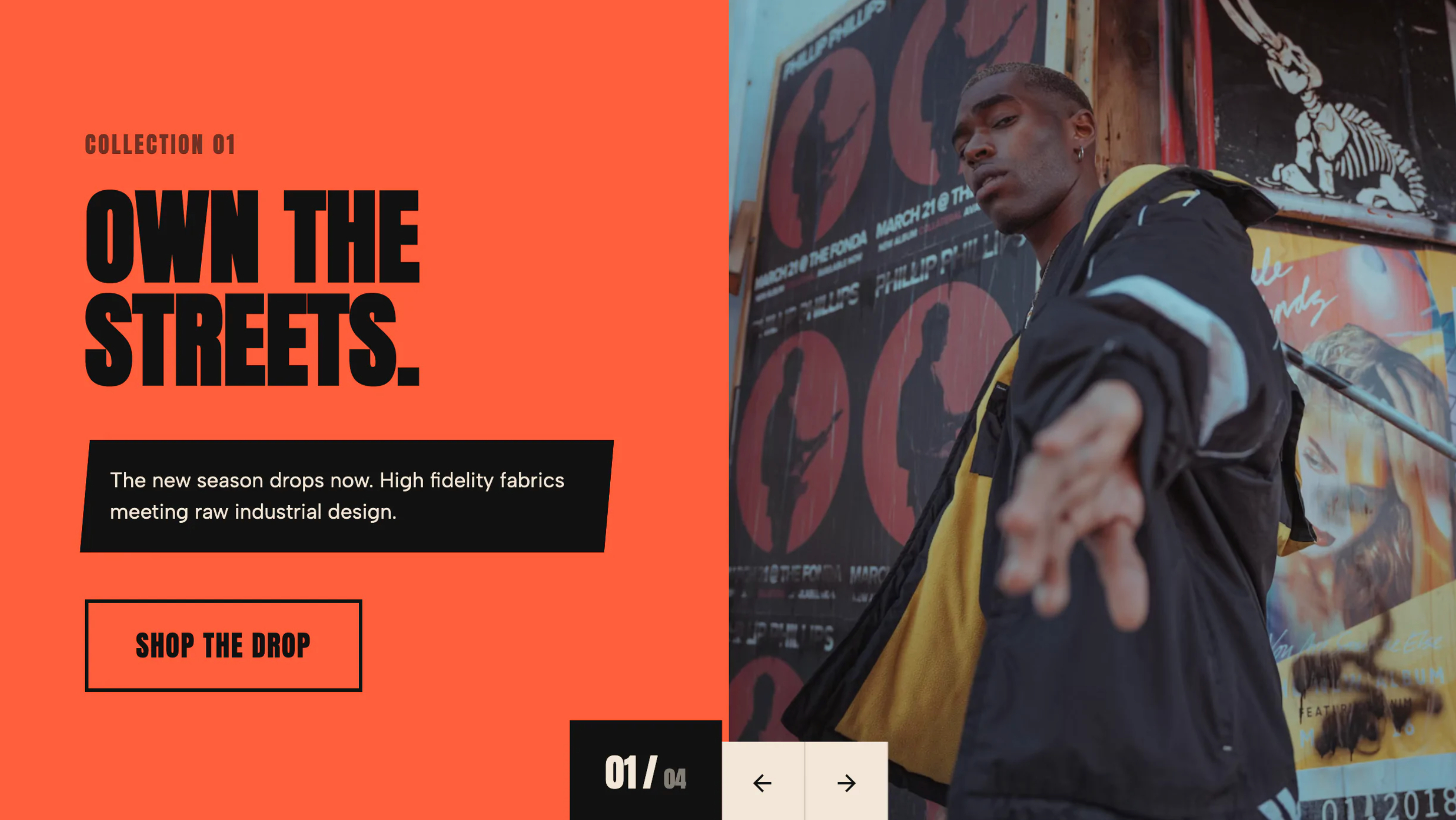
Raw, gritty, and heavy-hitting typography paired with an industrial split layout designed for maximum visual impact. Step away from soft, delicate design aesthetics and embrace a brutalist, industrial edge. This slider is intentionally designed for brands that want to make a loud, unapologetic statement from the first click. Featuring aggressive, oversized typography, thick dark borders, and high-contrast color blocking, it commands the screen with absolute authority. It is an exceptional fit for fitness brands, music venues, tech startups, and edgy creative agencies who want to project strength through bold text integration.
8. Vertical Title Portfolio Slider - Editorial Layout
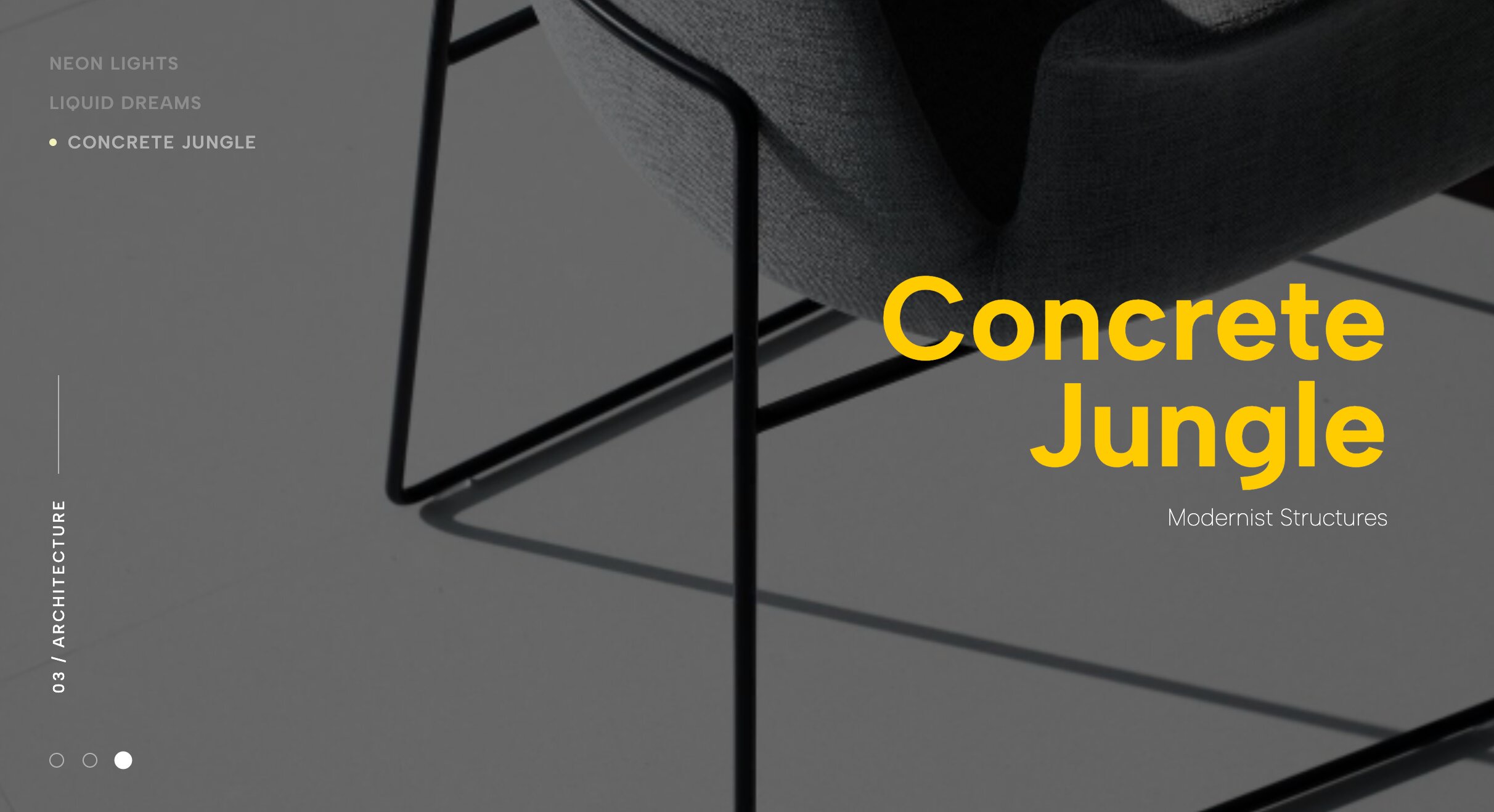
Plays cleverly with typography orientation by utilizing striking vertical titles set against expansive, horizontal photography. Challenge standard web design conventions by turning your typography entirely on its side. This highly stylized, editorial widget contrasts sweeping, widescreen landscape photography with striking vertical text elements that demand attention. The 90-degree rotated titles act as structural pillars within the overall design, guiding the user's eye and creating a beautiful, magazine-like grid. It is a fantastic layout for architecture firms and avant-garde designers who want to showcase their understanding of spatial alignment alongside their photography.
9. Case Study Hero Slider with Left Thumbnails & Text
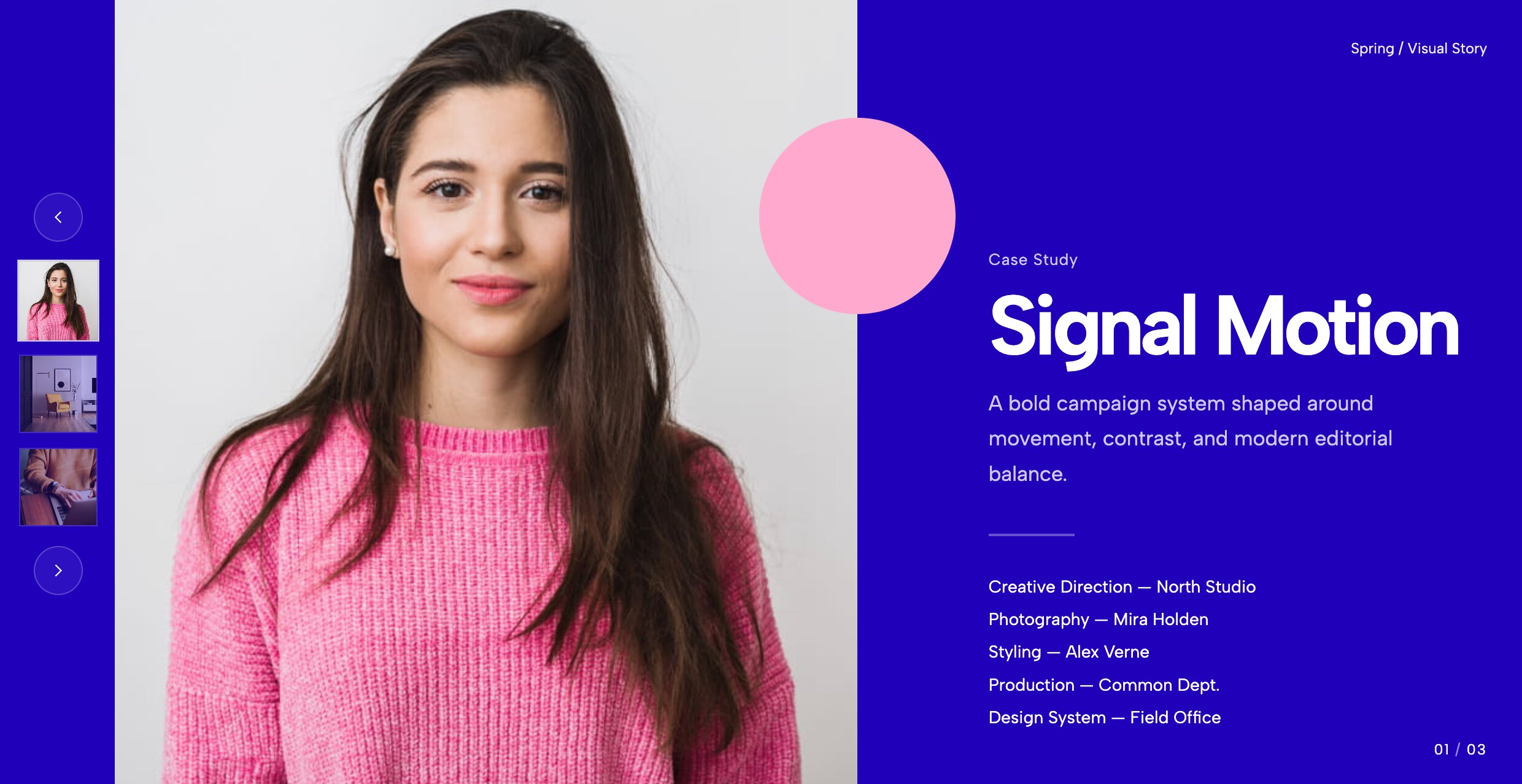
Perfect for agencies, this layout anchors navigation to the left while keeping essential project text visible. Instead of hiding your navigation at the bottom of the screen where it might be missed, this unique layout pins a sleek vertical thumbnail track directly to the left side. This creates a highly structured, editorial feel that is absolutely perfect for in-depth case studies and B2B portfolios. It allows users to read through a project summary while easily clicking through related gallery images. The left-anchored UI draws inspiration from modern web apps, effectively replacing the standard Squarespace carousel with text.
10. Editorial Work Slider With Thumbs
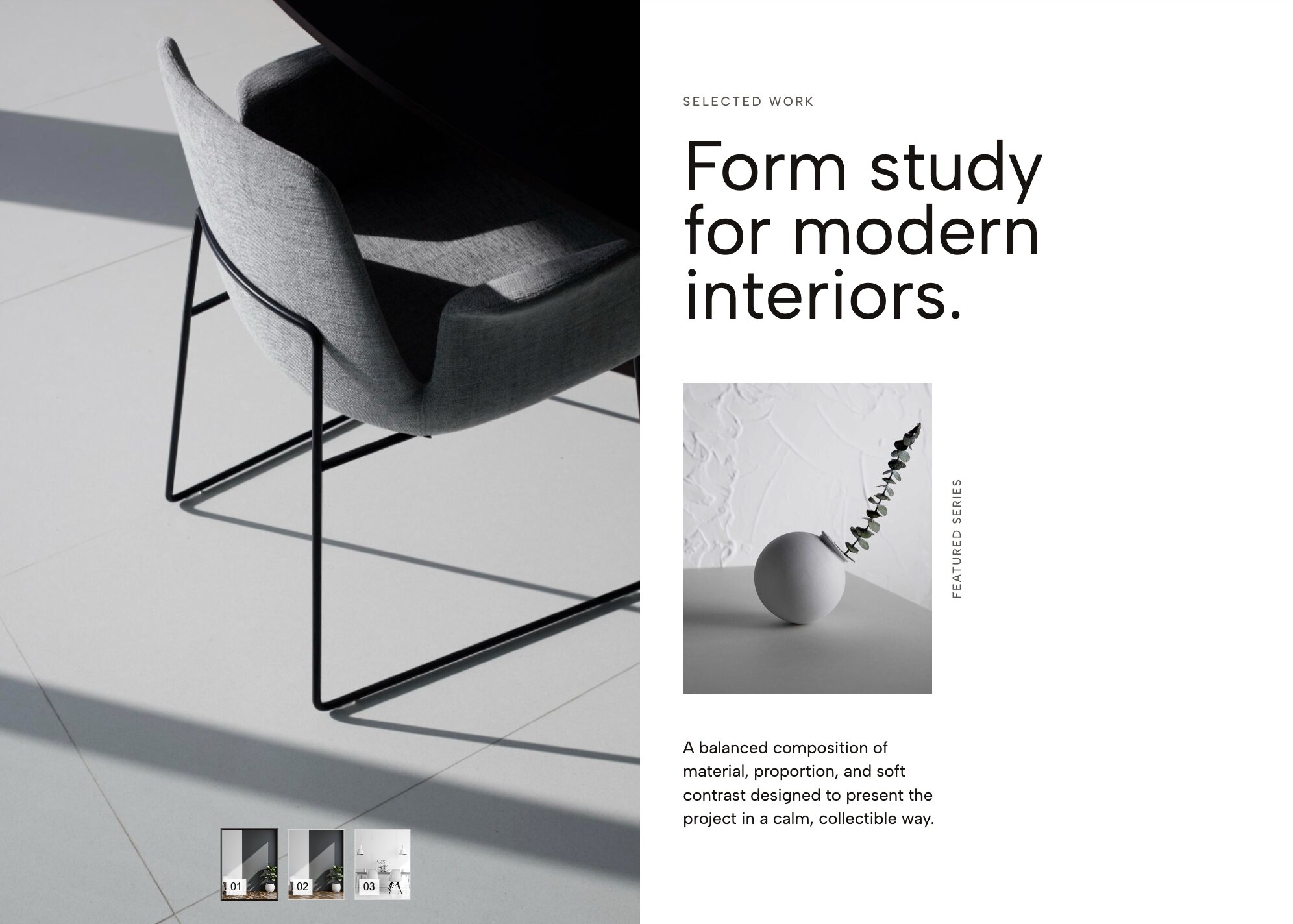
Bring a high-end magazine feel to your digital portfolio with crisp typography and subtle thumbnail indexing. Elevate your digital presence to the premium level of a glossy print publication. This widget focuses heavily on refined typography and meticulous, breathable spacing around your titles and descriptions. The active image always takes center stage, while a subtle, beautifully formatted row of thumbnails sits quietly below, serving as both navigation and a preview of your broader work. It is an absolute must-have for fashion designers, editorial photographers, and boutique creative agencies who want their site to exude sophistication through elegant text.
11. Category Hero Slider
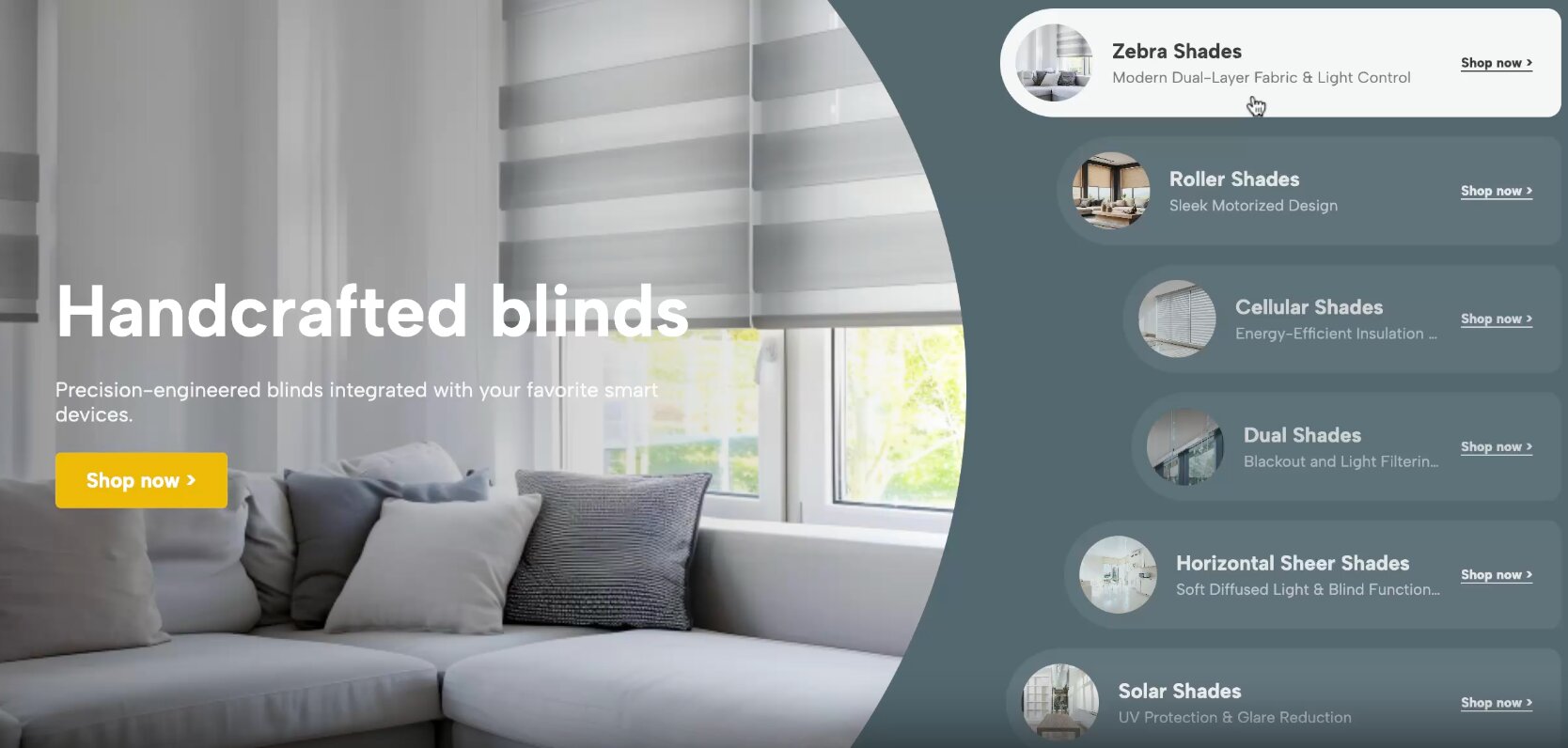
Organize your e-commerce or editorial content beautifully by allowing users to instantly slide through broad text-labeled categories. If your website features a massive amount of content, throwing it all at the user the second they load the page can be overwhelming. The Category Hero Slider acts as a highly visual directory, allowing visitors to swipe through broad overarching themes defined by bold, readable typography before diving into specific sub-pages. Whether you are an e-commerce store separating your main departments, or an online magazine categorizing distinct topics, this widget provides an incredibly intuitive, text-driven gateway.
How to Install Redesignee Widgets
- Connect Redesignee: Install the free Redesignee Squarespace Extension to your site.
- Choose Your Template: Browse the library of widgets directly from your dashboard.
- Customize Visually: Use our live, no-code editor to change colors, text, and prices to match your brand.
- Publish Instantly: Click a button to push the clean, lightweight code natively onto your Squarespace page.
Frequently Asked Questions
Can I build a Squarespace Carousel with text using these plugins?
Absolutely. Creating a highly stylized Squarespace carousel with text is exactly what the widgets in the list above are designed to do. Whether you need a 50/50 split layout or text gracefully overlapping the images, Redesignee handles the complex layout CSS for you.
How to overlay text on an image in Squarespace without coding?
Figuring out how to overlay text on an image in Squarespace natively usually involves absolute positioning and z-index CSS hacks that break on mobile. With Redesignee, you select an overlay widget (like the Portfolio Hero Carousel with CTA), type your text into our visual builder, and export a perfectly responsive, mobile-ready block.
Are there specific plugins for a Squarespace text slideshow?
Yes. If you need a dedicated Text carousel where the text is the primary focus (such as testimonials or core values), widgets like the Case Studies Carousel with Split Layout ensure your typography transitions smoothly alongside your visuals to create a cohesive Squarespace text slideshow.
How do I make a Squarespace 7.1 Gallery text overlay look good on mobile?
A native Squarespace 7.1 Gallery text overlay often becomes illegible or awkwardly crops on mobile phones. Redesignee widgets are built with CSS `clamp()` and responsive flexbox logic, ensuring that when you Squarespace add text to gallery section elements, the typography scales beautifully down to mobile viewport sizes.



Comments (0)