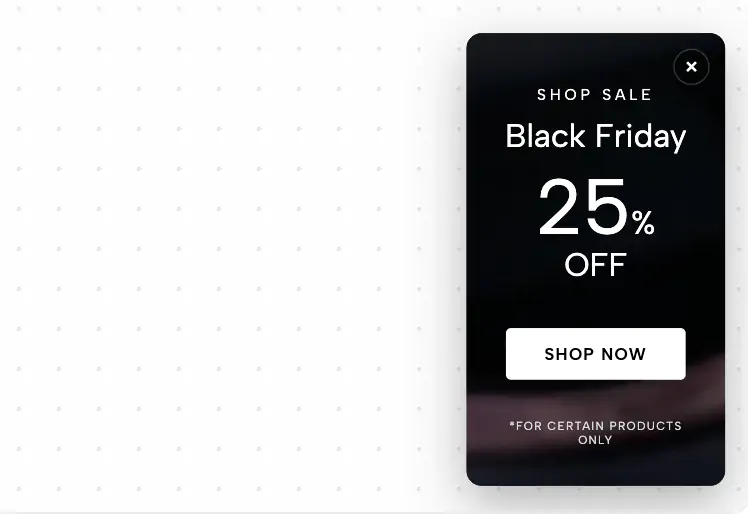
A high-fashion, portrait-oriented popover featuring elegant, ultra-thin typography and a slow, naturally zooming background image for a premium feel.
Standard discount popups often look cheap and aggressive, which can immediately devalue a premium brand. When marketing high-fashion apparel, luxury cosmetics, or exclusive seasonal collections, every touchpoint needs to feel like a curated editorial experience. The Editorial Luxe Popover replaces the traditional "box with a button" approach with a breathtaking, portrait-oriented canvas that blends cinematic motion with ultra-minimalist typography.
This luxury e-commerce popover is designed to look like the cover of a premium fashion magazine, utilizing strict grid systems and elegant negative space.
Split-Grid Typography: The central focal point is a perfectly balanced 2x2 typographic grid displaying a four-letter word (defaulting to "L U X E"). By utilizing ultra-light font weights and massive scaling, the text acts as a structural design element rather than just a message.
Vertical Editorial Accents: Framing the popover on the left and right are delicate, 90-degree rotated text elements. These vertical accents mirror the spine of a physical lookbook, reinforcing the high-end editorial aesthetic.
Minimalist Call-to-Action: Instead of a bulky, colorful button, the call-to-action is a sophisticated, tracked-out text link with a subtle bottom border. This ensures the user's focus remains on your campaign imagery and the overarching brand vibe.
Creating a premium feel requires flawless, fluid motion that doesn't slow down your user's browsing experience.
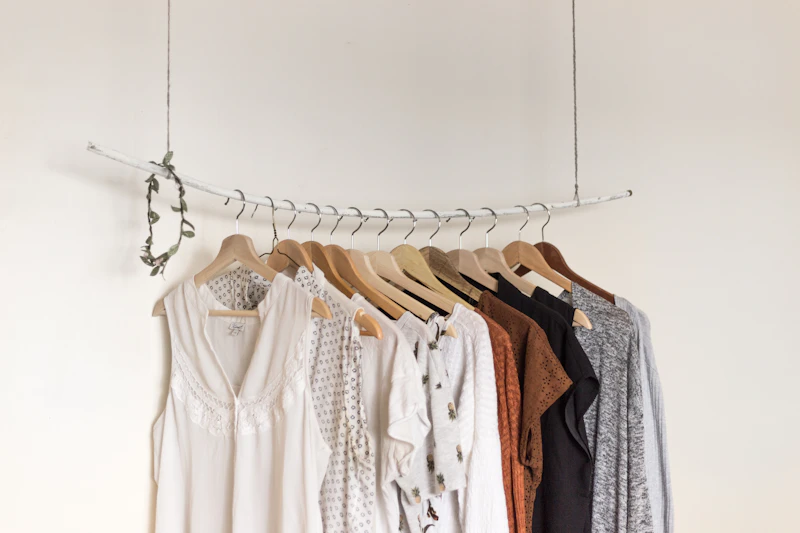
Infinite Ambient Zoom: The background features your uploadable campaign image, brought to life by a continuous, incredibly slow CSS zoom animation (rd-lux-zoom). This subtle, ease-in-out scaling creates a natural, breathing effect that feels cinematic rather than distracting.
Smart Contrast Overlay: Because you can upload any full-color image, the widget includes a built-in, editable CSS overlay (--rd-lux-overlay). This allows you to apply a custom tint—like a soft black wash or a brand-specific color—to guarantee your ultra-thin white text remains perfectly legible regardless of the photograph behind it.
Portrait-Optimized Scaling: The popover is specifically engineered with a taller, portrait-oriented aspect ratio. This layout perfectly frames fashion photography and human subjects, and scales flawlessly down to mobile screens where vertical space is premium.
This layout is the ultimate editorial promo modal for luxury boutiques, avant-garde streetwear labels, and premium jewelry brands. Deploy it for highly curated seasonal lookbooks, exclusive "Holiday Edit" promotions, or VIP early-access events where maintaining a chic, sophisticated brand identity is the absolute top priority.
Bring this layout to life on your website in just a few clicks.

Edit Editorial Luxe Popover visually using the native Squarespace extension
First, ensure you have connected your website to the native Redesignee extension. Once connected, you have two easy ways to build:
Native Block: Simply add the native Redesignee Widget Block directly from the fluid engine editor menu inside Squarespace.
Manual Markdown: Add a standard Code Block, paste your widget’s code snippet, and the Redesignee floating "Customize" button will automatically appear right over the block.
Both methods let you tweak settings, copy items, and design visually in real time. Saving your changes syncs the updates instantly to your live page.
See Squarespace installation guide
Connect natively via Gutenberg or Elementor
Make sure you have the free Redesignee WordPress Plugin installed. To drop the Editorial Luxe Popover into Elementor, simply drag and drop the Redesignee widget from your sidebar. If you are using the Gutenberg Block Editor, click the " + " icon and select the Redesignee Block. Launch the Cloud Library directly inside your workspace, choose your customized template, and import it with a single click. It automatically inherits your theme fonts and styles!
WordPress plugin installation guide
Quick copy-and-paste for custom setups
If you are using Webflow, Shopify, Wix, or a custom HTML site, click the "Export Widget" button on this page and ensure the platform selector is set to "HTML". Click "Copy" to copy the clean, un-nested source code snippet directly to your clipboard. Paste this code into any HTML component, Code Block, or Embed tool inside your website builder. All styles, animations, and scripts are self-contained and ready to run.
This Editorial Luxe Popover widget is optimized and categorized inside the following layout packs:
Scale your studio production in record time. Access professional agency sections from our cloud workspace, tweak them visually, and drop clean, native elements straight into your client builds.
Embrace pristine minimal structures. Tweak crisp whitespace templates visually inside our cloud canvas layout, copy the fast-rendering script output, and paste it straight onto your host site.
Bring asymmetric, magazine-style aesthetics to your web project canvas. Browse editorial grids and refined typography elements from our cloud repository and copy-paste clean code rows.
Make your layouts stand out instantly. Tweak advanced visual elements inside our cloud design workspace, copy the lightweight framework strings, and drop them seamlessly onto your canvas.
Boost your holiday revenue with engaging promo bars, countdown timers, and seasonal floating effects. Customize high-converting sales components and drop them straight into your live site.
Published:
Sep 22, 2026 03:21 AM
Category:
Tags: