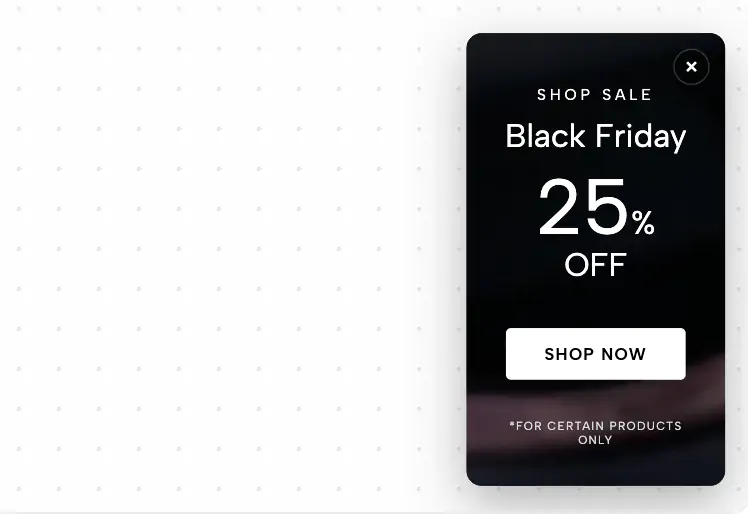
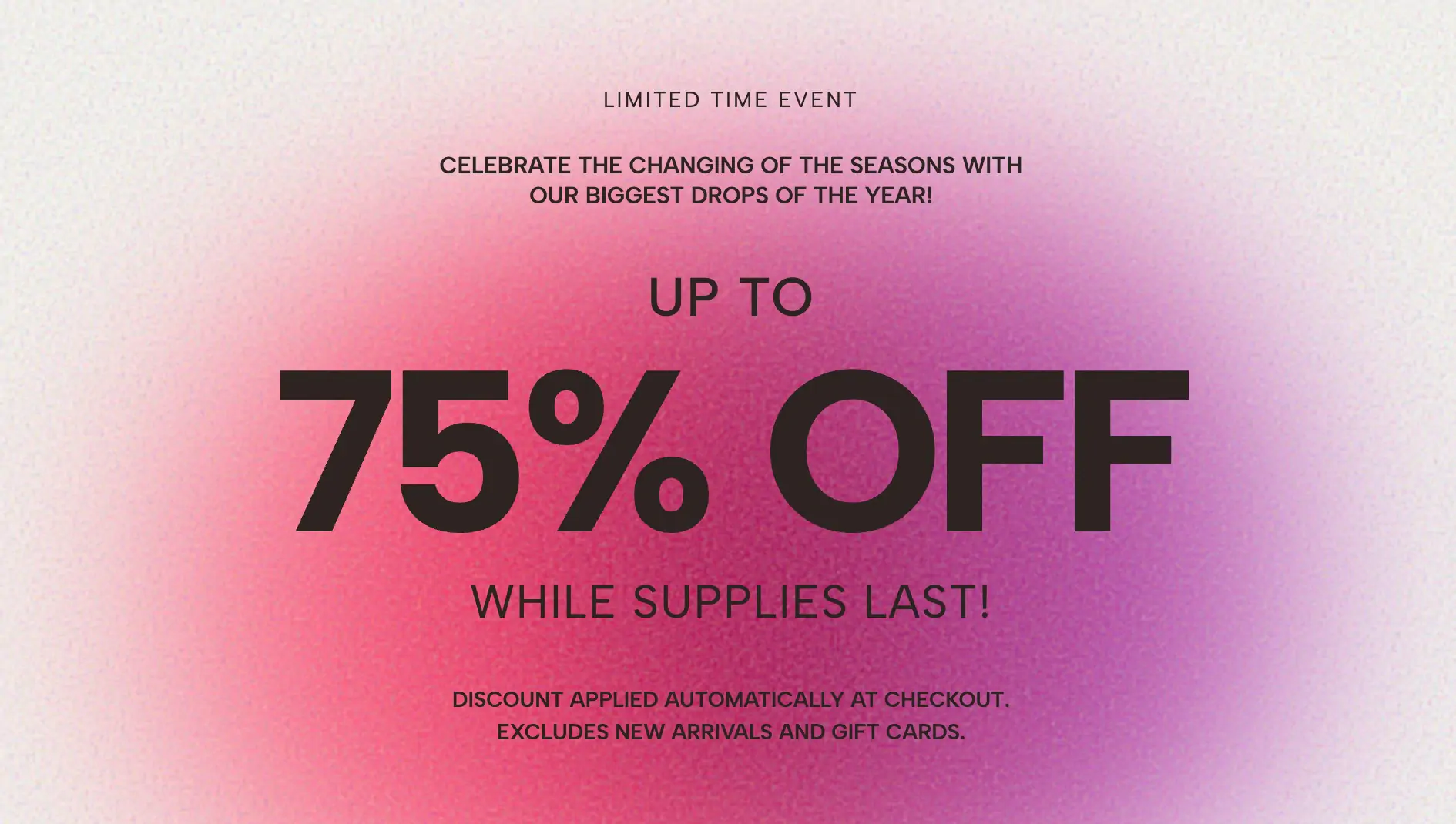
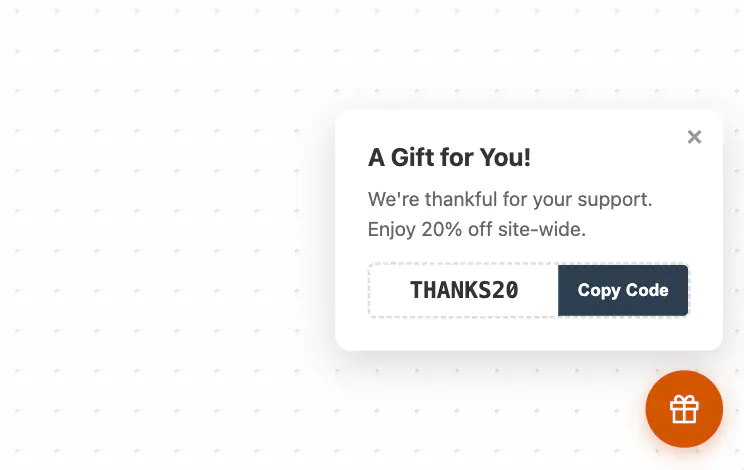
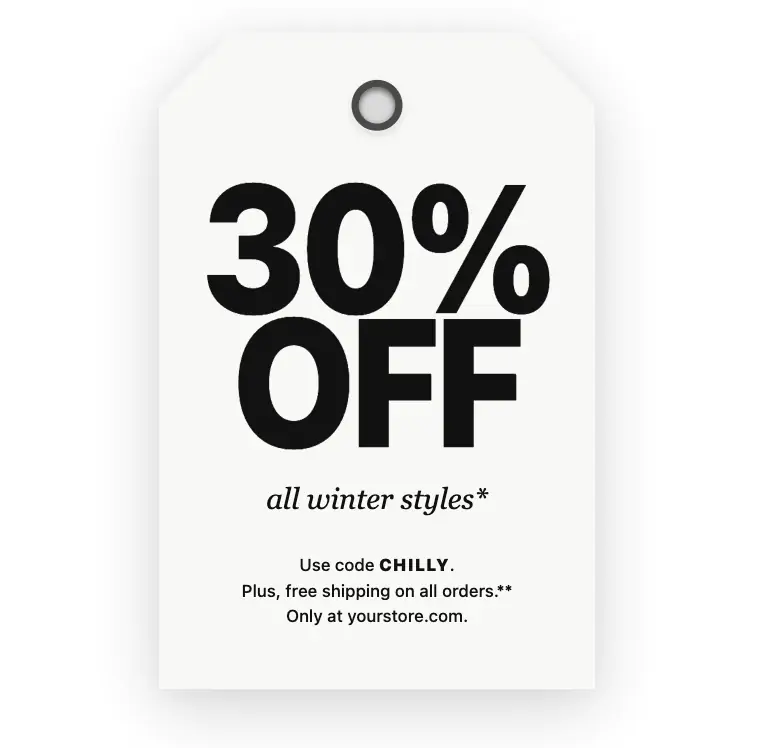
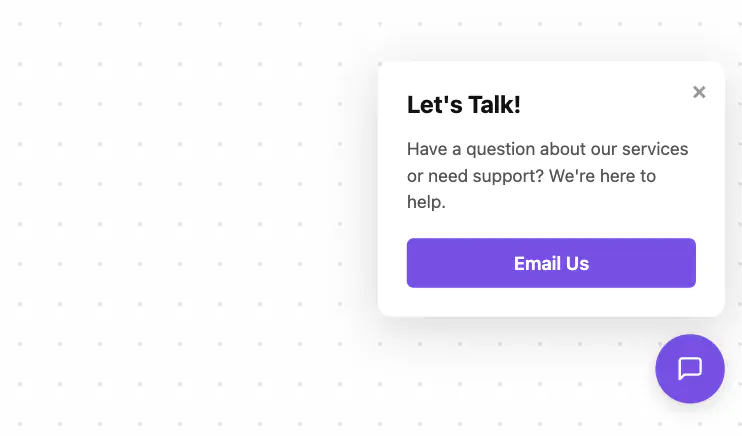
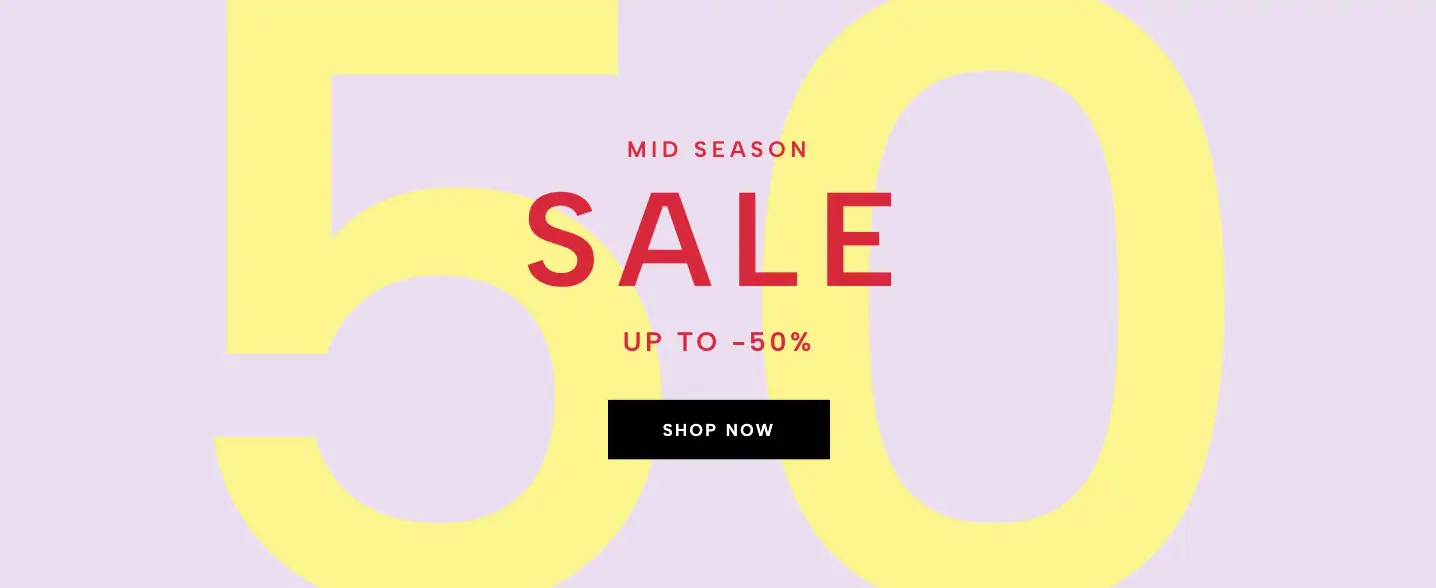
Are you looking for a highly effective way to grab your website visitors' attention without ruining their browsing experience? Intrusive, screen-blocking popups often lead to high bounce rates and can even trigger Google SEO penalties. Enter the Edge Announcement Bar Widget—a sleek, full-width sticky banner designed to deliver your most important messages, sales promotions, and site-wide alerts in a beautifully non-intrusive way.
The Edge Announcement Bar spans the entire width of the user's screen, creating a seamless, native-app aesthetic that feels like a natural extension of your website's header or footer. Out of the box, it features a highly legible rich-text message area, a prominent Call-to-Action (CTA) button (perfect for a "Shop Now" or "Learn More" link), and a subtle, text-based "Dismiss" button.
Because it is 100% customizable, you have total control over the visual hierarchy. Effortlessly adapt the background colors, text styling, and button designs to perfectly match your brand's unique identity. Whether you want a bold, high-contrast neon bar for a flash sale or a muted, elegant dark bar for a simple site notice, this widget adapts to your needs instantly.
This widget is precision-engineered for the absolute edges of the viewport. Using our intuitive customizer, you can lock the announcement bar to two highly effective locations:
The Top Edge (Top Bar): The panel slides smoothly down from the ceiling of the browser. It remains fixed at the very top of the screen as the user scrolls, ensuring your primary promotion is always visible.
The Bottom Edge (Bottom Bar): The panel glides up from the floor of the browser. This is an incredibly popular placement for mobile devices, as it sits right above the user's thumb for easy clicking without crowding the website's main navigation menu.
When a user clicks the "Dismiss" link, the bar gracefully animates out of view, returning the screen space to your main content.
The versatility of a sticky announcement bar makes it a must-have tool for any modern website:
E-Commerce Sales & Promos: Drive urgency during Black Friday, Cyber Monday, or seasonal clearances. Announce discount codes or advertise "Free Shipping on Orders Over $50" right at the top of your store.
GDPR & Cookie Consent Banners: Easily swap the promotional text to serve as a compliant, unintrusive cookie consent notice that links directly to your privacy policy.
Urgent Site-Wide Alerts: Running a service business? Use the edge bar to instantly notify clients about adjusted holiday hours, system maintenance, or shipping delays.
Lead Generation & Newsletters: Add a link to your latest webinar, podcast episode, or newsletter signup page to drive targeted traffic to your best content.
Bypasses Google’s Interstitial Penalty: Search engines actively penalize websites that use aggressive, screen-covering popups on mobile devices. The Edge Announcement Bar takes up a minimal percentage of the screen, ensuring you stay 100% compliant with Google’s Mobile-First UX guidelines.
Lightning Fast Performance: Unlike heavy WordPress plugins or bulky third-party marketing tools, this widget uses pure, vanilla HTML and CSS. It requires zero external libraries, meaning your page load speeds remain blazingly fast.
True Edge-to-Edge Responsiveness: We’ve built in advanced CSS flexbox logic that guarantees the bar will stretch perfectly across any screen size—from massive ultra-wide desktop monitors to the smallest mobile phone screens.
Builder Safe Mode: Export the code and paste it directly into Squarespace, WordPress, Elementor, Webflow, or Shopify. Our proprietary Builder Safe CSS ensures the widget will never interfere with your drag-and-drop page editors.
Elevate your site's marketing strategy without sacrificing usability. Use the Edge Announcement Bar Widget to keep your audience informed, boost your click-through rates, and drive real conversions today.
Bring this layout to life on your website in just a few clicks.

Edit Full-Width Edge Announcement Bar visually using the native Squarespace extension
First, ensure you have connected your website to the native Redesignee extension. Once connected, you have two easy ways to build:
Native Block: Simply add the native Redesignee Widget Block directly from the fluid engine editor menu inside Squarespace.
Manual Markdown: Add a standard Code Block, paste your widget’s code snippet, and the Redesignee floating "Customize" button will automatically appear right over the block.
Both methods let you tweak settings, copy items, and design visually in real time. Saving your changes syncs the updates instantly to your live page.
See Squarespace installation guide
Connect natively via Gutenberg or Elementor
Make sure you have the free Redesignee WordPress Plugin installed. To drop the Full-Width Edge Announcement Bar into Elementor, simply drag and drop the Redesignee widget from your sidebar. If you are using the Gutenberg Block Editor, click the " + " icon and select the Redesignee Block. Launch the Cloud Library directly inside your workspace, choose your customized template, and import it with a single click. It automatically inherits your theme fonts and styles!
WordPress plugin installation guide
Quick copy-and-paste for custom setups
If you are using Webflow, Shopify, Wix, or a custom HTML site, click the "Export Widget" button on this page and ensure the platform selector is set to "HTML". Click "Copy" to copy the clean, un-nested source code snippet directly to your clipboard. Paste this code into any HTML component, Code Block, or Embed tool inside your website builder. All styles, animations, and scripts are self-contained and ready to run.
This Full-Width Edge Announcement Bar widget is optimized and categorized inside the following layout packs:
Convert your product traffic effortlessly. Tweak tech-focused feature sections and pricing tables in our cloud library, grab the optimized code, and paste them directly into your layout.
Elevate your business site layouts instantly. Browse free and premium corporate modules from our cloud library, adjust elements visually, and copy-paste clean layouts straight to your page engine canvas.
Embrace pristine minimal structures. Tweak crisp whitespace templates visually inside our cloud canvas layout, copy the fast-rendering script output, and paste it straight onto your host site.
Deploy sleek, night-mode interfaces effortlessly. Browse dark-mode cards, dashboards, and deep contrast hero layouts from our cloud library, customize styles visually, and copy-paste clean code.
Grab your visitors' attention instantly. Browse our collection of native WordPress hero blocks, customize the typography and backgrounds visually, and copy the markup straight into your Gutenberg editor.
Boost your holiday revenue with engaging promo bars, countdown timers, and seasonal floating effects. Customize high-converting sales components and drop them straight into your live site.
Published:
Sep 08, 2026 08:36 AM
Category:
Tags: