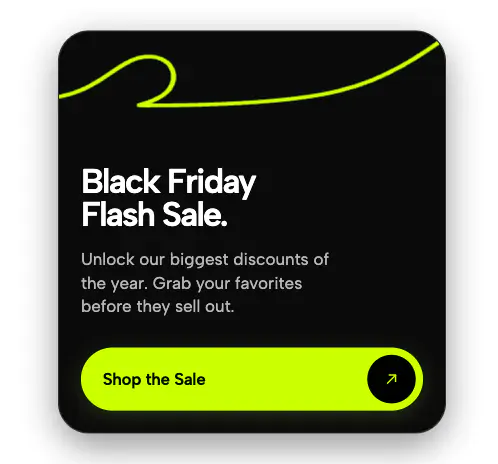
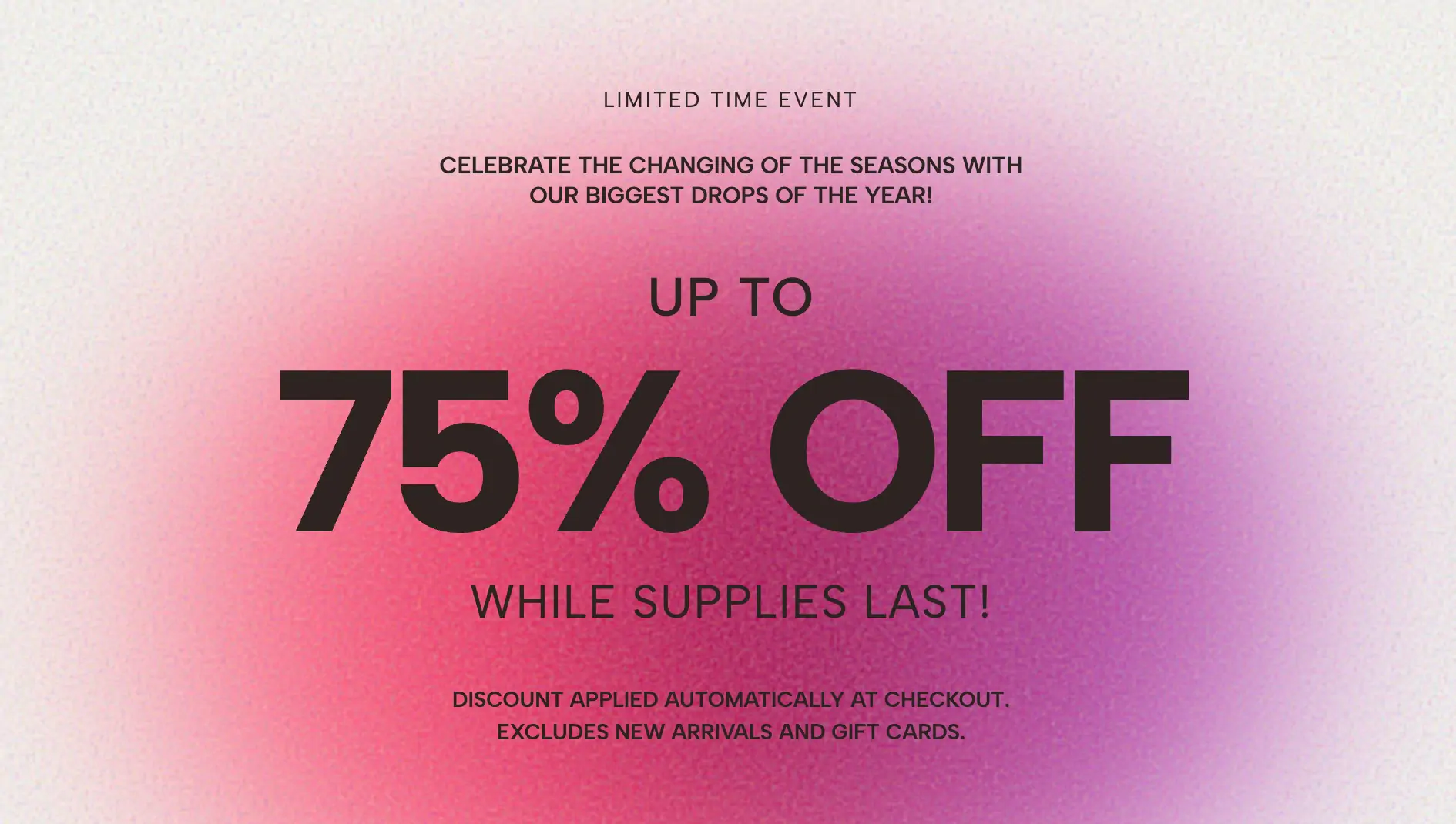
A striking editorial popover for Black Friday, featuring an infinitely flashing outlined background text, a central campaign portrait, and a vibrant overlapping sticker call-to-action.
When competing for attention during the most aggressive retail events of the year, standard modals easily fade into the background. The Black Friday Editorial Sticker Popover is a high-energy, brutalist promotional widget designed to shatter banner blindness. By combining aggressive typography, stark photography, and vibrant neon accents, this layout mimics the raw aesthetic of underground streetwear campaigns and physical wheatpaste posters.
This editorial sticker modal utilizes depth and intentional visual clashing to force the user to pay attention.
Flashing Typographic Background: The backdrop features massive, oversized discount text ("50%"). To create relentless visual energy, this text continuously alternates between a solid blush pink fill and a hollow, outlined stroke using a custom CSS keyframe animation.
Central Editorial Portrait: Anchoring the chaotic background is a clean, central campaign photograph. The widget automatically applies a high-contrast grayscale filter to your uploaded image, ensuring it seamlessly matches the aggressive, moody aesthetic of the layout.
Vibrant Sticker CTA: Overlapping the bottom right corner of the portrait is a bright, neon-yellow circular sticker. This raw, offset element features tightly packed, urgent typography ("HURRY! ENDS SUNDAY") and serves as a massive, unmissable call-to-action.
Structured Framing: Sharp, tracked-out text at the top and bottom of the popover frames the chaotic center, allowing you to clearly communicate secondary information like shipping incentives or event titles.
Despite its visually heavy, layered appearance, this flashing text widget is engineered for maximum performance and user safety.
Pure CSS Outlines: The alternating background text relies entirely on native -webkit-text-stroke and color transparency toggling. There are no GIF files or heavy background videos required, keeping your page load speed perfectly intact.
Tactile Sticker Interaction: The neon sticker isn't just a static graphic; it functions as the primary clickable button. When hovered, the sticker slightly scales up and rotates, providing a satisfying, physical interaction that drives click-throughs.
Crucial Accessibility Fallbacks: Because rapid flashing can be disruptive, the background animation is strictly governed by a prefers-reduced-motion media query. For users with motion sensitivities, the flashing instantly stops, permanently rendering one row as solid text and the other as an outlined stroke for a safe, static, and stylish fallback.
This layout is the ultimate streetwear discount popup and high-impact event driver. Deploy it as a center-screen site takeover for Black Friday blowouts, Cyber Monday final hours, or exclusive weekend streetwear drops where capturing a sense of raw, limited-time urgency is essential to your brand's conversion strategy.
Bring this layout to life on your website in just a few clicks.

Edit Black Friday Editorial Sticker Popover visually using the native Squarespace extension
First, ensure you have connected your website to the native Redesignee extension. Once connected, you have two easy ways to build:
Native Block: Simply add the native Redesignee Widget Block directly from the fluid engine editor menu inside Squarespace.
Manual Markdown: Add a standard Markdown Block, paste your widget’s code snippet, and the Redesignee floating "Customize" button will automatically appear right over the block.
Both methods let you tweak settings, copy items, and design visually in real time. Saving your changes syncs the updates instantly to your live page.
See Squarespace installation guide
Connect natively via Gutenberg or Elementor
Make sure you have the free Redesignee WordPress Plugin installed. To drop the Black Friday Editorial Sticker Popover into Elementor, simply drag and drop the Redesignee widget from your sidebar. If you are using the Gutenberg Block Editor, click the " + " icon and select the Redesignee Block. Launch the Cloud Library directly inside your workspace, choose your customized template, and import it with a single click. It automatically inherits your theme fonts and styles!
WordPress plugin installation guide
Quick copy-and-paste for custom setups
If you are using Webflow, Shopify, Wix, or a custom HTML site, click the "Export Widget" button on this page and ensure the platform selector is set to "HTML". Click "Copy" to copy the clean, un-nested source code snippet directly to your clipboard. Paste this code into any HTML component, Code Block, or Embed tool inside your website builder. All styles, animations, and scripts are self-contained and ready to run.
This Black Friday Editorial Sticker Popover widget is optimized and categorized inside the following layout packs:
Scale your studio production in record time. Access professional agency sections from our cloud workspace, tweak them visually, and drop clean, native elements straight into your client builds.
Make an unmissable statement. Customize high-impact typography elements, brutalist layouts, and high-contrast sections from our cloud repository to craft layouts that refuse to be ignored.
Deploy sleek, night-mode interfaces effortlessly. Browse dark-mode cards, dashboards, and deep contrast hero layouts from our cloud library, customize styles visually, and copy-paste clean code.
Bring asymmetric, magazine-style aesthetics to your web project canvas. Browse editorial grids and refined typography elements from our cloud repository and copy-paste clean code rows.
Make your layouts stand out instantly. Tweak advanced visual elements inside our cloud design workspace, copy the lightweight framework strings, and drop them seamlessly onto your canvas.
Published:
Sep 23, 2026 03:59 AM
Category:
Tags: