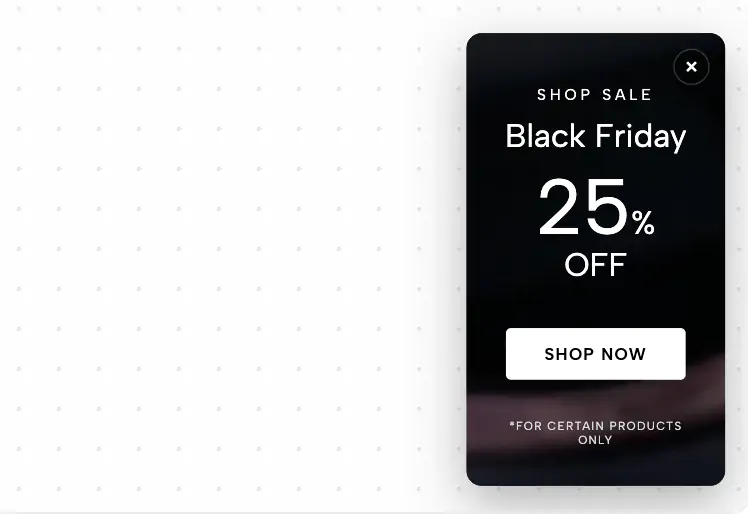
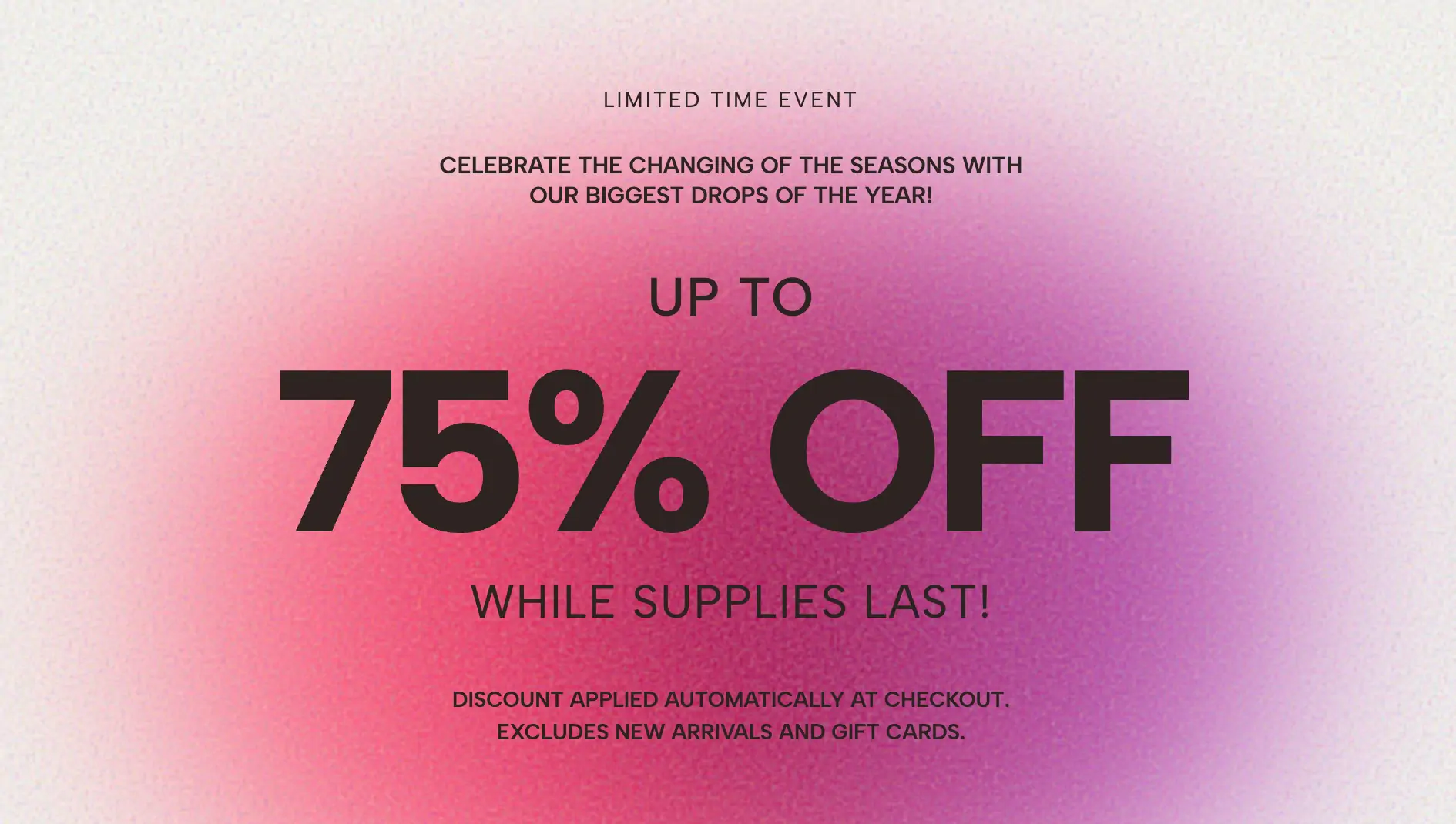
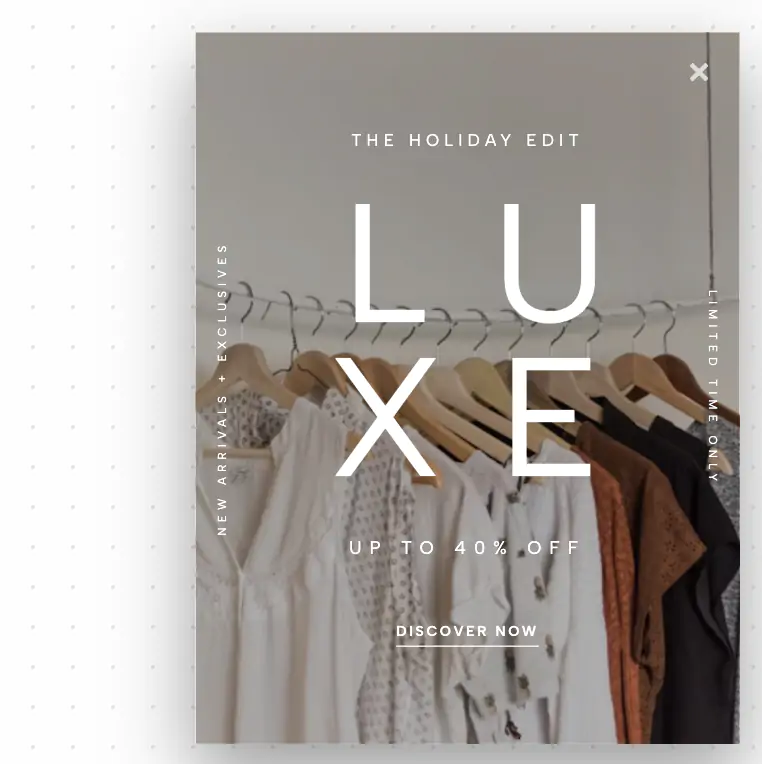
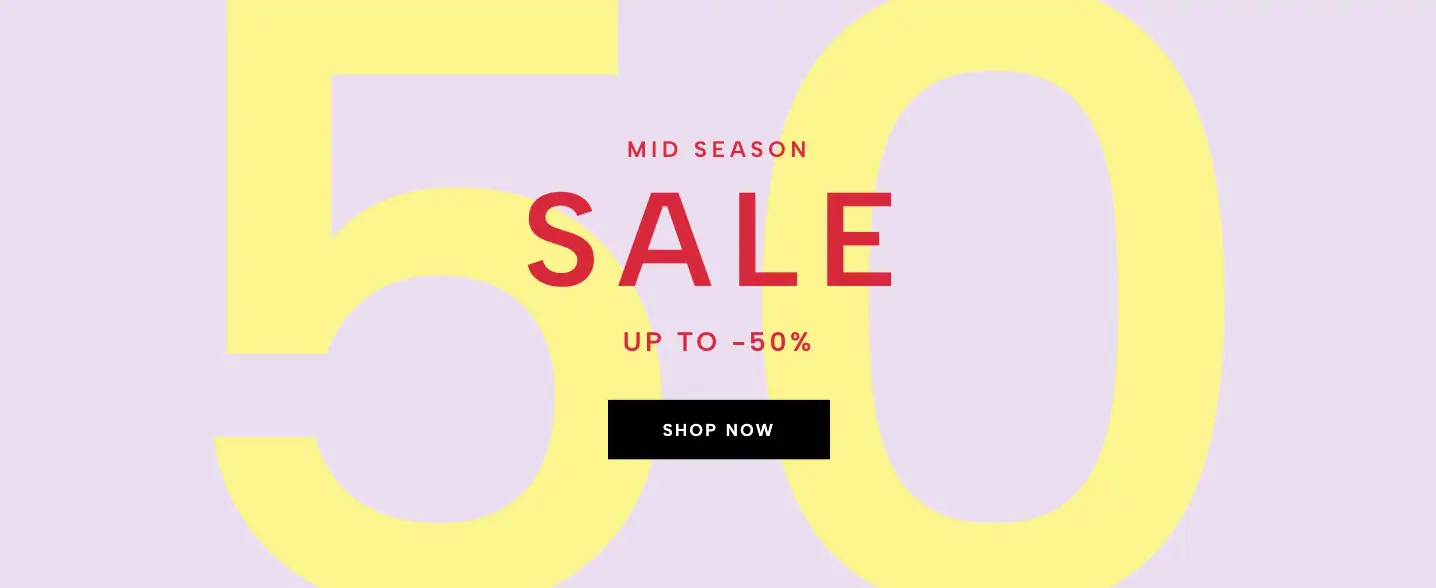
A high-fashion, editorial 4x4 grid layout featuring repeated typography interwoven with uploadable campaign images. Features a transparent background and brutalist scaling.
Standard text banners often fail to capture the edgy, sophisticated aesthetic demanded by high-fashion apparel, streetwear, or luxury brands. The Editorial Grid Sale Reveal widget changes that by introducing a bold, repeated typographical pattern interwoven with striking campaign photography. This interactive editorial sale grid turns passive browsing into an engaging visual exploration, driving higher click-through rates and boosting conversion through premium visual hierarchy.
This high-fashion promotional widget leverages extreme visual contrast and strict geometry to command user attention immediately.
Brutalist 4x4 Grid: The entire widget is structured as a mathematically precise 4x4 grid. The word "SALE" (or any customizable 4-letter phrase) is stacked vertically across four rows[cite: 14]. This creates a hypnotic, repeated typographical pattern that establishes a strong visual rhythm on your page.
Interwoven Image Revelations: In an ingenious design move inspired by luxury print lookbooks, three square campaign images are interwoven into the grid. Following the reference image's layout, the photographs systematically replace the 'L', 'A', and 'S' in the second, third, and fourth rows respectively[cite: 14]. This interaction draws the eye instantly to your product while clearly communicating the promotion.
Pure Transparency and Blend: Unlike clunky, boxed banners, this brutalist sale layout features a completely transparent background. This allows your website's existing context—whether it's a moody background gradient or a product video—to seamlessly blend through the gaps in the grid, making the widget feel like a bespoke part of your overarching theme.
Creating a complex, overlapping grid usually requires multiple stacked elements or slow-loading background video files. This widget achieves the same high-end look using pure, optimized CSS.
Zero-Image Typography: The massive letters are not images; they are native CSS text elements. This guarantees your Shopify fashion widget loads instantly, remains razor-sharp on high-resolution Retina displays, and adds virtually zero bandwidth penalty to your page load flow.
Smart Interactive Zoom: To increase engagement and encourage interaction, a subtle CSS zoom animation is applied to the image cells. When a user hovers over any photograph, the image expands slightly within its cell, providing a satisfying, tactile feel that draws users deeper into the conversion funnel.
Full Customizer Integration: Despite its sophisticated appearance, every single element is fully editable within Redesignee. Both the giant foreground text color (defaulted to deep, dark #1a1a1a) and the background images can be changed instantly in the Customizer without writing a line of code.
This layout is the ultimate engagement booster for high-end retail. Place it dead center in your homepage hero banner to announce a major seasonal collection drop. Nest it onto cart recovery landing pages to create a final, premium incentive to purchase. The bold visual structure immediately stops the scroll and turns passive browsing into active clicking, making it perfect for driving traffic during Black Friday/Cyber Monday blowouts or exclusive "members only" sales.
Bring this layout to life on your website in just a few clicks.

Edit Editorial Grid Sale Reveal visually using the native Squarespace extension
First, ensure you have connected your website to the native Redesignee extension. Once connected, you have two easy ways to build:
Native Block: Simply add the native Redesignee Widget Block directly from the fluid engine editor menu inside Squarespace.
Manual Markdown: Add a standard Code Block, paste your widget’s code snippet, and the Redesignee floating "Customize" button will automatically appear right over the block.
Both methods let you tweak settings, copy items, and design visually in real time. Saving your changes syncs the updates instantly to your live page.
See Squarespace installation guide
Connect natively via Gutenberg or Elementor
Make sure you have the free Redesignee WordPress Plugin installed. To drop the Editorial Grid Sale Reveal into Elementor, simply drag and drop the Redesignee widget from your sidebar. If you are using the Gutenberg Block Editor, click the " + " icon and select the Redesignee Block. Launch the Cloud Library directly inside your workspace, choose your customized template, and import it with a single click. It automatically inherits your theme fonts and styles!
WordPress plugin installation guide
Quick copy-and-paste for custom setups
If you are using Webflow, Shopify, Wix, or a custom HTML site, click the "Export Widget" button on this page and ensure the platform selector is set to "HTML". Click "Copy" to copy the clean, un-nested source code snippet directly to your clipboard. Paste this code into any HTML component, Code Block, or Embed tool inside your website builder. All styles, animations, and scripts are self-contained and ready to run.
This Editorial Grid Sale Reveal widget is optimized and categorized inside the following layout packs:
Embrace pristine minimal structures. Tweak crisp whitespace templates visually inside our cloud canvas layout, copy the fast-rendering script output, and paste it straight onto your host site.
Make an unmissable statement. Customize high-impact typography elements, brutalist layouts, and high-contrast sections from our cloud repository to craft layouts that refuse to be ignored.
Bring asymmetric, magazine-style aesthetics to your web project canvas. Browse editorial grids and refined typography elements from our cloud repository and copy-paste clean code rows.
Boost your holiday revenue with engaging promo bars, countdown timers, and seasonal floating effects. Customize high-converting sales components and drop them straight into your live site.