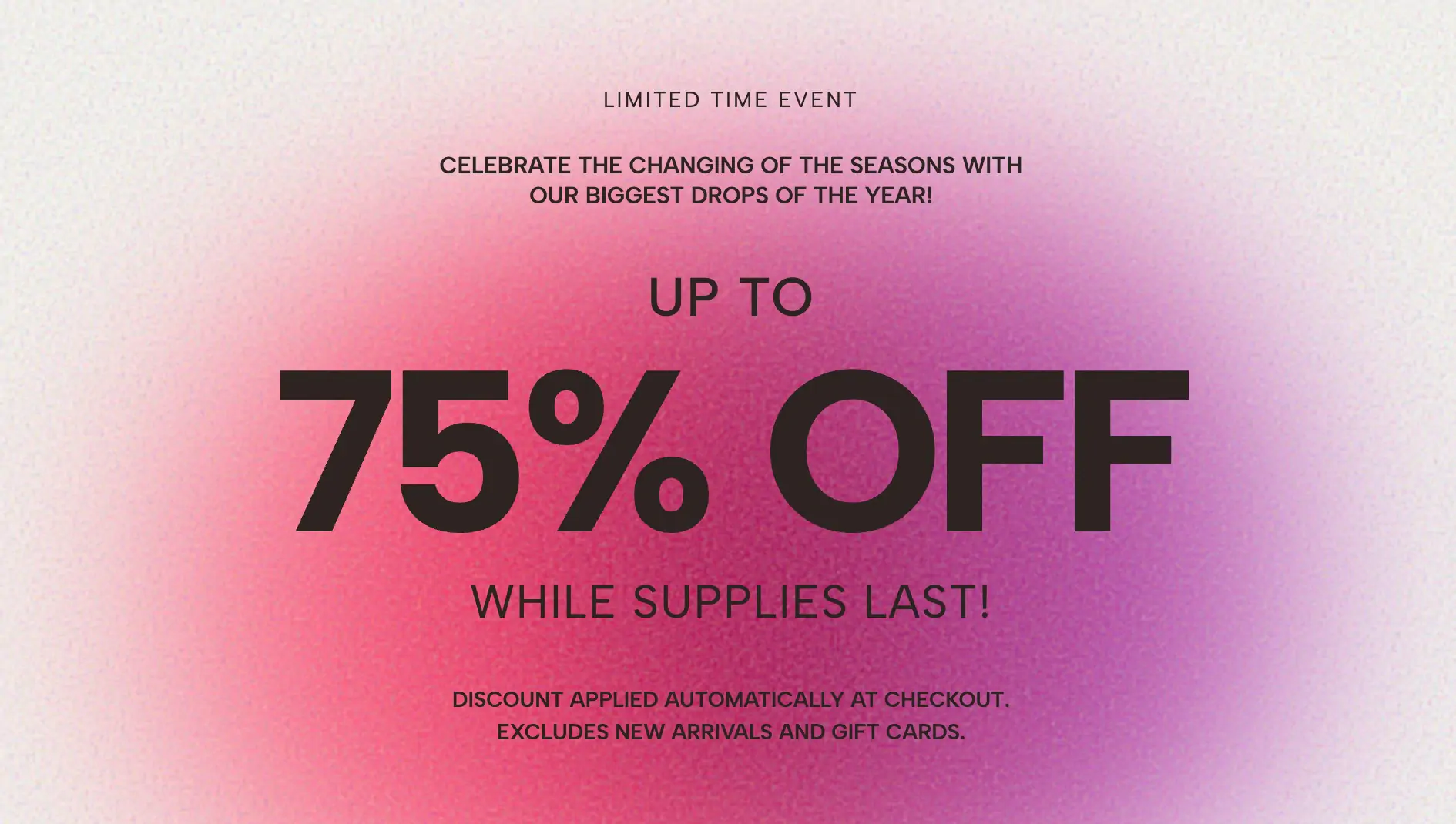
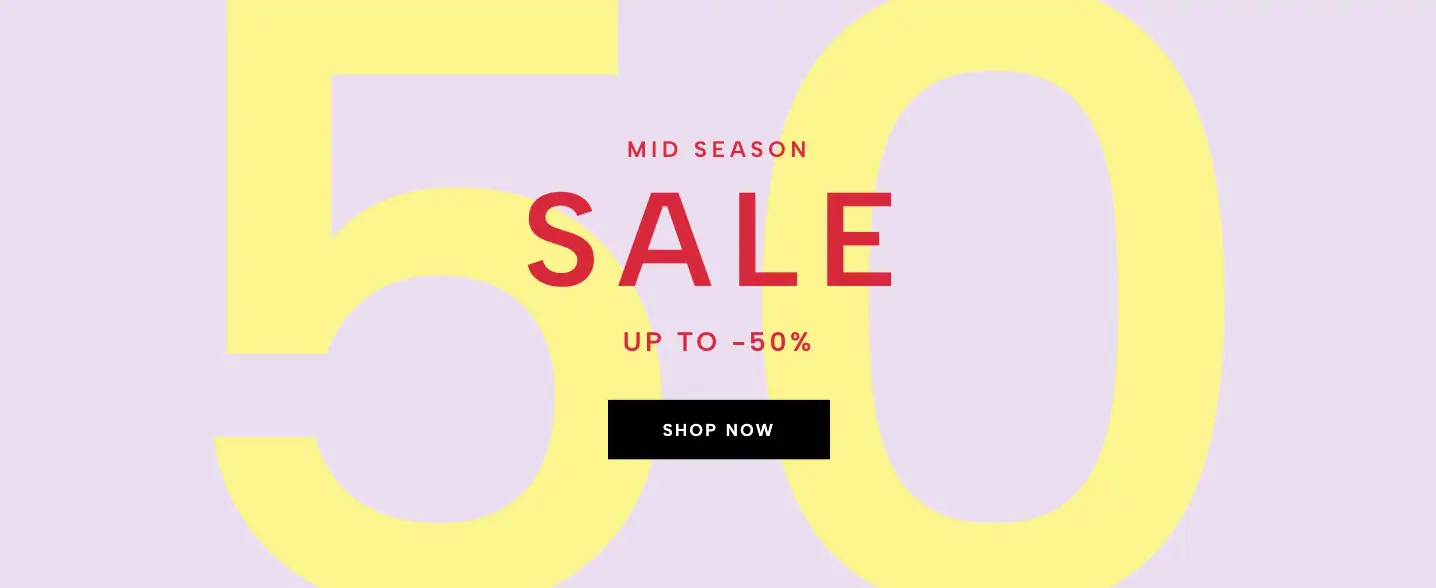
An elegant, editorial-style hero banner featuring a mix of serif and sans-serif typography, layered over a massive, faint background marquee that scrolls infinitely.
E-commerce brands often face a difficult design challenge during major promotional seasons: how do you advertise a massive discount without compromising your brand's high-end, luxury aesthetic? The Editorial Marquee Hero is the perfect solution. It bridges the gap between high-urgency sales and premium web design, featuring a mesmerizing, infinitely scrolling background layered beneath delicate, magazine-style foreground typography.
This widget relies on a sophisticated sense of depth and contrast to captivate your store's visitors without shouting at them.
The Layered Background: The canvas is filled with three rows of massive, faint typography (e.g., "SALE"). Because the text color is set to slightly contrast with the background color, it creates a subtle, watermark-like texture rather than an overwhelming neon sign.
Hypnotic Motion: To create a dynamic visual experience, the top and bottom text rows scroll smoothly to the left, while the middle row scrolls in reverse to the right. This opposing motion creates a beautiful, frictionless rhythm.
Editorial Foreground: Anchoring the widget is the centered foreground content. By mixing italicized serif text (perfect for elegant "eyebrow" intros and footers) with stark, bold sans-serif headlines, the banner mimics the refined layout of a high-fashion editorial magazine spread.
Beneath the minimalist aesthetic is a robust, dynamic engine designed to keep the widget looking perfect on any device.
Auto-Calculating Infinite Scroll: You don't have to worry about the background text breaking or leaving empty white spaces. The widget includes an intelligent, lightweight script that measures the width of your screen and perfectly duplicates your background text just enough times to create a flawless, infinite loop.
Live Text Synchronization: The three background marquee strips are fully editable in the customizer. Simply type in a new promotional phrase (like "SALE" or "HOLIDAY DEALS"), and the script instantly recalculates and updates the entire background layer in real-time.
Universal Font Inheritance: All foreground text is coded to inherit your website's global font settings automatically, ensuring the widget blends seamlessly into your existing theme the second you install it.
Because of its refined aesthetic, this banner is an exceptionally powerful conversion tool for boutique fashion stores, jewelry brands, cosmetic lines, and luxury lifestyle websites.
Primary Homepage Hero: Place it at the very top of your site to announce a "Semi-Annual Sale" or a major seasonal wardrobe event.
Lookbook Break: Drop it halfway down a long, image-heavy product collection page. The sudden introduction of horizontal motion will break up the grid and re-engage scrolling shoppers.
Footer Call-to-Action: Use it at the bottom of your site as a final, elegant reminder for visitors to check out your clearance section before they leave.
Bring this layout to life on your website in just a few clicks.

Edit Editorial Marquee Hero visually using the native Squarespace extension
First, ensure you have connected your website to the native Redesignee extension. Once connected, you have two easy ways to build:
Native Block: Simply add the native Redesignee Widget Block directly from the fluid engine editor menu inside Squarespace.
Manual Markdown: Add a standard Code Block, paste your widget’s code snippet, and the Redesignee floating "Customize" button will automatically appear right over the block.
Both methods let you tweak settings, copy items, and design visually in real time. Saving your changes syncs the updates instantly to your live page.
See Squarespace installation guide
Connect natively via Gutenberg or Elementor
Make sure you have the free Redesignee WordPress Plugin installed. To drop the Editorial Marquee Hero into Elementor, simply drag and drop the Redesignee widget from your sidebar. If you are using the Gutenberg Block Editor, click the " + " icon and select the Redesignee Block. Launch the Cloud Library directly inside your workspace, choose your customized template, and import it with a single click. It automatically inherits your theme fonts and styles!
WordPress plugin installation guide
Quick copy-and-paste for custom setups
If you are using Webflow, Shopify, Wix, or a custom HTML site, click the "Export Widget" button on this page and ensure the platform selector is set to "HTML". Click "Copy" to copy the clean, un-nested source code snippet directly to your clipboard. Paste this code into any HTML component, Code Block, or Embed tool inside your website builder. All styles, animations, and scripts are self-contained and ready to run.
This Editorial Marquee Hero widget is optimized and categorized inside the following layout packs:
Embrace pristine minimal structures. Tweak crisp whitespace templates visually inside our cloud canvas layout, copy the fast-rendering script output, and paste it straight onto your host site.
Bring asymmetric, magazine-style aesthetics to your web project canvas. Browse editorial grids and refined typography elements from our cloud repository and copy-paste clean code rows.
Grab your visitors' attention instantly. Browse our collection of native WordPress hero blocks, customize the typography and backgrounds visually, and copy the markup straight into your Gutenberg editor.
Launch stunning landing pages faster. Explore fully responsive Elementor hero sections with advanced layouts, tweak the design in our cloud library, and drop them seamlessly into your page builder.
Boost your holiday revenue with engaging promo bars, countdown timers, and seasonal floating effects. Customize high-converting sales components and drop them straight into your live site.