A high-fashion, editorial hero section featuring a central editable image overlaid with text, surrounded by a massive, infinitely scrolling typography marquee background.
When you are promoting premium apparel, streetwear, or lifestyle products, a standard text banner often fails to capture the brand's aesthetic. You need an immersive, magazine-style layout that balances bold promotions with striking photography. The Editorial Marquee Image Hero brings a runway-ready, high-fashion aesthetic directly to your storefront, blending aggressive typography with your best campaign imagery.
This editorial hero section utilizes extreme scale and contrasting layers to create a highly sophisticated visual hierarchy.
Alternating Typography Marquee: The background features a massive, infinitely scrolling typography marquee that alternates row-by-row between a solid fill and a transparent, outlined stroke. This creates a deeply textured, dynamic wallpaper that feels energetic but not overwhelming.
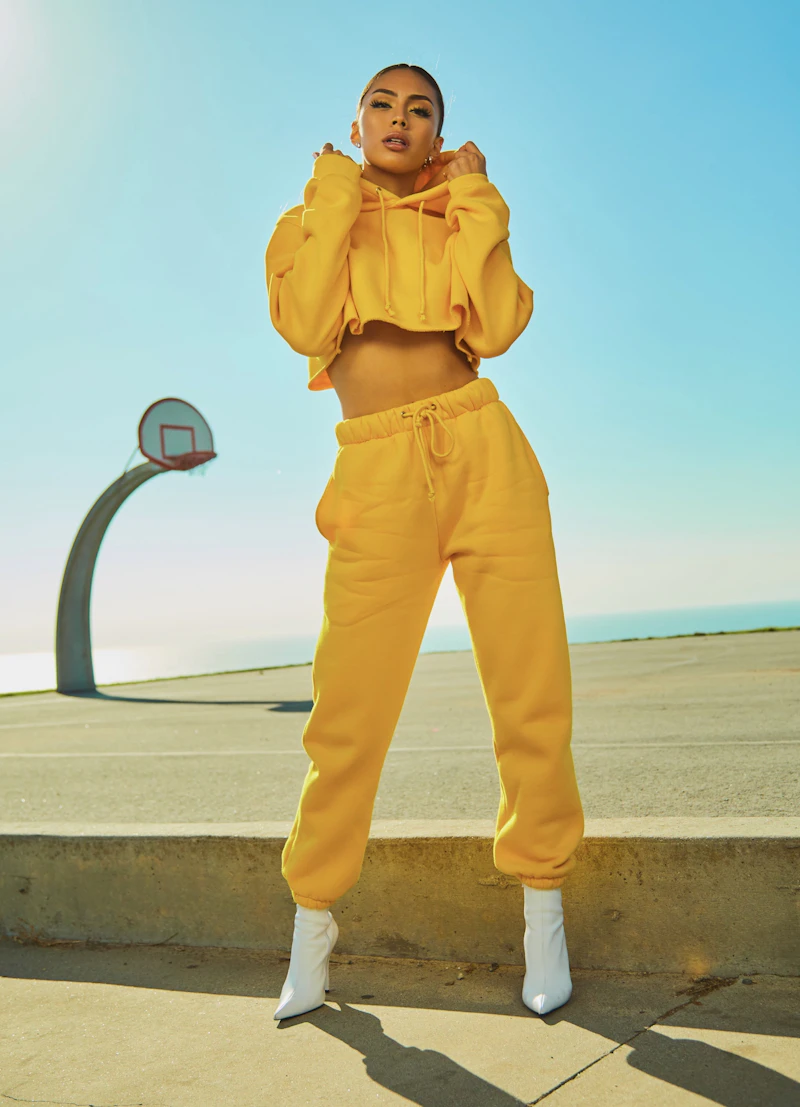
Central Lookbook Canvas: A central, square image card acts as the focal point, allowing you to upload a striking campaign photograph. A subtle CSS gradient overlay ensures that the image looks moody and premium while keeping the foreground text perfectly legible.
Editorial Text Overlay: Clean, centered text overlays the image—such as "50% OFF EVERYTHING"—providing a direct, magazine-style call to action. Below the card, a stark, spaced-out brand title grounds the layout, utilizing mix-blend-mode for a modern, brutalist touch.
Creating an edge-to-edge scrolling background with an overlapping image usually requires heavy, slow-loading video files. This Shopify image marquee widget achieves the exact same effect with zero bloat.
Zero-Image Outlines: The outlined background text does not rely on transparent PNGs or SVGs. It utilizes native CSS -webkit-text-stroke, ensuring the massive letters are razor-sharp on high-resolution Retina displays and cost virtually zero bandwidth to load.
Smart Auto-Cloning: You only need to type your background message (e.g., "50%") once. The widget's lightweight script automatically calculates the user's screen width and clones the text just enough times to create a flawless infinite loop, whether they are on a mobile phone or a 4K monitor.
Accessible Motion: The scrolling marquee runs on hardware-accelerated CSS keyframes for a buttery-smooth 60fps experience, but it instantly pauses for users with system-level prefers-reduced-motion settings enabled, respecting accessibility standards.
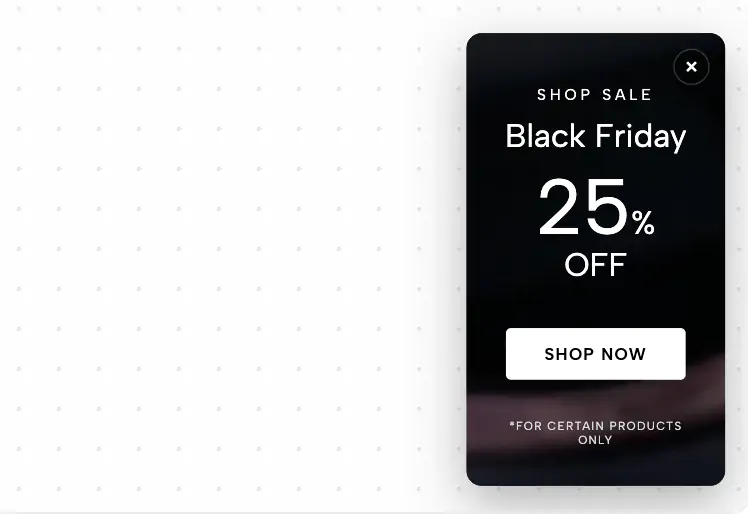
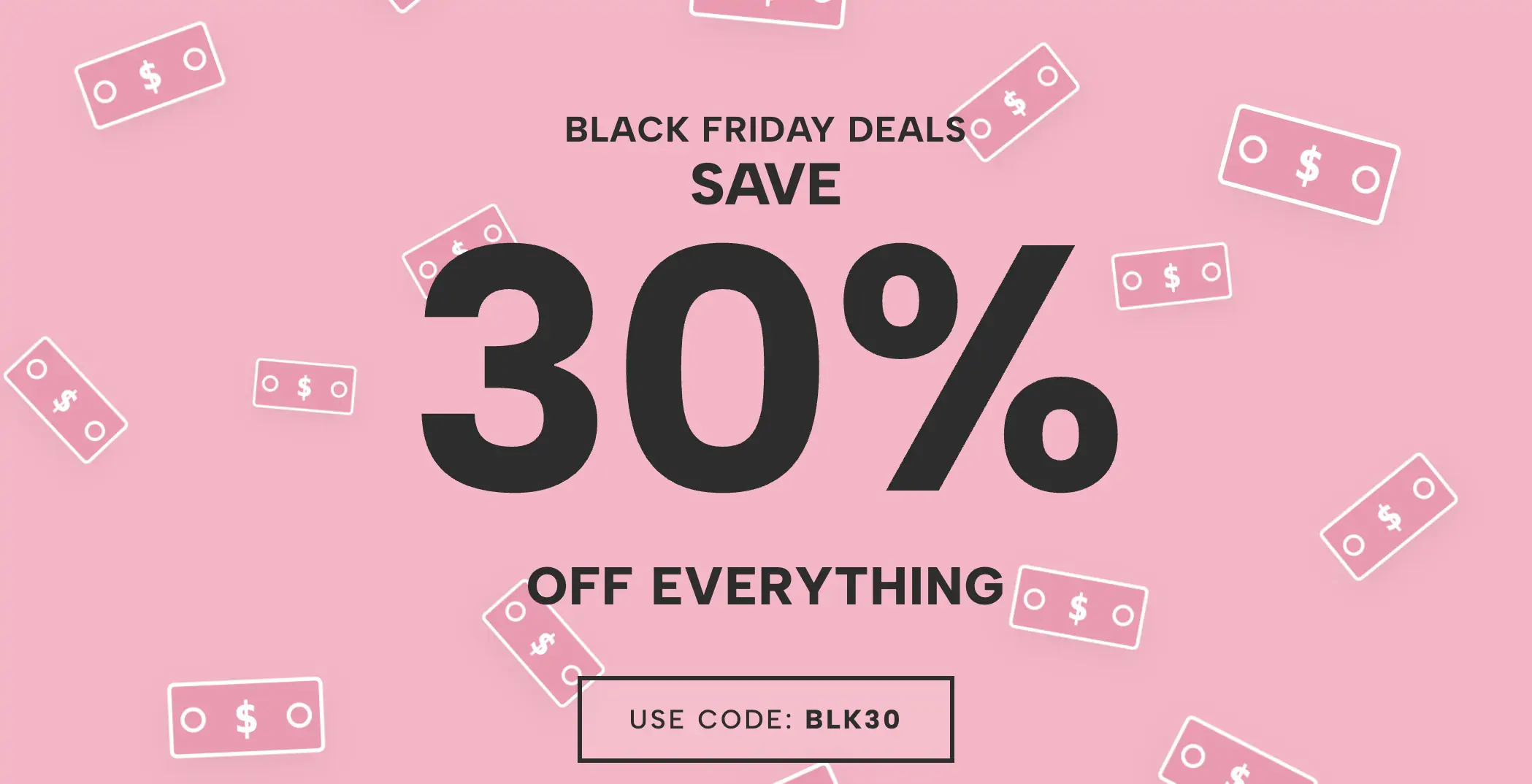
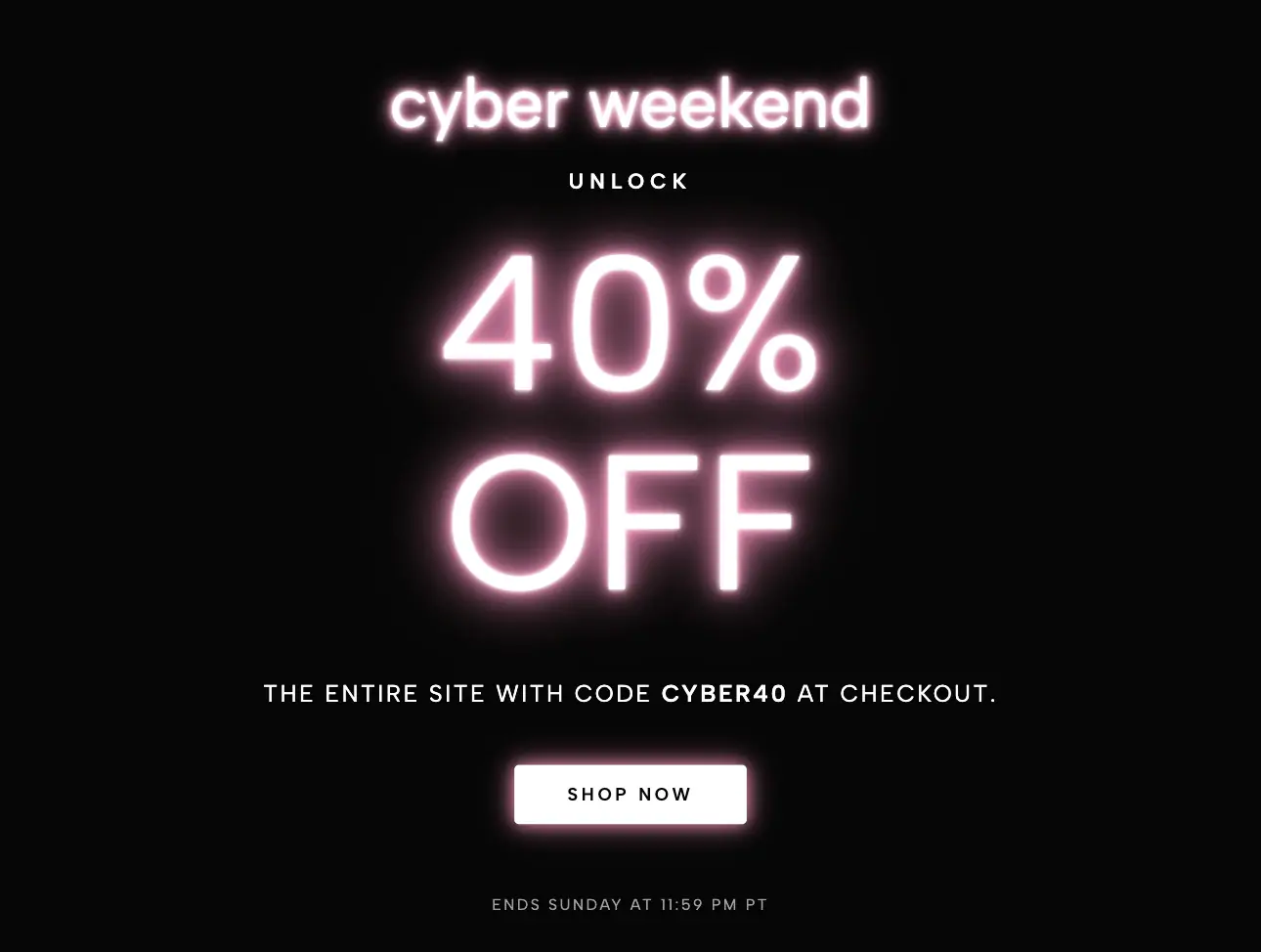
This layout is the ultimate fashion sale banner. Deploy it for high-end seasonal lookbooks, exclusive apparel collection drops, or massive Black Friday/Cyber Monday site takeovers where maintaining a chic, premium visual identity is just as important as the discount itself.
Bring this layout to life on your website in just a few clicks.

Edit Editorial Marquee Image Hero visually using the native Squarespace extension
First, ensure you have connected your website to the native Redesignee extension. Once connected, you have two easy ways to build:
Native Block: Simply add the native Redesignee Widget Block directly from the fluid engine editor menu inside Squarespace.
Manual Markdown: Add a standard Code Block, paste your widget’s code snippet, and the Redesignee floating "Customize" button will automatically appear right over the block.
Both methods let you tweak settings, copy items, and design visually in real time. Saving your changes syncs the updates instantly to your live page.
See Squarespace installation guide
Connect natively via Gutenberg or Elementor
Make sure you have the free Redesignee WordPress Plugin installed. To drop the Editorial Marquee Image Hero into Elementor, simply drag and drop the Redesignee widget from your sidebar. If you are using the Gutenberg Block Editor, click the " + " icon and select the Redesignee Block. Launch the Cloud Library directly inside your workspace, choose your customized template, and import it with a single click. It automatically inherits your theme fonts and styles!
WordPress plugin installation guide
Quick copy-and-paste for custom setups
If you are using Webflow, Shopify, Wix, or a custom HTML site, click the "Export Widget" button on this page and ensure the platform selector is set to "HTML". Click "Copy" to copy the clean, un-nested source code snippet directly to your clipboard. Paste this code into any HTML component, Code Block, or Embed tool inside your website builder. All styles, animations, and scripts are self-contained and ready to run.
This Editorial Marquee Image Hero widget is optimized and categorized inside the following layout packs:
Deploy sleek, night-mode interfaces effortlessly. Browse dark-mode cards, dashboards, and deep contrast hero layouts from our cloud library, customize styles visually, and copy-paste clean code.
Bring asymmetric, magazine-style aesthetics to your web project canvas. Browse editorial grids and refined typography elements from our cloud repository and copy-paste clean code rows.
Make your layouts stand out instantly. Tweak advanced visual elements inside our cloud design workspace, copy the lightweight framework strings, and drop them seamlessly onto your canvas.
Grab your visitors' attention instantly. Browse our collection of native WordPress hero blocks, customize the typography and backgrounds visually, and copy the markup straight into your Gutenberg editor.
Launch stunning landing pages faster. Explore fully responsive Elementor hero sections with advanced layouts, tweak the design in our cloud library, and drop them seamlessly into your page builder.
Boost your holiday revenue with engaging promo bars, countdown timers, and seasonal floating effects. Customize high-converting sales components and drop them straight into your live site.