
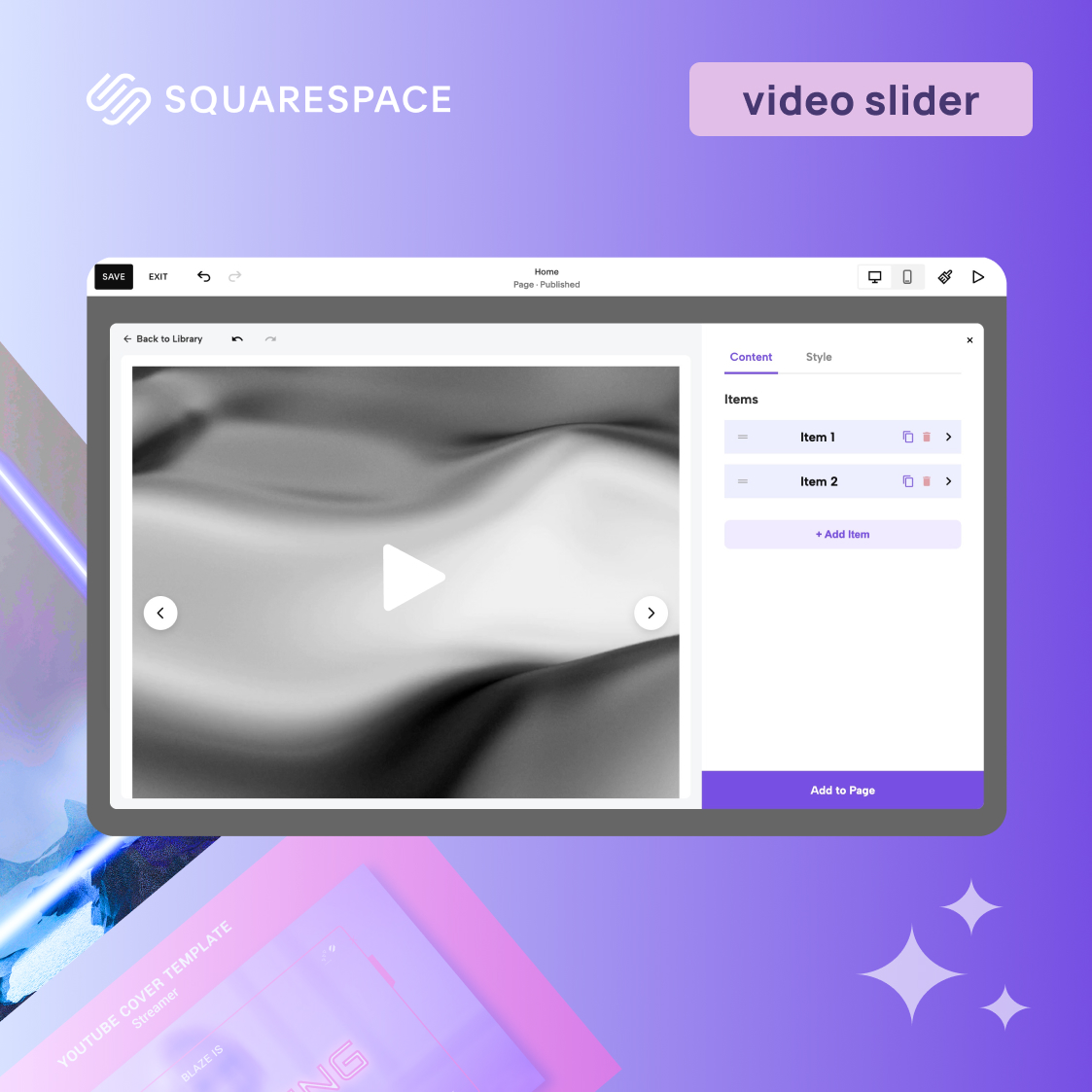
Building a dynamic, visually engaging website often requires movement, but if you have ever tried to set up a Squarespace 7.1 video gallery, you already know the struggle. Squarespace’s native gallery blocks are primarily built for static images. When designers try to force video files into them, they are met with broken layouts, heavy letterboxing, or restrictive aspect ratios that ruin the aesthetic.
Historically, fixing this in Squarespace required either writing complex custom CSS and JavaScript or paying an expensive monthly subscription for a heavy third-party code injection.
Fortunately, you can completely bypass these platform limitations. Using a no-code video slider allows you to drop a professional, fully responsive video carousel directly onto your page in seconds. Here is how to do it using a tool that is fast, lightweight, and completely natively integrated with Fluid Engine.
The Ultimate Free Video Carousel Solution
If you want to seamlessly add video banner slider capabilities to your site without hiring a Squarespace developer, the Responsive Video Slider by Redesignee is the perfect fit. It operates exactly like a native platform element but carries none of the native restrictions.
It is designed to be the definitive Squarespace video slider free of charge, eliminating the need to compromise your design vision or your budget.
Core Features That Set It Apart
As the leading video carousel plugin for Squarespace, this widget provides several distinct advantages over native blocks:
- Fluid Engine Ready (No Black Bars): Say goodbye to awkward video block padding. When you set your custom max-width and min-height, the videos automatically adapt to beautifully fill their container, making it ideal for edge-to-edge banners in Fluid Engine layouts.
- Smart Auto-Pause Logic: There is nothing worse than two videos playing audio over each other. This slider features built-in logic that instantly pauses the outgoing video the moment a user navigates to the next slide.
- Cinematic Crossfade Transitions: Instead of a jarring, blocky snap between slides, this widget utilizes smooth, CSS-powered opacity crossfades. It delivers the premium feel of a high-end custom site without the heavy processing load.
- Zero Coding Required: You do not need to know a single line of CSS or JavaScript to get this running perfectly. It works visually right inside your Squarespace editor.
Step-by-Step: Adding the Slider to Your Squarespace Site
Setting up this widget takes less than a minute and requires zero technical configuration.
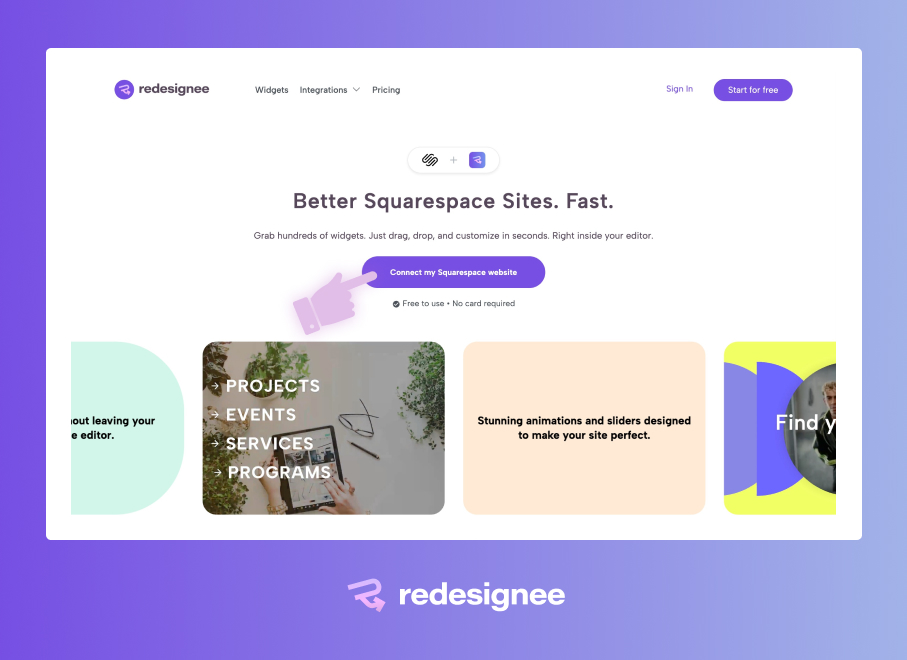
1. Connect the Extension: Install the free Redesignee extension to your Squarespace website.
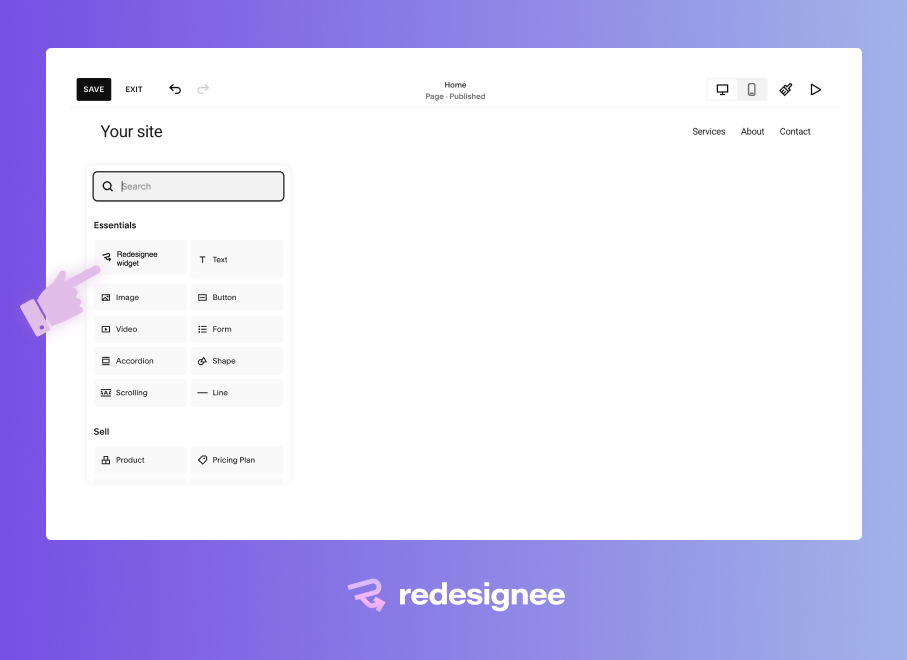
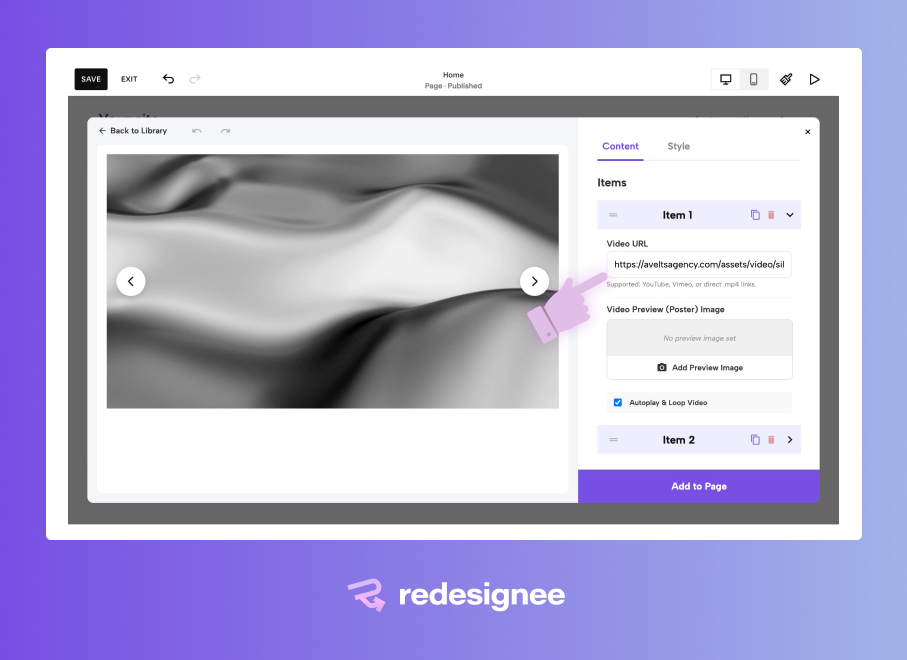
2. Drop in the Widget: Open your Squarespace page editor, add a "Redesignee widget" block anywhere in your Fluid Engine grid, and select the Responsive Video Slider from the library.
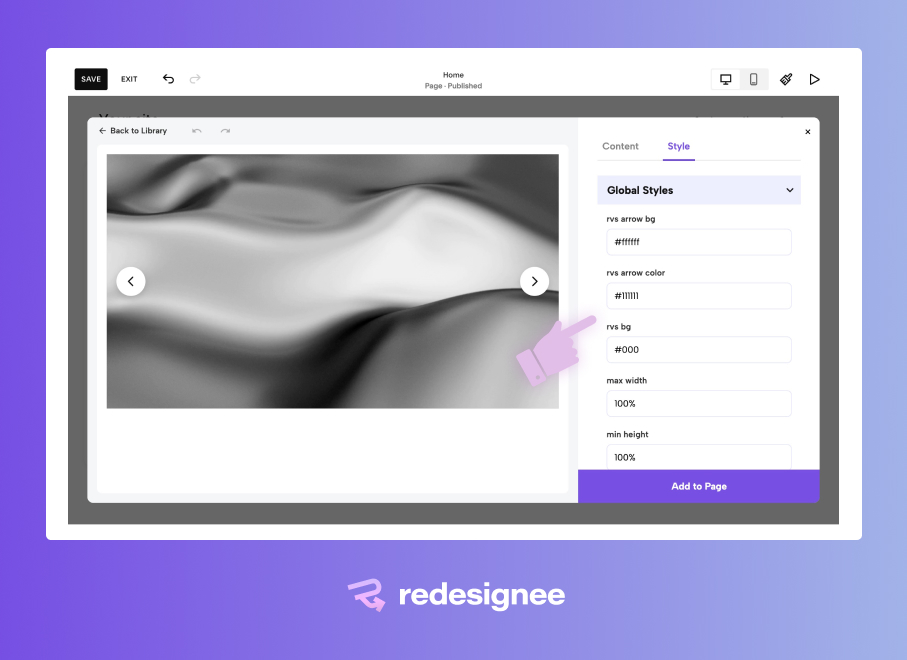
3. Configure Your Dimensions: Set the max-width (e.g., 100% for full bleed) and your desired minimum height to ensure it fits your specific layout.
4. Link Your Videos: Swap out the placeholder URLs with your own .mp4 files, YouTube links, or Vimeo embeds.
Beyond Video: The Power of the Redesignee Ecosystem
Fixing your video layouts is just the beginning. By connecting Redesignee to your Squarespace site, you are not just getting a single slider—you are unlocking an entire ecosystem of premium design components.
When you install the Redesignee extension, you instantly gain access to hundreds of high-quality, pre-coded widgets that typically require a dedicated developer to build.
- Interactive Elements: Instantly add sleek accordion dropdowns, dynamic tabs, and custom pop-ups directly into Fluid Engine.
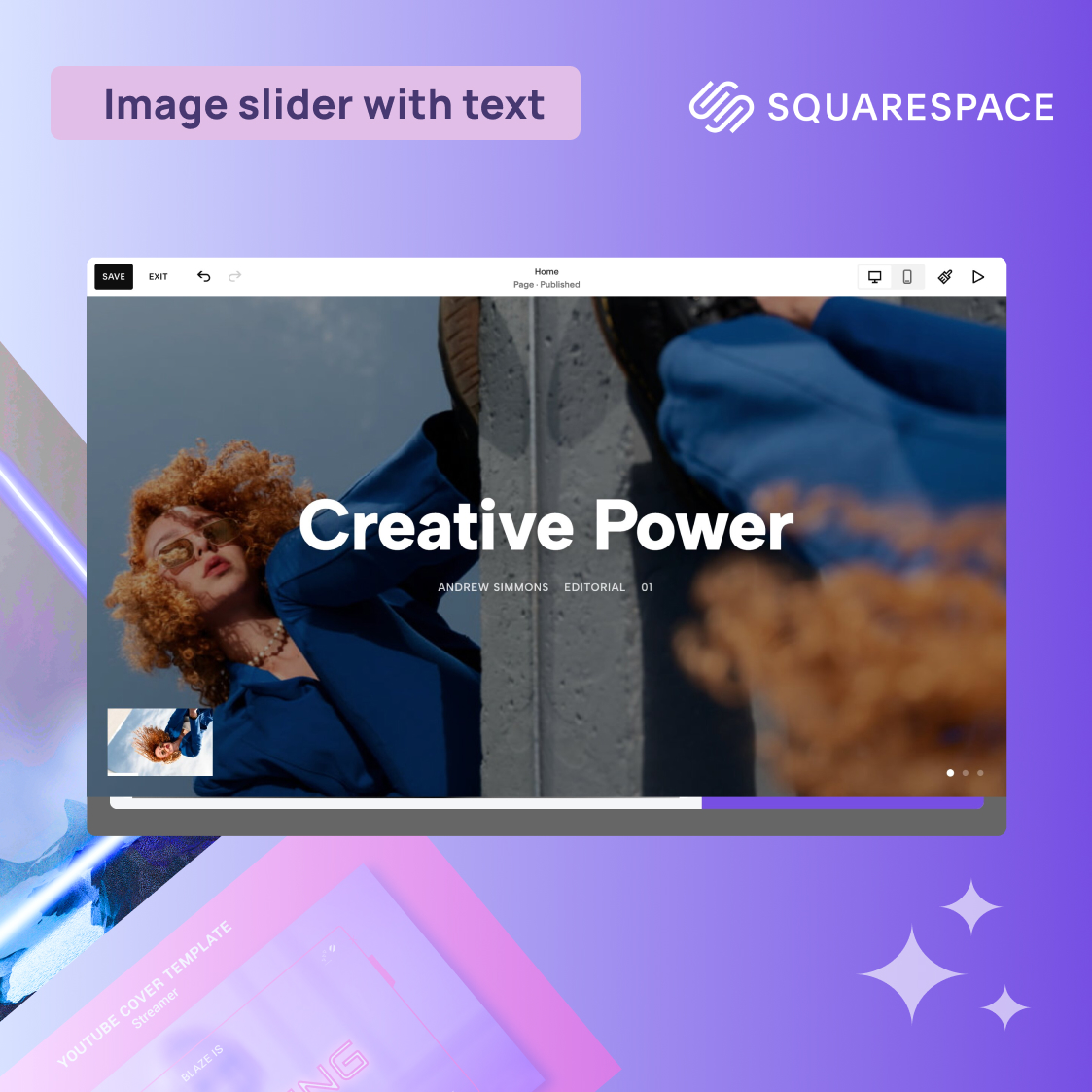
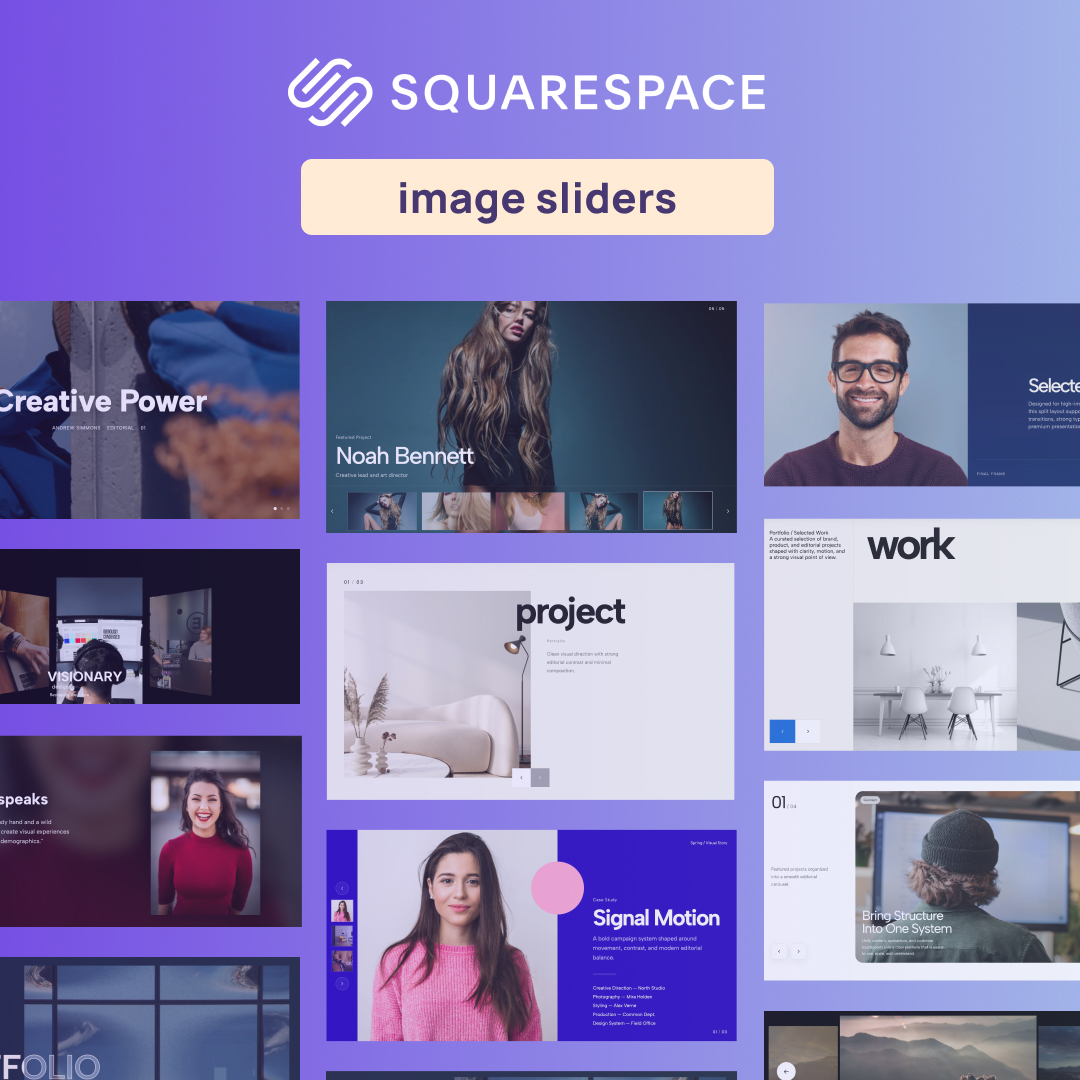
- Advanced Galleries: Deploy masonry grids, split-image sliders, and unique portfolio layouts that break the mold of standard Squarespace templates.
- E-commerce Boosters: Utilize customized pricing tables, countdown timers, and testimonial carousels to drive conversions.
- Optimized Performance: Every widget in the Redesignee library is built with clean, modern HTML5 and vanilla JavaScript, ensuring your Squarespace load speeds stay lightning fast for maximum SEO benefit.
Stop fighting with rigid native tools and wasting time writing custom CSS for every client project. Upgrade your Squarespace design toolkit and start building fluid, interactive websites faster.





Comments (0)