
Building your creative showcase on WordPress is incredibly smart, given the platform's unparalleled flexibility. However, there is a massive downside: with millions of creators using the exact same WordPress portfolio templates, standing out has become an uphill battle. If your best work is currently trapped in a lifeless, predictable grid, you are likely losing high-ticket clients to competitors who have invested in dynamic, interactive Elementor portfolio examples.
To command premium rates, your website needs to feel alive. You have to introduce motion, layered depth, and engaging micro-interactions. The good news? You do not need to hire a custom developer to achieve an agency-grade aesthetic. By leveraging the right portfolio plugin WordPress tools, you can completely overhaul your site's user experience in a matter of minutes.
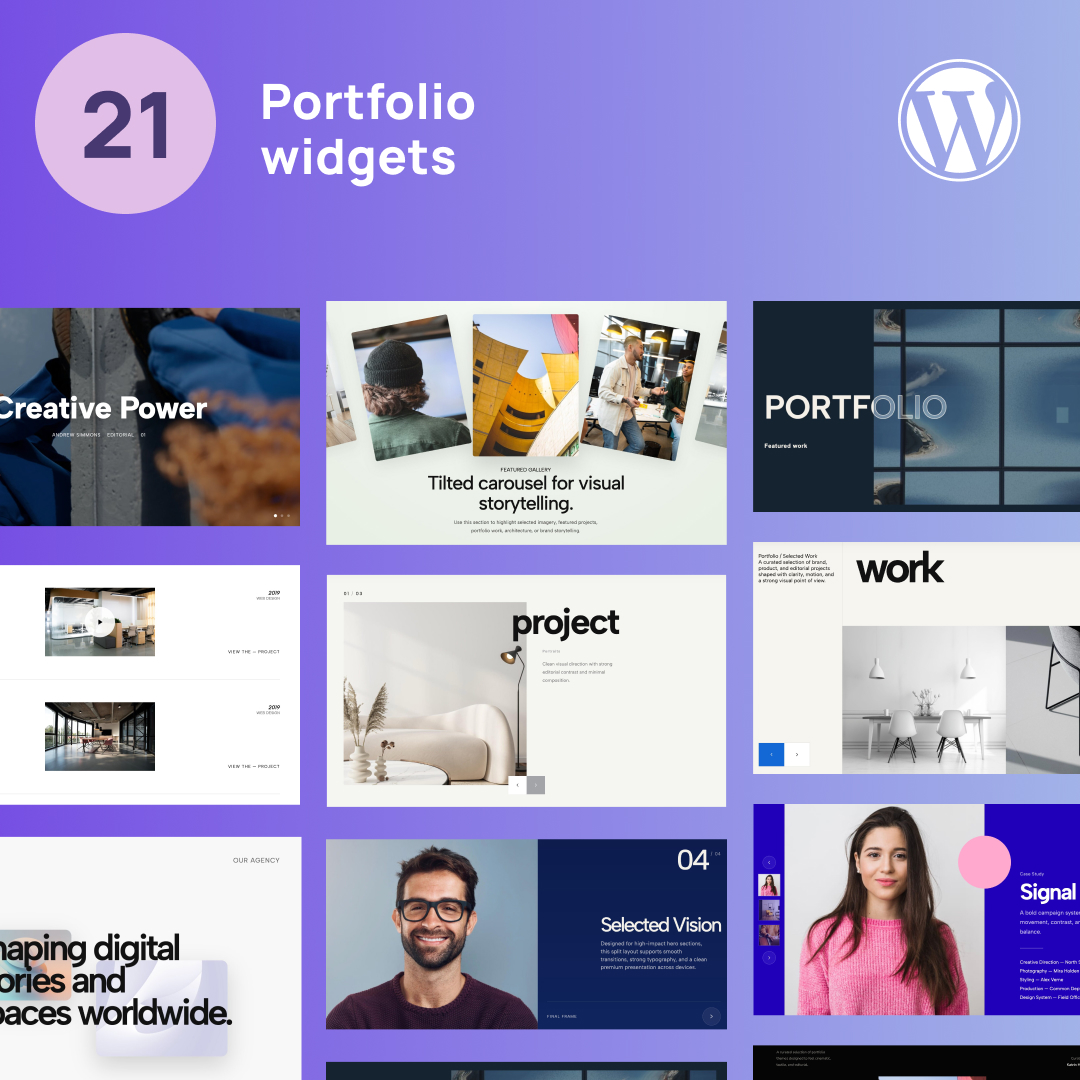
Below, we have curated the 21 best wordpress portfolio widgets designed to shatter the standard grid. From kinetic typography to immersive 3D sliders, these plug-and-play layouts will instantly elevate your brand and leave a lasting impression on potential clients.
1. Layered Hero Showcase

Move past standard, boxy hero sections. This sophisticated layout establishes an immediate sense of depth by stacking high-resolution project imagery directly underneath and over bold, editorial typography.
Why you need it: It instantly signals to visitors that your design studio operates at the highest tier, providing a bespoke visual experience that completely bypasses the limitations of native page builders.
👉 Live Demo: Get it now
2. Dual-Panel Homepage Slider

Achieve the perfect balance between compelling copy and striking visuals. This widget pins your introductory value proposition and primary call-to-action on one half of the screen, while the other half dynamically cycles through your flagship creative projects.
Why you need it: It engages the user from the very first second by proving your aesthetic capabilities while ensuring your core marketing message is never lost.
👉 Live Demo: Get it now
3. Text-Heavy Project Split Carousel
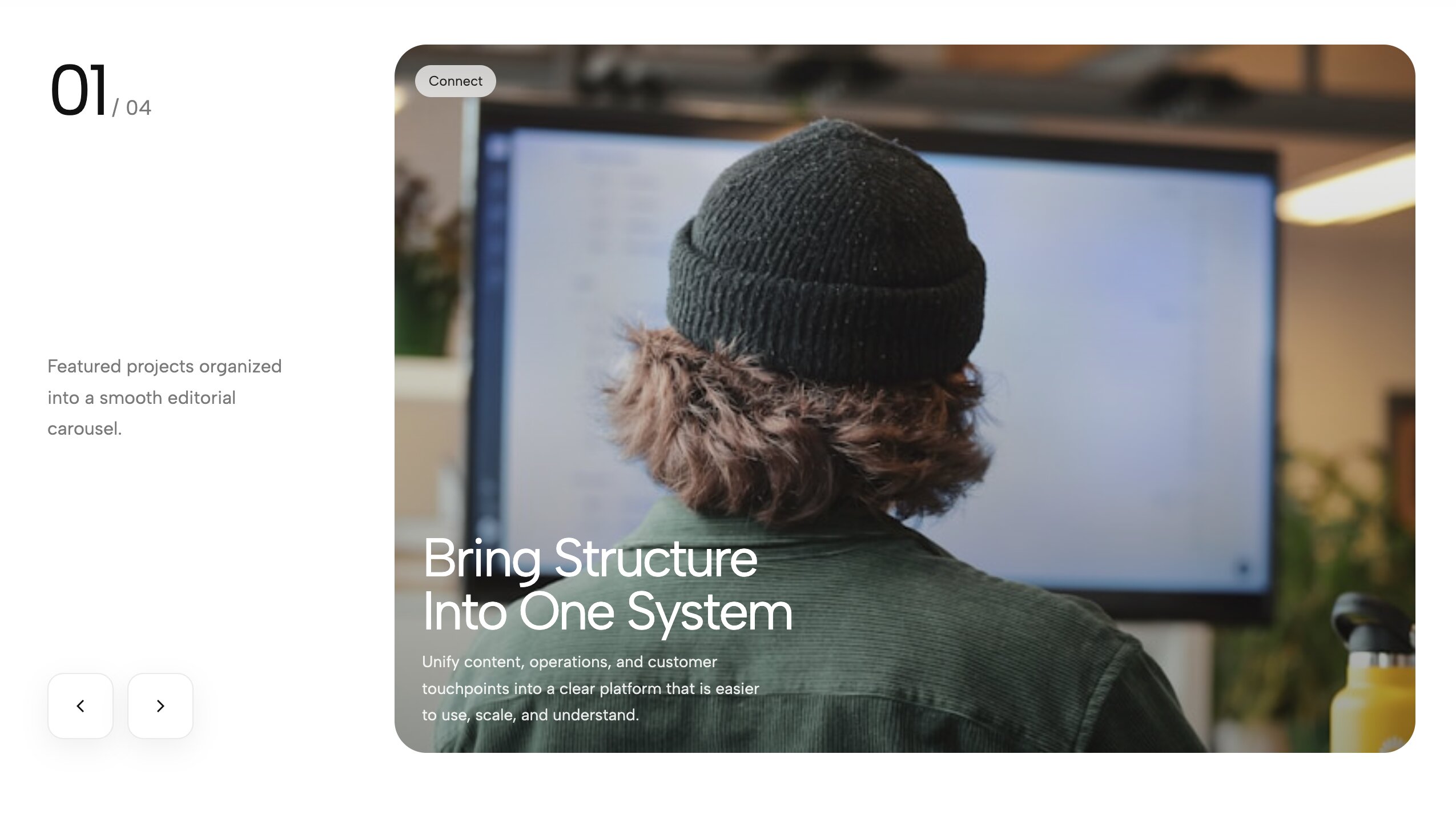
Ideal for brand strategists and UX designers, this layout eleganty solves the issue of displaying detailed context next to beautiful imagery. It uses a split-screen design to house comprehensive case study details on one side, paired with a slick, interactive image slider on the other.
Why you need it: It allows you to thoroughly explain your creative process and business impact without ever sacrificing the visual momentum of your page.
👉 Live Demo: Get it now
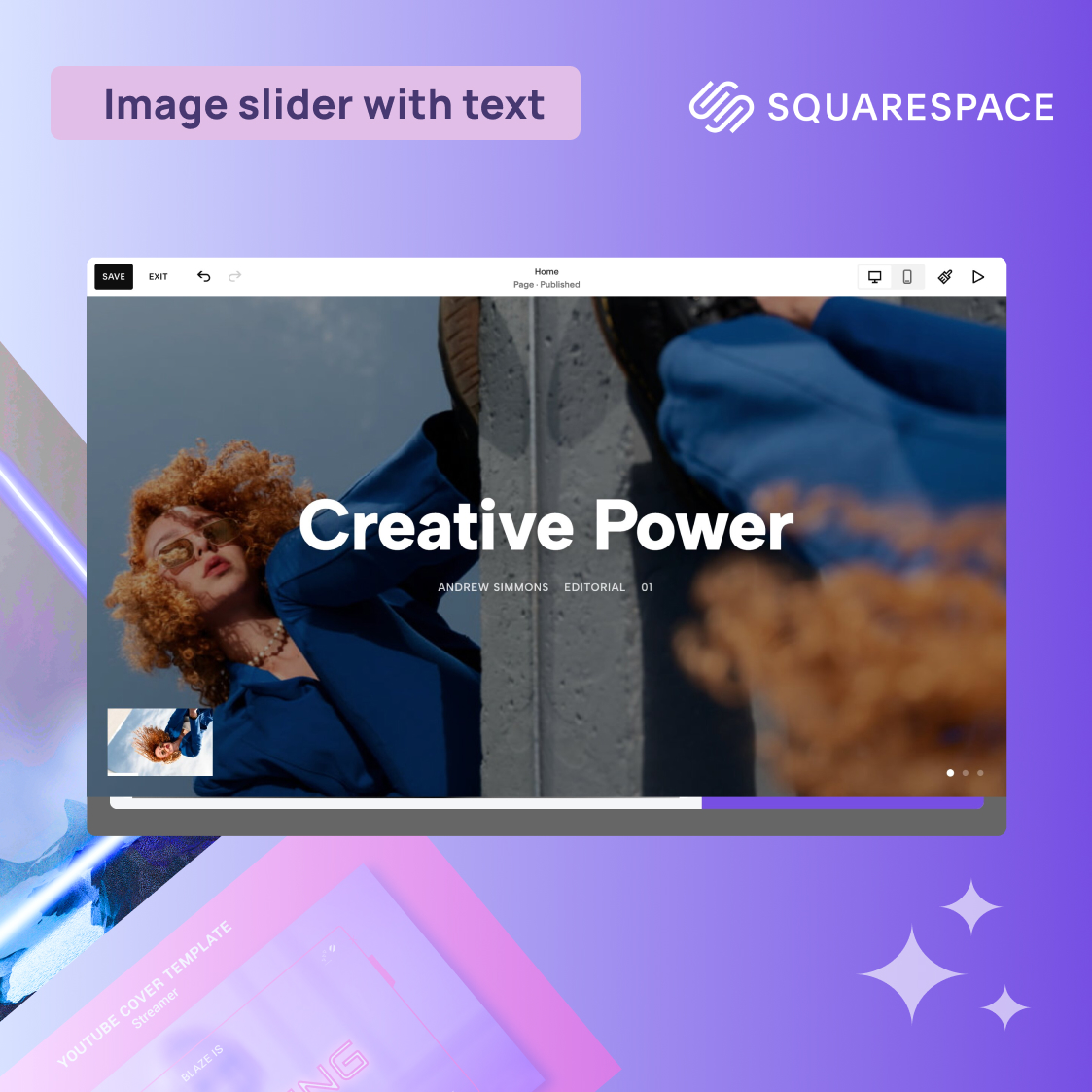
4. Magazine-Style Thumbnail Slider
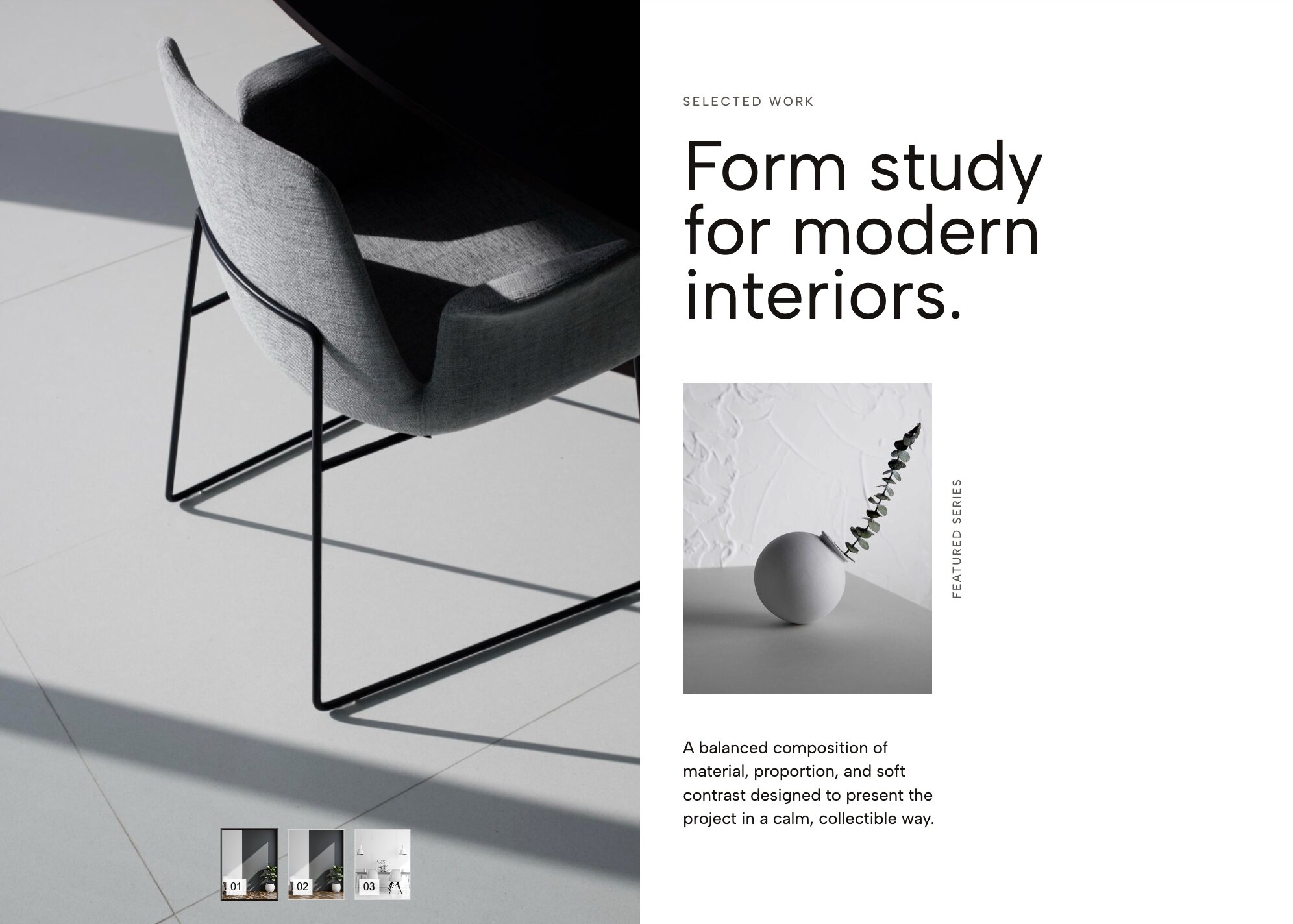
Emulate the glossy, high-fashion pages of a premium print magazine. This highly polished slider features refined serif typography and an incredibly smooth mechanism driven by elegant, clickable thumbnail previews at the base.
Why you need it: If you are a fashion, beauty, or lifestyle creative, this widget transforms a generic project gallery into an expensive-looking editorial showcase that commands higher rates.
👉 Live Demo: Get it now
5. Diagonal Infinite Marquee
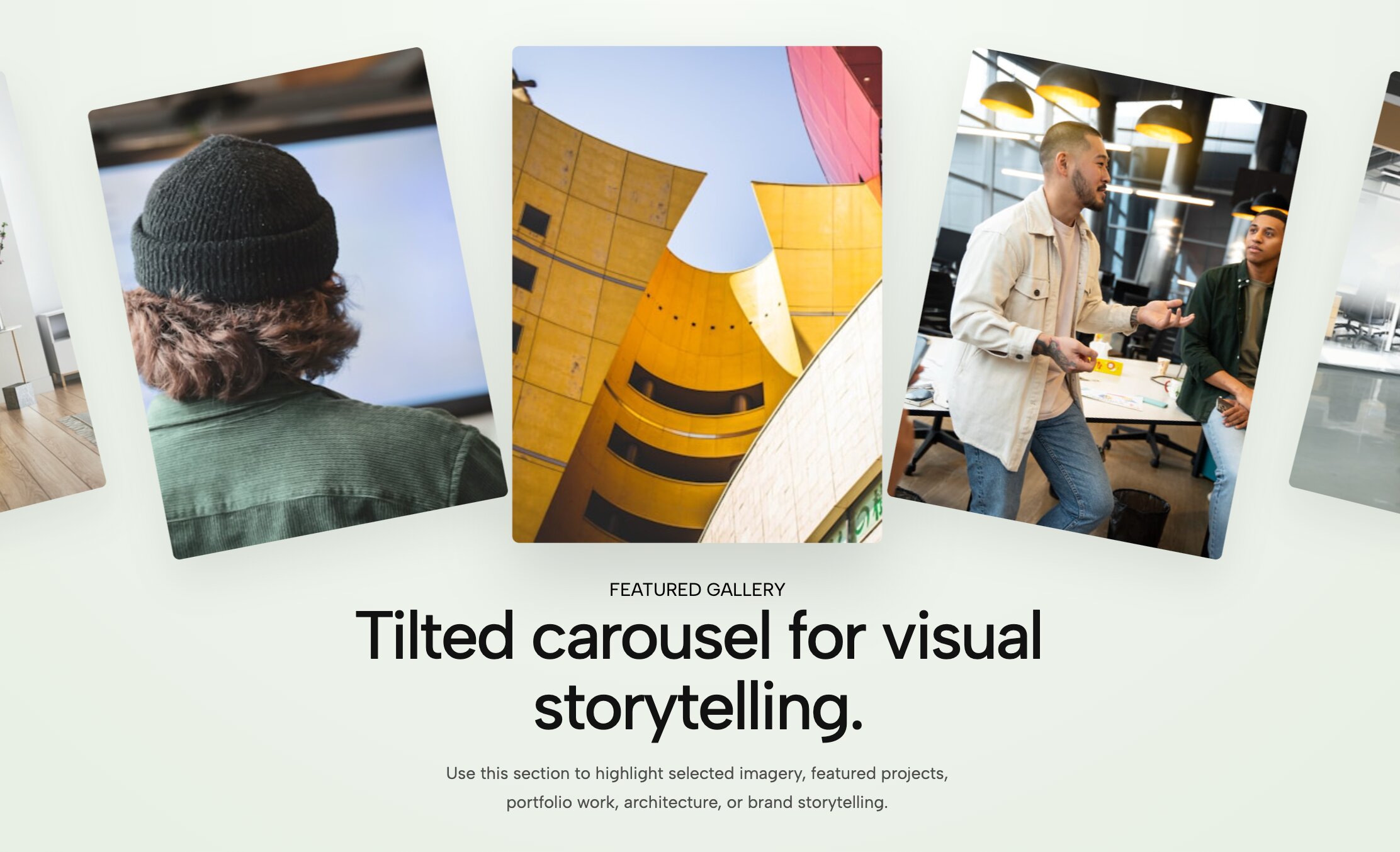
Inject pure kinetic energy into your digital storefront. Rather than settling for a flat horizontal line, this auto-scrolling gallery slants your project thumbnails on a sharp, aggressive diagonal axis, creating a continuous loop of motion.
Why you need it: It provides instant visual disruption. It is the perfect layout for streetwear designers, music producers, and disruptive agencies looking to break free from rigid corporate boxes.
👉 Live Demo: Get it now
6. Typographic Overlap Hero Slider
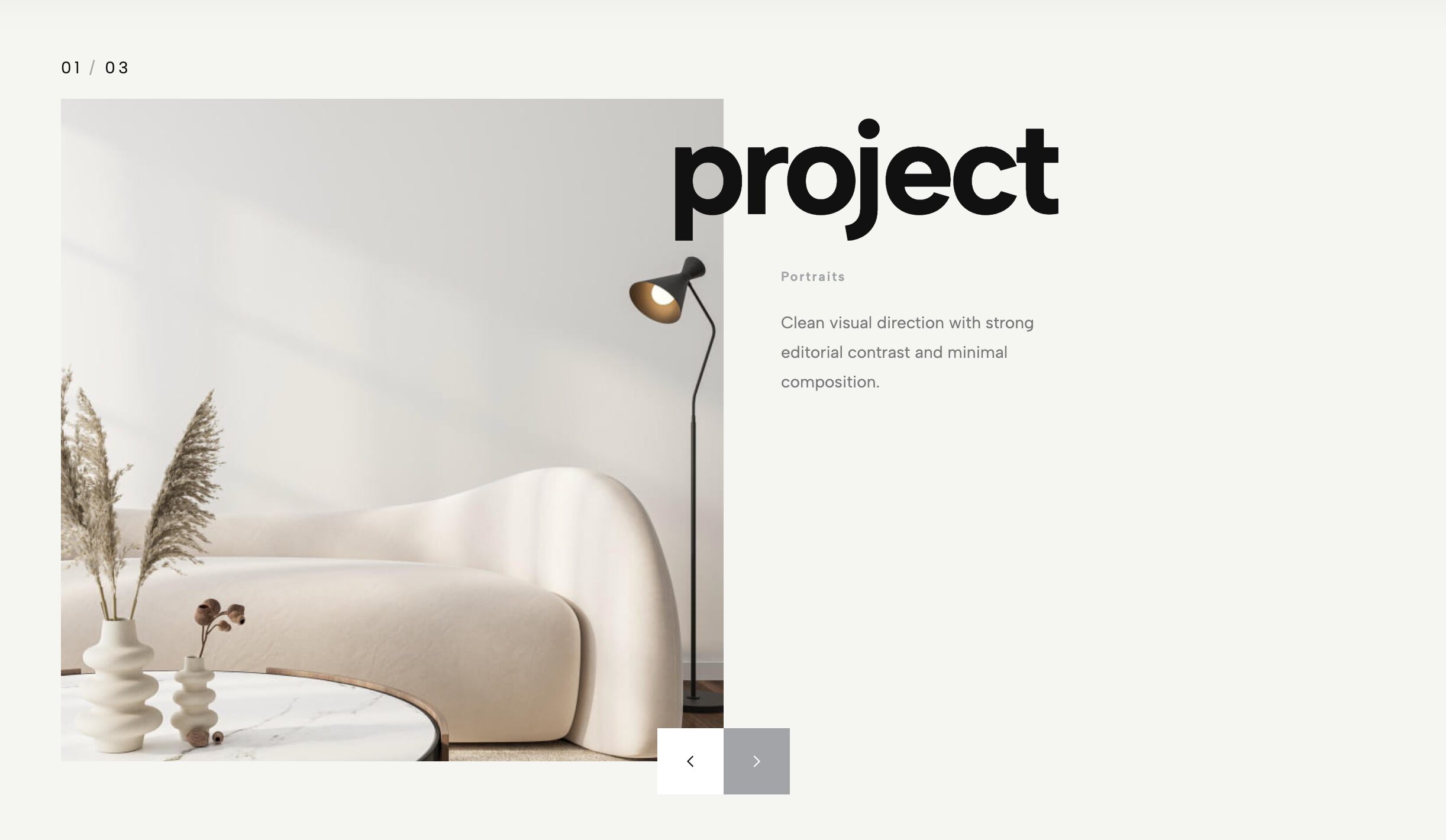
This premium header layout forces your typography and project photography to interact seamlessly. Massive, bold project titles are pushed dynamically over your high-contrast imagery, utilizing clever masking layers so both elements pop simultaneously.
Why you need it: The top 1% of creative portfolios feature headers that feel intensely intentional. This widget delivers that highly engineered, award-winning look right out of the box.
👉 Live Demo: Get it now
7. Immersive Parallax Project Grid
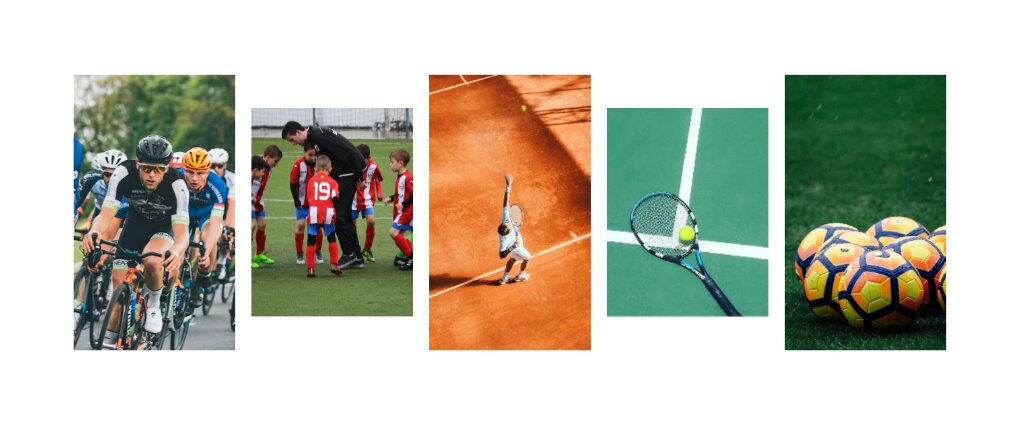
Transform a static scroll into an immersive 3D journey. As visitors move down your page, this gallery shifts different elements and thumbnails at varying speeds, pulling the viewer deep into your creative world.
Why you need it: The longer a user stays engaged, the more likely they are to reach out. The smooth parallax effect makes browsing your past work feel like an interactive experience rather than a chore.
👉 Live Demo: Get it now
8. Balanced Half-Screen Carousel
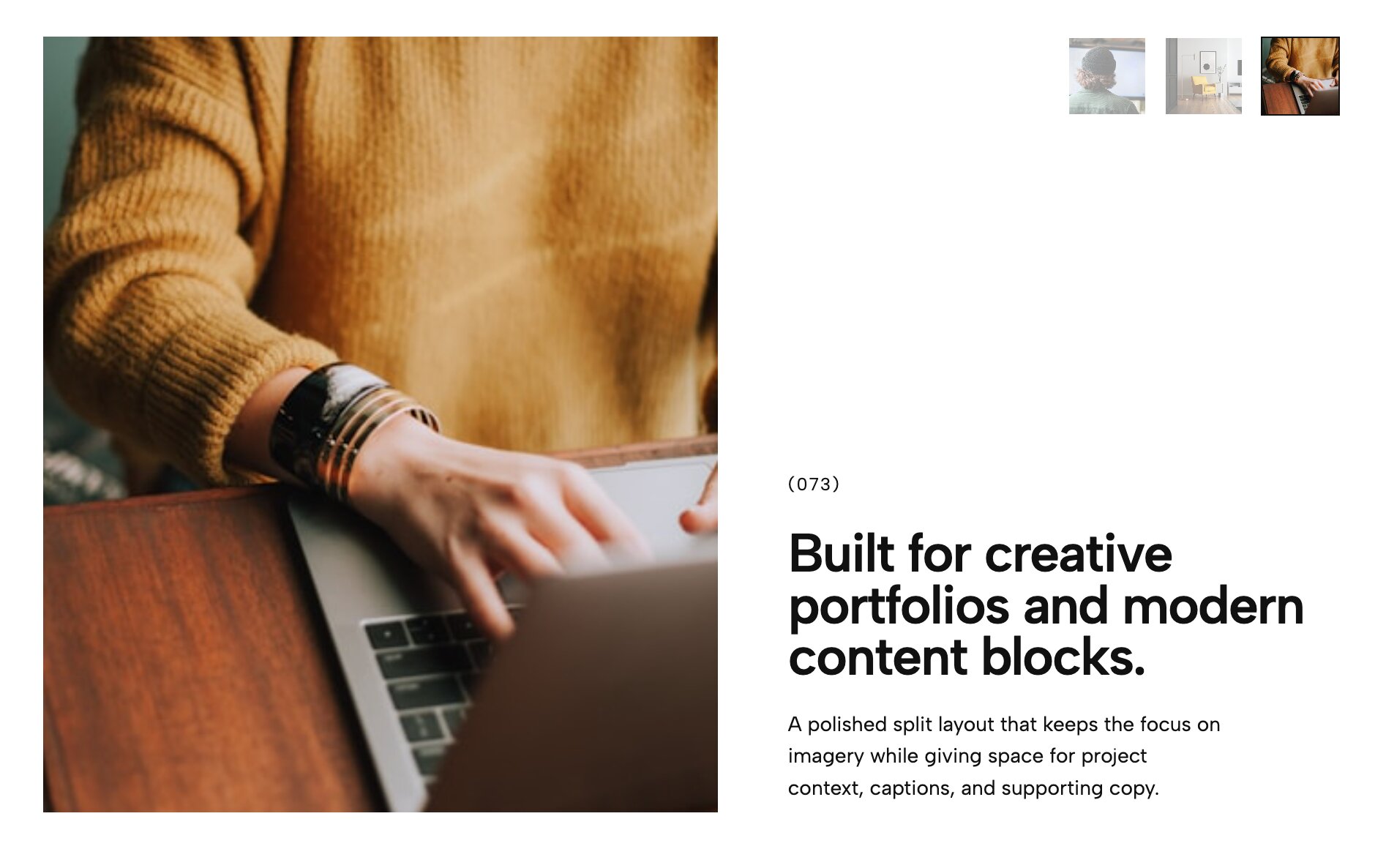
Don't let your project descriptions get lost below the fold. This elegant widget splits the screen directly down the middle, keeping your descriptive narrative locked on one side while rich, full-height project imagery effortlessly glides by on the other.
Why you need it: It solves the classic layout problem of users scrolling past your text to get to the images, creating a highly cohesive and professional browsing environment.
👉 Live Demo: Get it now
9. Cinematic Horizontal Slider
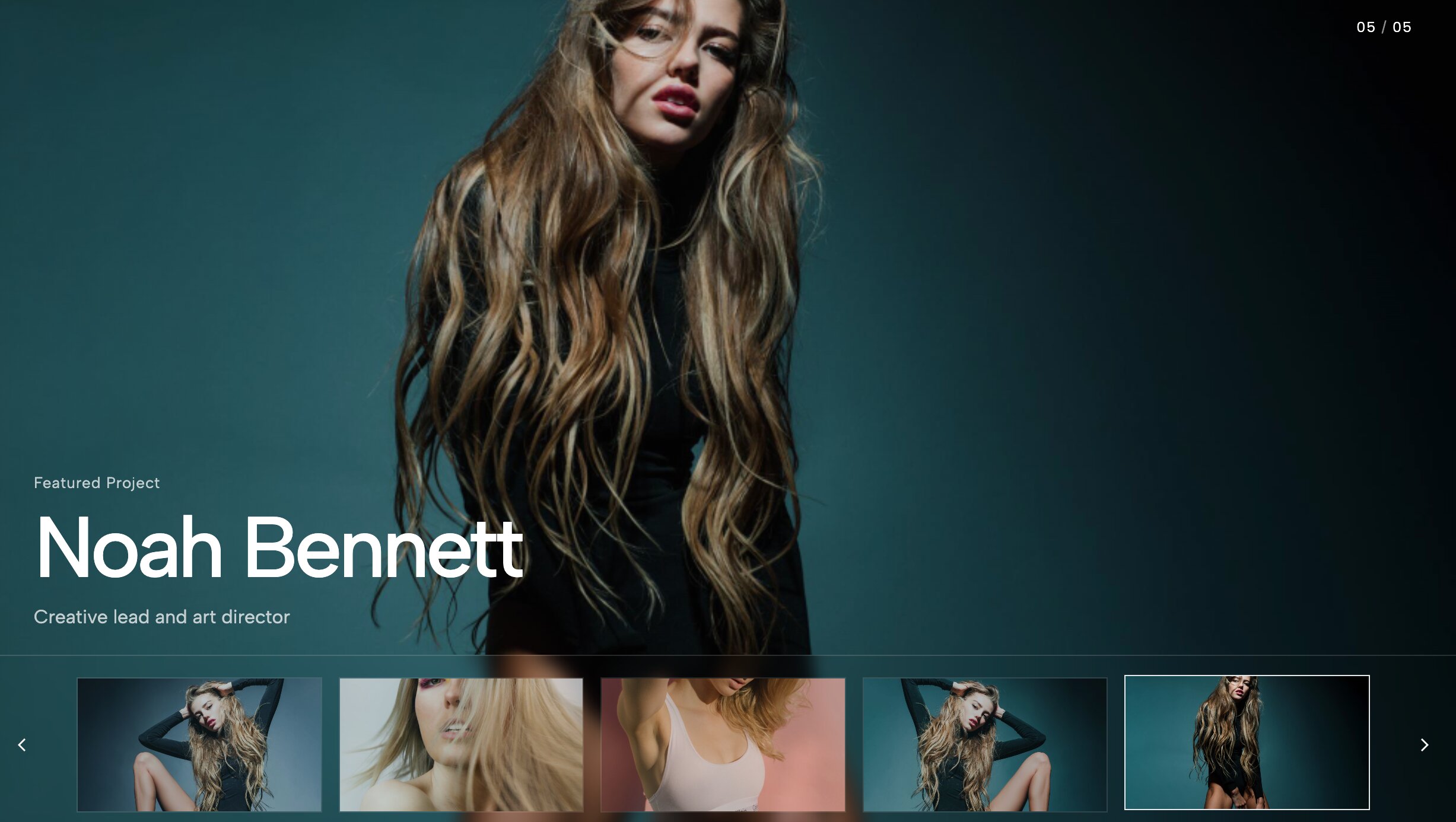
Let potential clients preview your best work at lightning speed. This layout embeds a sleek row of horizontal navigation thumbnails directly over your main hero slider, feeling less like a web page and more like a premium streaming interface.
Why you need it: It eliminates friction. By allowing users to visually skim and preview the next slide before they even click, you drastically increase the time they spend interacting with your site.
👉 Live Demo: Get it now
10. Draggable Masonry Collage
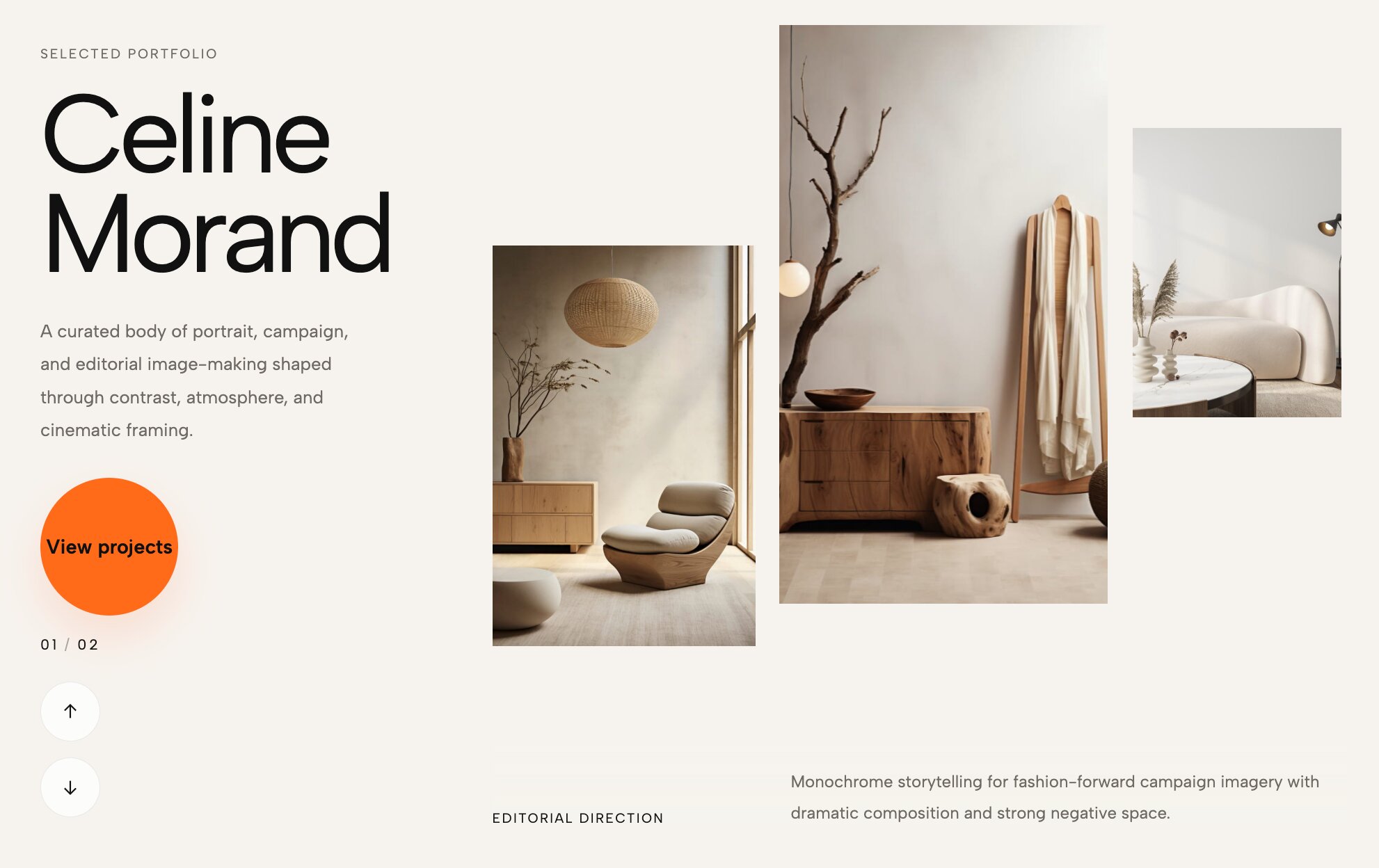
Masonry grids are beautiful, but requiring users to scroll endlessly down a page can cause fatigue. This innovative widget packs a dynamic, asymmetrical masonry layout into a horizontal, touch-friendly, draggable slider.
Why you need it: If your portfolio features mixed asset sizes (like vertical portraits mixed with wide web mockups), this is the absolute best way to display them organically without the layout looking stiff.
👉 Live Demo: Get it now
11. Seamless Video Index
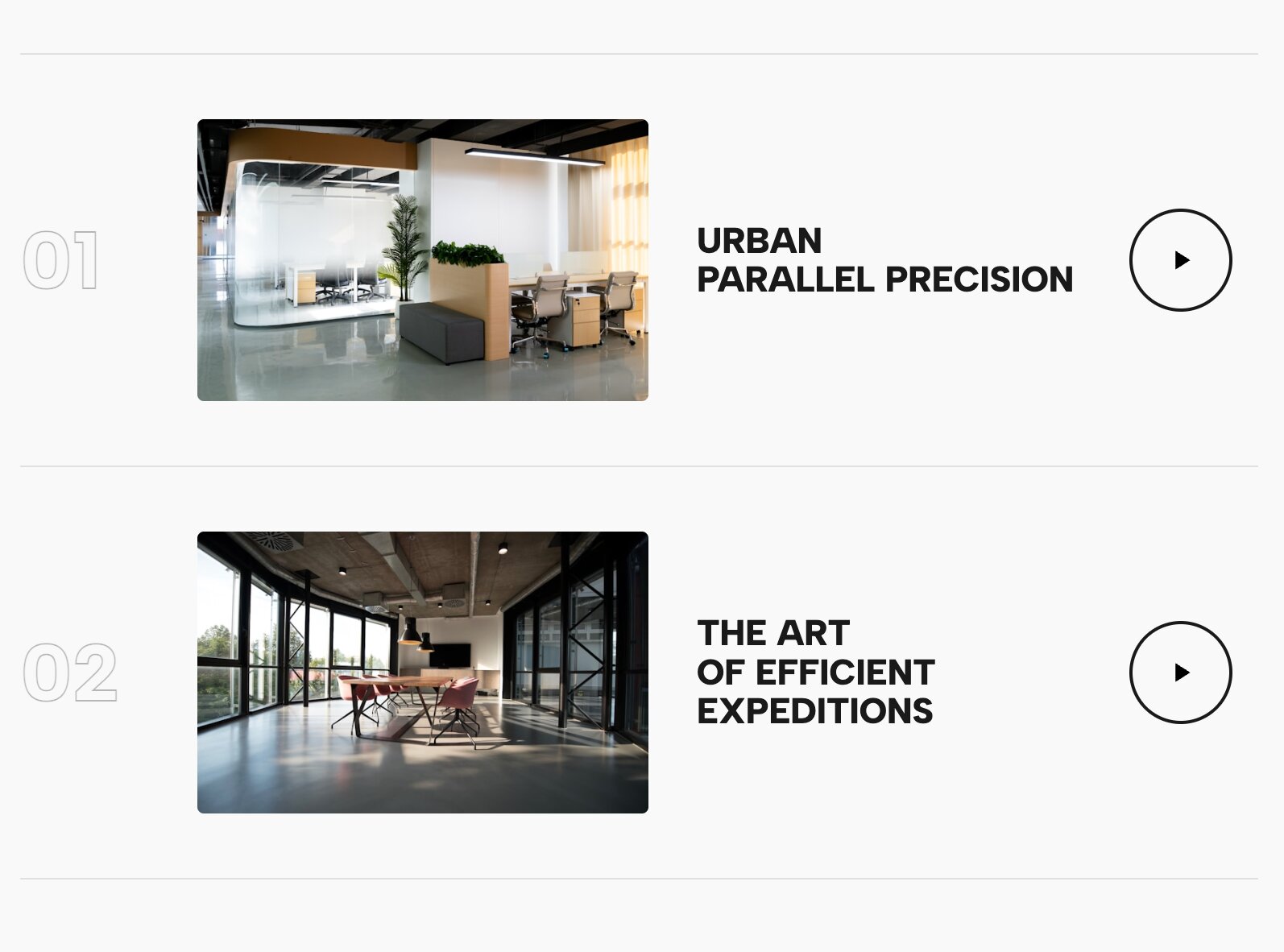
Showcase motion graphics and film projects without completely tanking your website's load speed. This list layout embeds lightweight, auto-playing cinematic video snippets seamlessly into the rows of your project index.
Why you need it: It brings a high-end, showreel-like energy directly to your homepage, immediately proving to visitors that you are a top-tier creative professional.
👉 Live Demo: Get it now
12. Organic Floating Gallery
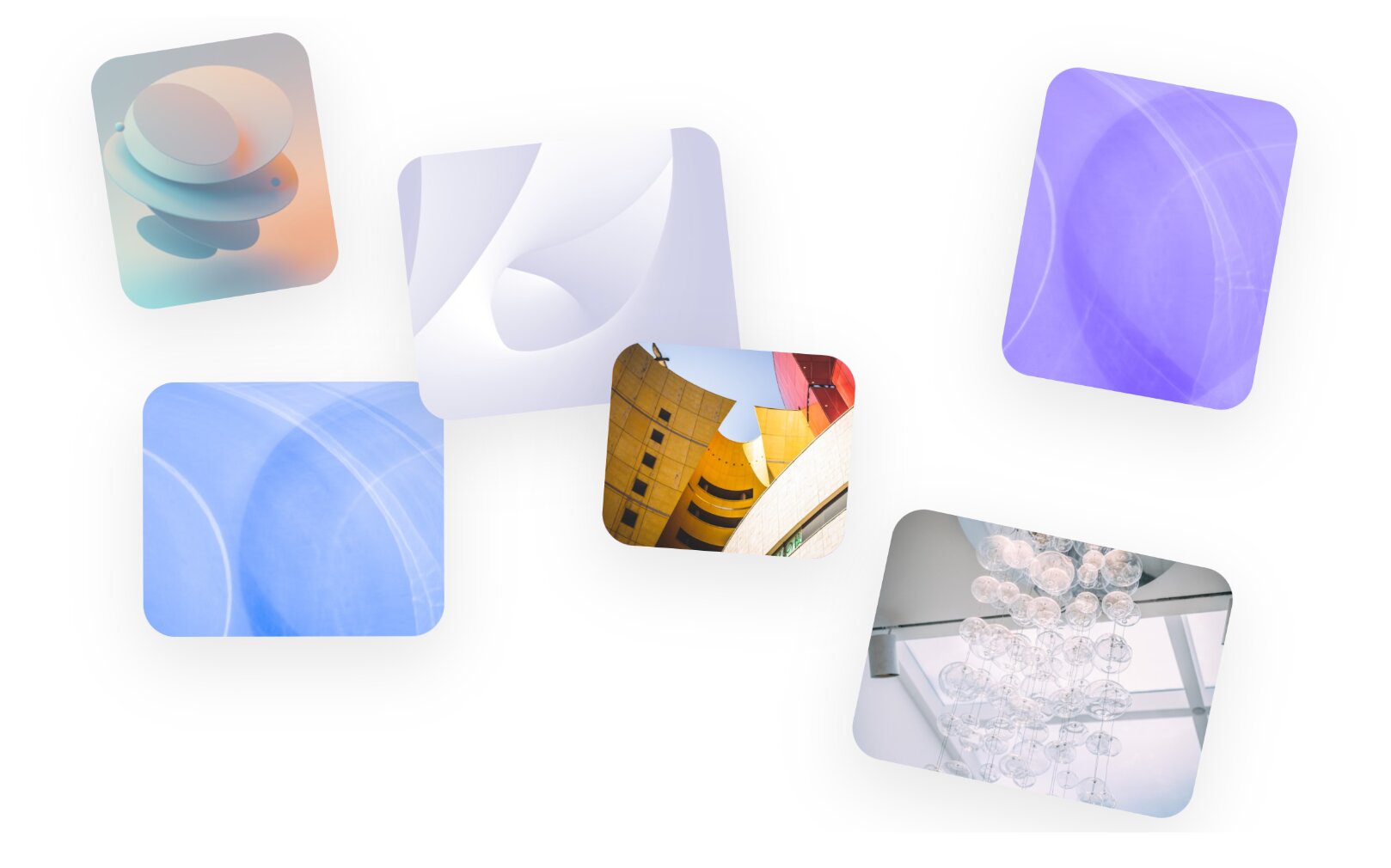
Ditch hard lines and perfect alignment entirely. As users scroll down the page, this highly tactile gallery gently floats your project images into a loose, scattered arrangement, giving your work an untethered, artistic vibe.
Why you need it: It guarantees your portfolio will not look like a generic template. It is a must-have for visual artists and illustrators looking for an organic, highly curated aesthetic.
👉 Live Demo: Get it now
13. Hover-Reveal Service Index
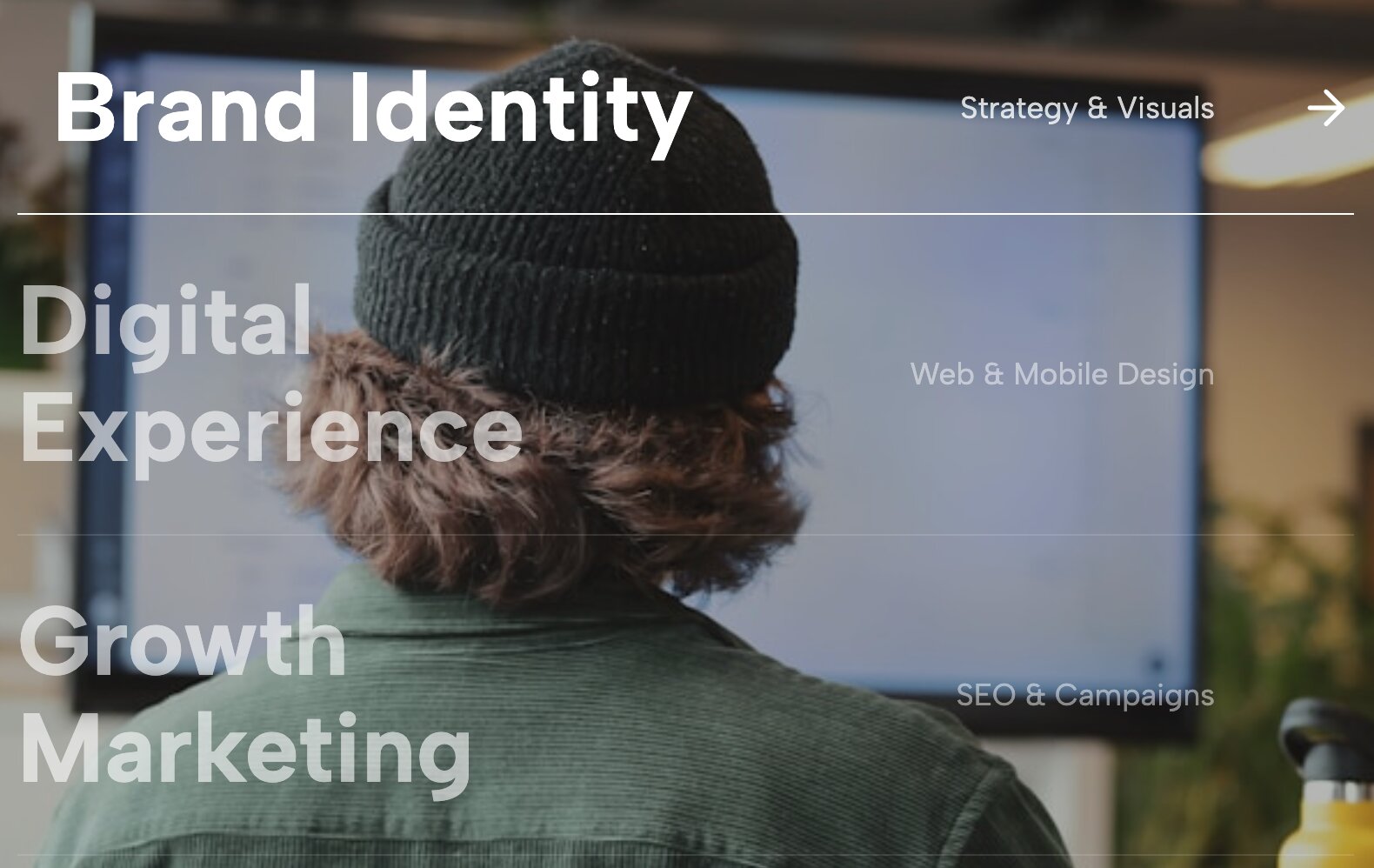
Turn a boring bulleted list of your services into a captivating micro-interaction. When a visitor hovers their cursor over a specific capability on the text list, the entire background dynamically updates to feature a massive, relevant project image.
Why you need it: It surprises and delights the user, transforming a dry "What I Do" section into an immersive exploratory experience that is impossible to ignore.
👉 Live Demo: Get it now
14. Premium Hover Reveal Directory
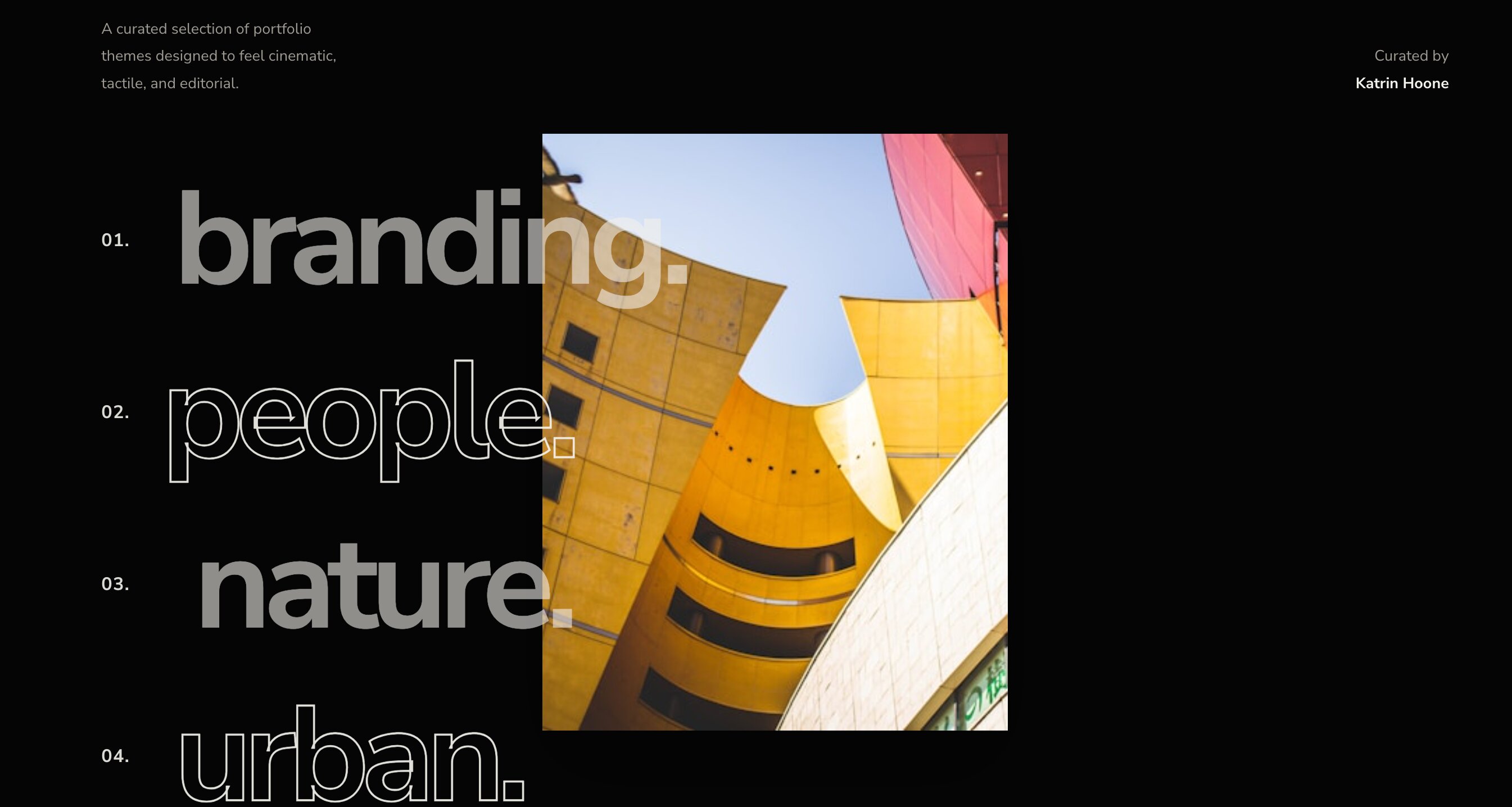
Win design awards with this ultra-minimalist interaction. Present your past work as a massive, stripped-back text list. As the cursor hovers over a client name, a stunning visual smoothly fades into view, rewarding user curiosity.
Why you need it: This is the pinnacle of cutting-edge web design. It feels highly custom-coded and is the perfect upgrade for tech-forward agencies wanting to impress high-ticket clients.
👉 Live Demo: Get it now
15. Bold Outlined Header

Make a massive first impression. By weaving oversized, outlined text directly through structural foreground and background elements, this widget delivers a raw, multi-dimensional aesthetic straight out of the box.
Why you need it: It completely shatters the boxy constraints of native page builders, giving your site an immediate custom-coded, agency-level edge.
👉 Live Demo: Get it now
16. Immersive Video Case Studies
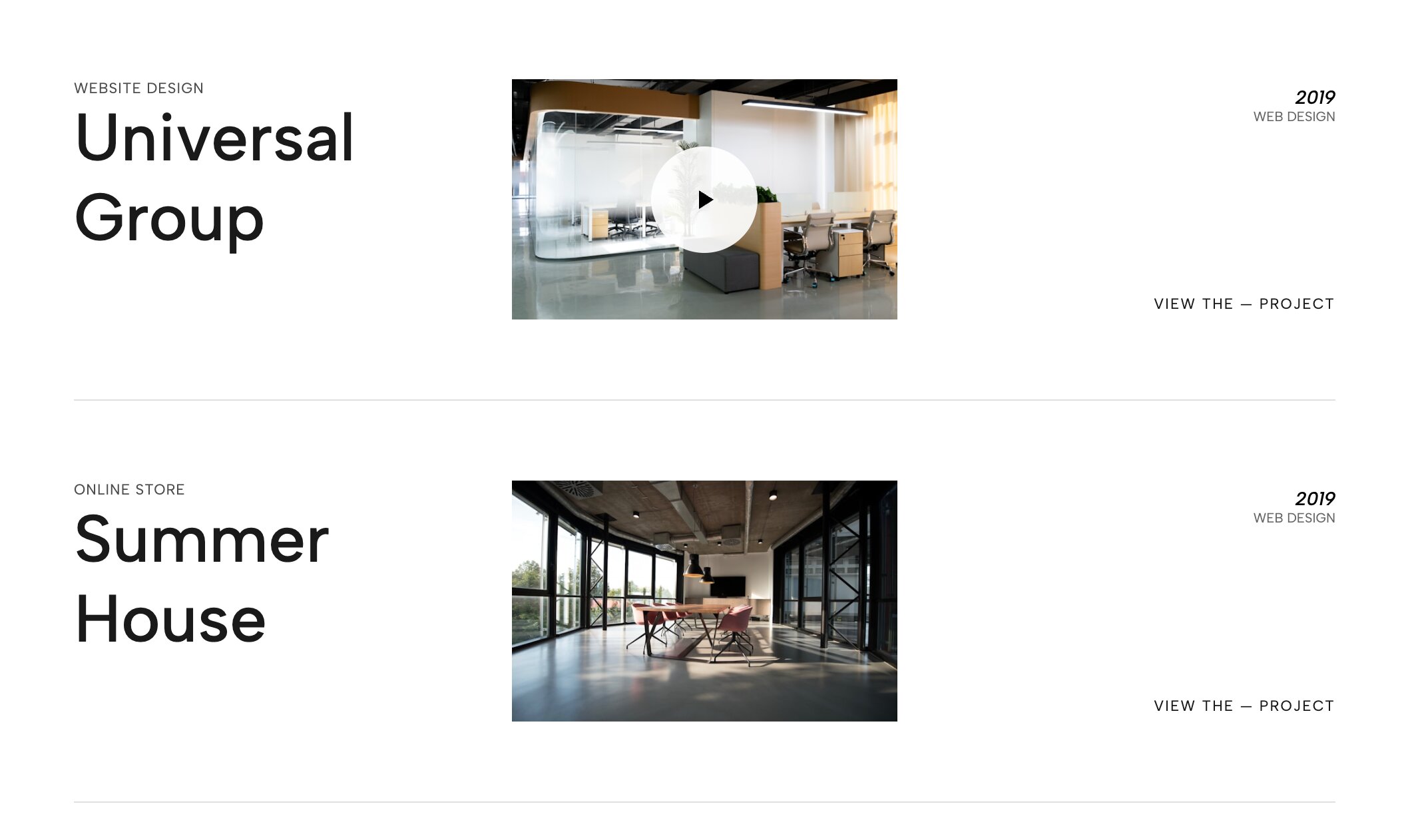
Designed for deep-dive storytelling, this layout takes the video list concept to the next level. It triggers expansive, documentary-style video backgrounds when users interact with your massive, highly readable project titles.
Why you need it: It brings incredible narrative weight to your best client work, making it an essential tool for commercial videographers and brand strategists.
👉 Live Demo: Get it now
17. Interactive Image Particle Cloud

Step entirely into the future of web design. This mesmerizing header replaces standard text elements with a weightless, floating cloud of project imagery that actively tracks and reacts to the user's mouse movements.
Why you need it: It acts as an unforgettable interactive hook. Scattering your best imagery in a fluid, dynamic environment leaves standard, static competitors in the dust.
👉 Live Demo: Get it now
18. Vertical Index Hero Slider
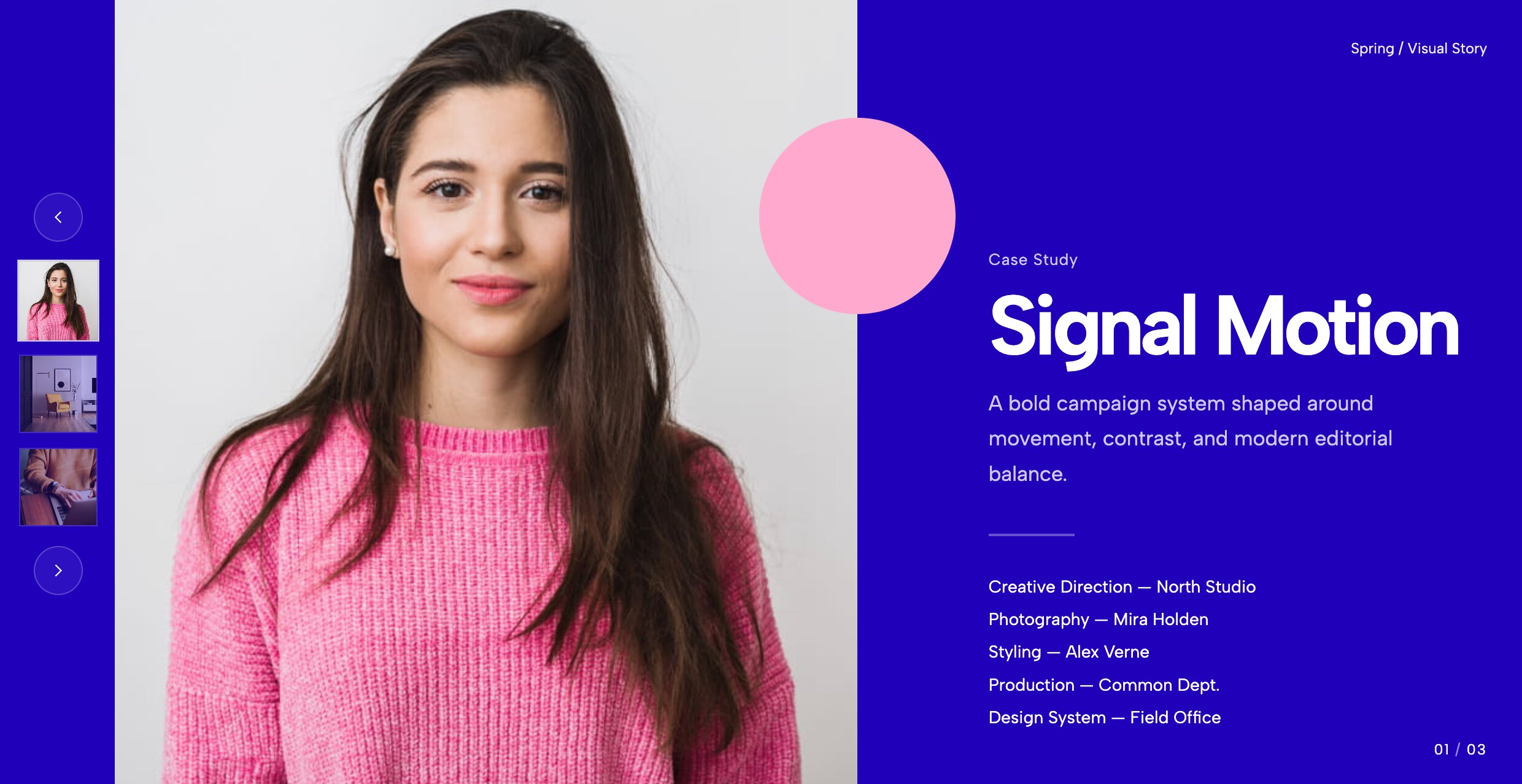
Bring your best case studies firmly above the fold. A massive full-bleed background display pairs beautifully with a sleek, vertical stack of thumbnail triggers on the left-hand side, entirely minimizing the need for users to scroll.
Why you need it: It encourages visitors to explore multiple case studies immediately, drastically improving user experience and time-on-site metrics.
👉 Live Demo: Get it now
19. Stripped-Back Focus Carousel
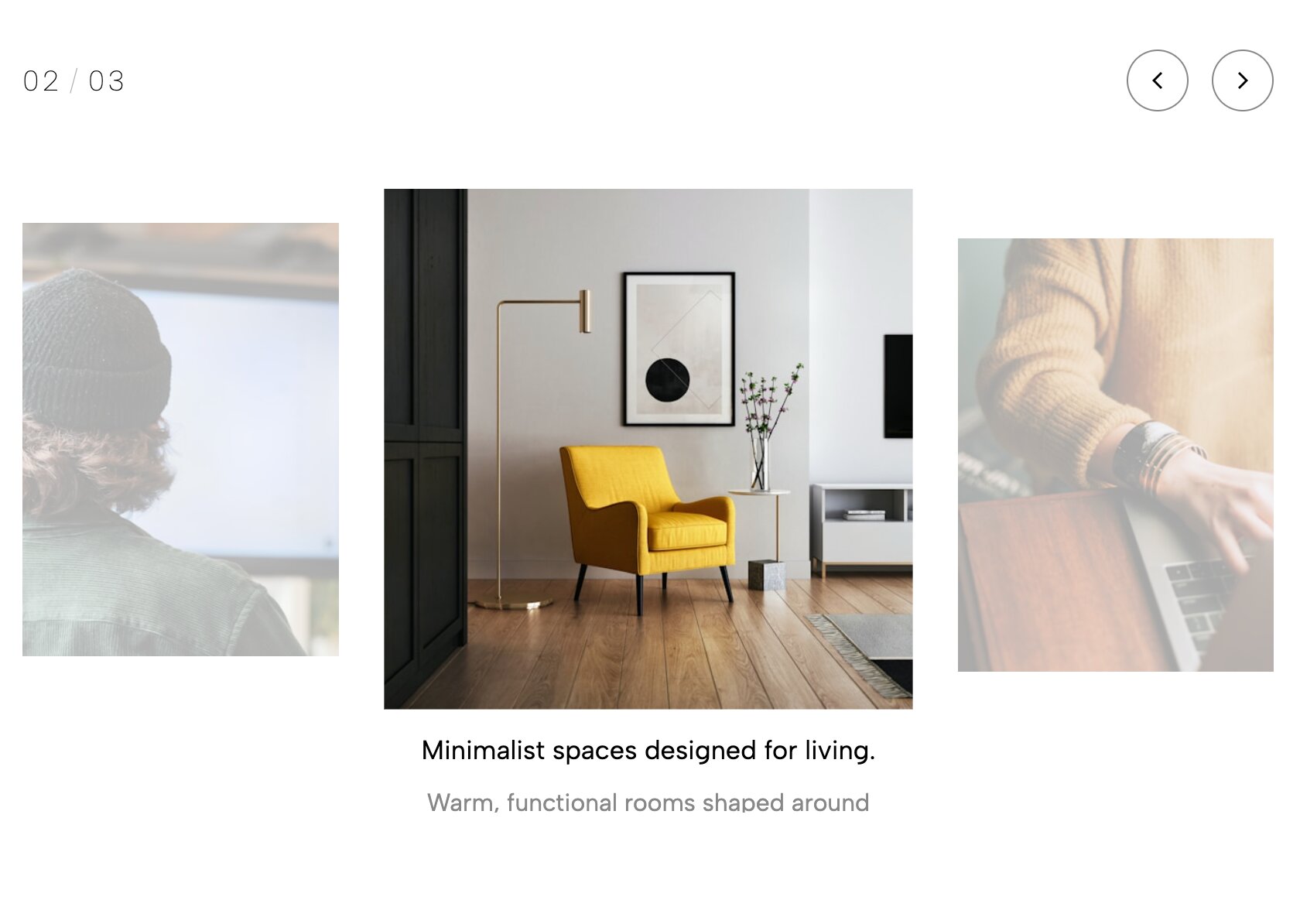
Let your art speak for itself. This widget actively removes all UI clutter, heavy borders, and distracting drop shadows, offering a hyper-clean, gallery-like environment where your visuals hold absolute focus.
Why you need it: Perfect for minimalist brand designers and fine art photographers who want a sophisticated, distraction-free digital environment.
👉 Live Demo: Get it now
20. Conversion-Focused Hero Showcase

High-end aesthetics should never sacrifice lead generation. This prominent header carousel showcases your best work while simultaneously anchoring a permanent, highly visible "Hire Me" block right in the user's line of sight.
Why you need it: It strikes the ultimate balance, allowing potential clients to browse top-tier projects rapidly while keeping the path to contact you entirely frictionless.
👉 Live Demo: Get it now
21. Bespoke Interactive Grid
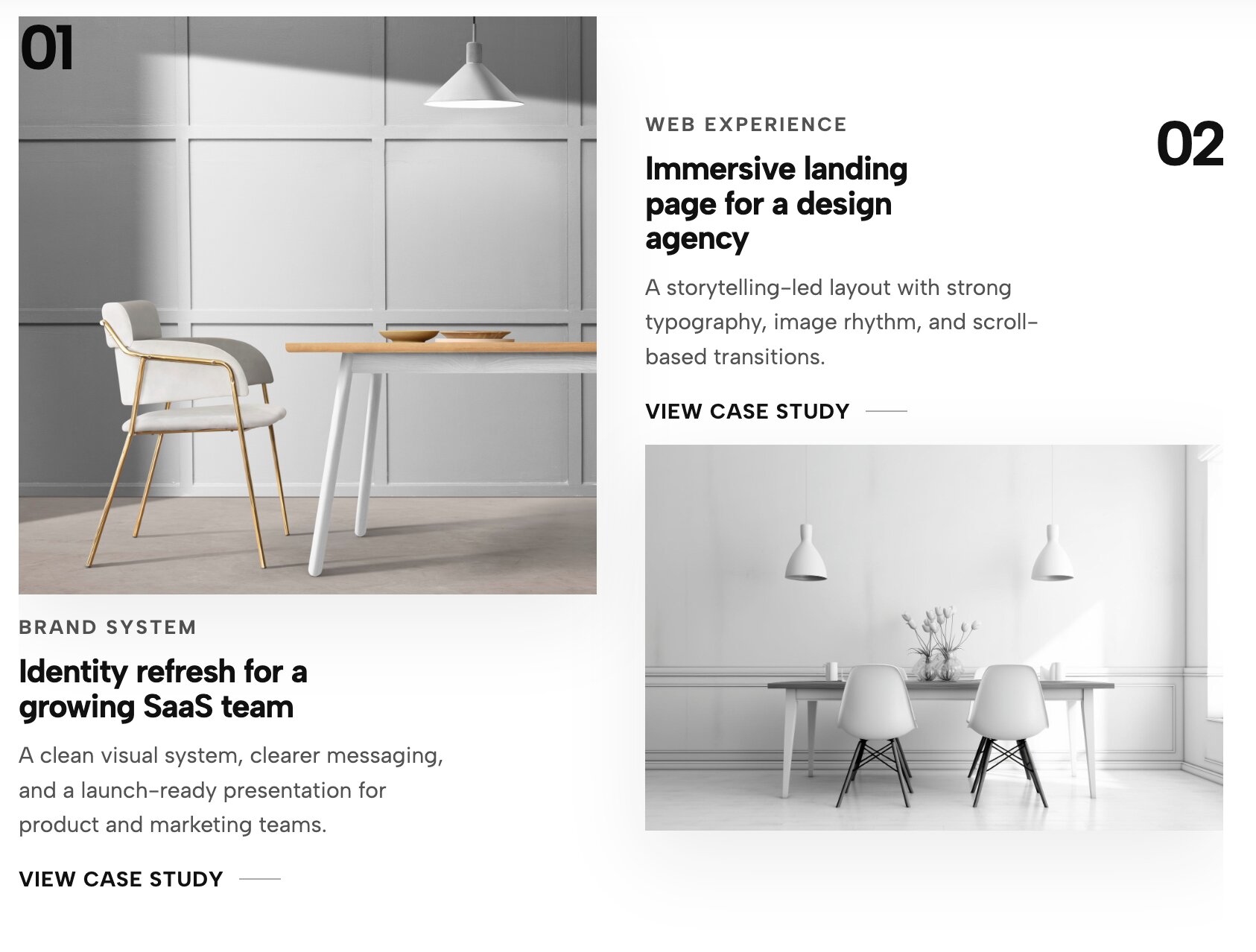
Even classic layouts can be executed flawlessly. This widget upgrades the standard WordPress gallery block by injecting buttery-smooth hover animations, refined padding, and instant category filtering functionality.
Why you need it: It is the perfect backbone for any creative looking to curate their work in a highly organized format that still manages to feel bespoke and premium.
👉 Live Demo: Get it now
Revolutionize Your Portfolio Instantly
Exploring these premium layouts usually leads to one major question: "How much custom CSS do I need to learn to build this?"
The answer is none. You can absolutely achieve an award-winning site without hiring an expensive developer or fighting with rigid page builders. If you are searching for an Elementor portfolio widget free of coding headaches, you are in luck.
By simply connecting your site via the Redesignee WordPress Plugin, you unlock native integration with our massive library of layouts. Whether you need a comprehensive free wordpress portfolio plugin to manage your work or you are just looking for a specific Wordpress portfolio widgets free download to upgrade a single page, you can drop these elements right into your site seamlessly.
Stop letting your incredible designs blend in. Connect your site today, browse our free wordpress portfolio widgets, and transform your grid into an unforgettable interactive experience.
Comments (0)