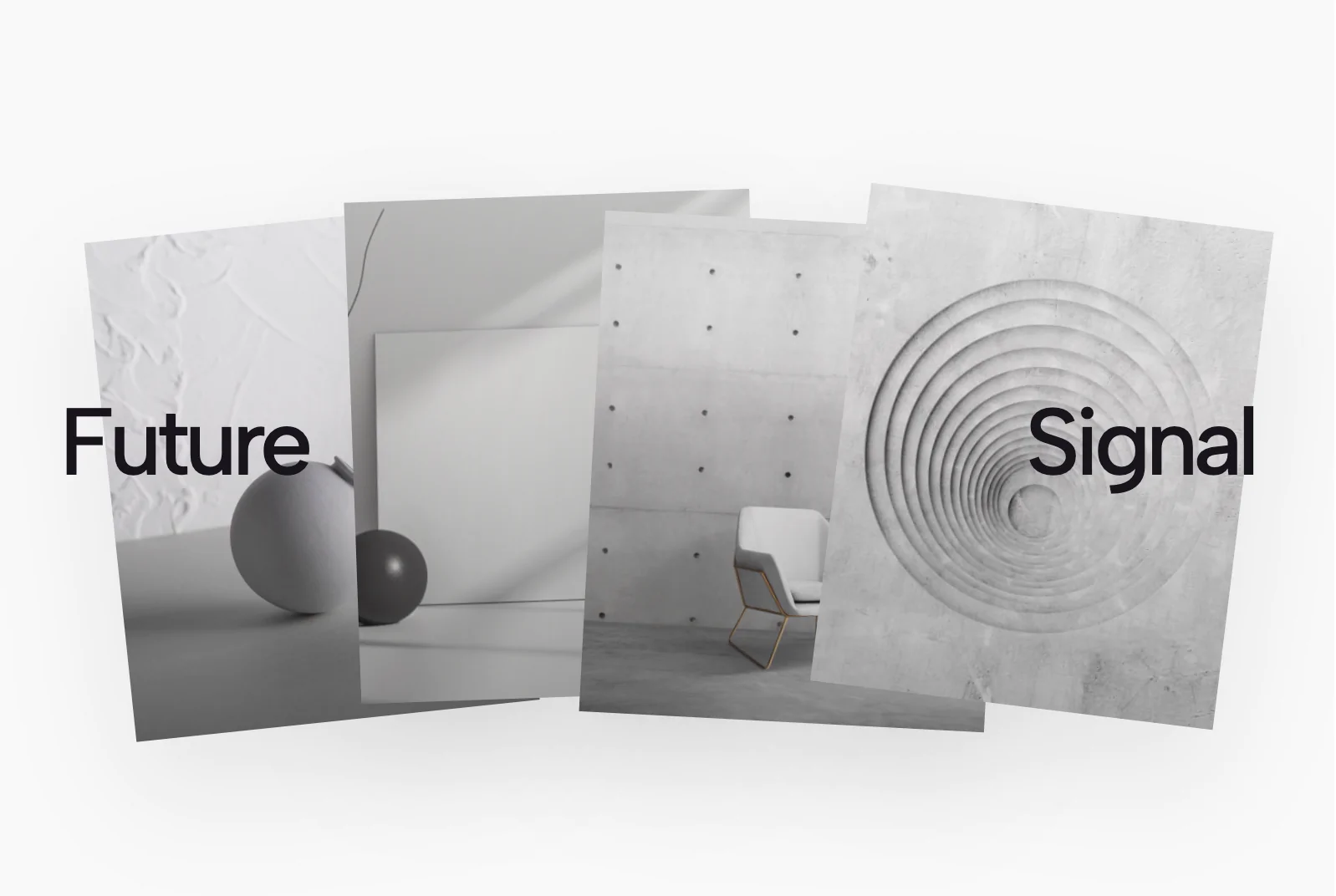
Identity refresh for a growing SaaS team
A clean visual system, clearer messaging, and a launch-ready presentation for product and marketing teams.
View case study
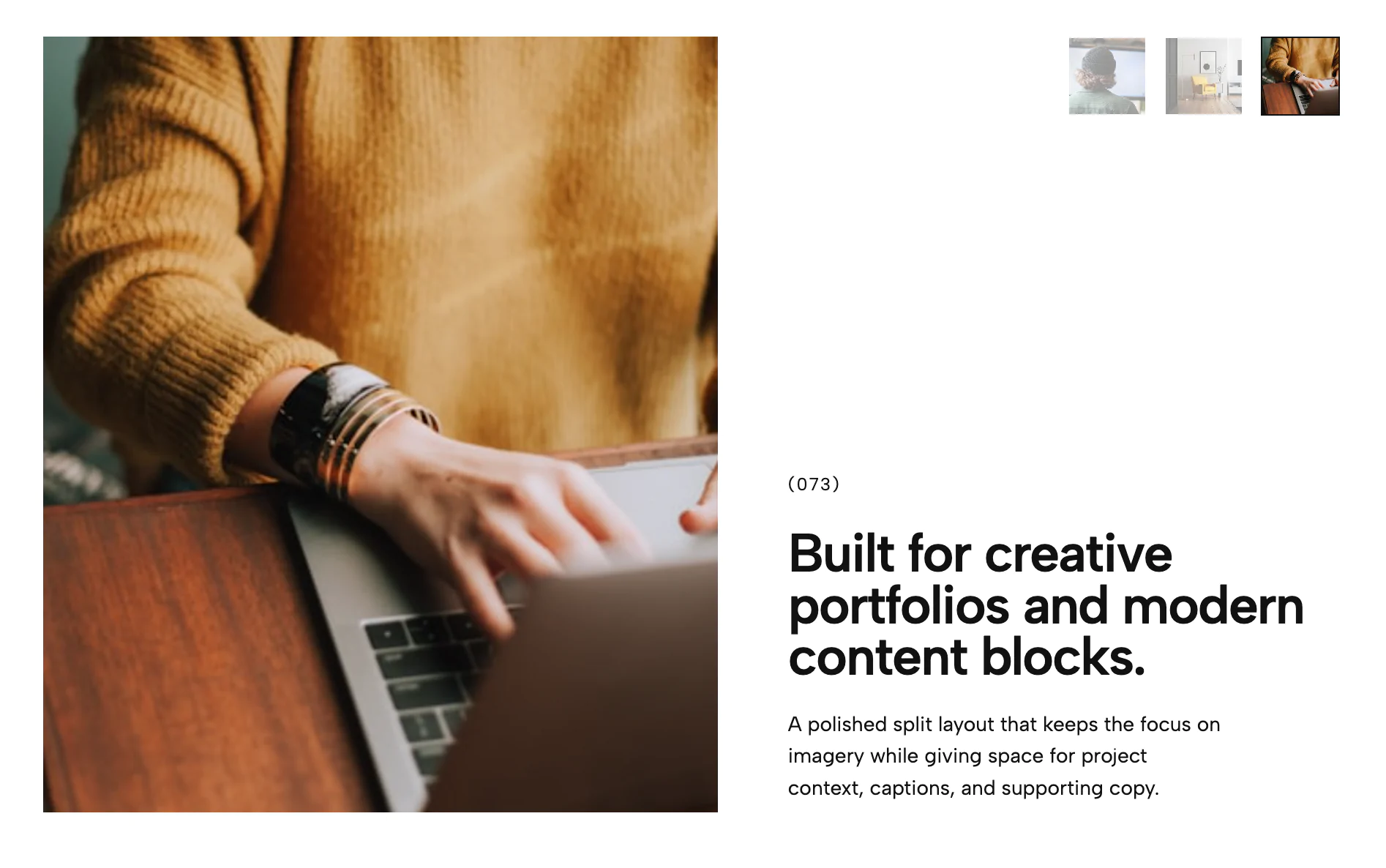
This portfolio grid widget presents work in an alternating editorial layout inspired by modern minimalist showcase pages. Each item combines an image, label, short supporting text, and a clickable link inside the slide so visitors can move directly to the featured project or case study. The layout is designed for portfolios, creative agencies, studios, and visual brands that want a refined, scroll-driven presentation with strong spacing and movement.
This portfolio grid widget is a refined, editorial-style portfolio layout built to showcase creative work with impact, clarity, and movement. It combines an alternating grid structure, oversized project numbering, strong typography, and immersive image presentation to create a modern portfolio widget that feels premium, intentional, and easy to browse.
Designed for creative agencies, design studios, photographers, freelancers, and visual brands, the widget works especially well on portfolio landing pages, agency websites, case study pages, and creative showcase sections where first impressions matter. Each portfolio item includes a project image, title, description, and link, so users can move naturally from inspiration to action without losing the narrative flow.
The alternating layout gives the grid a magazine-like rhythm, breaking away from a standard uniform card grid and making the section feel more curated and high-end. That asymmetry helps guide attention across the page while still keeping the content structured and scannable, which is useful for web design portfolios, branding portfolios, and digital portfolio websites that need both style and usability.
Advanced scroll animations add another layer of polish by revealing items as they enter the viewport and re-animating them when the user scrolls back through the section. This keeps the portfolio widget visually alive without feeling overwhelming, and it creates a more interactive browsing experience for users exploring multiple projects, case studies, or design examples.
Bring this layout to life on your website in just a few clicks.

Edit Portfolio Grid Showcase visually using the native Squarespace extension
First, ensure you have connected your website to the native Redesignee extension. Once connected, you have two easy ways to build:
Native Block: Simply add the native Redesignee Widget Block directly from the fluid engine editor menu inside Squarespace.
Manual Markdown: Add a standard Markdown Block, paste your widget’s code snippet, and the Redesignee floating "Customize" button will automatically appear right over the block.
Both methods let you tweak settings, copy items, and design visually in real time. Saving your changes syncs the updates instantly to your live page.
See Squarespace installation guide
Connect natively via Gutenberg or Elementor
Make sure you have the free Redesignee WordPress Plugin installed. To drop the Portfolio Grid Showcase into Elementor, simply drag and drop the Redesignee widget from your sidebar. If you are using the Gutenberg Block Editor, click the " + " icon and select the Redesignee Block. Launch the Cloud Library directly inside your workspace, choose your customized template, and import it with a single click. It automatically inherits your theme fonts and styles!
WordPress plugin installation guide
Quick copy-and-paste for custom setups
If you are using Webflow, Shopify, Wix, or a custom HTML site, click the "Export Widget" button on this page and ensure the platform selector is set to "HTML". Click "Copy" to copy the clean, un-nested source code snippet directly to your clipboard. Paste this code into any HTML component, Code Block, or Embed tool inside your website builder. All styles, animations, and scripts are self-contained and ready to run.
This Portfolio Grid Showcase widget is optimized and categorized inside the following layout packs:
Stop building grid layouts from scratch. Browse our cloud library, customize interactive showcase sections visually, and copy-paste pristine code directly onto your design canvas.
Scale your studio production in record time. Access professional agency sections from our cloud workspace, tweak them visually, and drop clean, native elements straight into your client builds.
Embrace pristine minimal structures. Tweak crisp whitespace templates visually inside our cloud canvas layout, copy the fast-rendering script output, and paste it straight onto your host site.
Bring asymmetric, magazine-style aesthetics to your web project canvas. Browse editorial grids and refined typography elements from our cloud repository and copy-paste clean code rows.
Make your layouts stand out instantly. Tweak advanced visual elements inside our cloud design workspace, copy the lightweight framework strings, and drop them seamlessly onto your canvas.
Published:
May 04, 2026 02:59 AM
Category: