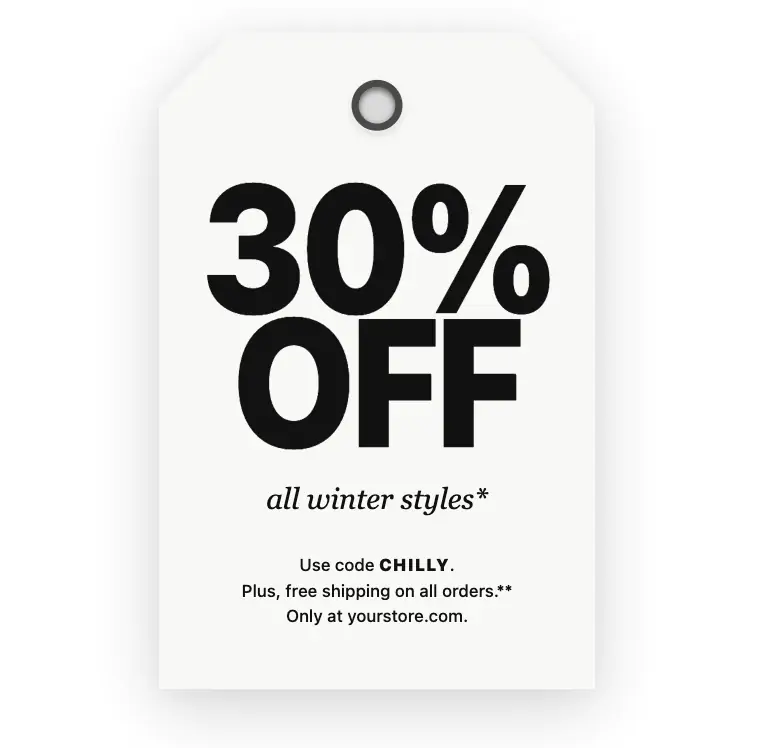
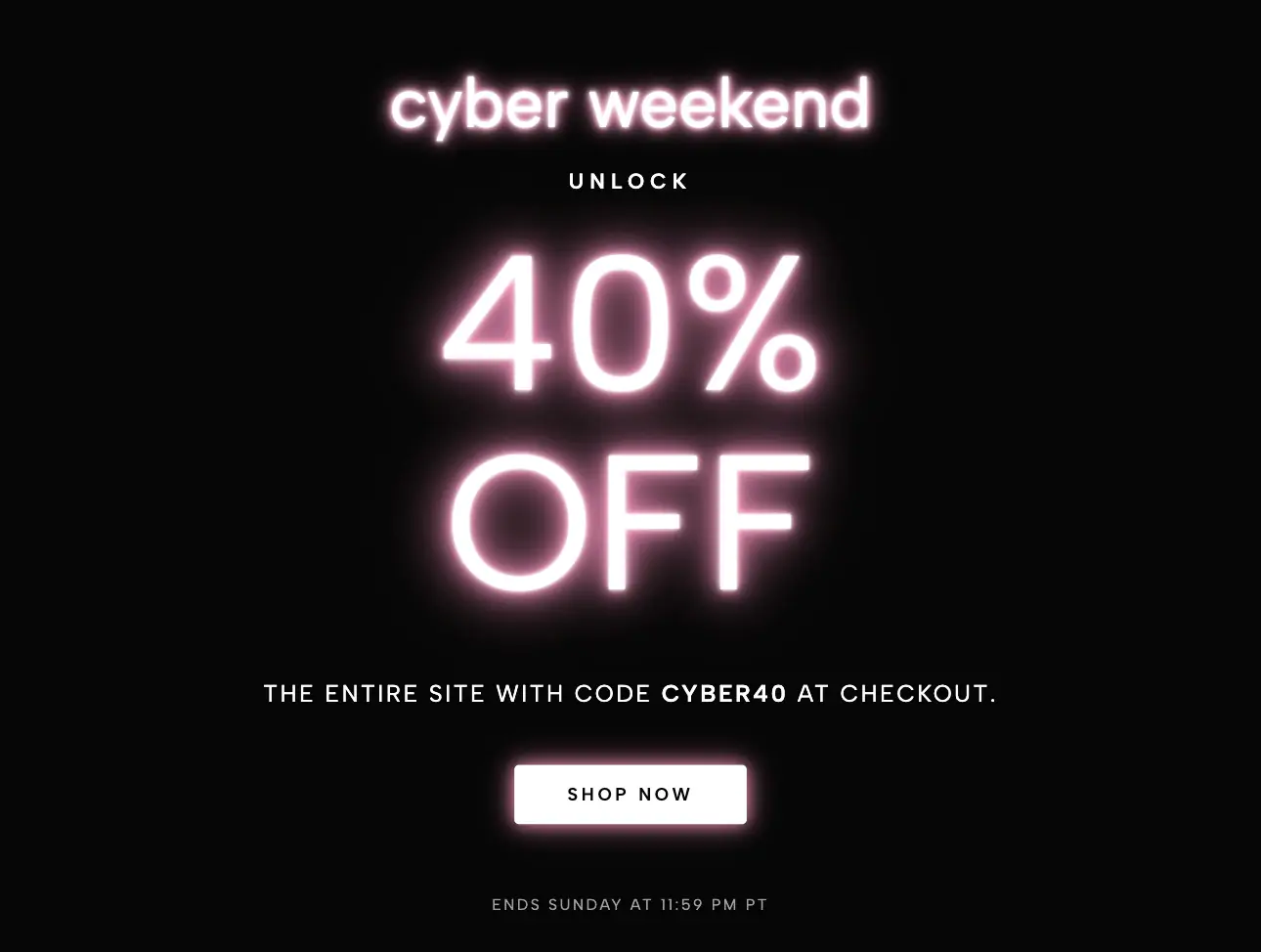
Are you tired of aggressive, screen-blocking popups that frustrate your website visitors and hurt your SEO rankings? Meet the Special Offer Slide-Out Drawer Widget—the modern, high-converting alternative to traditional modal popups. Designed to seamlessly integrate into any website builder (including Squarespace, WordPress, and Webflow), this elegant sticky side-tab ensures your most important announcements, holiday promotions, and lead-capture forms are always visible without ever interrupting the user experience.
At first glance, this widget appears as a sleek, minimalistic sticky tab resting flush against the edge of the user's browser window. The text on the tab is rotated vertically, creating a sophisticated, space-saving design that practically begs to be clicked.
When a visitor interacts with the tab, a beautifully styled, full-height drawer panel glides smoothly onto the screen using hardware-accelerated CSS transitions. The drawer features a clean layout complete with a bold headline, descriptive body text, a highly readable bulleted list, and a high-contrast Call-to-Action (CTA) button. Every visual element—from the background colors and typography to the corner rounding and shadow depth—is 100% customizable to match your brand's unique aesthetic perfectly.
Engineered specifically for optimal lateral usability, this drawer widget is strictly designed for left and right-side placements. By avoiding awkward bottom-screen popups that interfere with mobile keyboards and cookie banners, this widget guarantees a flawless browsing experience.
Using the intuitive customizer, you can anchor the drawer to four precise screen locations:
Top-Right or Bottom-Right: The panel slides in from the right edge, with the sticky tab automatically rotating and locking to the correct quadrant.
Top-Left or Bottom-Left: The panel slides in from the left, automatically flipping its internal shadows and tab orientation for a perfect left-handed layout.
Users simply click the floating tab to reveal the panel, and click the elegant × icon to instantly slide it back out of view. It remains fixed to the viewport as the user scrolls, ensuring your promotion is always just one click away.
Because it is incredibly versatile, the Slide-Out Drawer Widget is a powerhouse for virtually any industry:
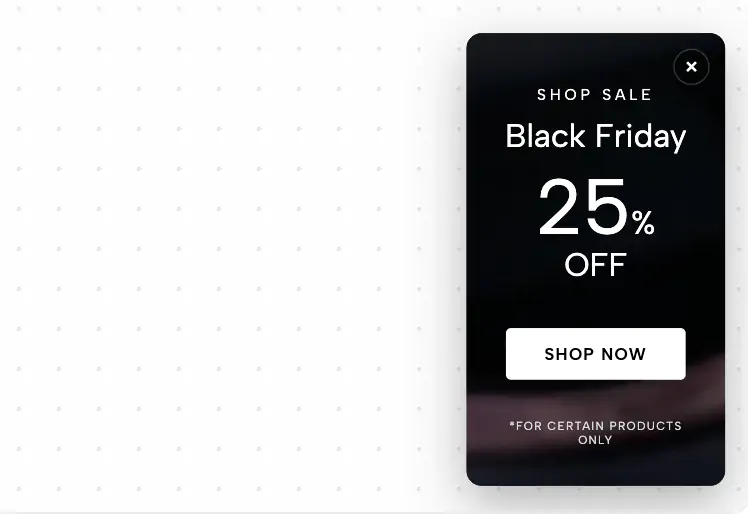
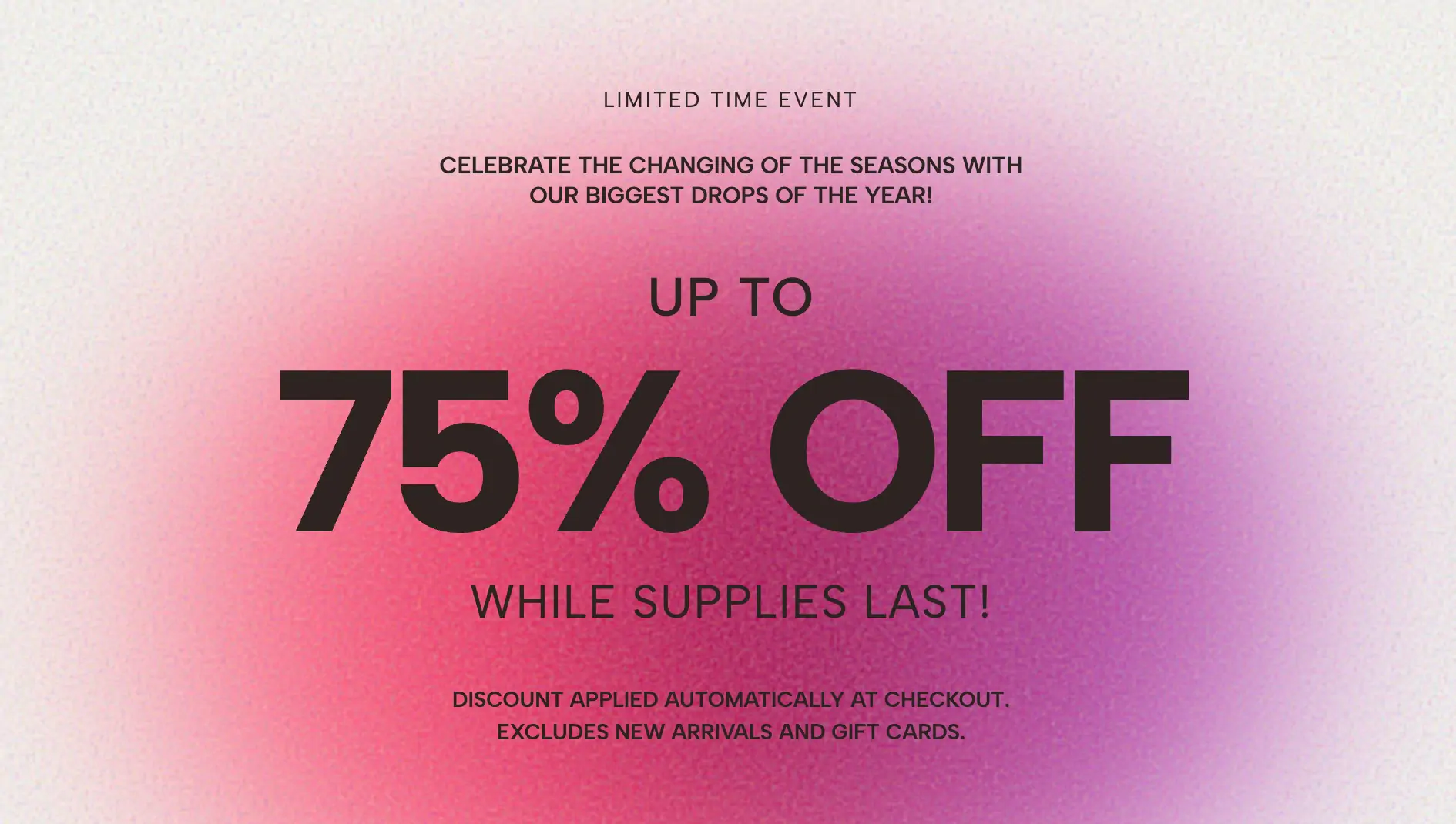
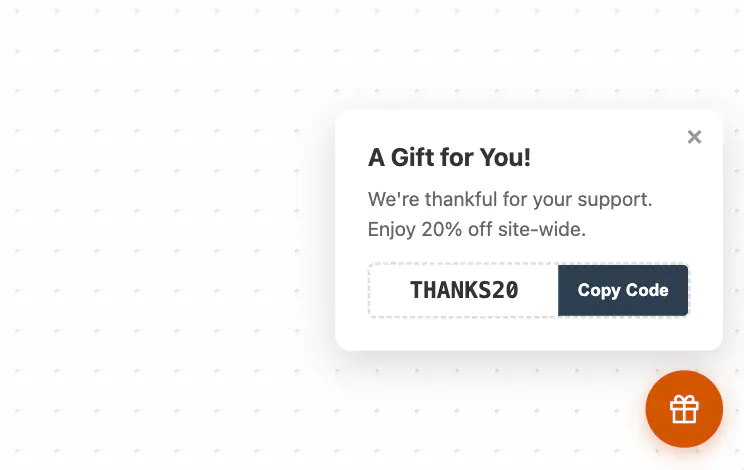
E-commerce & Retail: Perfect for Black Friday deals, Cyber Monday discounts, and holiday sales. Use the drawer to list out "Perks" (like Free Shipping, 20% Off, and Gift Wrapping) and link the CTA button directly to a checkout or collection page.
Restaurants & Hospitality: Replace bulky PDF menus with a dedicated "Holiday Feast" or "Catering Menu" drawer. Visitors can easily browse specials and click to reserve a table or place a pre-order.
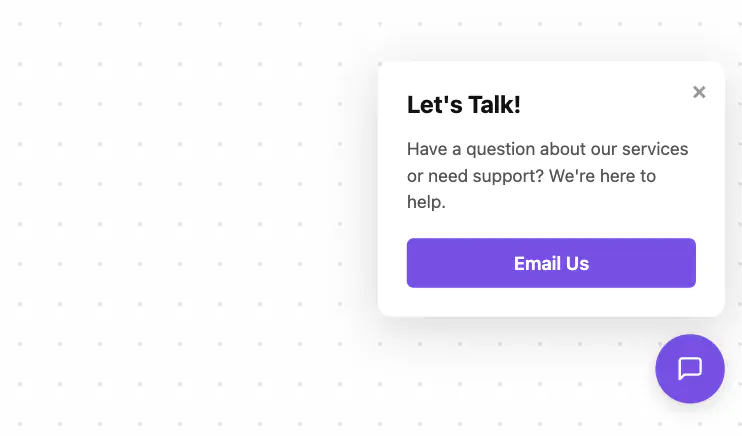
B2B & Agencies: Transform the drawer into a powerful lead generation tool by linking it to a booking calendar, a newsletter signup, or a special downloadable guide.
Event Promotion: Use the bulleted list to highlight event dates, speakers, or schedules, making it a fantastic sticky agenda for conference websites.
Google SEO-Friendly (Zero Interstitials): Google heavily penalizes websites that use intrusive popups that block the main content. This slide-out drawer complies with modern UX standards, keeping your SEO scores high while still capturing visitor attention.
Non-Intrusive High Visibility: The sticky tab follows the user as they scroll, creating persistent awareness without annoying them. They control when they want to engage with your offer.
Builder Safe Mode Technology: Exporting this widget gives you clean, vanilla JavaScript and CSS. It includes built-in failsafes that prevent the widget from freezing or blocking your drag-and-drop visual editors (like Elementor or Squarespace 7.1) while you design your site.
Lightning Fast & Lightweight: Zero heavy jQuery libraries. The animation is driven entirely by ultra-smooth CSS transforms, ensuring your website load speed remains lightning fast.
Elevate your website's marketing strategy today. Use the Slide-Out Drawer Widget to drive urgency, boost sales, and deliver a premium user experience that converts.
Bring this layout to life on your website in just a few clicks.

Edit Special Offer Slide-Out Drawer visually using the native Squarespace extension
First, ensure you have connected your website to the native Redesignee extension. Once connected, you have two easy ways to build:
Native Block: Simply add the native Redesignee Widget Block directly from the fluid engine editor menu inside Squarespace.
Manual Markdown: Add a standard Code Block, paste your widget’s code snippet, and the Redesignee floating "Customize" button will automatically appear right over the block.
Both methods let you tweak settings, copy items, and design visually in real time. Saving your changes syncs the updates instantly to your live page.
See Squarespace installation guide
Connect natively via Gutenberg or Elementor
Make sure you have the free Redesignee WordPress Plugin installed. To drop the Special Offer Slide-Out Drawer into Elementor, simply drag and drop the Redesignee widget from your sidebar. If you are using the Gutenberg Block Editor, click the " + " icon and select the Redesignee Block. Launch the Cloud Library directly inside your workspace, choose your customized template, and import it with a single click. It automatically inherits your theme fonts and styles!
WordPress plugin installation guide
Quick copy-and-paste for custom setups
If you are using Webflow, Shopify, Wix, or a custom HTML site, click the "Export Widget" button on this page and ensure the platform selector is set to "HTML". Click "Copy" to copy the clean, un-nested source code snippet directly to your clipboard. Paste this code into any HTML component, Code Block, or Embed tool inside your website builder. All styles, animations, and scripts are self-contained and ready to run.
This Special Offer Slide-Out Drawer widget is optimized and categorized inside the following layout packs:
Convert your product traffic effortlessly. Tweak tech-focused feature sections and pricing tables in our cloud library, grab the optimized code, and paste them directly into your layout.
Embrace pristine minimal structures. Tweak crisp whitespace templates visually inside our cloud canvas layout, copy the fast-rendering script output, and paste it straight onto your host site.
Boost your holiday revenue with engaging promo bars, countdown timers, and seasonal floating effects. Customize high-converting sales components and drop them straight into your live site.
Published:
Sep 07, 2026 14:33 PM
Category:
Tags: