
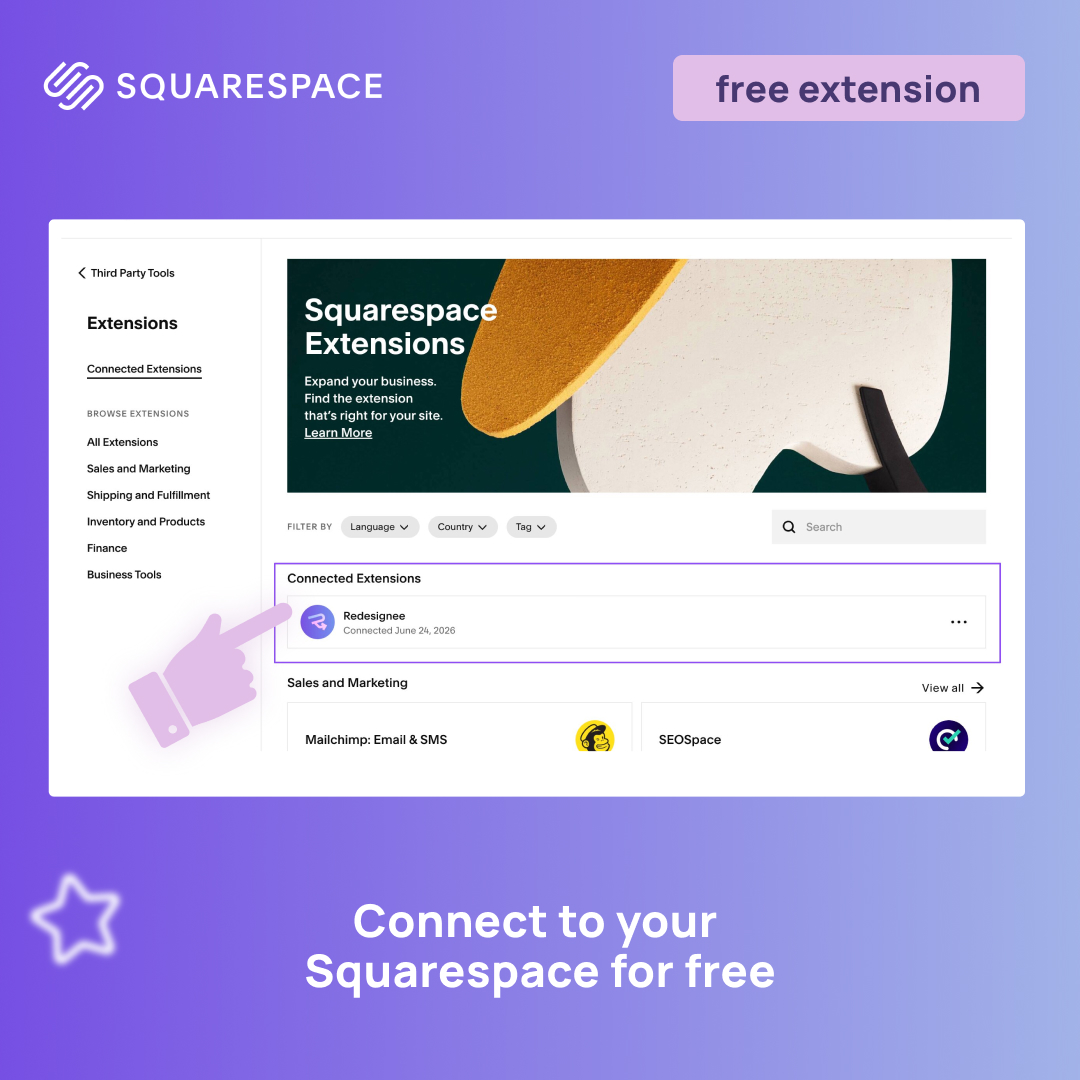
Last updated: August 3, 2026
When you are building or upgrading your website, it is completely normal to search for the best free Squarespace plugins to add extra functionality, smooth animations, or unique layouts. You want to elevate your digital storefront, but you shouldn't have to risk breaking your site with sketchy, outdated code snippets just to stay within budget.
The problem is that most tools marketed as plugins for Squarespace are incredibly limited—they usually offer just a single feature, forcing you to hunt down and buy them one by one. Managing a massive stack of individual, clunky code snippets quickly turns into a nightmare that slows down your page speed and breaks your mobile layout. Instead of dealing with scattered single-use scripts, the Redesignee Extension for Squarespace gives you instant access to the largest library of premium widgets for Squarespace, all natively integrated into a single, seamless ecosystem.
We believed there had to be a better, safer way to customize your site. That is why we built the Redesignee Extension: a powerful widget library that is completely free to install and features true native integration with Squarespace.
What Does "Native Integration" Actually Mean for Squarespace Plugins?
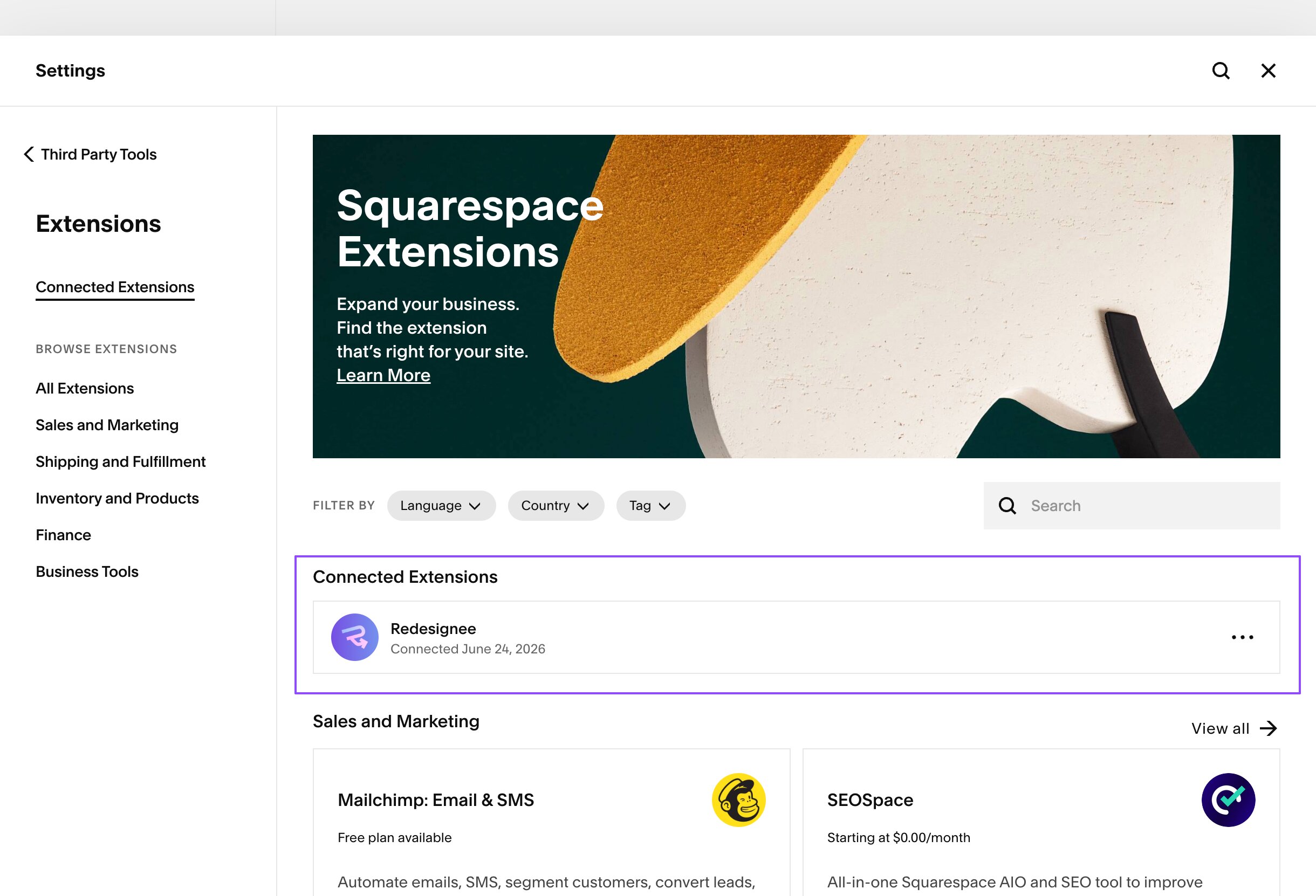
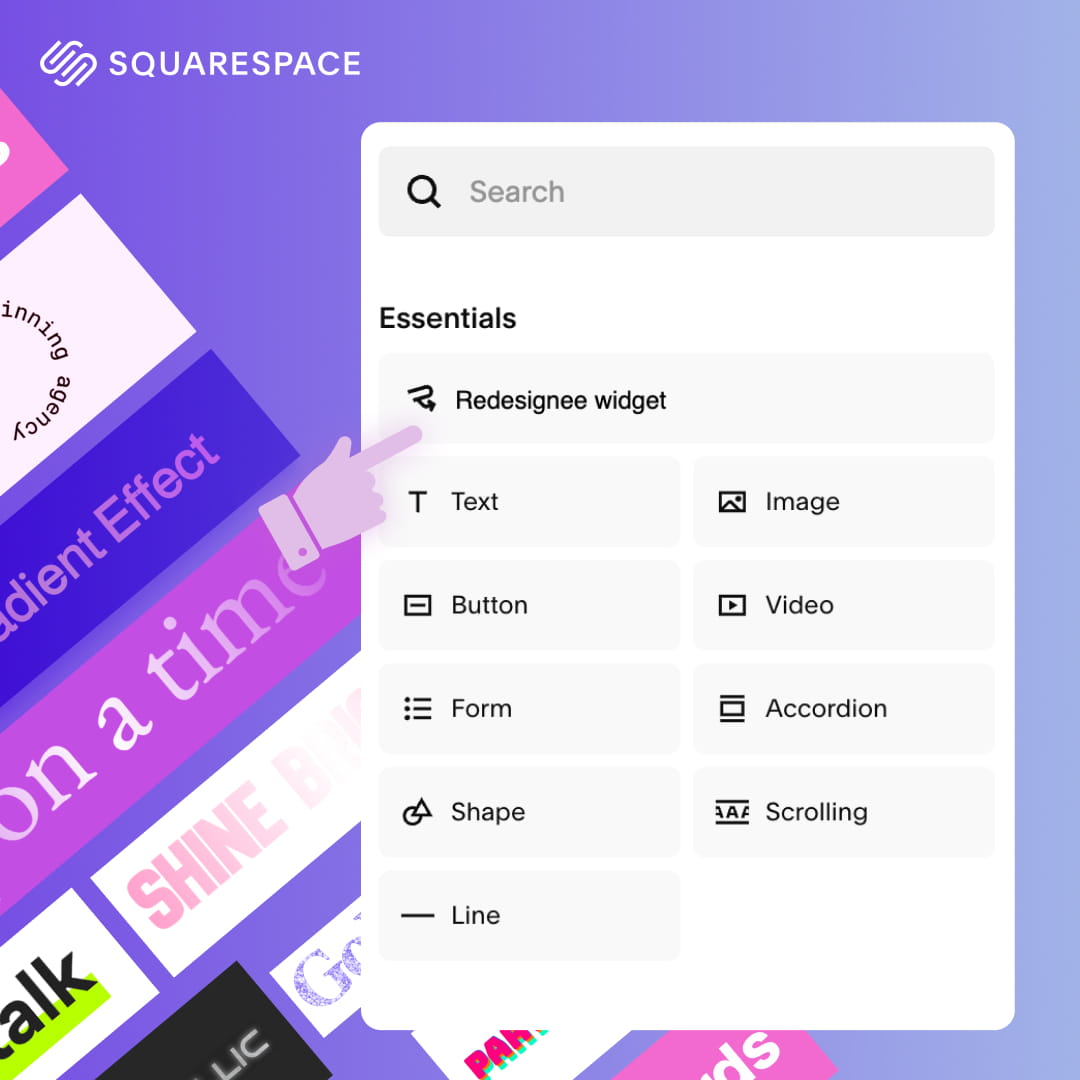
Unlike traditional third-party code snippets or external widgets that load inside slow iframes, Redesignee is designed to work seamlessly within the Squarespace ecosystem.
Once you connect the extension, it feels like a natural extension of the platform itself. You can browse our massive library of premium layouts and Squarespace free plugins, drop widgets directly into your pages, and edit them using an intuitive visual interface—all without ever leaving your Squarespace editor or touching a single line of code.
Why Redesignee is the Best Free Squarespace Plugin Alternative
We know that committing to expensive monthly subscriptions for basic web design tools is frustrating. If you have been searching for squarespace plug ins free of complicated installation steps and hidden fees, the Redesignee extension is 100% free to install.
When you install the extension, you get immediate access to our ecosystem. You can explore our library, drop layouts into your site, and see exactly how they look and function with your existing branding before making any commitments. It is the ultimate risk-free way to test advanced layouts, interactive accordions, and dynamic galleries on your live site.
11 Best Plugins for Squarespace: Top Widgets to Try Today
Instead of hunting down individual free plugins for Squarespace, the Redesignee library gives you instant access to all of these layout components directly in your editor:
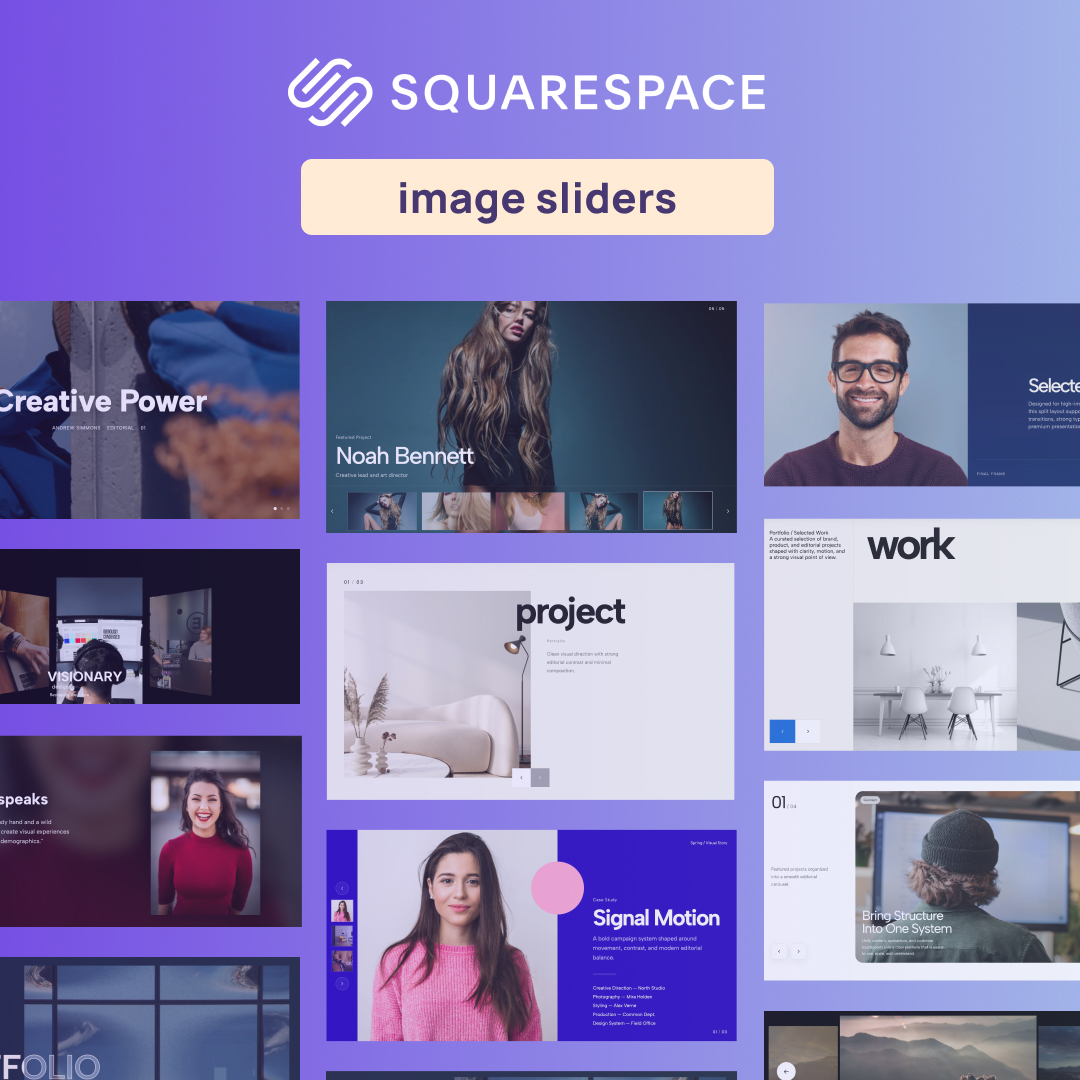
1. Interactive Thumbnail Testimonial Slider Plugin

Build trust instantly with this sleek, interactive testimonial slider. Instead of standard text blocks, this widget lets users click through client headshots to read their reviews. It is the perfect way to display social proof on your homepage without taking up too much vertical space.
2. Minimalist Poster Slider Centered Reveal
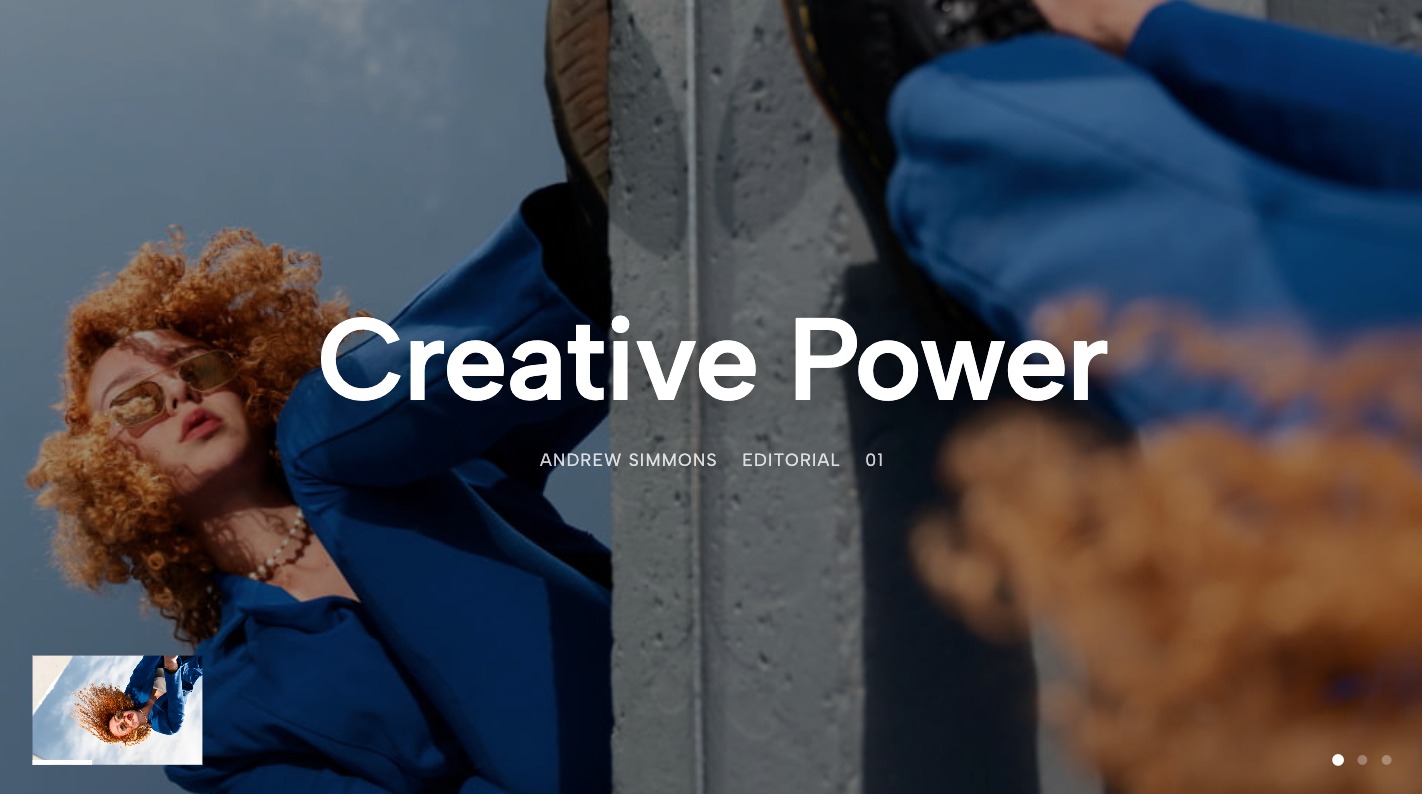
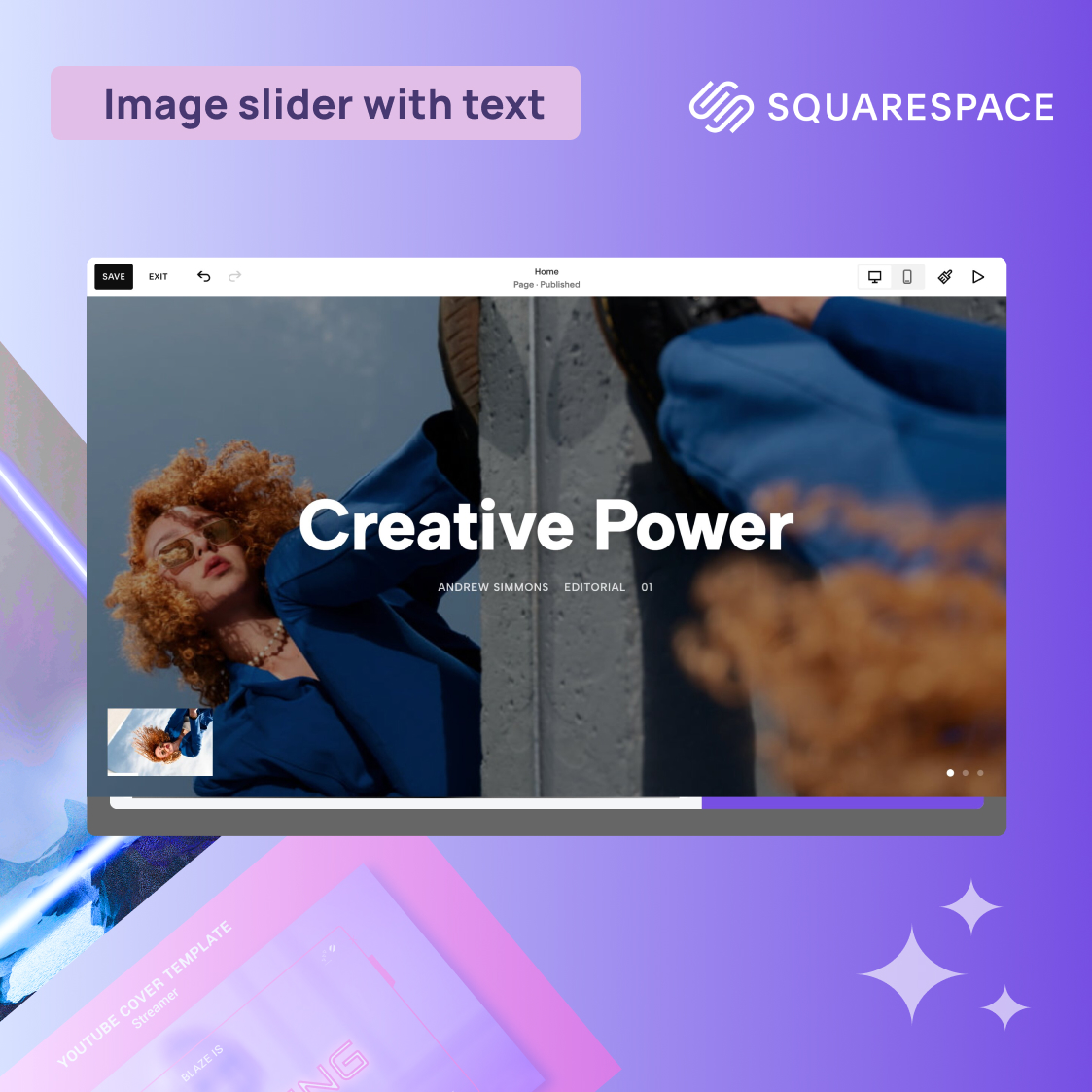
This layout is designed for editorial impact. It features a centered reveal motion that highlights your featured imagery, making it ideal for photographer portfolios or brand lookbooks that demand a clean, professional aesthetic.
3. Minimalist Portfolio Carousel Plugin
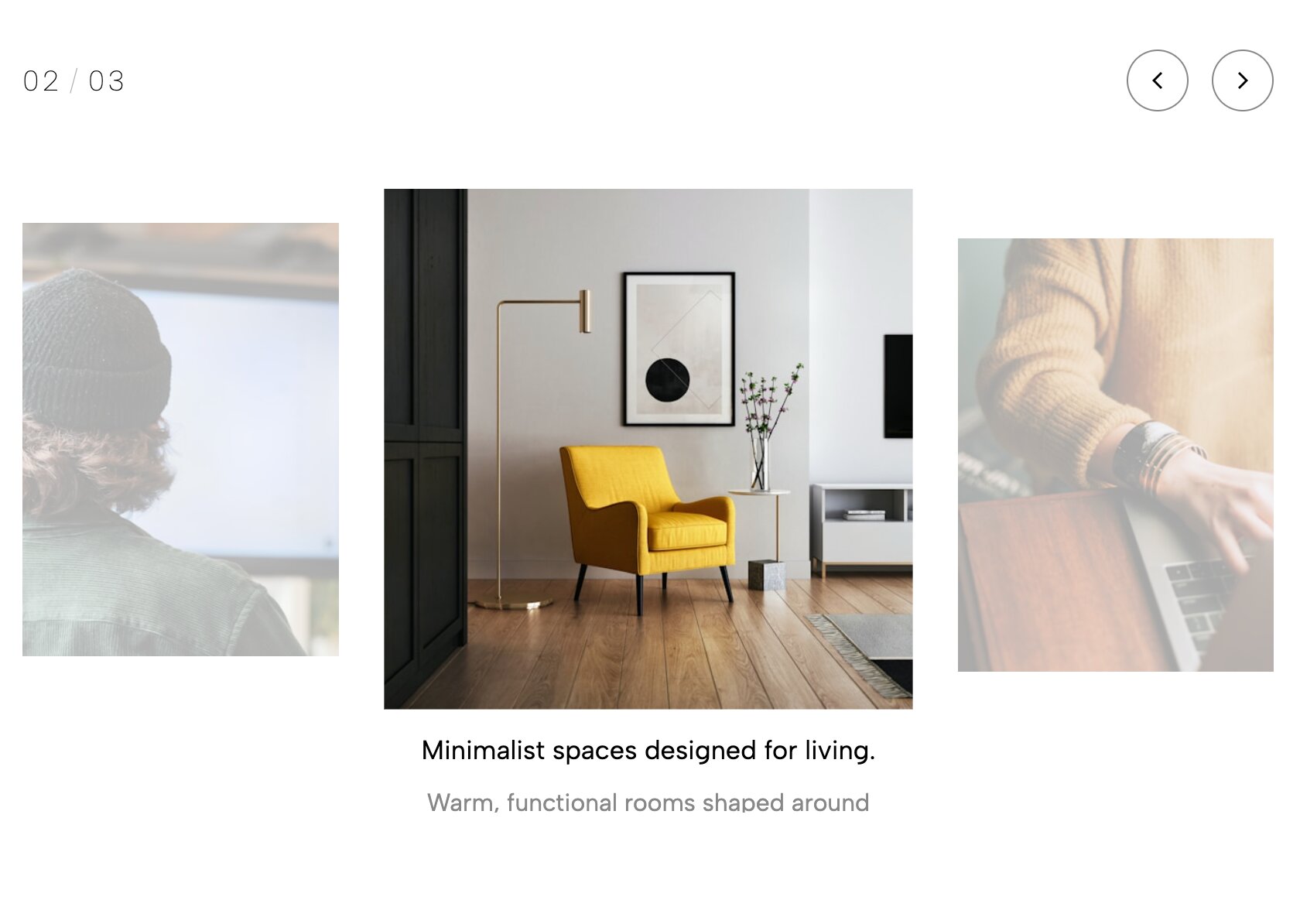
Showcase your work with a focus on simplicity. This carousel removes visual clutter, allowing potential clients to browse your best case studies in a smooth, frictionless sliding motion that feels native to high-end design sites.
4. Kinetic Typography Accordion Widget
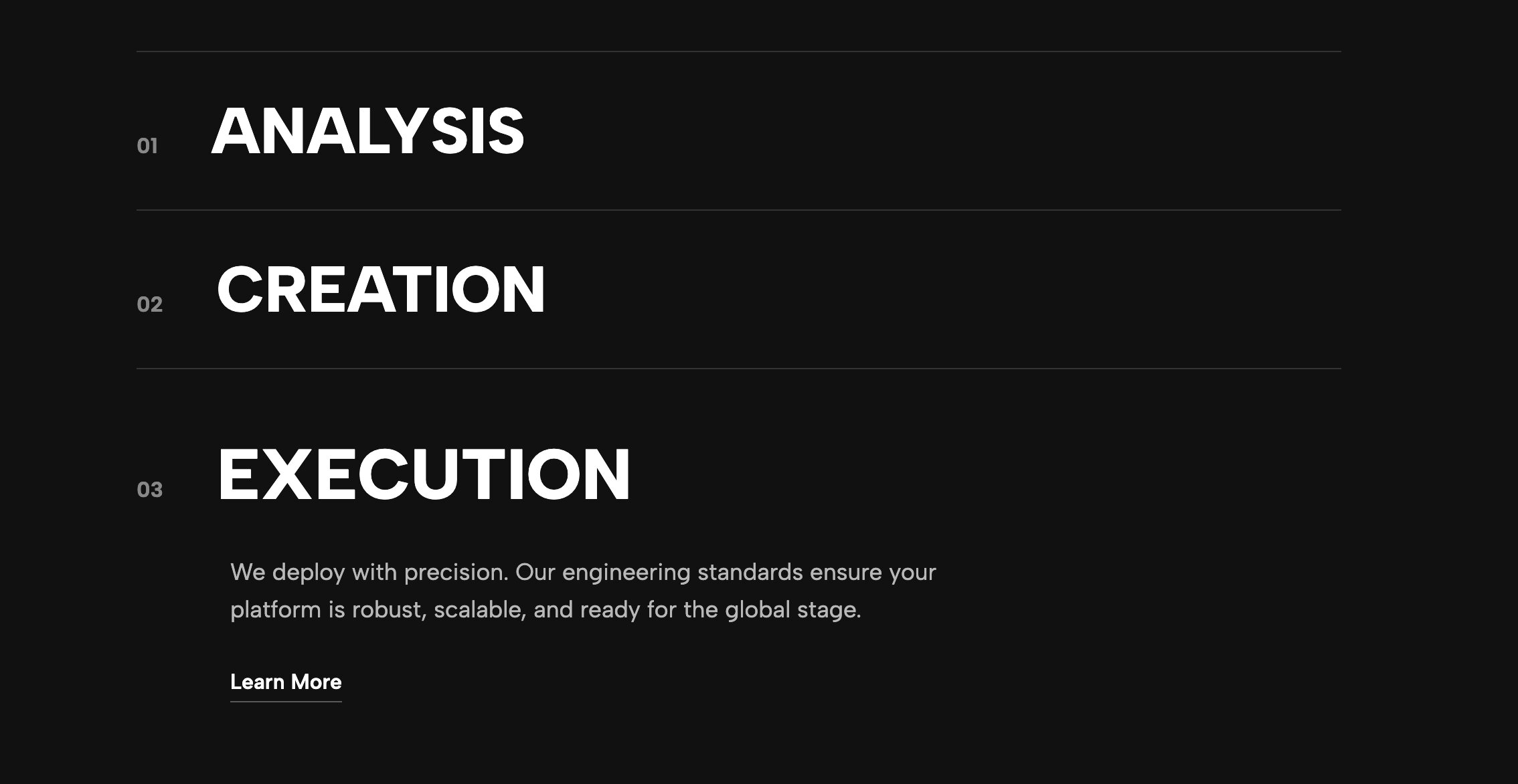
Engage your audience with text that moves. This accordion widget uses kinetic typography effects to animate headers as users expand each section, turning a standard FAQ or service list into an interactive experience.
5. Editorial Year Timeline

Perfect for "Our Story" or brand history pages, this timeline widget uses an editorial layout to map out your company's milestones. It’s clean, easy to read, and adds a professional narrative structure to your website.
6. Split Layout Dynamic Tabs Plugin

Maximize your content density with this split-layout tab system. Keep your page organized by separating information into interactive tabs, which load fresh content without a page reload, keeping your visitor's attention focused.
7. Team Cards with LinkedIn Buttons

Humanize your brand with polished team member cards. This widget includes integrated LinkedIn call-to-action buttons, making it easier than ever for visitors to connect with your team directly from your site.
8. Team Card Hover Grid

Create a dynamic team grid that feels interactive. These cards feature subtle hover animations that reveal bio information or extra details, keeping your layout clean while offering depth for users who want to know more.
9. Animated Statistics Strip Widget

Don't just state your numbers—animate them. This strip features a count-up animation that triggers as users scroll, perfect for showcasing your growth, client count, or key success metrics in a high-impact way.
10. Vertical Team Accordion Plugin

If you have a large team but limited space, this vertical accordion is the perfect solution. It stacks profiles neatly, allowing users to expand only the members they want to learn about, resulting in a cleaner, more organized design.
11. Duo Tone Stat Card Grid
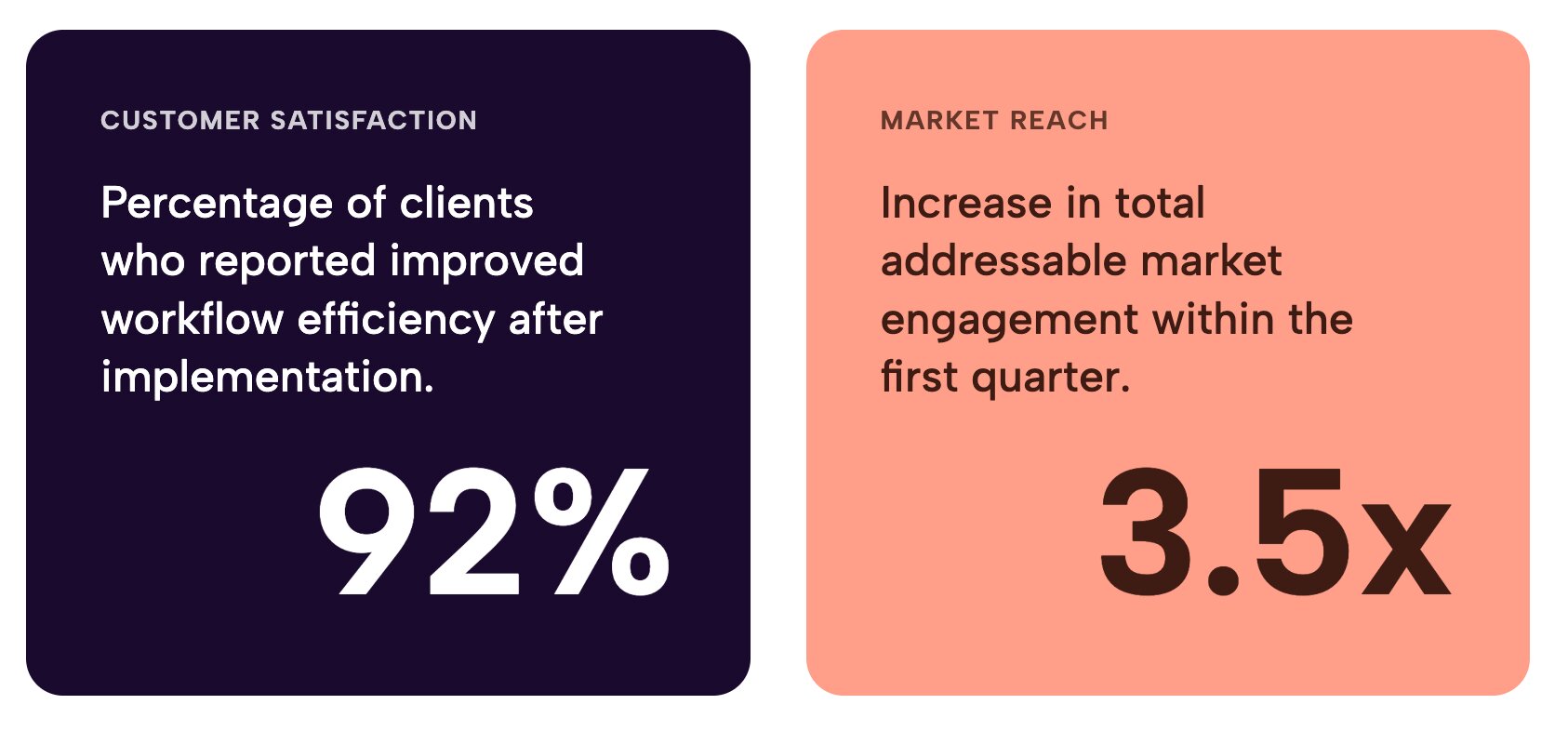
Visually organize your data with this duo-tone grid. The striking contrast makes information highly readable and gives your site a premium, custom-designed look that is impossible to achieve with basic, default Squarespace blocks.
Best Plugins for Squarespace: Native Integration vs. Standard Code Snippets
If you are comparing Redesignee to standard code snippets found on forums, the native integration offers several massive advantages:
- Zero Coding Required: You manage your new widgets through a clean, visual interface. No more digging through CSS files to change a background color or adjust padding.
- Future-Proof Stability: Because our extension integrates natively, our team can push updates centrally. When Squarespace rolls out major platform changes, your Redesignee widgets will continue to work flawlessly.
- Optimized Performance: Native integration means the code loading on your site is clean and streamlined, protecting your SEO and ensuring lightning-fast page loading speeds.
How to Upgrade Your Site with Free Squarespace Plugins
You do not have to settle for the basic, default blocks, and you certainly do not have to rely on risky, scattered code snippets to get the custom look you want.
If you are looking for the absolute best Squarespace plugins and free widgets on the market, the solution is simple. Install the Redesignee Extension for free today, experience the power of native integration, and transform your website into an unforgettable, interactive experience in minutes!
Frequently Asked Questions About Squarespace Plugins
Are there free plugins for Squarespace?
Yes, while Squarespace doesn't have a traditional plugin directory like WordPress, you can easily integrate third-party extensions and widgets. The Redesignee extension is a top choice if you are looking for Squarespace plugins free of charge, giving you native access to premium layouts without writing any custom CSS.
What are the best free Squarespace plugins?
The best free Squarespace plugins are those that improve your site's user experience without causing code bloat or slowing down your page speed. Interactive widgets like testimonial sliders, kinetic typography accordions, and dynamic portfolio carousels are the best tools to elevate your design quickly.
Where can I find the best plugins for Squarespace?
Instead of searching for single-use code snippets on forums, the most reliable way to find the best plugins for Squarespace is through a dedicated, natively integrated library. The Redesignee extension offers a centralized hub for high-quality, free plugins for Squarespace that you can drop directly into your visual editor.




Comments (0)