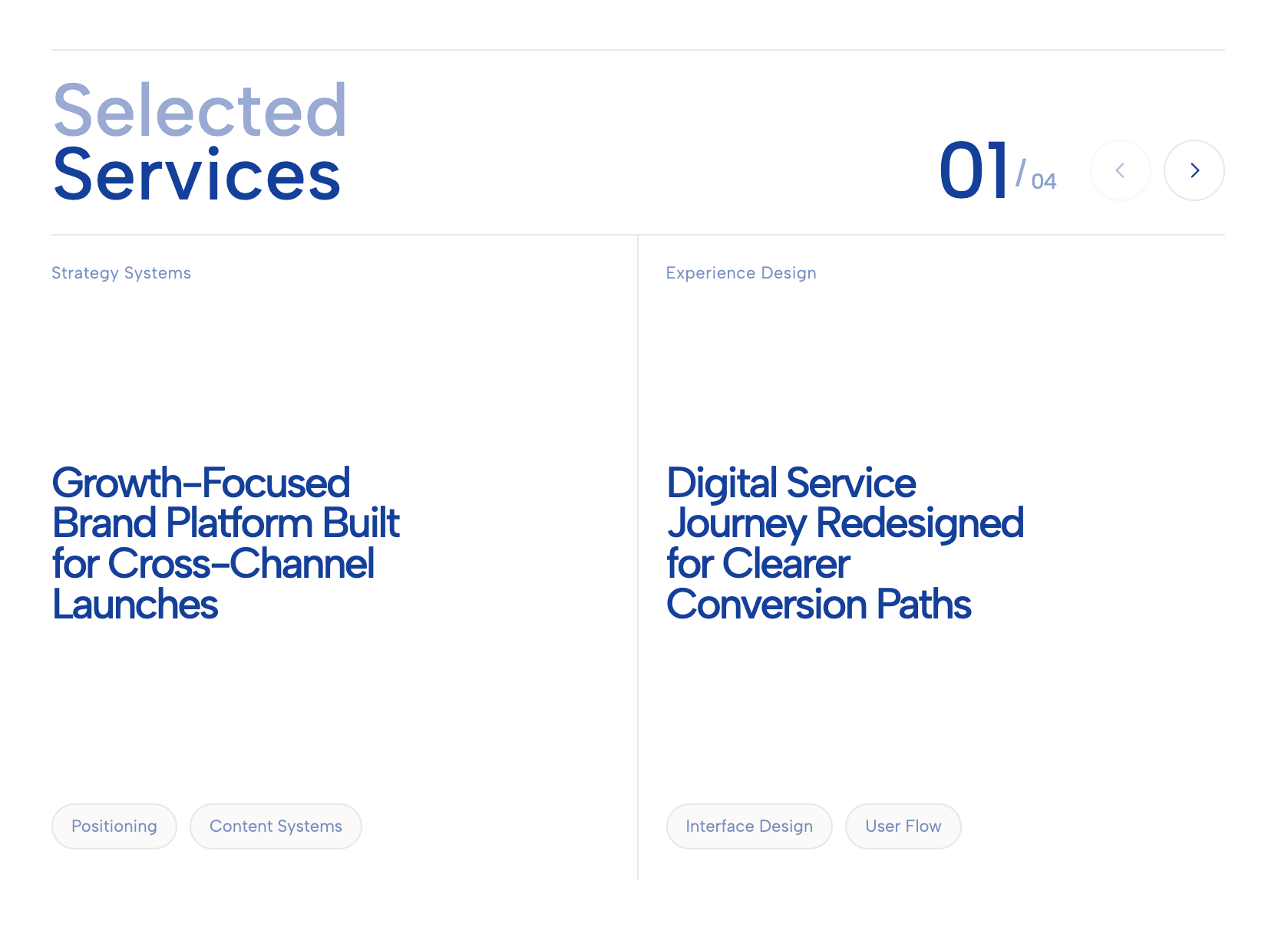
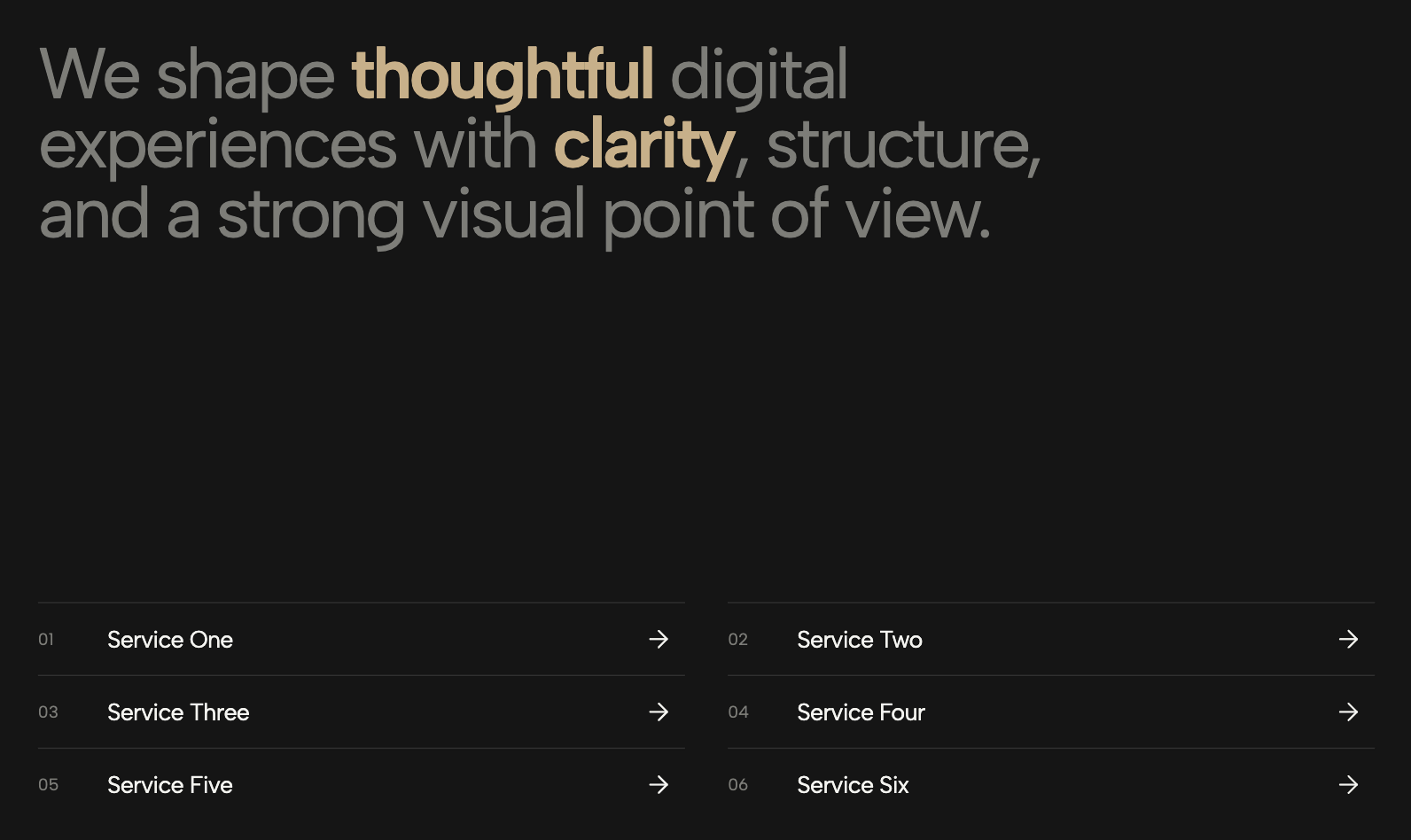
A clean, stacked vertical list of service links featuring bold typography and circular arrow buttons set against a soft background.
The Service Text Links List widget offers a sleek, modern approach to internal site navigation, transforming standard text links into an engaging, high-conversion service menu. Designed with a soft light-blue background and bold, uppercase typography, this custom Squarespace widget instantly grabs user attention while maintaining a clean, professional aesthetic. Each horizontal text banner spans the full width of its container and is paired with a vibrant circular arrow button. When a visitor hovers over a row, a smooth slide-forward micro-interaction triggers on the arrow, subtly encouraging the user to click through and explore your specific offerings.
This interactive links widget is an ideal solution for B2B agencies, financial consultants, and SaaS platforms looking to streamline their site architecture. It performs exceptionally well when deployed on a dedicated "Services" or "What We Do" page, acting as a clear, scannable index that routes traffic to specialized subpages like CRM management, payroll solutions, or operational systems. By replacing text-heavy paragraphs or boring bullet points with these bold navigation links, you reduce cognitive load and create a frictionless pathway for potential clients to find exactly what they need.
Built to be fully responsive from the ground up, the list automatically optimizes its padding and font scaling for smaller screens, ensuring the touch targets remain large and easily accessible on mobile devices. Integrating this service list widget into your layout not only elevates the visual polish of your website but significantly improves overall user experience, time-on-page metrics, and internal page routing.
Bring this layout to life on your website in just a few clicks.

Edit Service Text Links List visually using the native Squarespace extension
First, ensure you have connected your website to the native Redesignee extension. Once connected, you have two easy ways to build:
Native Block: Simply add the native Redesignee Widget Block directly from the fluid engine editor menu inside Squarespace.
Manual Markdown: Add a standard Code Block, paste your widget’s code snippet, and the Redesignee floating "Customize" button will automatically appear right over the block.
Both methods let you tweak settings, copy items, and design visually in real time. Saving your changes syncs the updates instantly to your live page.
See Squarespace installation guide
Connect natively via Gutenberg or Elementor
Make sure you have the free Redesignee WordPress Plugin installed. To drop the Service Text Links List into Elementor, simply drag and drop the Redesignee widget from your sidebar. If you are using the Gutenberg Block Editor, click the " + " icon and select the Redesignee Block. Launch the Cloud Library directly inside your workspace, choose your customized template, and import it with a single click. It automatically inherits your theme fonts and styles!
WordPress plugin installation guide
Quick copy-and-paste for custom setups
If you are using Webflow, Shopify, Wix, or a custom HTML site, click the "Export Widget" button on this page and ensure the platform selector is set to "HTML". Click "Copy" to copy the clean, un-nested source code snippet directly to your clipboard. Paste this code into any HTML component, Code Block, or Embed tool inside your website builder. All styles, animations, and scripts are self-contained and ready to run.
This Service Text Links List widget is optimized and categorized inside the following layout packs:
Convert your product traffic effortlessly. Tweak tech-focused feature sections and pricing tables in our cloud library, grab the optimized code, and paste them directly into your layout.
Elevate your business site layouts instantly. Browse free and premium corporate modules from our cloud library, adjust elements visually, and copy-paste clean layouts straight to your page engine canvas.
Embrace pristine minimal structures. Tweak crisp whitespace templates visually inside our cloud canvas layout, copy the fast-rendering script output, and paste it straight onto your host site.