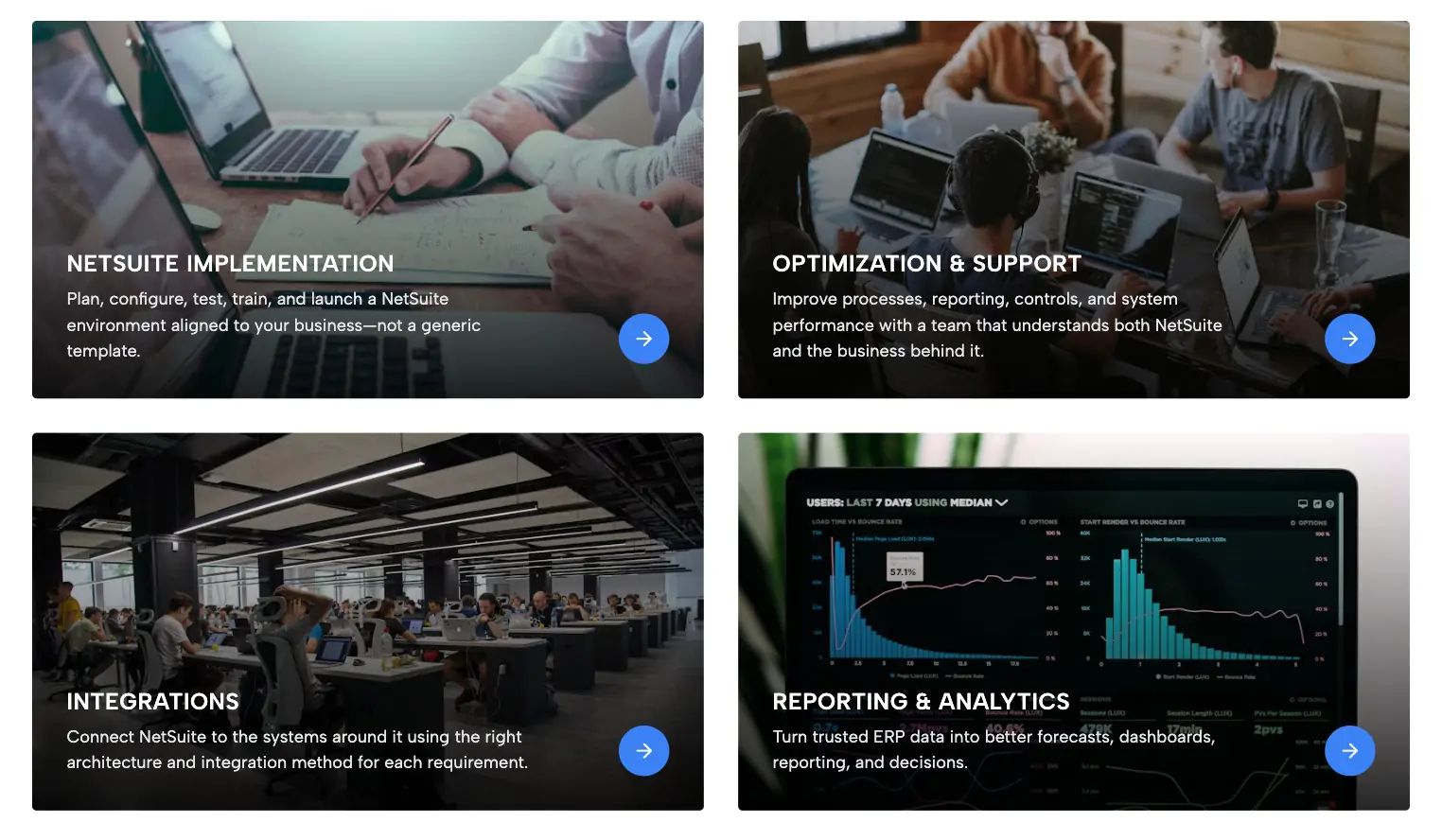
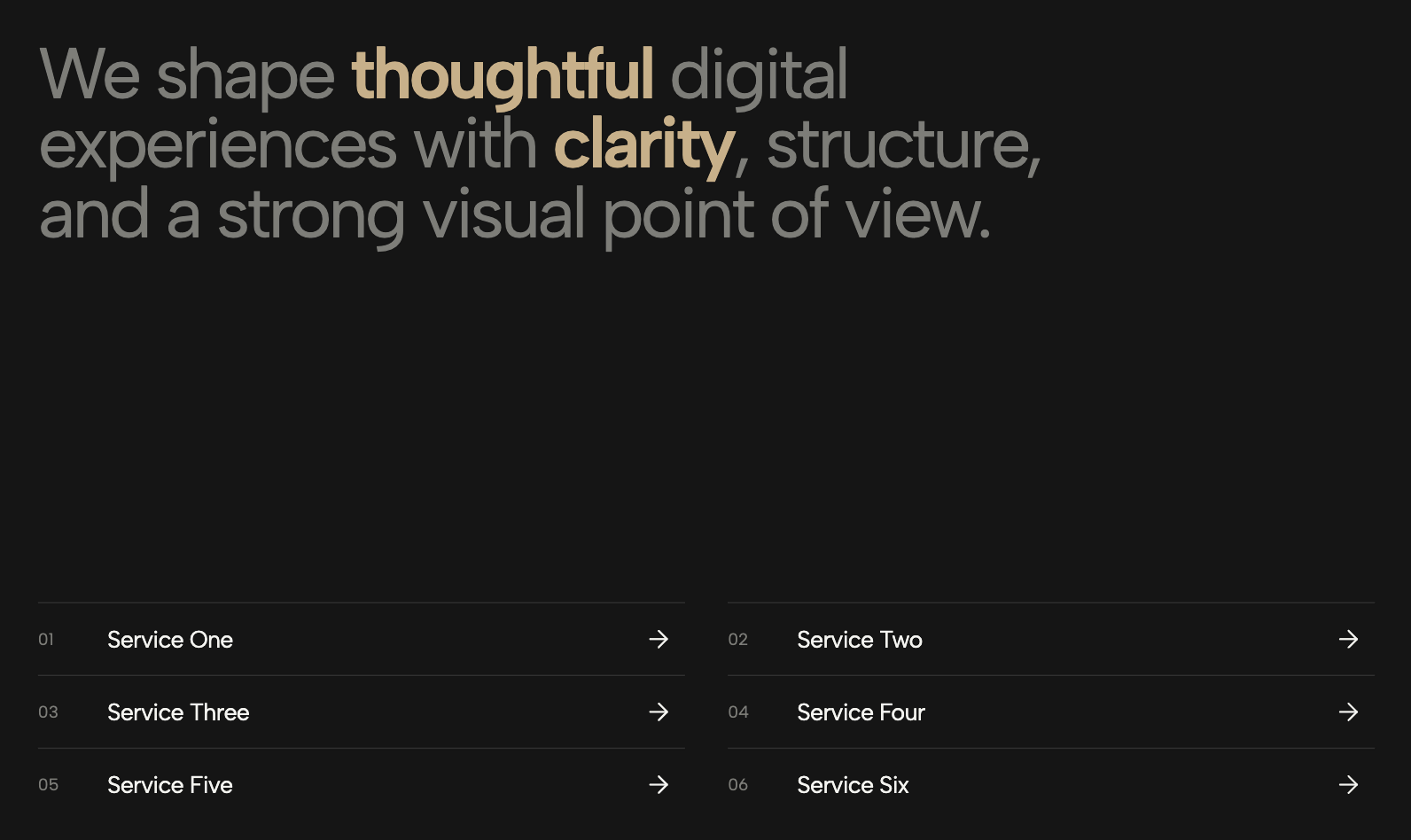
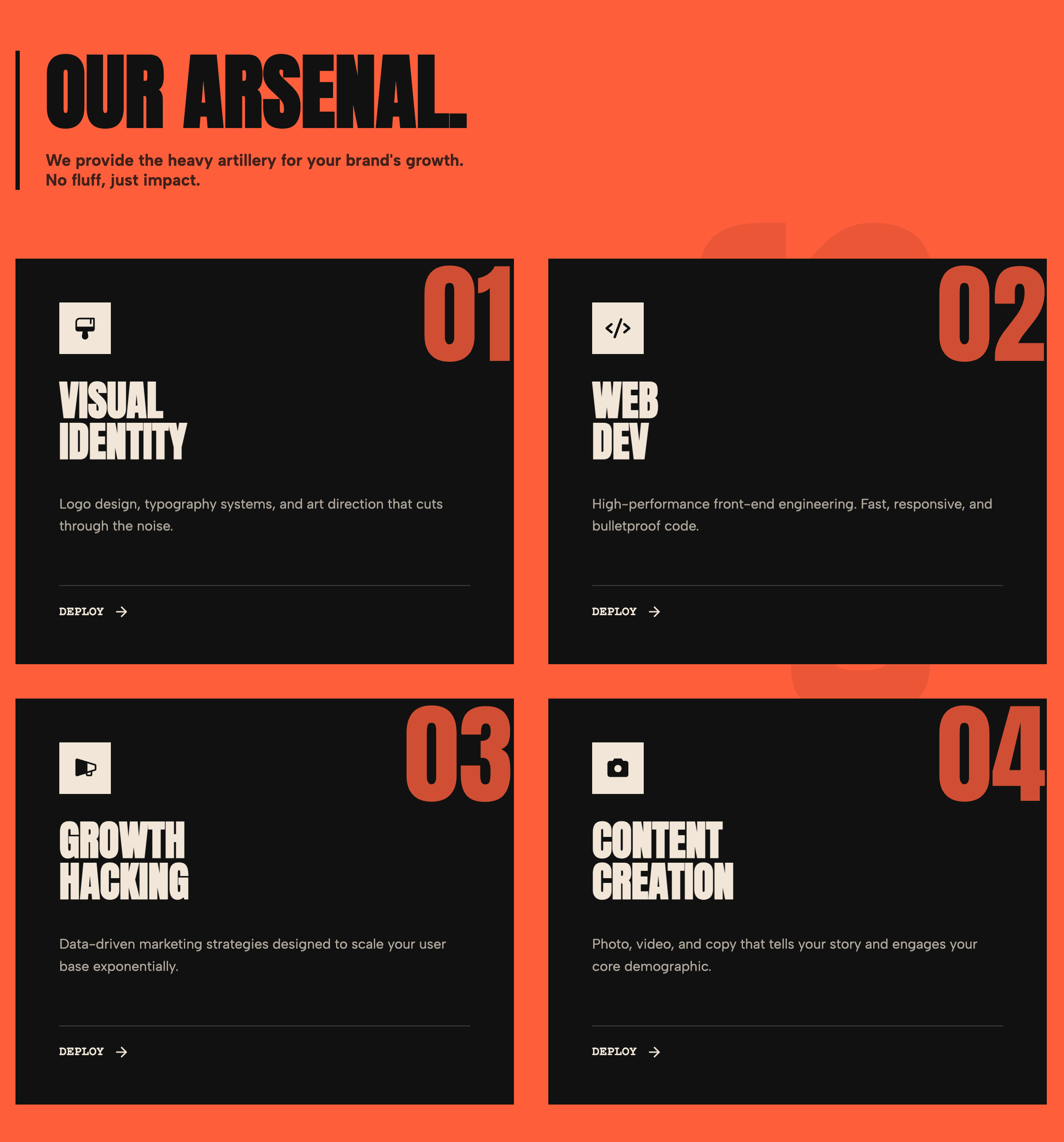
A bold, striking 4-column grid of image cards with dark overlays and centered, uppercase typography. Perfect for directing users to different industries, categories, or high-level service areas.
The Centered Image Service Grid widget delivers a highly visual, high-impact navigation solution designed to route users to key areas of your website. Structurally, it presents as a striking image grid layout, divided into uniform, square-aspect ratio cards separated by sleek, customizable dark gaps. Each interactive image link features a high-quality background photo softened by a dark, semi-transparent overlay, ensuring that the bold, centered uppercase typography remains perfectly legible regardless of the image underneath. When a user hovers over a category, a smooth micro-interaction slightly darkens the overlay and subtly zooms the background image, creating a tactile, premium browsing experience.
This visual directory component is exceptionally effective for corporate websites, consulting agencies, and enterprise platforms that need to showcase different industry verticals, client sectors, or high-level service categories. Instead of relying on a traditional dropdown menu or a text-heavy list, placing this visual navigation menu on a homepage or dedicated "Industries Served" page provides visitors with an intuitive, target-rich interface. It also works beautifully as a portfolio grid layout, allowing creative professionals and architecture firms to categorize their work into distinct visual buckets that invite immediate exploration.
Engineered to be fully fluid and responsive, the grid automatically adapts its structure across devices. It shifts smoothly from a balanced four-column display on desktop monitors to a two-column layout on tablets, ultimately stacking into a seamless, wide-aspect single column on mobile screens to maximize touch targets. Built with clean, universally compatible HTML and CSS, this responsive UI component integrates effortlessly into any CMS or custom web application, instantly upgrading your site architecture and driving higher user engagement through clear, visually driven pathways.
Bring this layout to life on your website in just a few clicks.

Edit Centered Image Service Grid visually using the native Squarespace extension
First, ensure you have connected your website to the native Redesignee extension. Once connected, you have two easy ways to build:
Native Block: Simply add the native Redesignee Widget Block directly from the fluid engine editor menu inside Squarespace.
Manual Markdown: Add a standard Code Block, paste your widget’s code snippet, and the Redesignee floating "Customize" button will automatically appear right over the block.
Both methods let you tweak settings, copy items, and design visually in real time. Saving your changes syncs the updates instantly to your live page.
See Squarespace installation guide
Connect natively via Gutenberg or Elementor
Make sure you have the free Redesignee WordPress Plugin installed. To drop the Centered Image Service Grid into Elementor, simply drag and drop the Redesignee widget from your sidebar. If you are using the Gutenberg Block Editor, click the " + " icon and select the Redesignee Block. Launch the Cloud Library directly inside your workspace, choose your customized template, and import it with a single click. It automatically inherits your theme fonts and styles!
WordPress plugin installation guide
Quick copy-and-paste for custom setups
If you are using Webflow, Shopify, Wix, or a custom HTML site, click the "Export Widget" button on this page and ensure the platform selector is set to "HTML". Click "Copy" to copy the clean, un-nested source code snippet directly to your clipboard. Paste this code into any HTML component, Code Block, or Embed tool inside your website builder. All styles, animations, and scripts are self-contained and ready to run.
This Centered Image Service Grid widget is optimized and categorized inside the following layout packs:
Scale your studio production in record time. Access professional agency sections from our cloud workspace, tweak them visually, and drop clean, native elements straight into your client builds.
Elevate your business site layouts instantly. Browse free and premium corporate modules from our cloud library, adjust elements visually, and copy-paste clean layouts straight to your page engine canvas.
Embrace pristine minimal structures. Tweak crisp whitespace templates visually inside our cloud canvas layout, copy the fast-rendering script output, and paste it straight onto your host site.
Deploy sleek, night-mode interfaces effortlessly. Browse dark-mode cards, dashboards, and deep contrast hero layouts from our cloud library, customize styles visually, and copy-paste clean code.
Make your layouts stand out instantly. Tweak advanced visual elements inside our cloud design workspace, copy the lightweight framework strings, and drop them seamlessly onto your canvas.