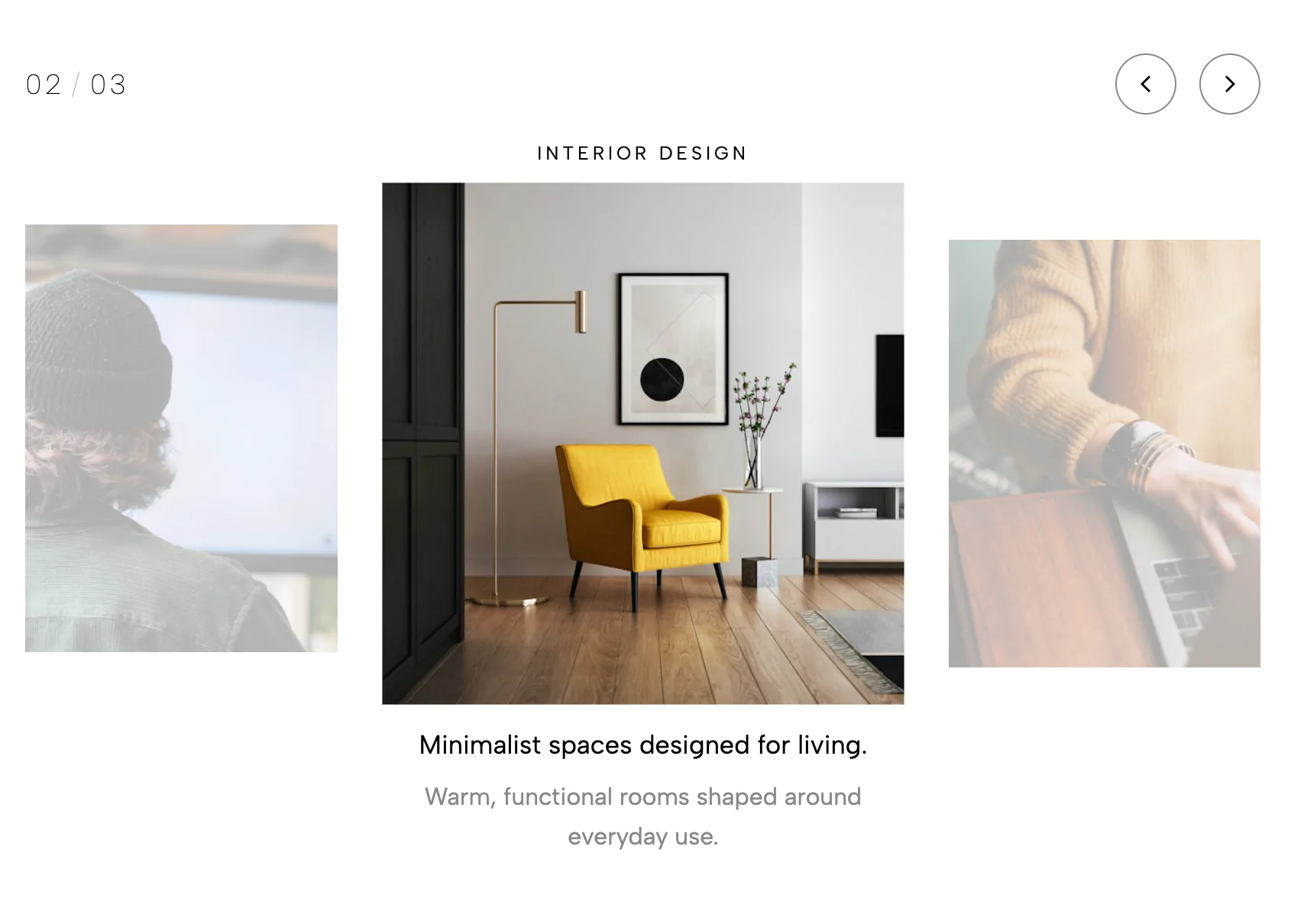
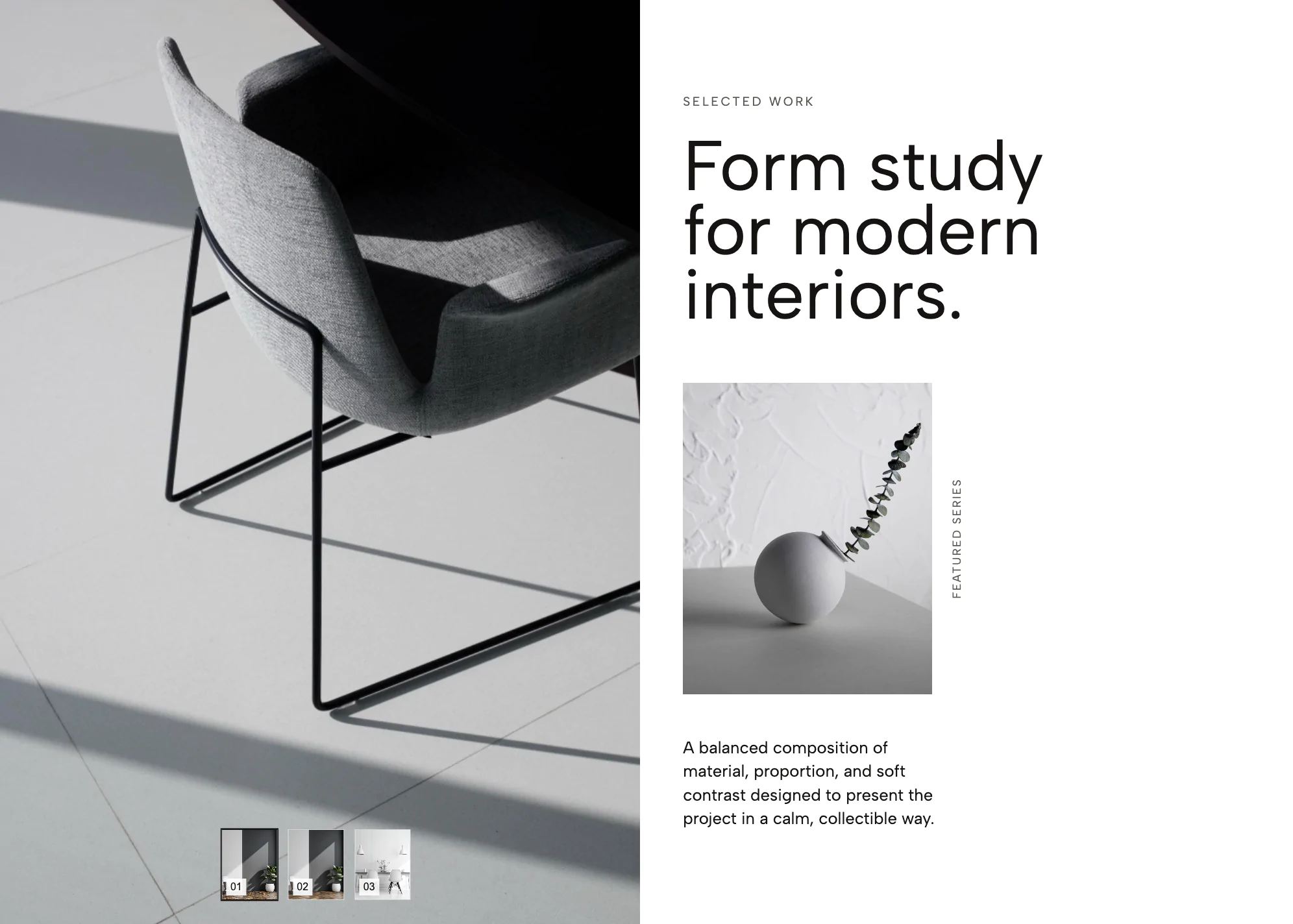
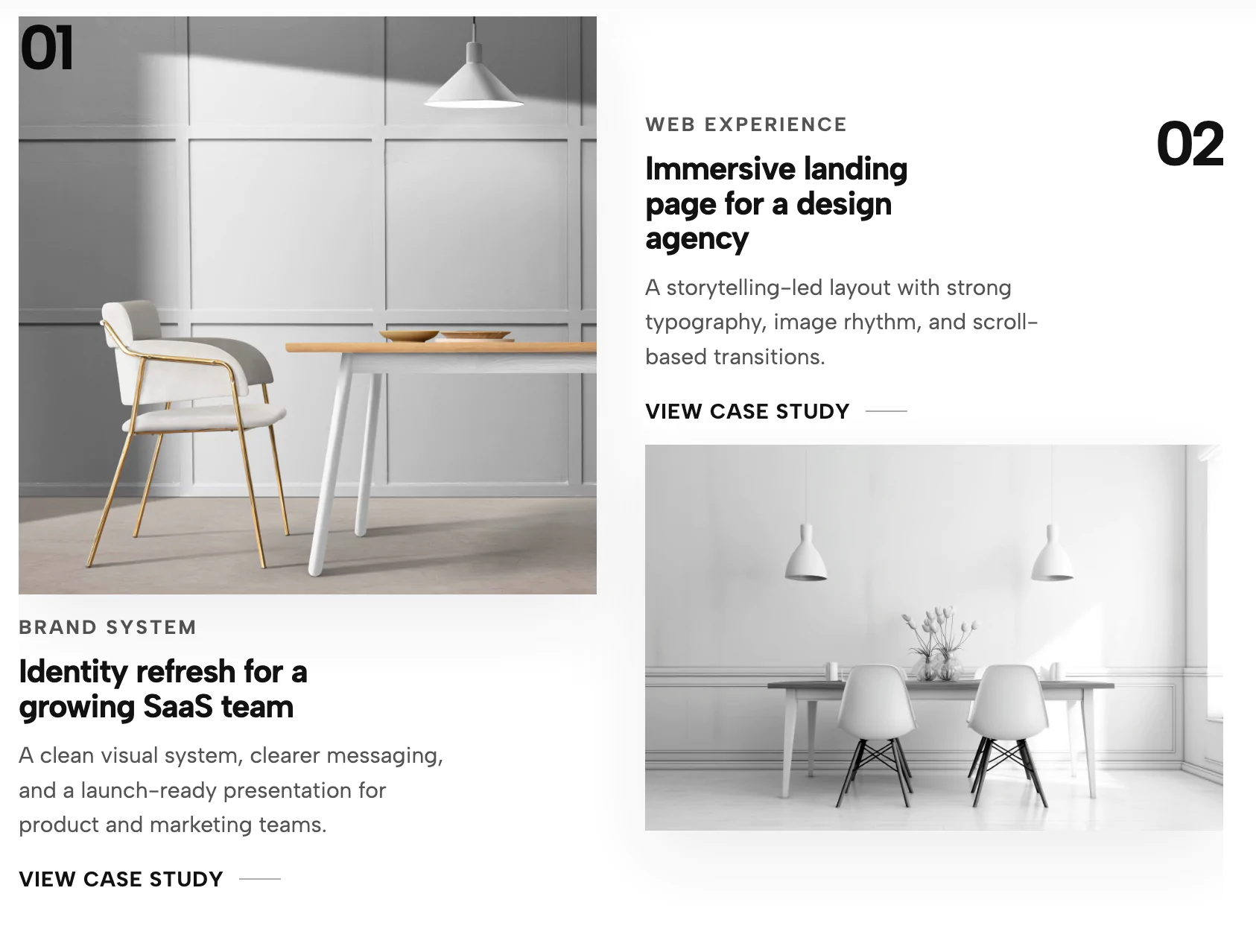
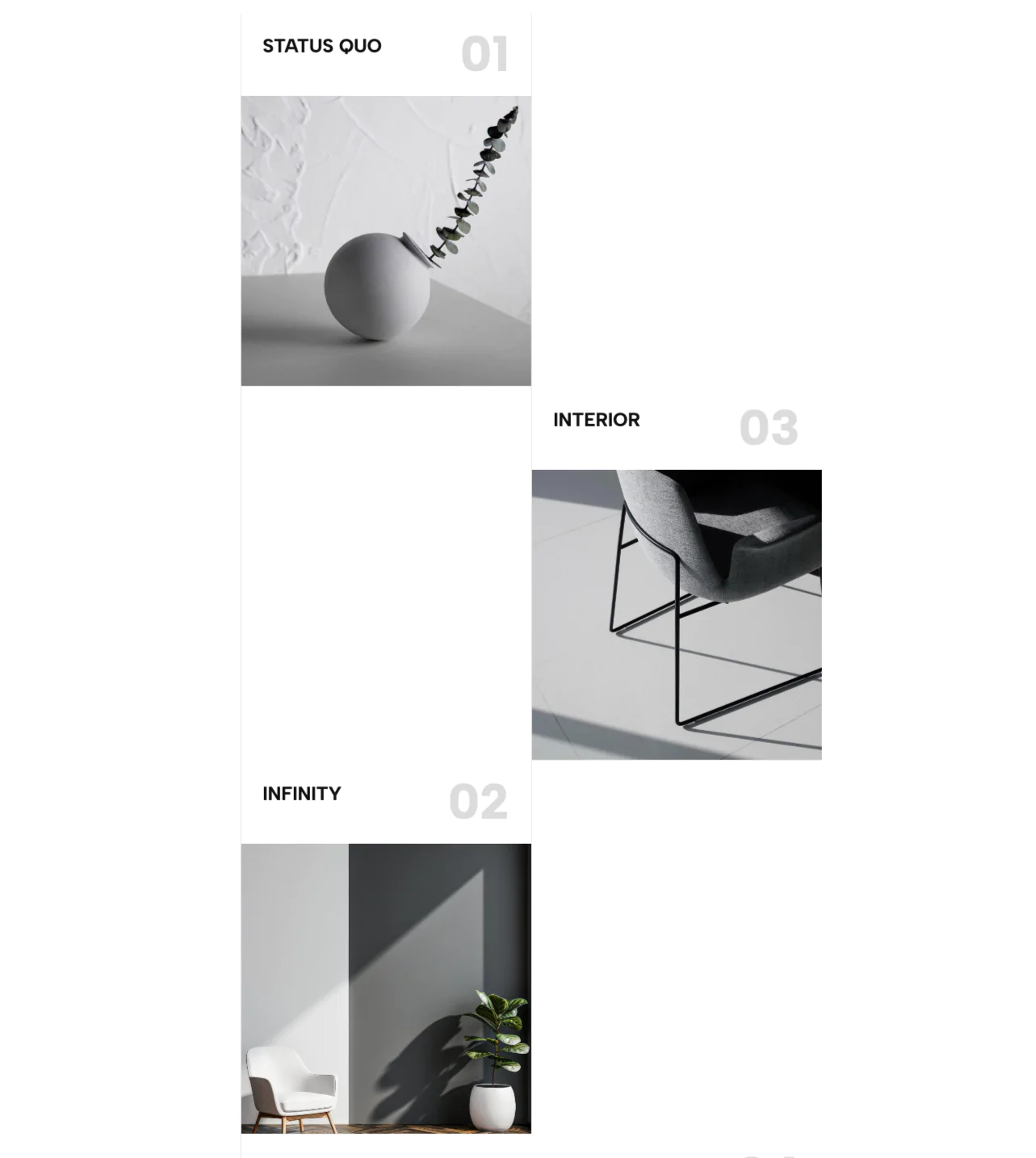
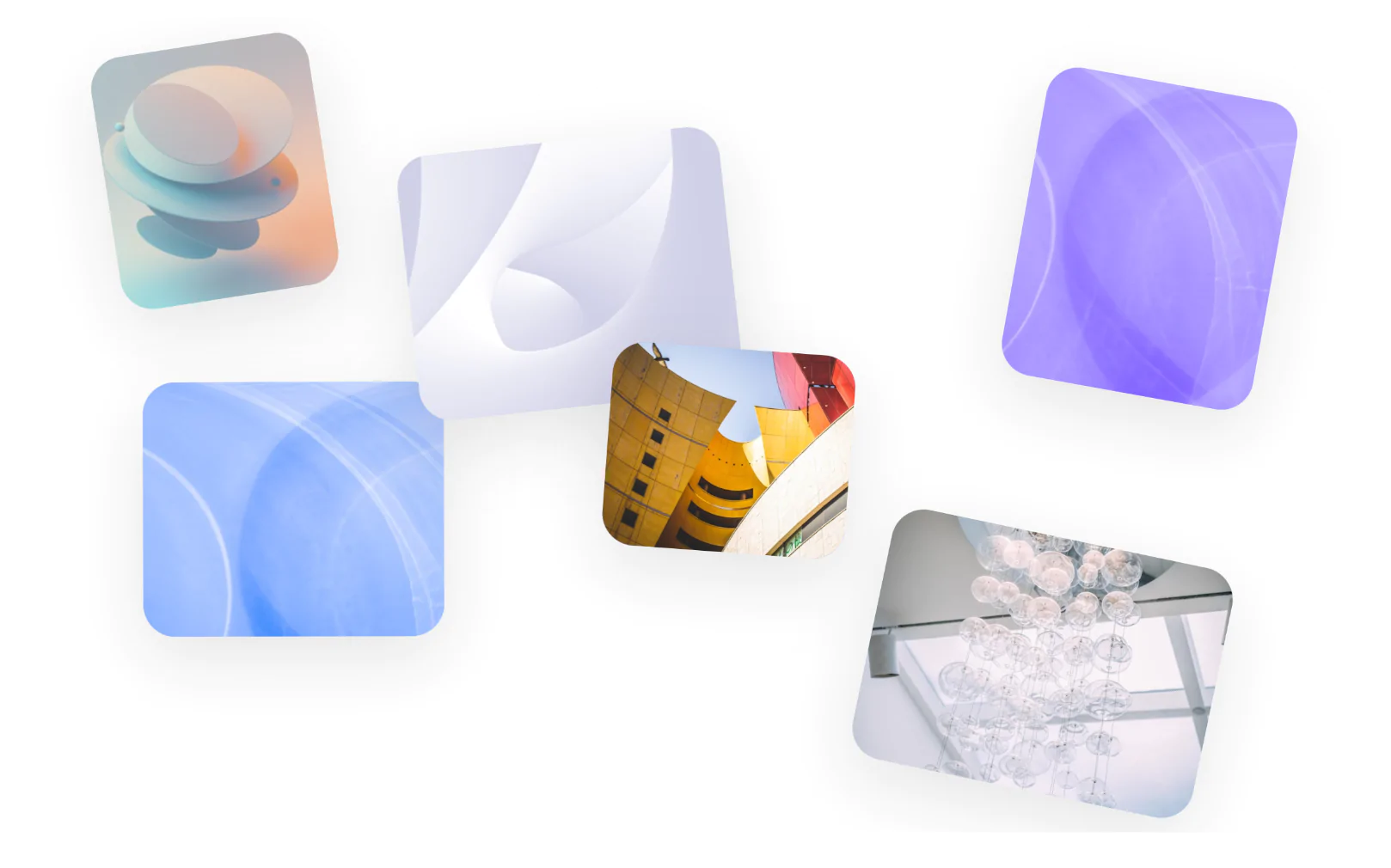
Inject dynamic motion into your website with the Linked Image Marquee widget. When static galleries feel too rigid and standard carousels require too much manual user effort, an infinite image marquee provides a seamless, auto-scrolling visual experience that captures attention the second a page loads.
This component allows you to display a high volume of visual content in a compact space, replacing clunky click-to-view galleries with a fluid, continuous stream of clickable imagery.
This widget is built for smooth, continuous motion and modern, tactile aesthetics.
The Continuous Track: The core of the design is an infinite image marquee track that glides effortlessly across the screen. The CSS-driven animation creates a hypnotic, never-ending loop of your best visual assets without any jarring resets or jumps.
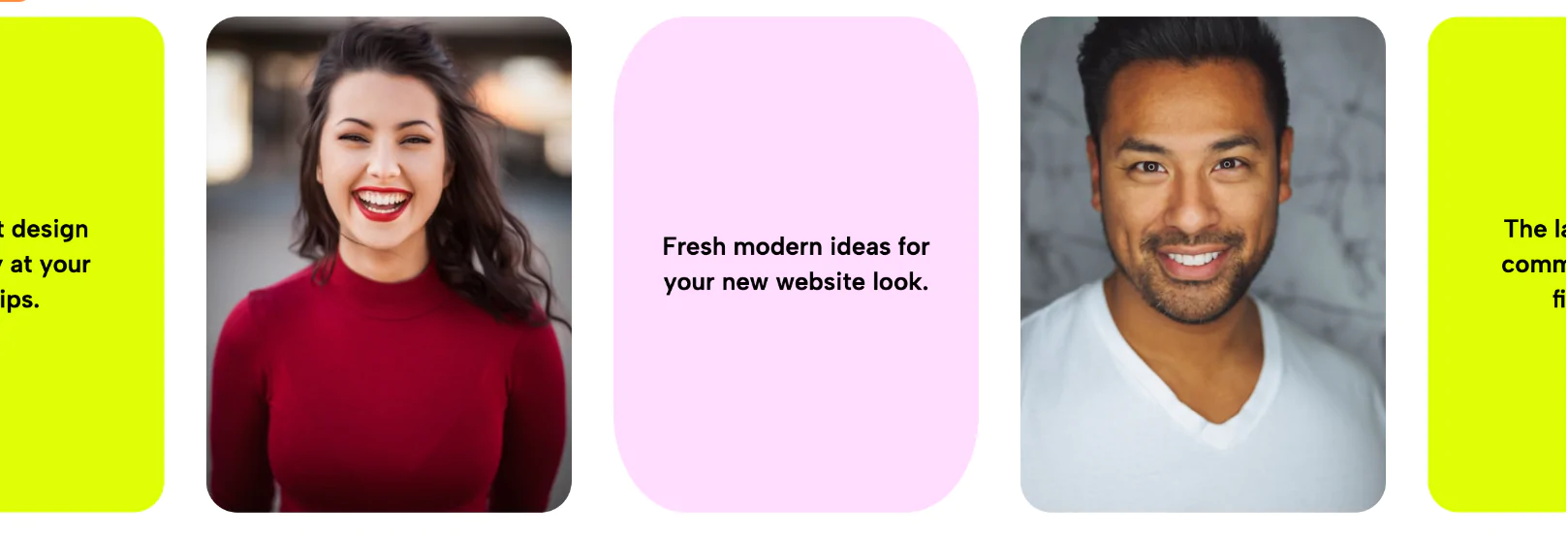
Interactive Image Cards: Each image is housed in a clean, container with a modern 4:5 aspect ratio and subtle rounded corners. The interactivity is highly refined: when a user hovers over an image, the entire marquee pauses gracefully, the card lifts slightly, and the image gently scales up to invite a click.
Distraction-Free Interface: By removing clunky navigation arrows, pagination dots, and heavy text overlays, the focus remains 100% on your photography, graphics, or portfolio pieces.
Unlike traditional sliders that wait passively for user interaction, an infinite image marquee works actively to showcase your depth of content.
The unique upgrade in this specific widget is the direct hyperlink integration. Many standard marquees trap users in complex pop-up lightboxes or act purely as decorative background elements. In this widget, every single image in the infinite image marquee acts as a dedicated, routable link. You can guide users directly to specific case studies, product pages, or external articles the moment their eye catches an image they like.
Because of its smooth animation, space-saving layout, and highly clickable nature, this infinite image marquee is incredibly versatile across a variety of industries:
E-commerce & Retail Lookbooks: Showcase your latest seasonal campaigns, best-selling apparel, or new arrivals, linking each photo directly to its corresponding product detail page to drive conversions.
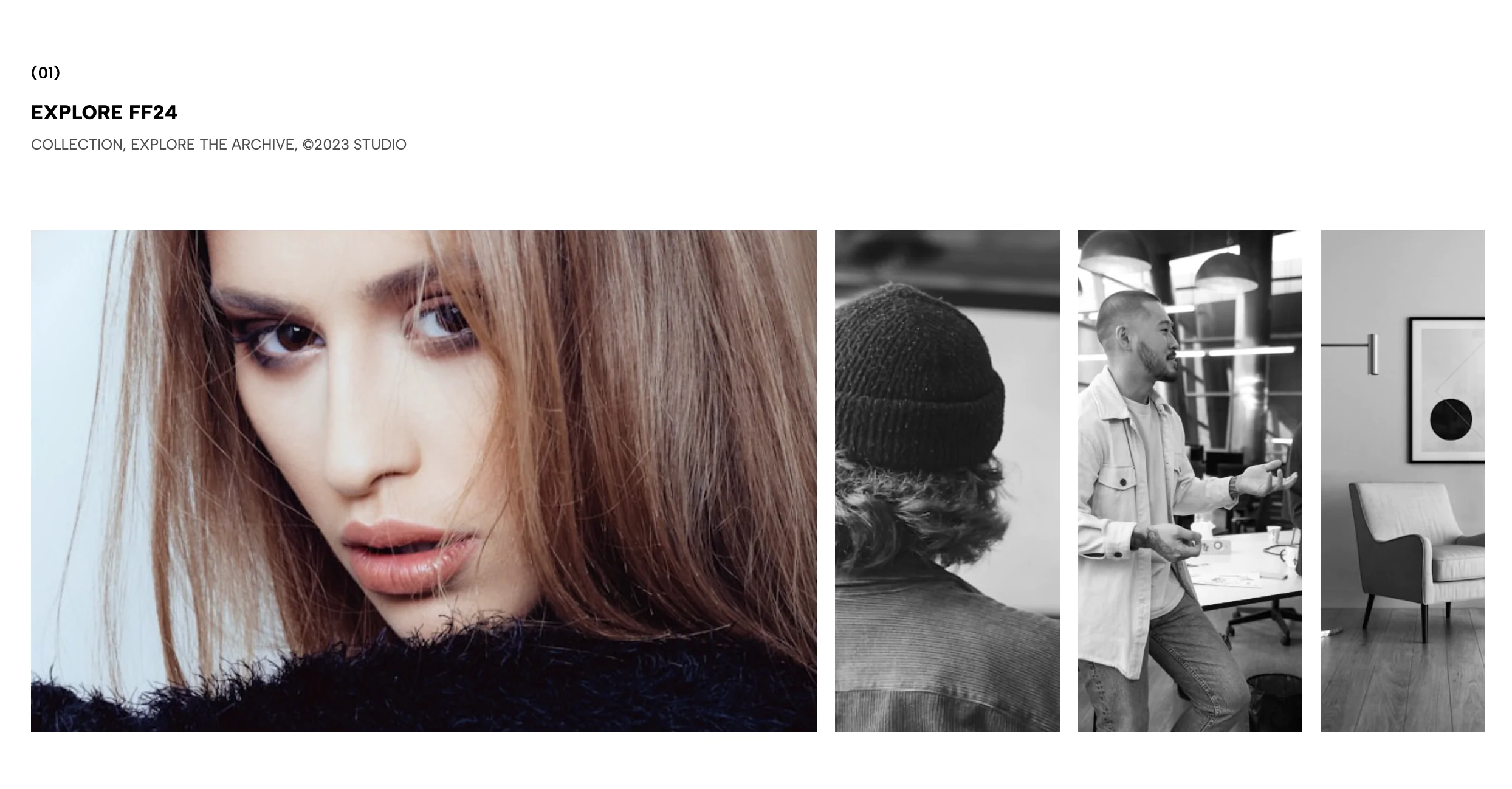
Creative Portfolios: Display your design, photography, or architecture projects in a sleek, continuous loop. It allows prospective clients to see the sheer volume and quality of your work before they even click into a specific case study.
Partner & Client Logos: Swap out the portrait lifestyle images for square brand logos to create an ever-flowing "trusted by" banner. It adds instant, dynamic social proof to your B2B landing pages or agency sites.
Editorial & Blog Highlights: Feature the cover images of your top articles, featured interviews, or digital magazine issues, creating a highly visual, auto-scrolling menu for your readership.
Bring this layout to life on your website in just a few clicks.

Edit Linked Infinite Image Marquee visually using the native Squarespace extension
First, ensure you have connected your website to the native Redesignee extension. Once connected, you have two easy ways to build:
Native Block: Simply add the native Redesignee Widget Block directly from the fluid engine editor menu inside Squarespace.
Manual Markdown: Add a standard Markdown Block, paste your widget’s code snippet, and the Redesignee floating "Customize" button will automatically appear right over the block.
Both methods let you tweak settings, copy items, and design visually in real time. Saving your changes syncs the updates instantly to your live page.
See Squarespace installation guide
Connect natively via Gutenberg or Elementor
Make sure you have the free Redesignee WordPress Plugin installed. To drop the Linked Infinite Image Marquee into Elementor, simply drag and drop the Redesignee widget from your sidebar. If you are using the Gutenberg Block Editor, click the " + " icon and select the Redesignee Block. Launch the Cloud Library directly inside your workspace, choose your customized template, and import it with a single click. It automatically inherits your theme fonts and styles!
WordPress plugin installation guide
Quick copy-and-paste for custom setups
If you are using Webflow, Shopify, Wix, or a custom HTML site, click the "Export Widget" button on this page and ensure the platform selector is set to "HTML". Click "Copy" to copy the clean, un-nested source code snippet directly to your clipboard. Paste this code into any HTML component, Code Block, or Embed tool inside your website builder. All styles, animations, and scripts are self-contained and ready to run.
This Linked Infinite Image Marquee widget is optimized and categorized inside the following layout packs:
Stop building grid layouts from scratch. Browse our cloud library, customize interactive showcase sections visually, and copy-paste pristine code directly onto your design canvas.
Scale your studio production in record time. Access professional agency sections from our cloud workspace, tweak them visually, and drop clean, native elements straight into your client builds.
Embrace pristine minimal structures. Tweak crisp whitespace templates visually inside our cloud canvas layout, copy the fast-rendering script output, and paste it straight onto your host site.
Bring asymmetric, magazine-style aesthetics to your web project canvas. Browse editorial grids and refined typography elements from our cloud repository and copy-paste clean code rows.
Make your layouts stand out instantly. Tweak advanced visual elements inside our cloud design workspace, copy the lightweight framework strings, and drop them seamlessly onto your canvas.
Published:
Aug 18, 2026 08:40 AM
Category: