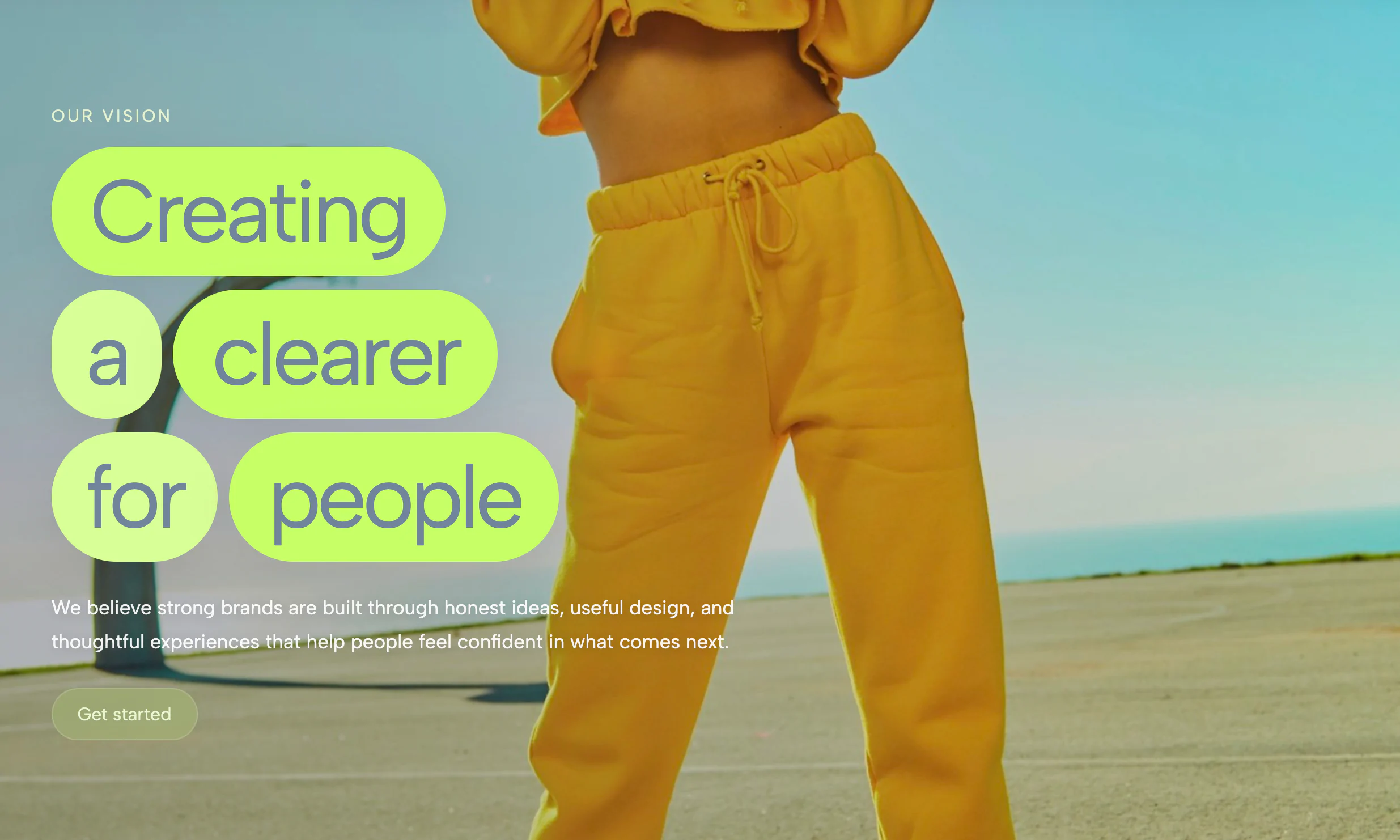
A full-bleed photo hero with bold stacked headline lines on separately editable gradient highlight blocks, featuring a staggered wipe-and-sharpen entry animation.
When using rich, detailed photography for your website's background, standard text often gets lost in the visual noise. This component solves that problem brilliantly by utilizing a vibrant, editorial-style text-highlighting effect that ensures your message is loud, clear, and incredibly stylish.
This widget draws heavy inspiration from modern streetwear aesthetics and high-end lifestyle magazines, favoring punchy contrast over subtle blending.
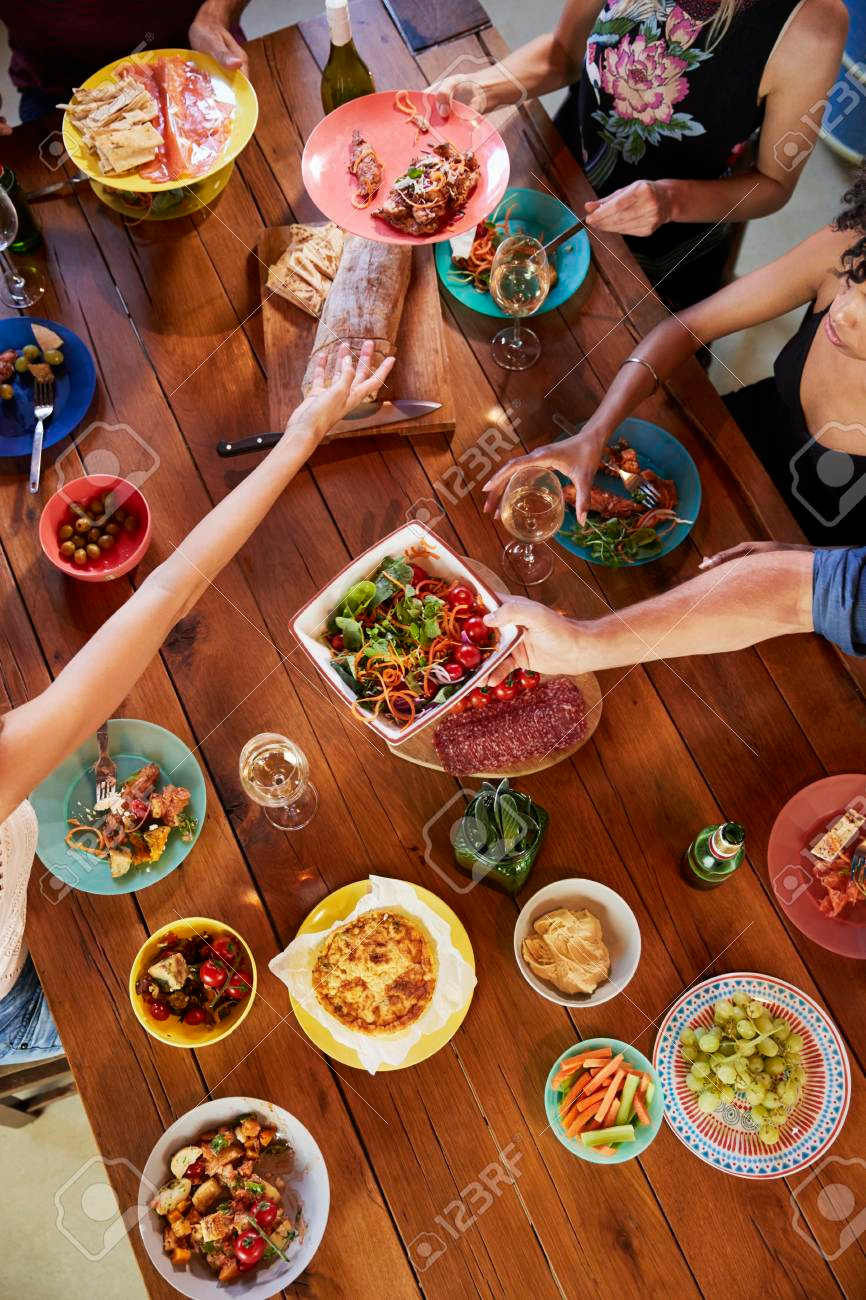
The primary struggle with full-screen image heroes is readability. If your background photo has too many highlights, shadows, or complex details (like a crowded dinner table), overlaying standard white or black text will inevitably result in poor accessibility and a messy design.
The unique value of the Highlight Block Photo Hero is that it completely divorces the text from the background's complexity. The solid color blocks guarantee perfect contrast and 100% legibility every single time, allowing you to use busy, highly engaging photos without sacrificing the clarity of your core message.
Because of its energetic, casual, and highly visual nature, this widget is perfect for brands that want to convey excitement, community, or urgency. It is highly effective in the following scenarios:
Bring this layout to life on your website in just a few clicks.

Edit Highlight Block Photo Hero visually using the native Squarespace extension
First, ensure you have connected your website to the native Redesignee extension. Once connected, you have two easy ways to build:
Native Block: Simply add the native Redesignee Widget Block directly from the fluid engine editor menu inside Squarespace.
Manual Markdown: Add a standard Code Block, paste your widget’s code snippet, and the Redesignee floating "Customize" button will automatically appear right over the block.
Both methods let you tweak settings, copy items, and design visually in real time. Saving your changes syncs the updates instantly to your live page.
See Squarespace installation guide
Connect natively via Gutenberg or Elementor
Make sure you have the free Redesignee WordPress Plugin installed. To drop the Highlight Block Photo Hero into Elementor, simply drag and drop the Redesignee widget from your sidebar. If you are using the Gutenberg Block Editor, click the " + " icon and select the Redesignee Block. Launch the Cloud Library directly inside your workspace, choose your customized template, and import it with a single click. It automatically inherits your theme fonts and styles!
WordPress plugin installation guide
Quick copy-and-paste for custom setups
If you are using Webflow, Shopify, Wix, or a custom HTML site, click the "Export Widget" button on this page and ensure the platform selector is set to "HTML". Click "Copy" to copy the clean, un-nested source code snippet directly to your clipboard. Paste this code into any HTML component, Code Block, or Embed tool inside your website builder. All styles, animations, and scripts are self-contained and ready to run.
This Highlight Block Photo Hero widget is optimized and categorized inside the following layout packs:
Make an unmissable statement. Customize high-impact typography elements, brutalist layouts, and high-contrast sections from our cloud repository to craft layouts that refuse to be ignored.
Make your layouts stand out instantly. Tweak advanced visual elements inside our cloud design workspace, copy the lightweight framework strings, and drop them seamlessly onto your canvas.
Grab your visitors' attention instantly. Browse our collection of native WordPress hero blocks, customize the typography and backgrounds visually, and copy the markup straight into your Gutenberg editor.
Launch stunning landing pages faster. Explore fully responsive Elementor hero sections with advanced layouts, tweak the design in our cloud library, and drop them seamlessly into your page builder.
Published:
Jul 18, 2026 04:37 AM
Category: