
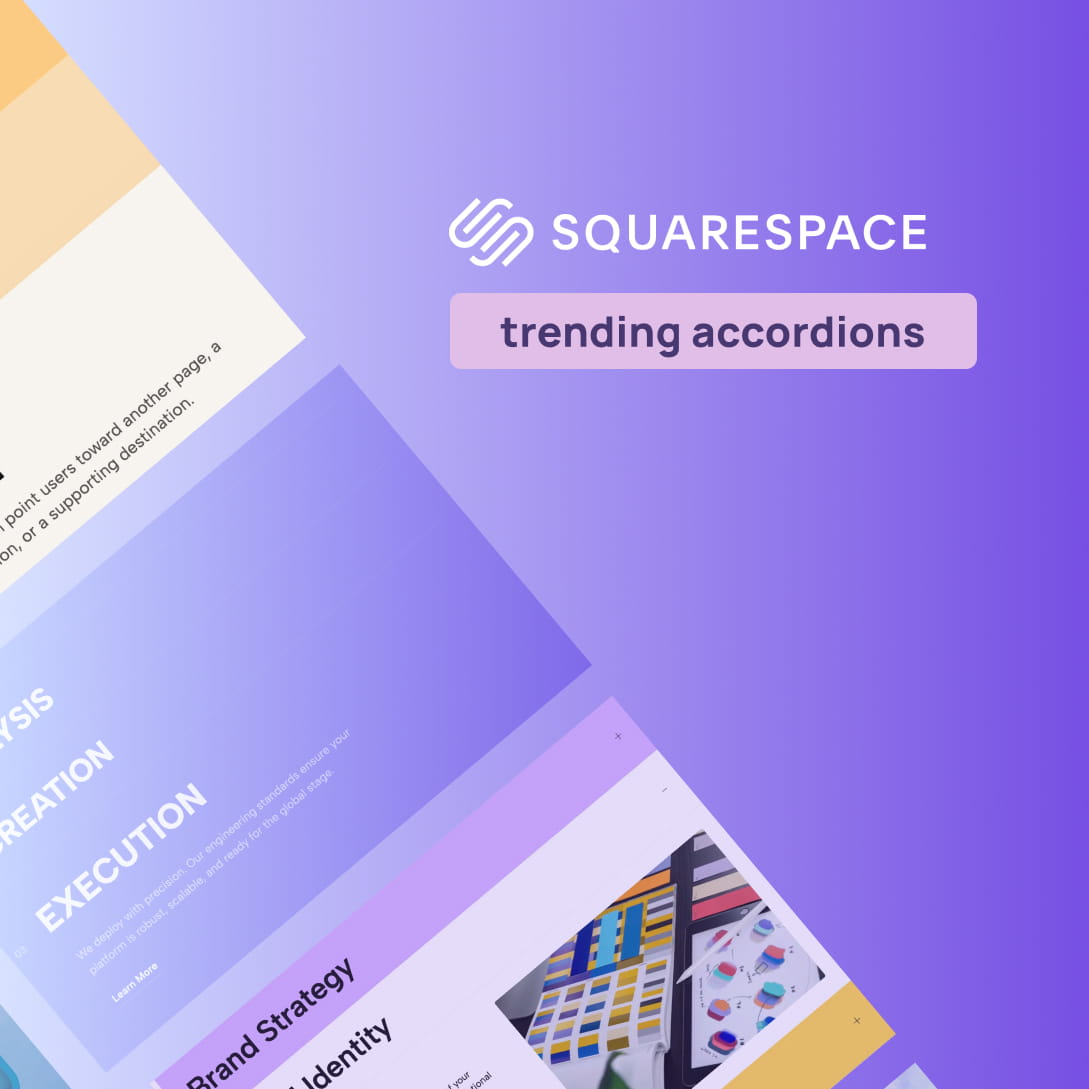
When you need to display comprehensive information—such as an extensive FAQ section, intricate service tiers, or shipping details—without overwhelming your visitors, accordions are an absolute necessity. They help manage content density, keep your page concise, and significantly reduce the need for endless scrolling. Visitors to your site typically see the native accordion block as a basic list of titles alongside expand icons.
However, 2026 marks a pivotal moment for creative professionals redesigning their digital presence. The landscape has shifted dramatically, moving away from cookie-cutter templates toward bold, personalized expressions of brand identity. If you are building a custom Accordion Squarespace layout, standard blocks often look too basic, blending into the background and failing to impress high-ticket clients. If you want to create an interactive, branded experience that looks expensive and custom-coded, you need a solution that goes beyond the ordinary default tools.
In this guide, we will show you how to instantly upgrade your site using stunning, plug-and-play Squarespace accordion widgets from Redesignee. These layouts introduce the micro-interaction magic that guides the user and injects a dose of personality into your site.
Make Your Squarespace Accordions Look Better
The biggest trends of 2026 bring a tactile element to the digital sphere, embracing texture, movement, and a human touch. If you are a designer, agency, or business owner trying to build a premium online presence, settling for generic, rigid blocks will hold your brand back.
Redesignee’s accordion widgets are specifically engineered to offer a better-looking, premium feel. They introduce high-end micro-interactions, custom hover states, fluid typography scaling, and smooth motion graphics that native platforms simply do not provide out of the box.
10 Stunning Accordion Widgets to Elevate Your Site
By browsing our collection of custom widgets, you can drop high-end, animated layouts directly into your site in minutes. Here are ten top-tier accordion widgets that will instantly upgrade your design:
1. Icon Accordion
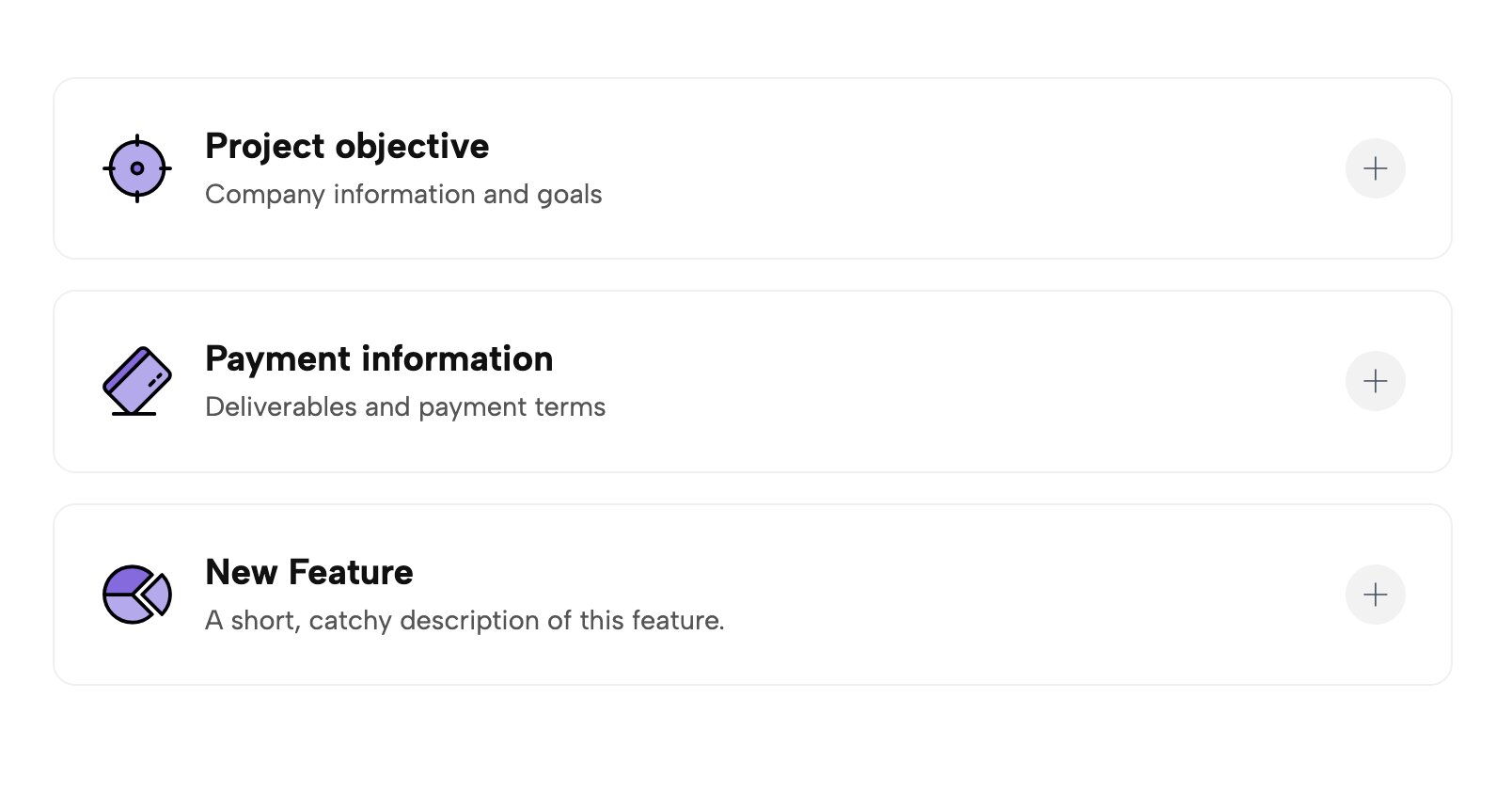
Break up heavy text by pairing your accordion titles with sleek, customizable icons. This widget gives your expandable lists a structured, highly visual aesthetic that is perfect for outlining core services or product features.
👉 Live Demo: Get it now
2. Scroll Activated Smart Accordion
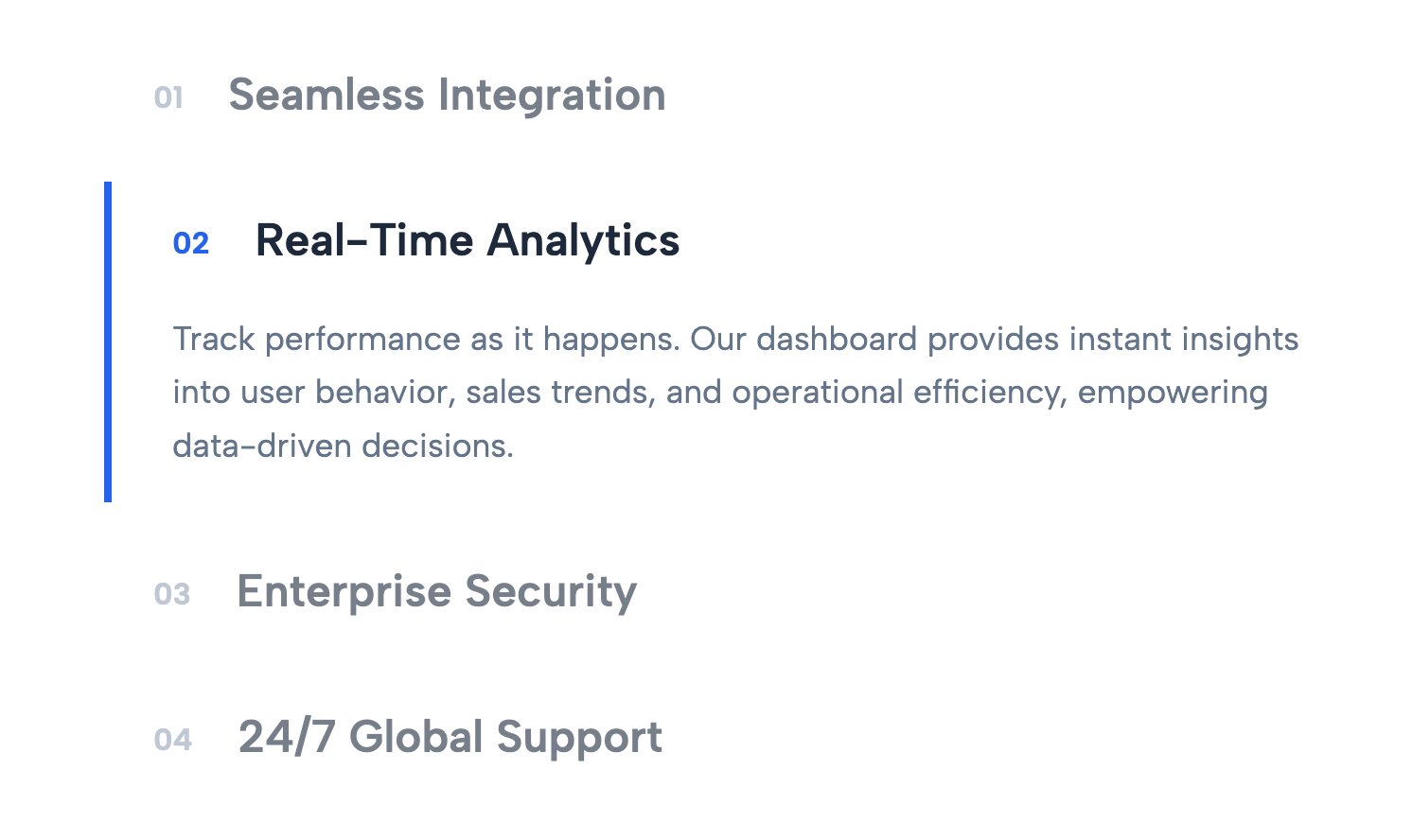
Bring dynamic motion to your page. This smart accordion triggers its expansion and hover effects as the user scrolls down the page, creating an engaging, interactive narrative experience that feels incredibly high-end.
👉 Live Demo: Get it now
3. Numbered Accordion for Website
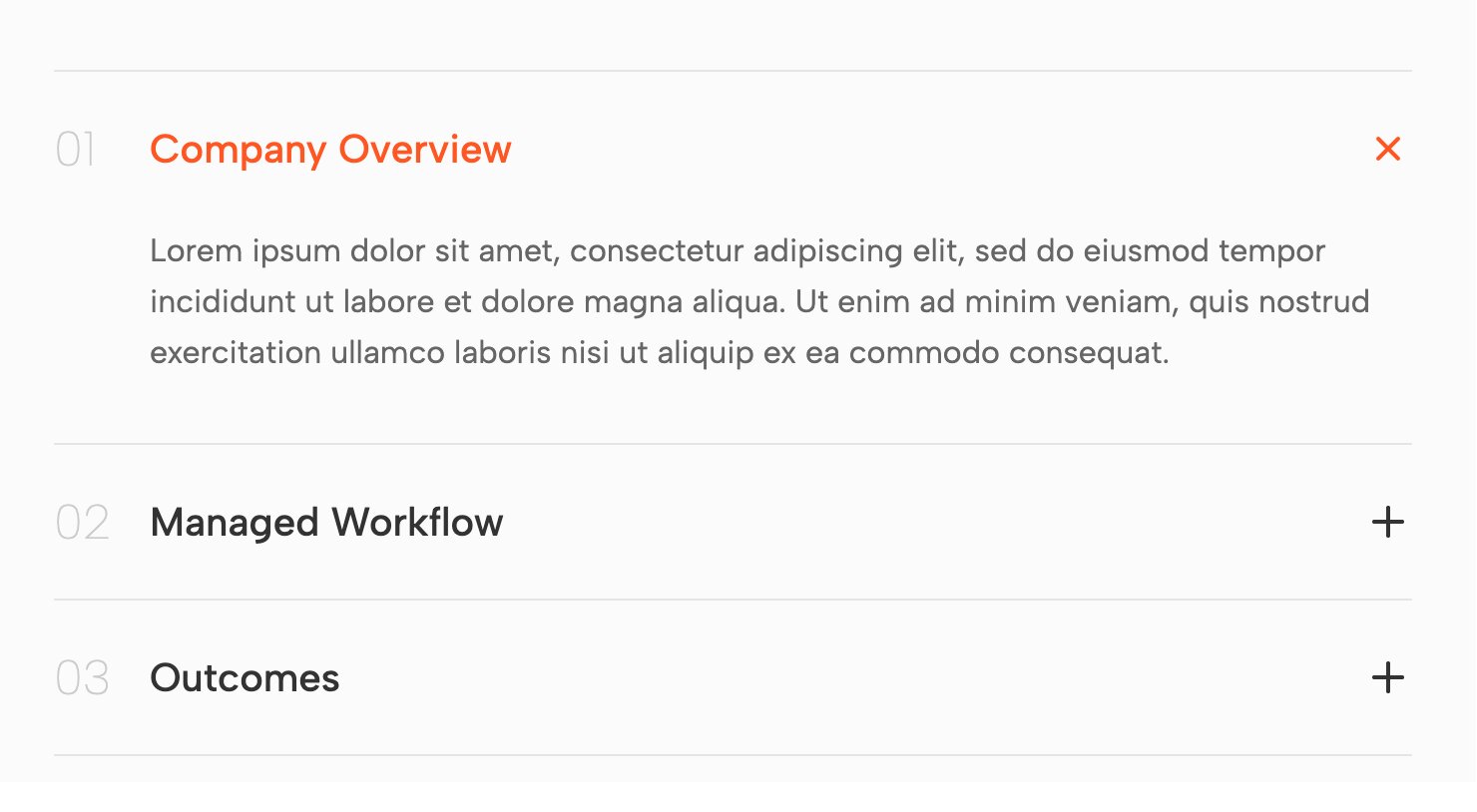
If you are walking clients through a step-by-step process or a timeline, this widget is ideal. It integrates bold, stylistic numbering directly into the accordion tabs, establishing a clear visual hierarchy and an editorial look.
👉 Live Demo: Get it now
4. Stylish Editable FAQ Accordion Widget
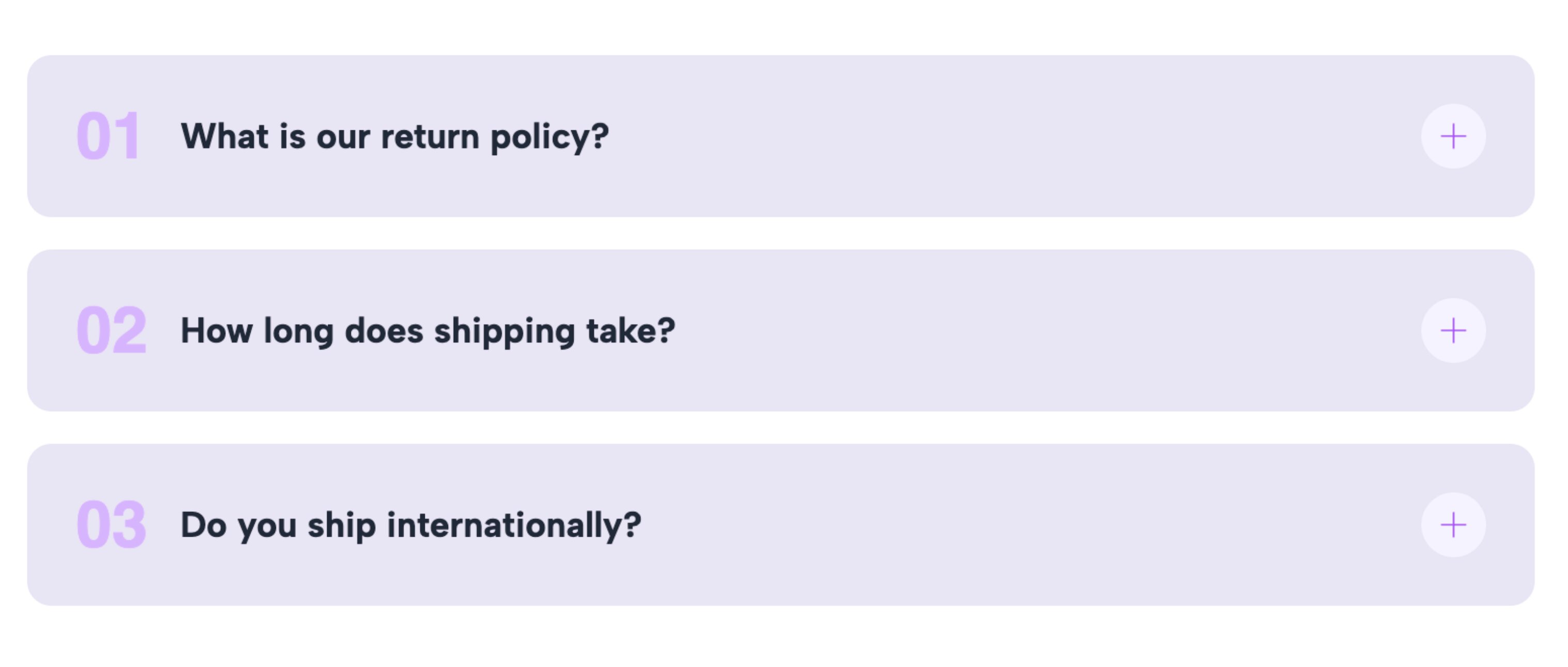
Elevate your frequently asked questions with this incredibly stylish layout. It replaces boring text lines with beautifully spaced, fully editable blocks that respond with buttery-smooth animations when interacted with.
👉 Live Demo: Get it now
5. Minimal Text Only Accordion List
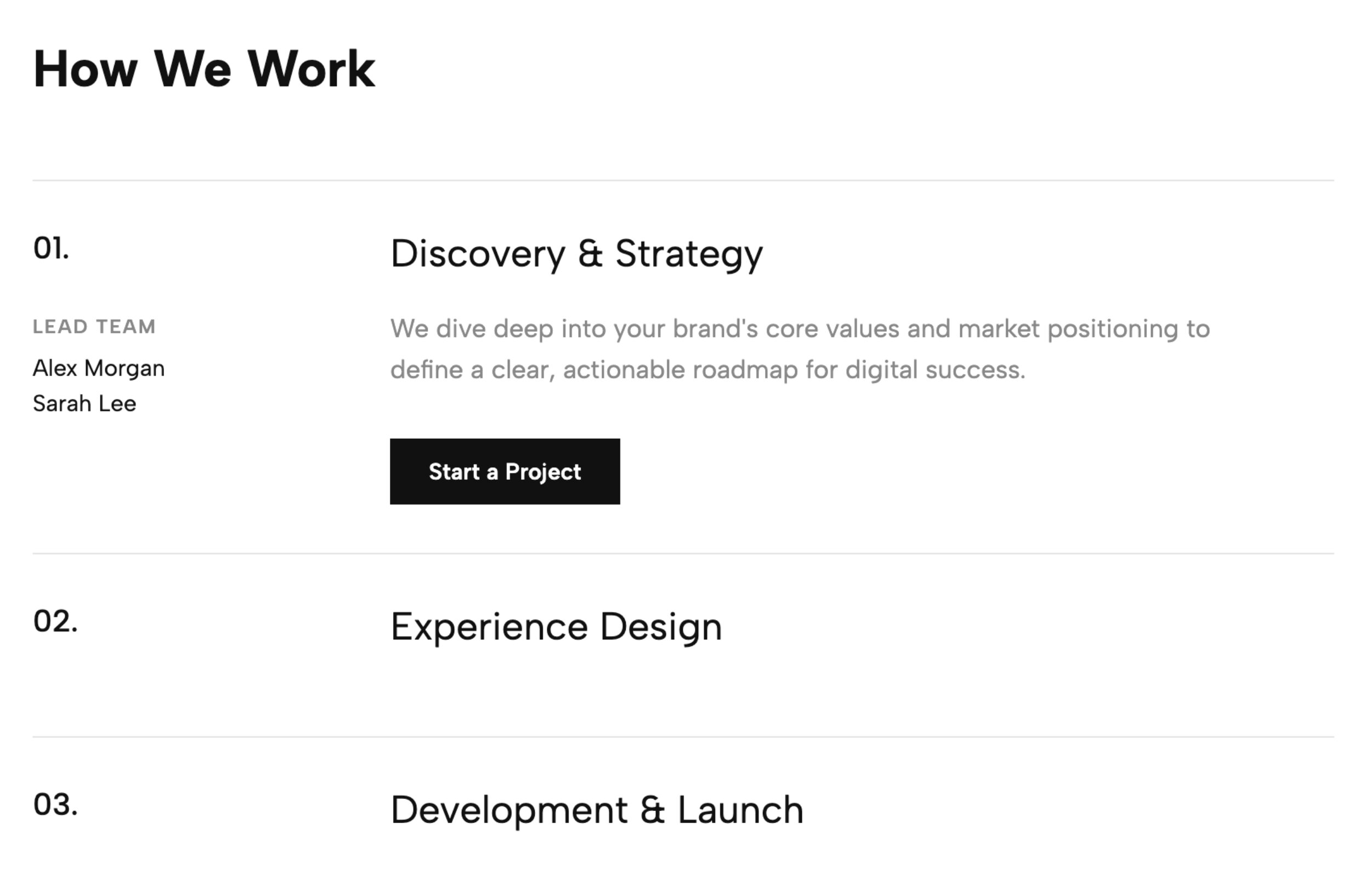
For brands that lean into the "Archival Index" or ultra-minimalist trend, this widget strips away all unnecessary borders and shadows. It leaves you with a sophisticated, typography-forward list that expands gracefully to reveal hidden content.
👉 Live Demo: Get it now
6. Editorial Stacked Toggle Cards
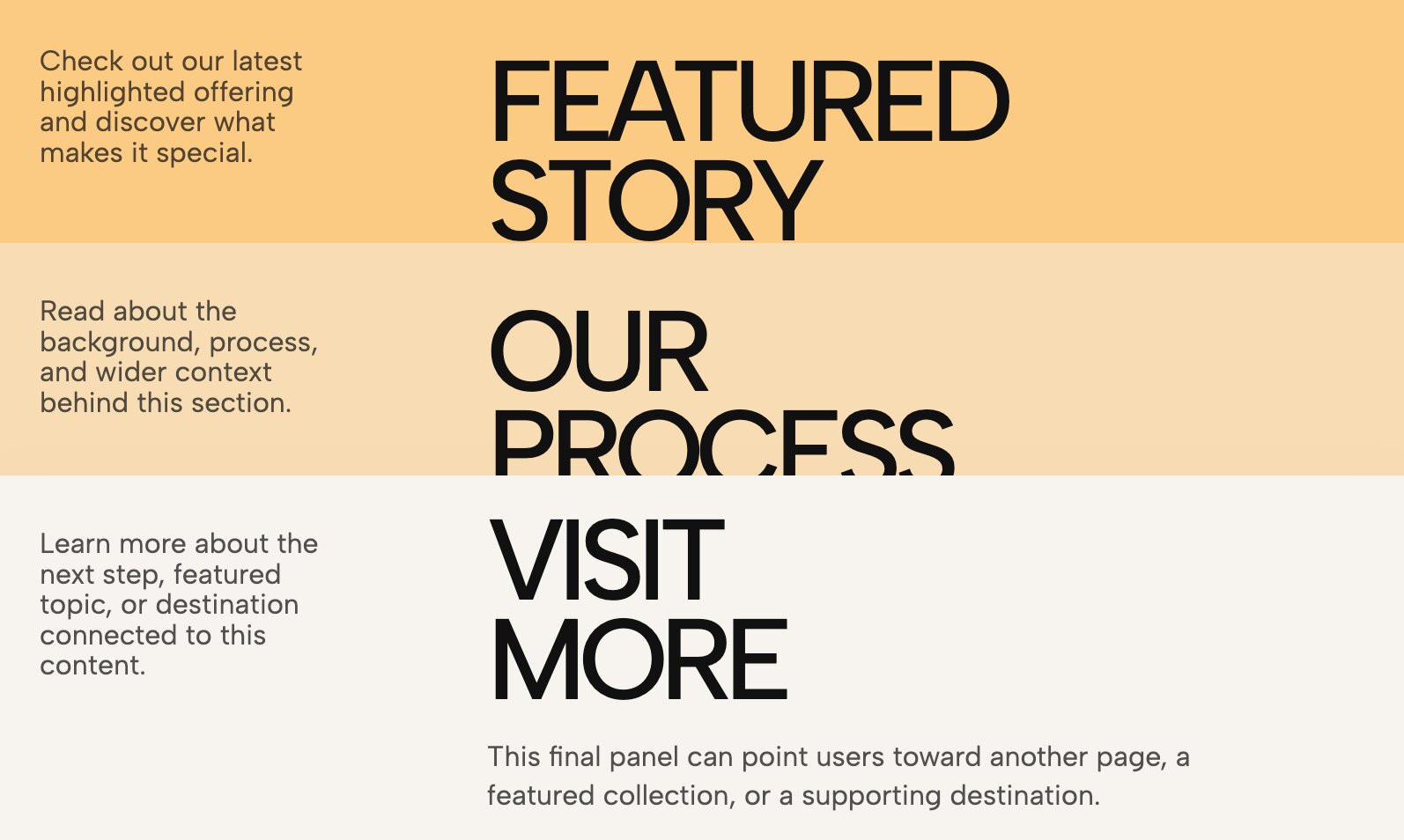
Move away from simple text lines and use stacked cards instead. This widget turns your accordion into overlapping, physical-feeling cards that toggle open and closed, delivering a magazine-like layout directly to your digital storefront.
👉 Live Demo: Get it now
7. Kinetic Typography Accordion
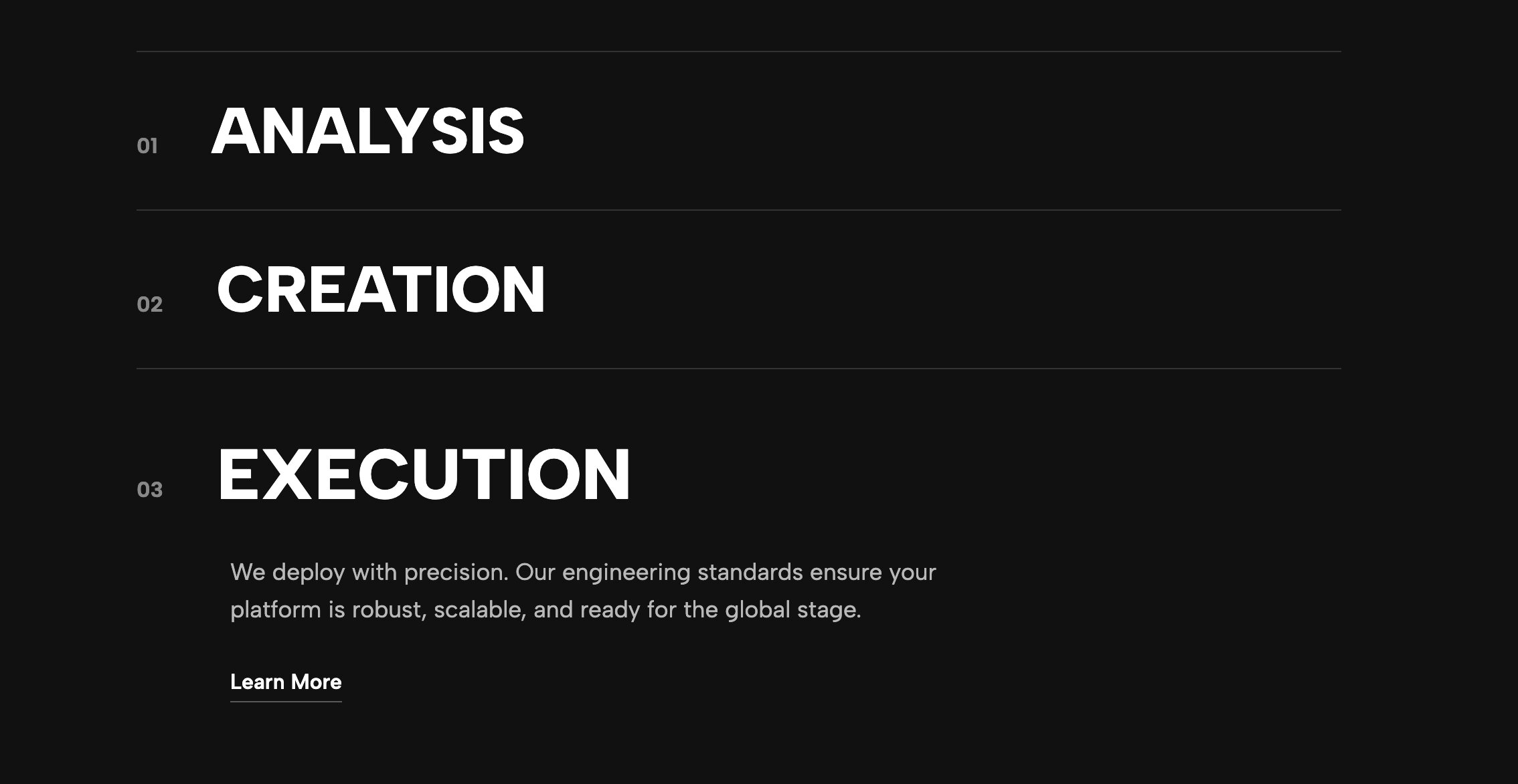
Why limit your accordions to static text? This layout integrates striking motion into your collapsible content. As users interact with the tabs, the typography shifts and animates, making your collapsible sections act as stunning design features rather than just utilitarian text boxes.
👉 Live Demo: Get it now
8. Split Accordion Gallery
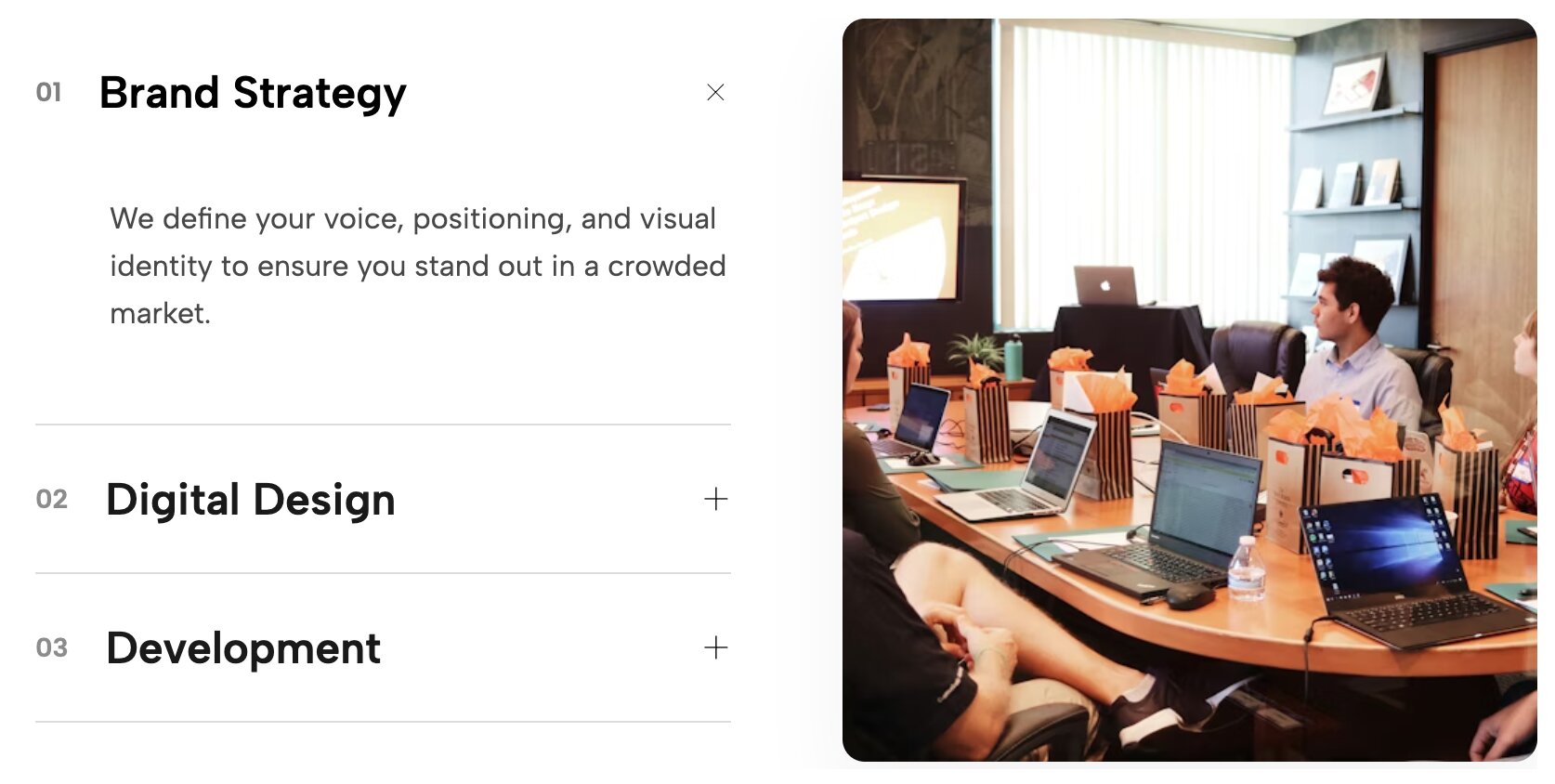
If you have been looking for a Squarespace accordion with images, this layout is the perfect solution. It pairs an interactive text accordion on one side with a dynamic image gallery on the other. As users click through the accordion tabs, the adjacent imagery updates to match the content, creating an immersive, dual-panel storytelling experience.
👉 Live Demo: Get it now
9. Vibrant Service Accordion with Colored Project Toggles
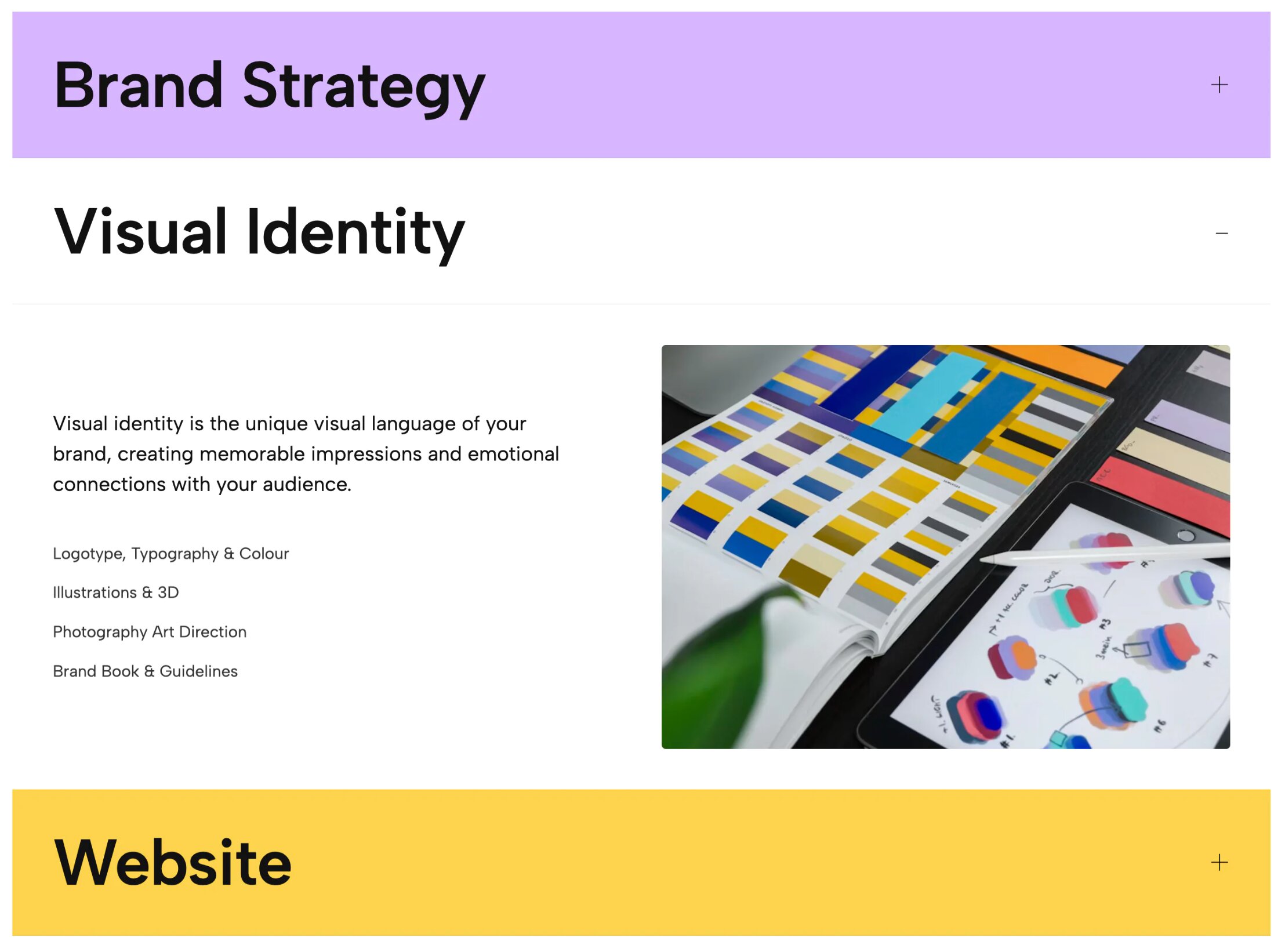
Add a burst of energy to your service pages. This widget uses vibrant, color-shifting backgrounds and highly stylized project toggles that react when clicked, instantly signaling to potential clients that your brand is creative and modern.
👉 Live Demo: Get it now
10. Full-Width Image Accordion
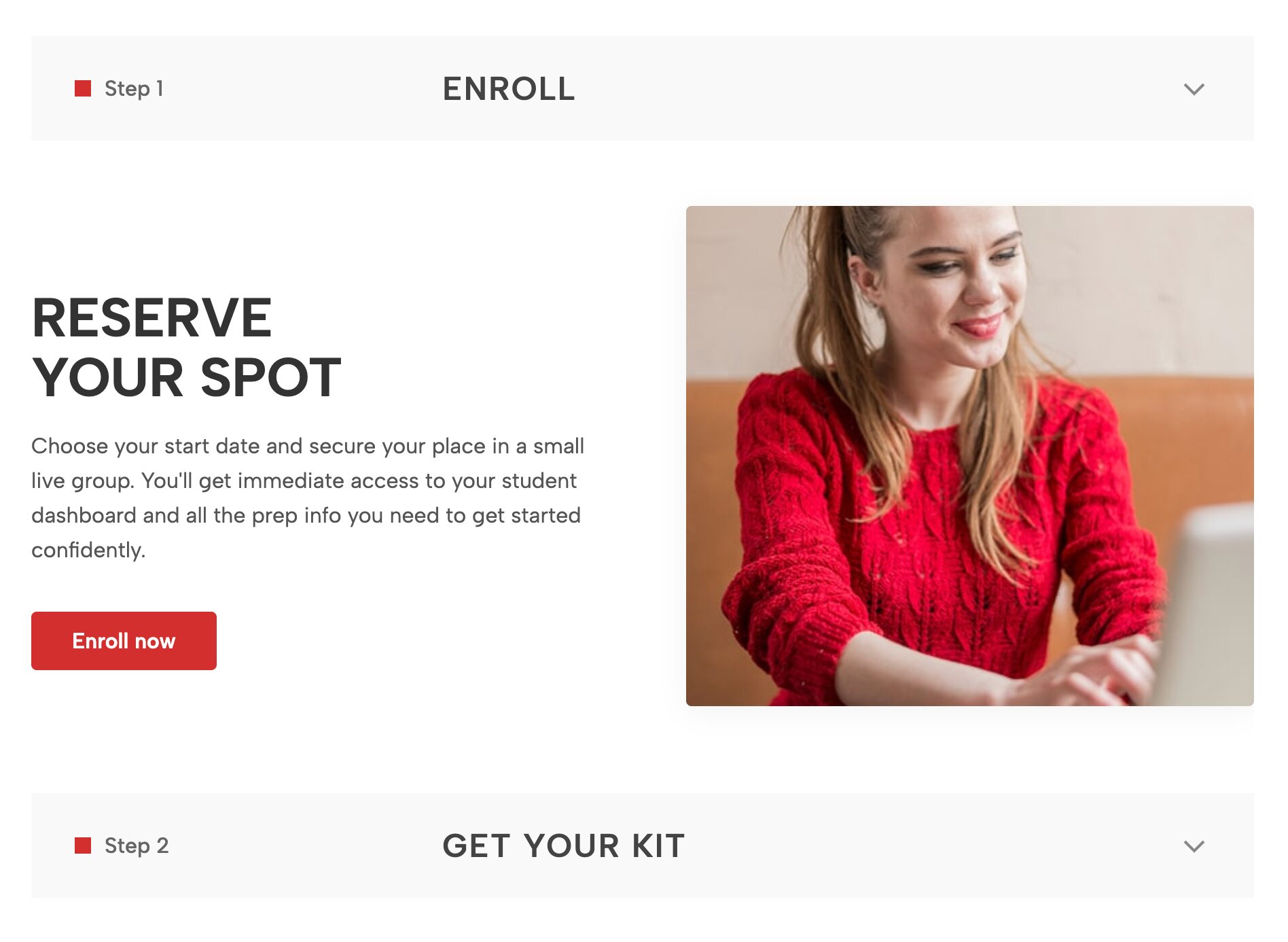
Transform your standard blocks into a breathtaking vertical accordion Squarespace visual experience. This full-width layout replaces utilitarian text tabs with highly immersive, edge-to-edge images that expand gracefully when interacted with. It is the ultimate tool for visual storytelling, allowing photographers, architects, and high-end brands to combine motion and massive imagery into one unforgettable layout.
👉 Live Demo: Get it now
How to Use Redesignee Accordions on Your Site
Adding a premium Redesignee accordion to your site is incredibly simple and requires no technical expertise. If you want to seamlessly add accordion to Squarespace, Chrome extensions like ours make the process effortless:
- Connect the Extension: Install and connect the Redesignee Squarespace Extension to your browser.
- Browse the Library: Open the Redesignee library and navigate to the Accordion section. Choose the layout that best fits your design—whether it’s a minimal text reveal or a full-width interactive layout.
- Insert and Customize: Drop the chosen widget directly into your page. From there, you can easily swap out the text, adjust the colors, and customize the styling settings directly within the intuitive interface, ensuring it matches your branding perfectly.
Upgrade Your Layouts Without Writing Custom Code
Trying to build complex, animated accordion blocks from scratch is a frustrating process. You often end up with broken mobile layouts when you try to add accordion to Squarespace javascript snippets, or waste hours debugging custom Squarespace accordion CSS that stops working when platform updates occur.
You can bypass the headaches completely. Whether you need a highly stylized FAQ section, a kinetic typography expander, or a sophisticated service dropdown, you can find the perfect plug-and-play solution in our Accordion Widget Library.
Stop settling for basic blocks that make your site look like a generic template. Add depth, interactivity, and agency-level polish to your Squarespace site today in just a few clicks!


Comments (0)