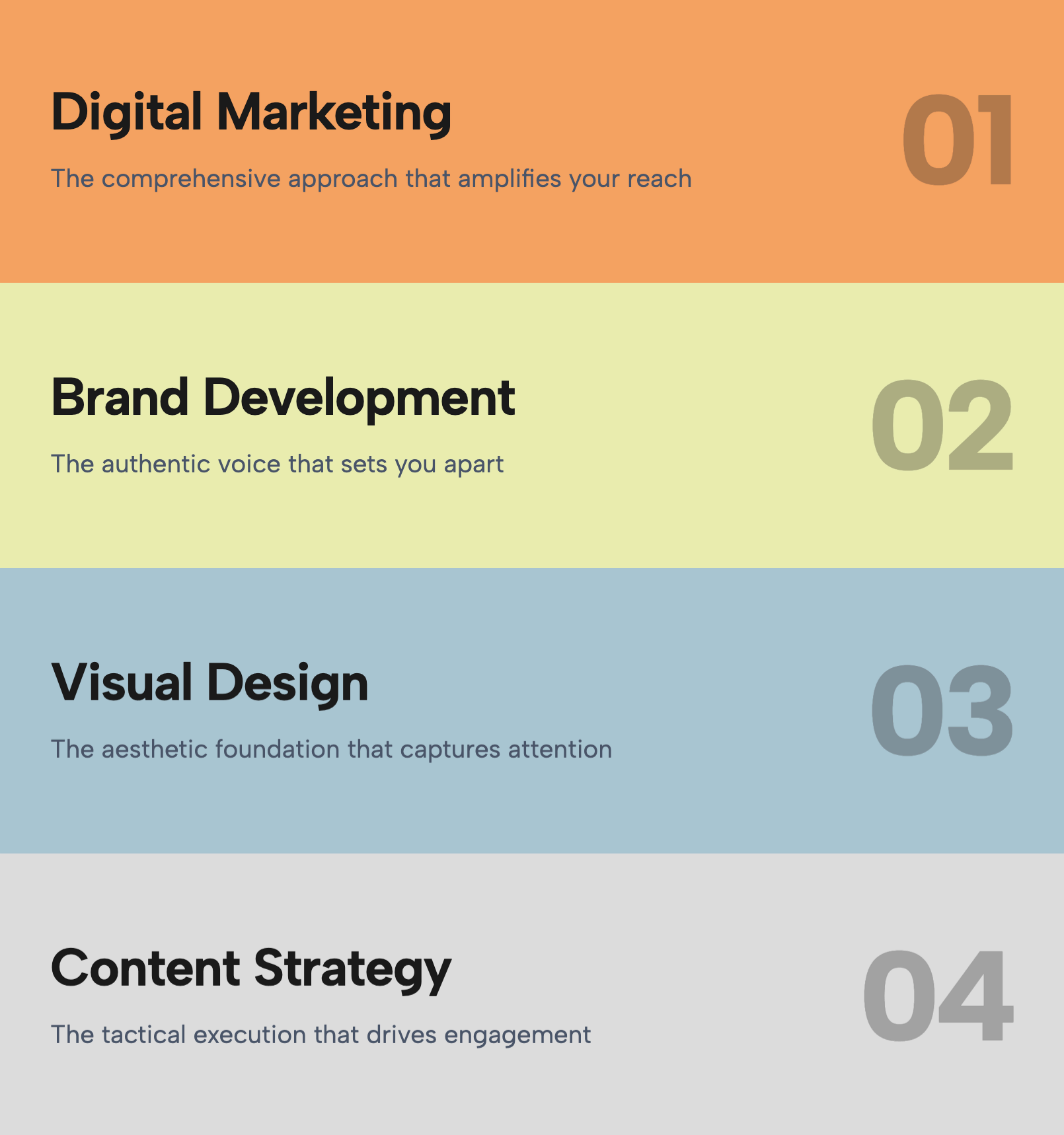
Clearly articulate the challenges your product addresses with the Problem Solution Cards widget. This design uses a series of tall, rounded cards in a unified slate-blue or cool-grey tone to create a calm, analytical vibe. Each card is numbered (01, 02, 03, 04) to suggest a sequence or a comprehensive coverage of issues. A minimalist geometric shape—abstract icons representing flow, obstruction, or data—sits in the center, adding visual interest without specificity.
The typography is bold and direct, designed for short, punchy statements like 'Inefficient workflows' or 'High costs'. This widget is perfect for the 'Why Us?' section of a B2B website, where you need to validate the user's pain points before presenting your solution. The uniform height and color create a rhythm that is pleasing to the eye, while the hover interaction (a slight lift and shadow increase) makes the interface feel responsive and modern.
Bring this layout to life on your website in just a few clicks.

Edit Problem Solution Cards visually using the native Squarespace extension
First, ensure you have connected your website to the native Redesignee extension. Once connected, you have two easy ways to build:
Native Block: Simply add the native Redesignee Widget Block directly from the fluid engine editor menu inside Squarespace.
Manual Markdown: Add a standard Markdown Block, paste your widget’s code snippet, and the Redesignee floating "Customize" button will automatically appear right over the block.
Both methods let you tweak settings, copy items, and design visually in real time. Saving your changes syncs the updates instantly to your live page.
See Squarespace installation guide
Connect natively via Gutenberg or Elementor
Make sure you have the free Redesignee WordPress Plugin installed. To drop the Problem Solution Cards into Elementor, simply drag and drop the Redesignee widget from your sidebar. If you are using the Gutenberg Block Editor, click the " + " icon and select the Redesignee Block. Launch the Cloud Library directly inside your workspace, choose your customized template, and import it with a single click. It automatically inherits your theme fonts and styles!
WordPress plugin installation guide
Quick copy-and-paste for custom setups
If you are using Webflow, Shopify, Wix, or a custom HTML site, click the "Export Widget" button on this page and ensure the platform selector is set to "HTML". Click "Copy" to copy the clean, un-nested source code snippet directly to your clipboard. Paste this code into any HTML component, Code Block, or Embed tool inside your website builder. All styles, animations, and scripts are self-contained and ready to run.
This Problem Solution Cards widget is optimized and categorized inside the following layout packs:
Convert your product traffic effortlessly. Tweak tech-focused feature sections and pricing tables in our cloud library, grab the optimized code, and paste them directly into your layout.
Elevate your business site layouts instantly. Browse free and premium corporate modules from our cloud library, adjust elements visually, and copy-paste clean layouts straight to your page engine canvas.
Embrace pristine minimal structures. Tweak crisp whitespace templates visually inside our cloud canvas layout, copy the fast-rendering script output, and paste it straight onto your host site.