Customization tools and exports for this widget are exclusively available with Redesignee Premium.
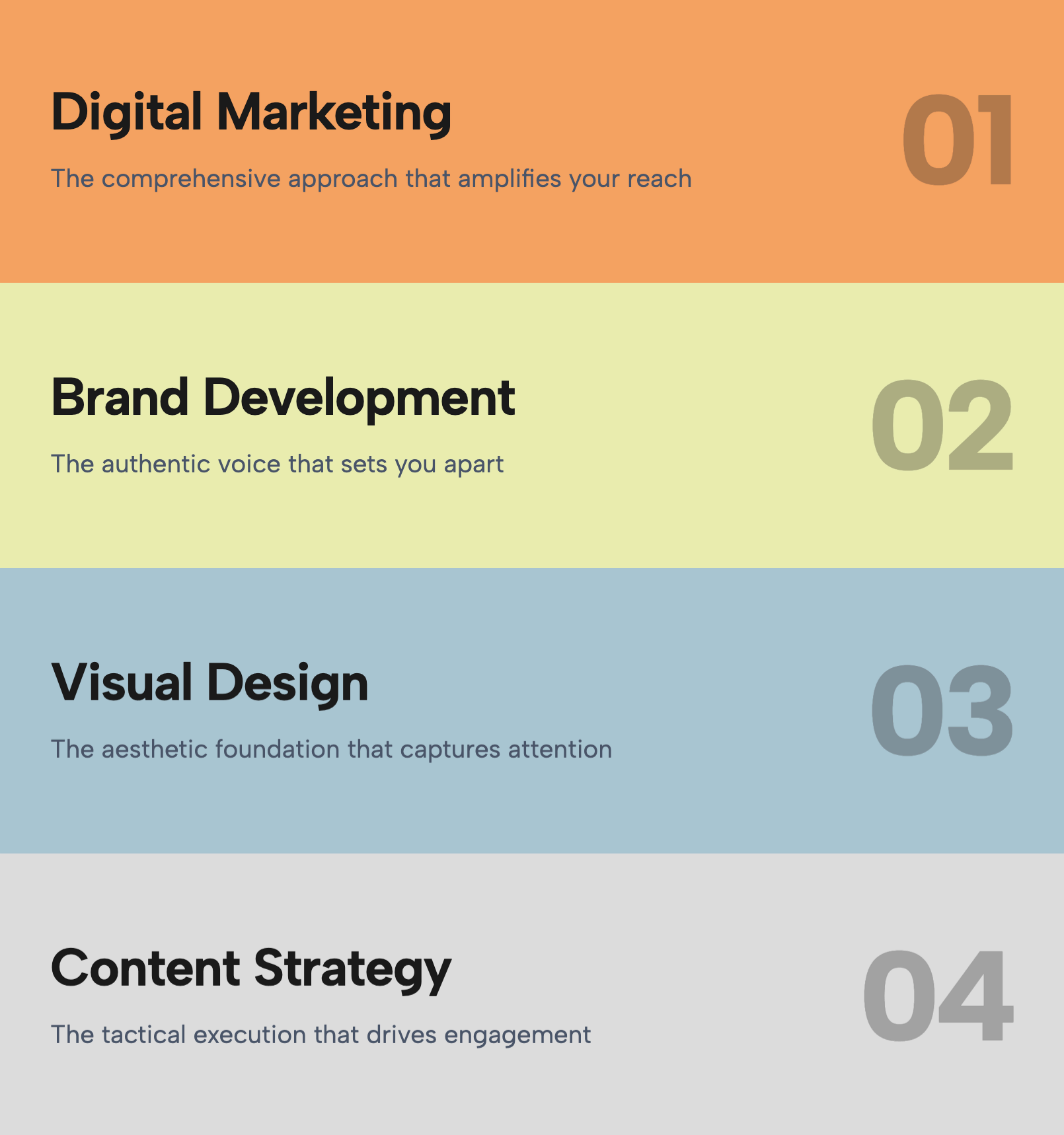
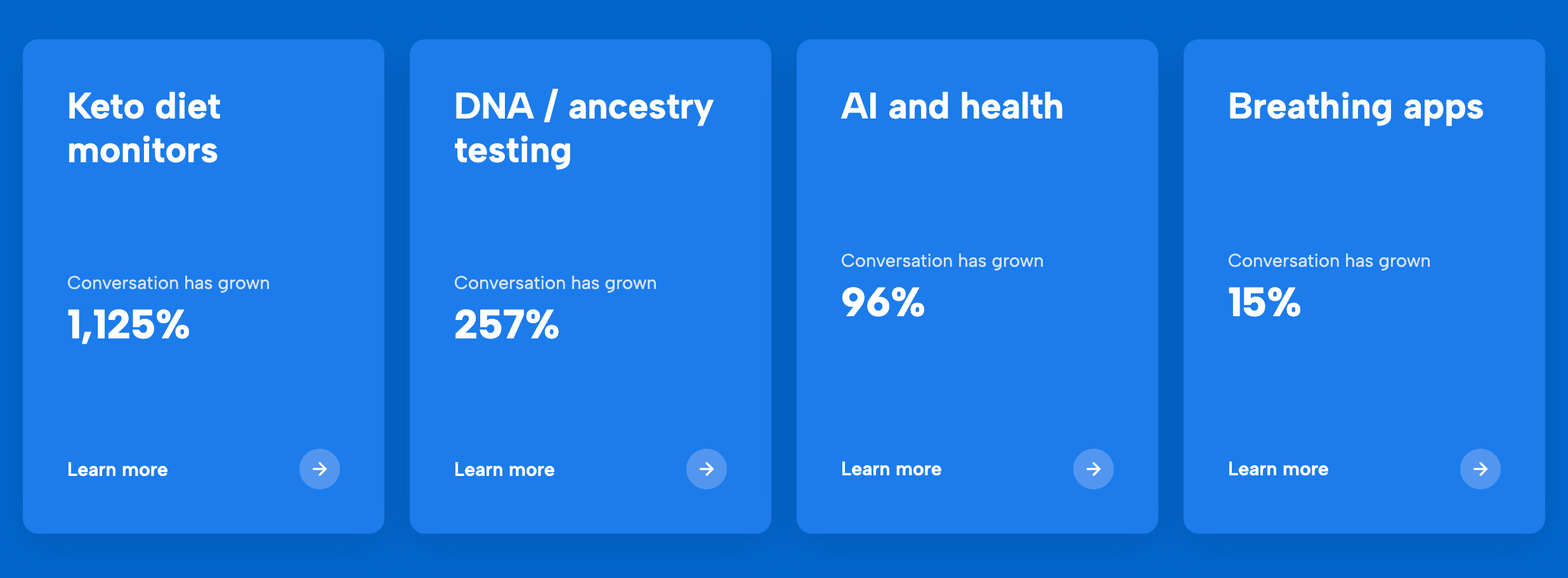
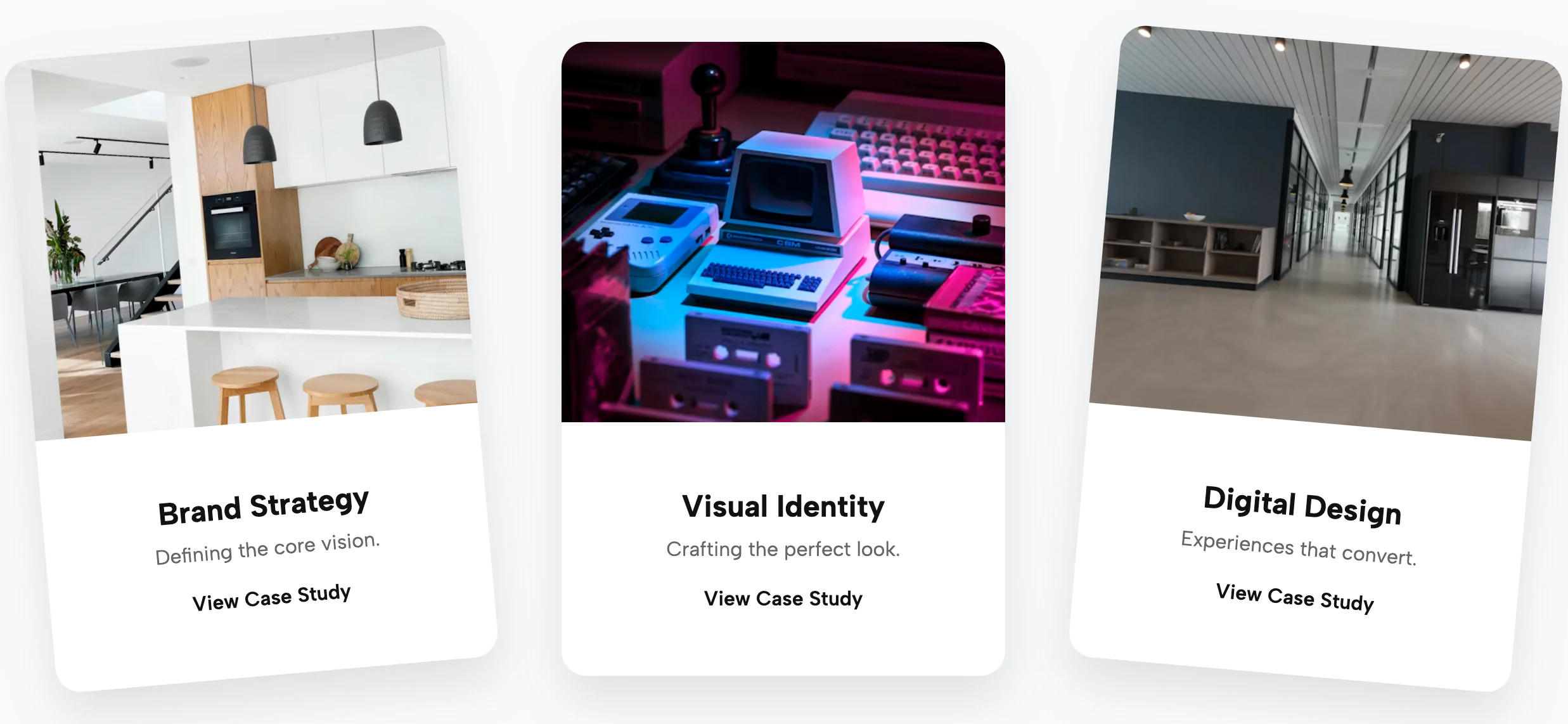
Unlock PremiumThe Gradient Service Cards widget is a visually striking navigation element designed to showcase core services, categories, or portfolio projects with a bold, poster-like aesthetic. Inspired by modern editorial print design, this widget moves away from standard 'icon + text' boxes, offering instead an immersive, image-first experience that captures user attention immediately. The widget features a responsive grid of vertical, portrait-oriented cards, each functioning as a seamless clickable link for intuitive navigation.
Visually, each card is anchored by a high-quality background image that spans the full height of the container. A sophisticated gradient overlay—customizable via the 'primary color' CSS variable—sweeps up from the bottom or corner, ensuring that the white typography remains legible while adding a splash of brand color. The typography is laid out with purpose: a small tag at the top for categorization, a massive, bold headline in the center to deliver the main message, and a structured footer area for additional details or call-to-action arrows. Hover effects include a subtle zoom of the background image and a slight lift of the text, providing tactile feedback without clutter. This widget is perfect for 'What We Do' sections, case study grids, or department navigation on corporate sites. It maintains its dramatic impact on mobile devices by stacking vertically, ensuring the text remains readable against the gradient backdrop.
Bring this layout to life on your website in just a few clicks.

Edit Gradient Service and Feature Cards visually using the native Squarespace extension
First, ensure you have connected your website to the native Redesignee extension. Once connected, you have two easy ways to build:
Native Block: Simply add the native Redesignee Widget Block directly from the fluid engine editor menu inside Squarespace.
Manual Markdown: Add a standard Markdown Block, paste your widget’s code snippet, and the Redesignee floating "Customize" button will automatically appear right over the block.
Both methods let you tweak settings, copy items, and design visually in real time. Saving your changes syncs the updates instantly to your live page.
See Squarespace installation guide
Connect natively via Gutenberg or Elementor
Make sure you have the free Redesignee WordPress Plugin installed. To drop the Gradient Service and Feature Cards into Elementor, simply drag and drop the Redesignee widget from your sidebar. If you are using the Gutenberg Block Editor, click the " + " icon and select the Redesignee Block. Launch the Cloud Library directly inside your workspace, choose your customized template, and import it with a single click. It automatically inherits your theme fonts and styles!
WordPress plugin installation guide
Quick copy-and-paste for custom setups
If you are using Webflow, Shopify, Wix, or a custom HTML site, click the "Export Widget" button on this page and ensure the platform selector is set to "HTML". Click "Copy" to copy the clean, un-nested source code snippet directly to your clipboard. Paste this code into any HTML component, Code Block, or Embed tool inside your website builder. All styles, animations, and scripts are self-contained and ready to run.
This Gradient Service and Feature Cards widget is optimized and categorized inside the following layout packs:
Convert your product traffic effortlessly. Tweak tech-focused feature sections and pricing tables in our cloud library, grab the optimized code, and paste them directly into your layout.
Elevate your business site layouts instantly. Browse free and premium corporate modules from our cloud library, adjust elements visually, and copy-paste clean layouts straight to your page engine canvas.
Make an unmissable statement. Customize high-impact typography elements, brutalist layouts, and high-contrast sections from our cloud repository to craft layouts that refuse to be ignored.
Deploy sleek, night-mode interfaces effortlessly. Browse dark-mode cards, dashboards, and deep contrast hero layouts from our cloud library, customize styles visually, and copy-paste clean code.
Bring asymmetric, magazine-style aesthetics to your web project canvas. Browse editorial grids and refined typography elements from our cloud repository and copy-paste clean code rows.