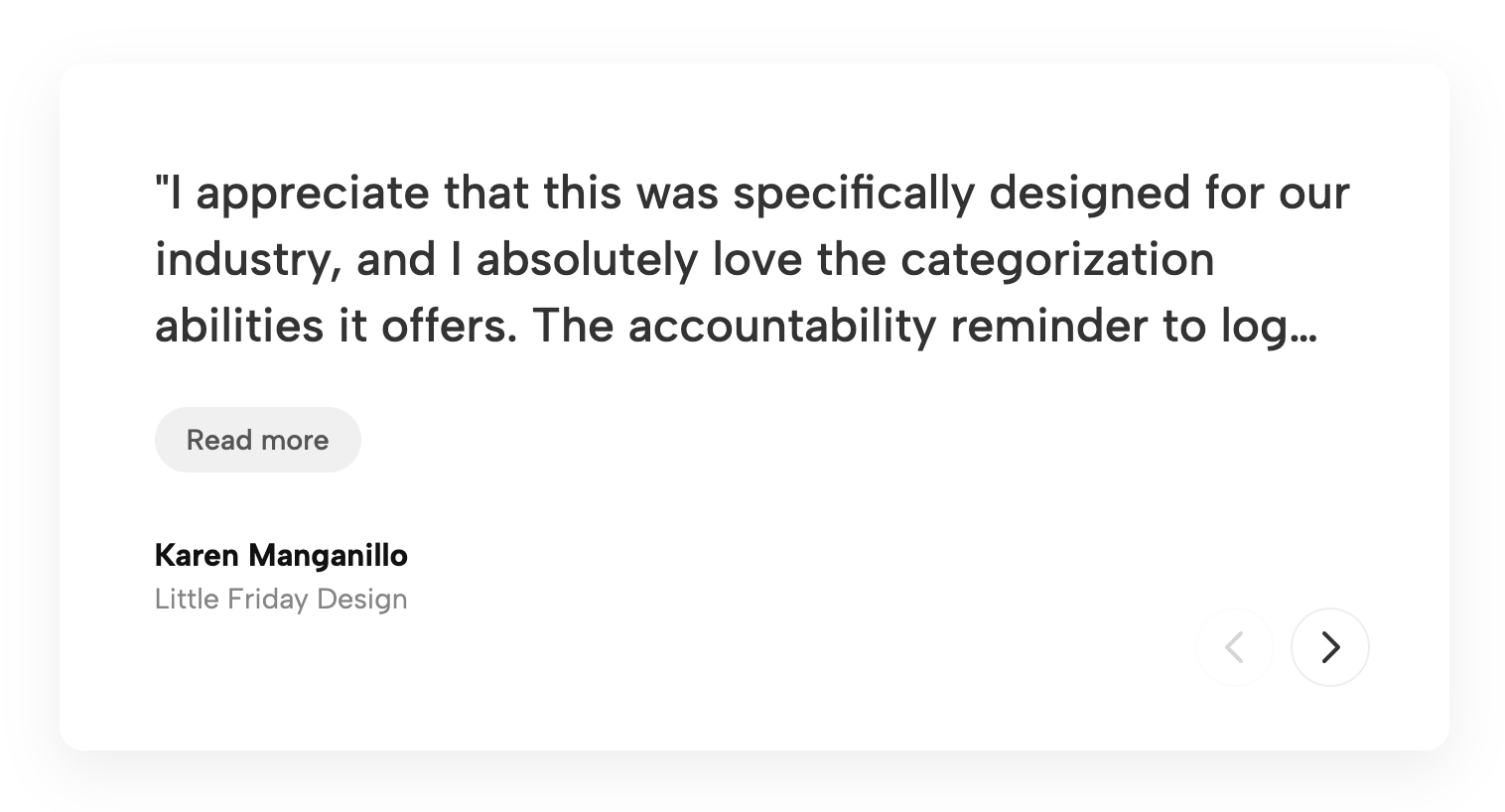
A clean, minimalist 3-column grid featuring a subtle border, client logos, and descriptive text. Perfect for showcasing case studies, client stories, or testimonials.
The Bordered Client Story Grid widget is a highly polished, minimalist UI component designed to build immediate trust and credibility with your audience. Featuring a clean three-column layout, each card is framed by a subtle, elegant border that distinctly separates the content without overwhelming the page's overall aesthetic. The design prioritizes visual hierarchy by placing prominent client logos at the top of each container, while the descriptive text is meticulously bottom-aligned. This structural alignment ensures a uniform, balanced grid even when quote lengths vary, maintaining a flawless, structured look across your entire layout.
This responsive testimonial grid layout is the perfect solution for B2B agencies, software platforms, and consulting firms looking to showcase client success stories or in-depth case studies. By integrating this custom Squarespace widget into your homepage or a dedicated "Our Clients" page, you provide prospective customers with easily scannable, bite-sized endorsements. It effectively transforms standard text reviews into a powerful, visually driven social proof widget that highlights your most impressive enterprise partnerships, workflow improvements, and quantifiable results.
Engineered for seamless cross-device performance, this minimalist UI component automatically scales to fit any screen size. The grid intelligently transitions from a spacious three-column view on desktop monitors to a balanced two-column tablet display, ultimately stacking into a highly readable single-column format on mobile devices. Built with lightweight CSS and optimized for modern web standards, this client logo grid integrates effortlessly into your existing site architecture, allowing you to elevate your brand's authority and drive higher conversions with a professional, enterprise-grade design.
Bring this layout to life on your website in just a few clicks.

Edit Bordered Client Story Grid visually using the native Squarespace extension
First, ensure you have connected your website to the native Redesignee extension. Once connected, you have two easy ways to build:
Native Block: Simply add the native Redesignee Widget Block directly from the fluid engine editor menu inside Squarespace.
Manual Markdown: Add a standard Code Block, paste your widget’s code snippet, and the Redesignee floating "Customize" button will automatically appear right over the block.
Both methods let you tweak settings, copy items, and design visually in real time. Saving your changes syncs the updates instantly to your live page.
See Squarespace installation guide
Connect natively via Gutenberg or Elementor
Make sure you have the free Redesignee WordPress Plugin installed. To drop the Bordered Client Story Grid into Elementor, simply drag and drop the Redesignee widget from your sidebar. If you are using the Gutenberg Block Editor, click the " + " icon and select the Redesignee Block. Launch the Cloud Library directly inside your workspace, choose your customized template, and import it with a single click. It automatically inherits your theme fonts and styles!
WordPress plugin installation guide
Quick copy-and-paste for custom setups
If you are using Webflow, Shopify, Wix, or a custom HTML site, click the "Export Widget" button on this page and ensure the platform selector is set to "HTML". Click "Copy" to copy the clean, un-nested source code snippet directly to your clipboard. Paste this code into any HTML component, Code Block, or Embed tool inside your website builder. All styles, animations, and scripts are self-contained and ready to run.
This Bordered Client Story Grid widget is optimized and categorized inside the following layout packs:
Convert your product traffic effortlessly. Tweak tech-focused feature sections and pricing tables in our cloud library, grab the optimized code, and paste them directly into your layout.
Elevate your business site layouts instantly. Browse free and premium corporate modules from our cloud library, adjust elements visually, and copy-paste clean layouts straight to your page engine canvas.
Embrace pristine minimal structures. Tweak crisp whitespace templates visually inside our cloud canvas layout, copy the fast-rendering script output, and paste it straight onto your host site.