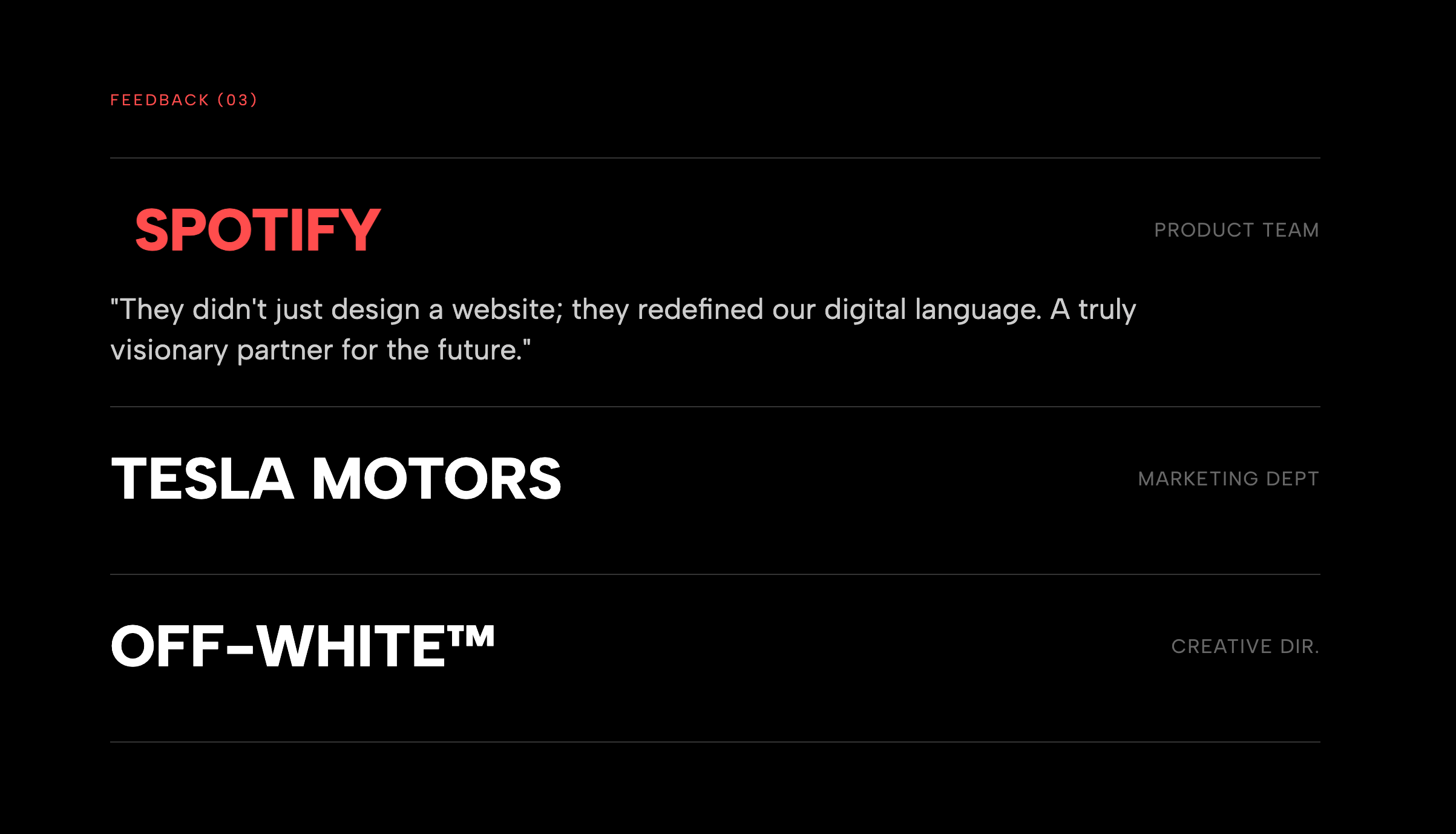
Create a sense of unstoppable momentum and social proof with the Horizontal Marquee Testimonials widget. This modern, high-energy layout takes the traditional static review grid and transforms it into a dynamic, auto-scrolling stream of customer praise. Inspired by the 'Wall of Love' sections found on top-tier SaaS and startup landing pages, this widget features two parallel rows of testimonials: one scrolling smoothly to the left, and the other to the right, creating a mesmerizing visual flow that instantly captures user attention. The 'Light Version' aesthetic is designed for clarity and trust, utilizing a clean white background, subtle grey borders, and soft drop shadows that make each card pop without feeling heavy. It is fully responsive; on mobile devices, the columns stack naturally while maintaining the scrolling effect (or you can choose to disable it for a static view). This widget is perfect for the bottom of your homepage or pricing page, where you need to deliver a high volume of positive feedback in a compact vertical space. Features include fully editable star ratings, user avatars, and review text, all managed through a simple visual interface.
Bring this layout to life on your website in just a few clicks.

Edit visually using the extension or native blocks
First, ensure you have pasted the global Redesignee connector script into your site's Code Injection settings. Once connected, you have two easy ways to build:
Native Block: Simply add the native Redesignee Widget Block directly from the fluid engine editor menu inside Squarespace.
Manual Markdown: Add a standard Markdown Block, paste your widget’s code snippet, and the Redesignee floating "Customize" button will automatically appear right over the block.
Both methods let you tweak settings, copy items, and design visually in real time. Saving your changes syncs the updates instantly to your live page.
See Squarespace installation guide
Connect natively via Gutenberg or Elementor
Make sure you have the free Redesignee WordPress Plugin installed. If you are using Elementor, simply drag and drop the Redesignee widget from your sidebar. If you are using the Gutenberg Block Editor, click the " + " icon and select the Redesignee Block. Launch the Cloud Library directly inside your workspace, choose your customized template, and import it with a single click. It automatically inherits your theme fonts and styles!
WordPress plugin installation guide
Quick copy-and-paste for custom setups
If you are using Webflow, Shopify, Wix, or a custom HTML site, click the "Export Widget" button on this page and ensure the platform selector is set to"HTML". Click "Copy" to copy the clean, un-nested source code snippet directly to your clipboard. Paste this code into any HTML component, Code Block, or Embed tool inside your website builder. All styles, animations, and scripts are self-contained and ready to run.
Published:
Feb 17, 2026 06:11 AM
Category: