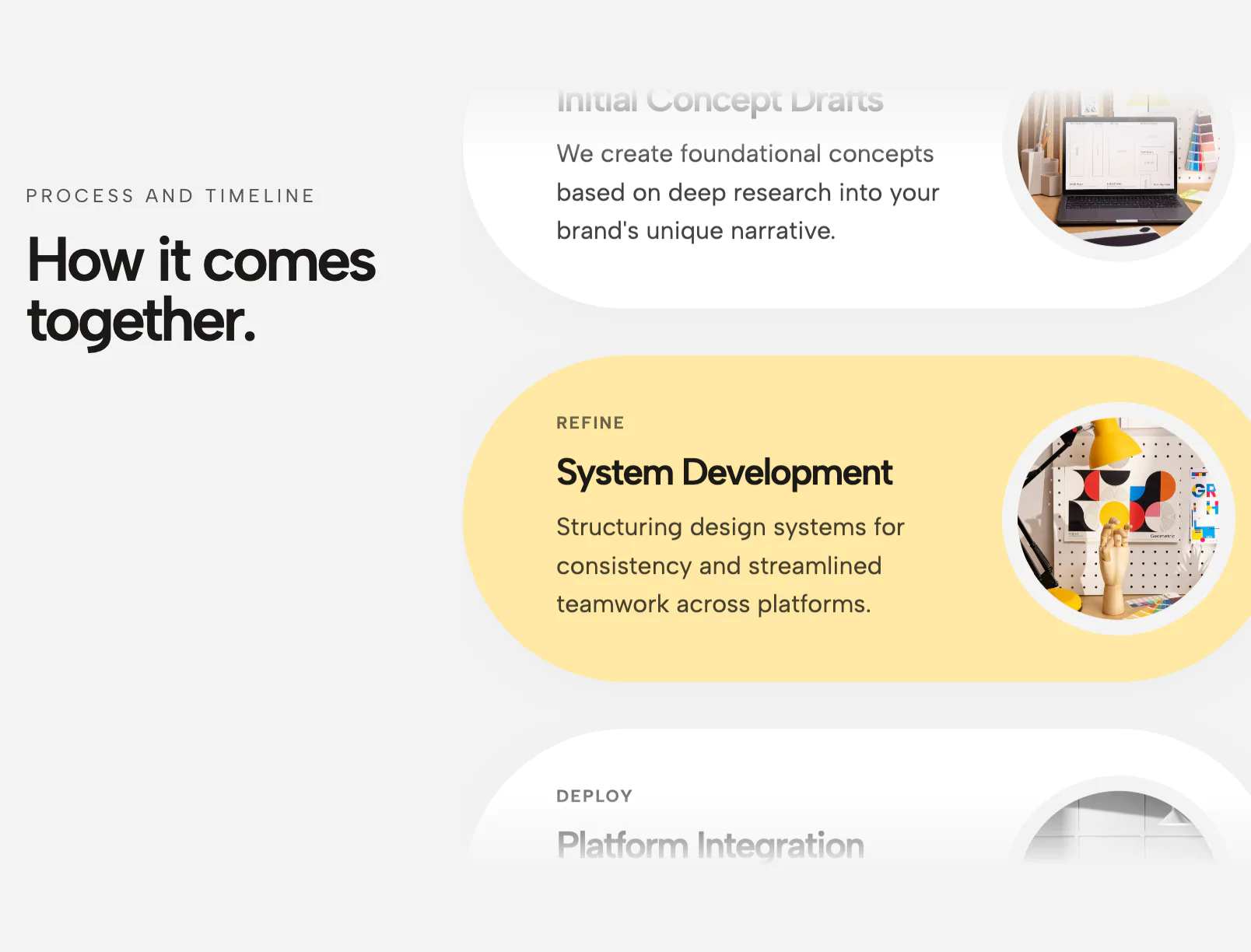
Make a bold statement with the Brutalist Accordion Process widget. Inspired by the "Technical Brutalism" design trend popularized by top digital agencies and Awwwards winners, this component turns a standard process list into a high-impact interactive experience.
Designed specifically to avoid the pitfalls of position: sticky in iframe-based editors (like Elementor, Webflow, or custom CMS previews), this widget uses a robust Vertical Accordion pattern. This ensures 100% compatibility across all viewing environments while maintaining that premium, "locked-in" feel.
The aesthetic is unapologetically modern: a deep Jet Black background (#111111) provides high contrast for the crisp white typography and Acid Green accents (#CCFF00). When a user clicks a step, the panel expands smoothly to reveal rich content and a large, cinematic image, keeping the user focused on one concept at a time.
Key Features:
Bring this layout to life on your website in just a few clicks.

Edit visually using the extension or native blocks
First, ensure you have pasted the global Redesignee connector script into your site's Code Injection settings. Once connected, you have two easy ways to build:
Native Block: Simply add the native Redesignee Widget Block directly from the fluid engine editor menu inside Squarespace.
Manual Markdown: Add a standard Markdown Block, paste your widget’s code snippet, and the Redesignee floating "Customize" button will automatically appear right over the block.
Both methods let you tweak settings, copy items, and design visually in real time. Saving your changes syncs the updates instantly to your live page.
See Squarespace installation guide
Connect natively via Gutenberg or Elementor
Make sure you have the free Redesignee WordPress Plugin installed. If you are using Elementor, simply drag and drop the Redesignee widget from your sidebar. If you are using the Gutenberg Block Editor, click the " + " icon and select the Redesignee Block. Launch the Cloud Library directly inside your workspace, choose your customized template, and import it with a single click. It automatically inherits your theme fonts and styles!
WordPress plugin installation guide
Quick copy-and-paste for custom setups
If you are using Webflow, Shopify, Wix, or a custom HTML site, click the "Export Widget" button on this page and ensure the platform selector is set to"HTML". Click "Copy" to copy the clean, un-nested source code snippet directly to your clipboard. Paste this code into any HTML component, Code Block, or Embed tool inside your website builder. All styles, animations, and scripts are self-contained and ready to run.
Published:
Jan 27, 2026 05:33 AM
Category: