
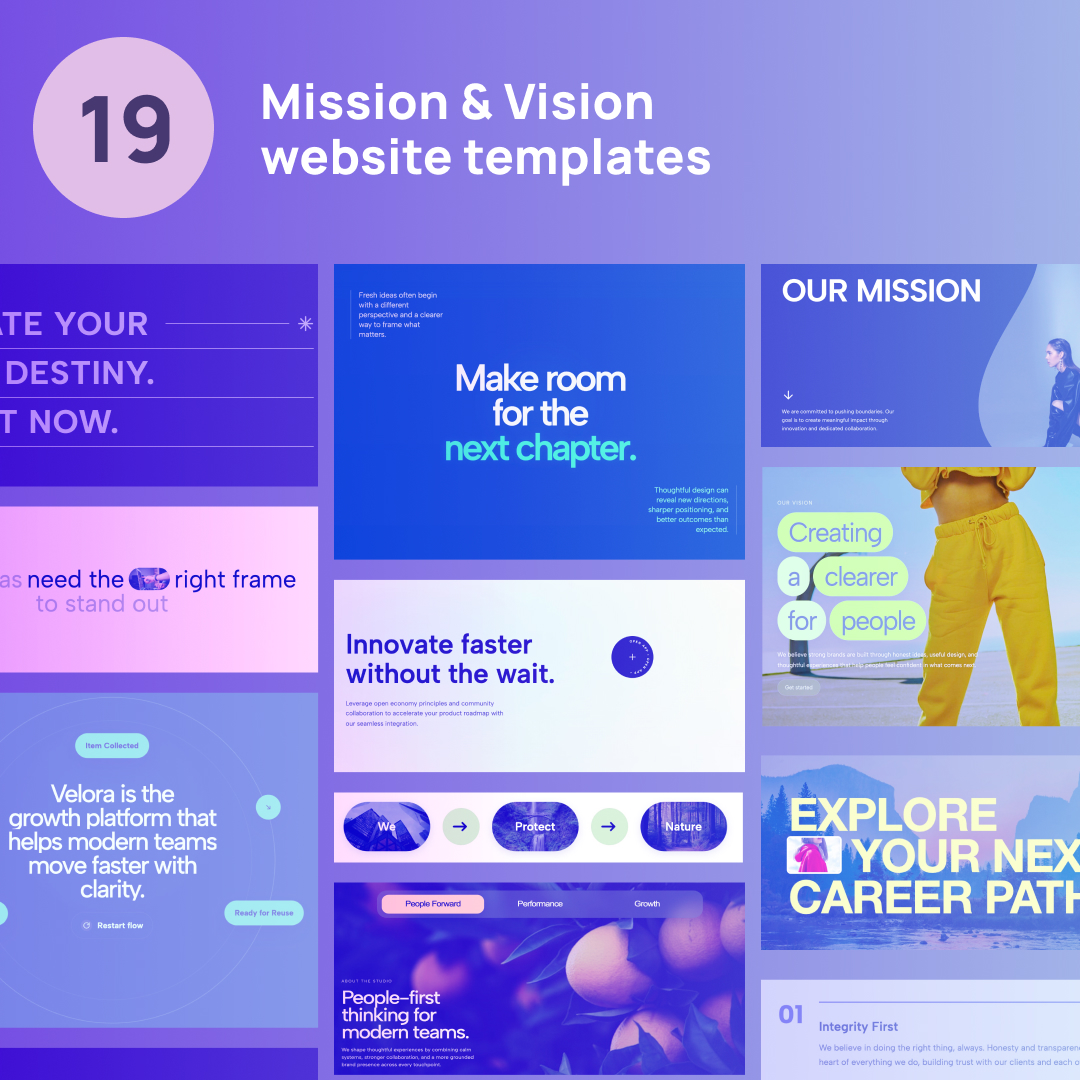
Creating a compelling Our Mission Page Design is crucial for building trust and communicating your brand’s core values. However, displaying this information in a standard text block often leads to visitors scrolling right past it.
Whether you are looking for a high-end, premium layout or a Mission and vision website design free option to get started quickly, utilizing lightweight, custom-coded widgets is the best way to elevate your brand story. Instead of installing heavy plugins, you can drop these clean HTML/CSS snippets directly into any page builder.
If you are searching for the perfect Mission and vision website design template, here are 19 stunning Mission and vision website design examples that you can copy and paste into your project today.
1. Orbital Mission & Vision Statement
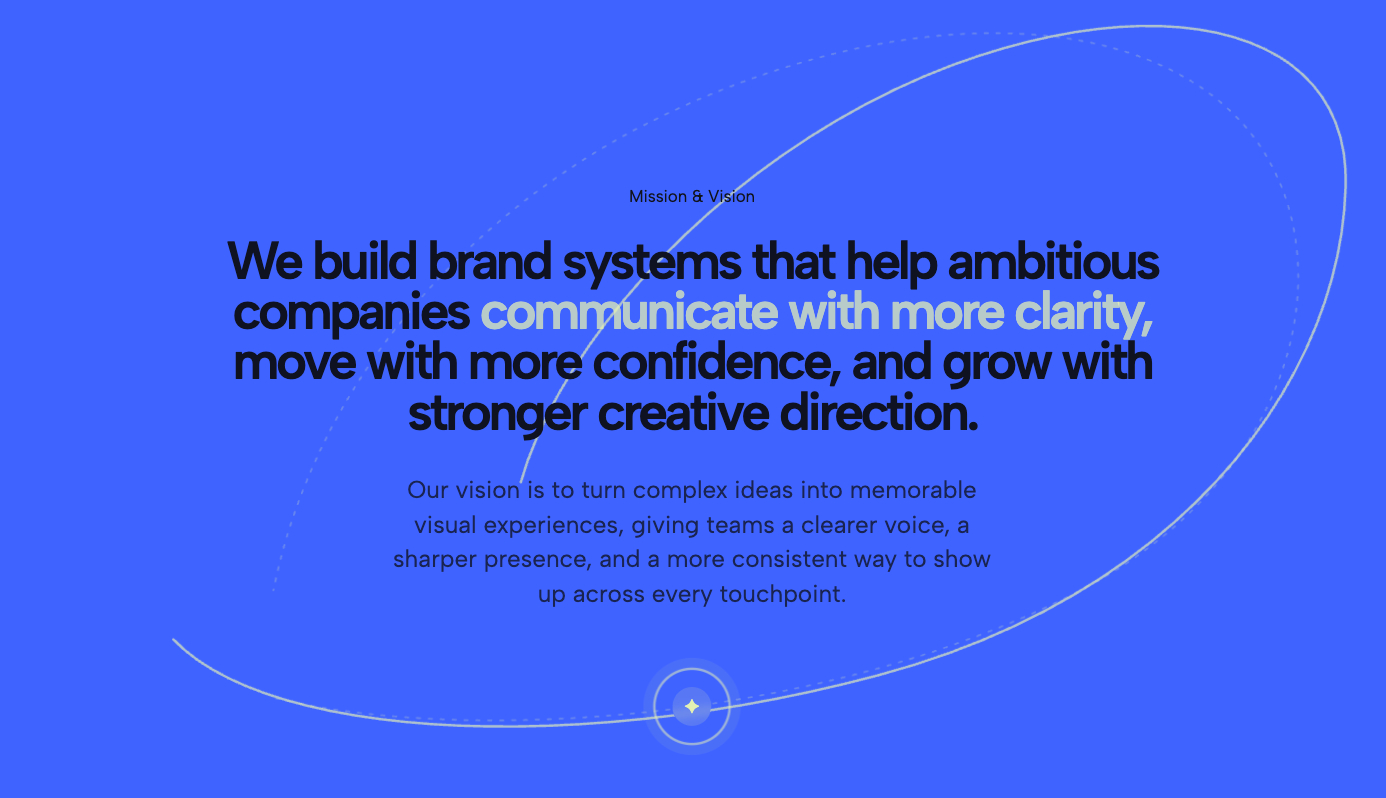
Abandon standard boxes for a cosmic, tech-forward aesthetic. This premium layout uses thin, elegant elliptical paths to encircle your text, giving the impression of planetary rings. It is a highly dynamic, architectural widget perfect for SaaS startups and forward-thinking tech brands.
2. Fan-Shape Statement Overlay
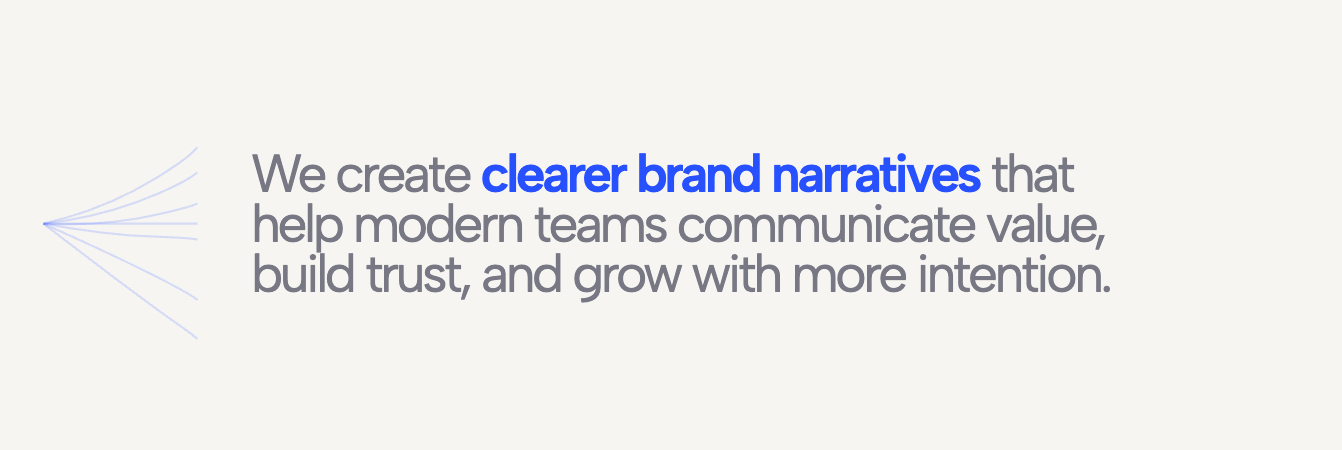
A masterclass in modern minimalism. This widget utilizes a delicate fan graphic—fine lines originating from a single focal point—to draw the user's eye directly to a selectively color-highlighted core statement. It is perfect for creating a clean, editorial breather on your homepage.
3. Mission Statement Pill Flow

This layout breaks down your core principles into beautiful, pill-shaped UI elements that flow seamlessly across the screen. It is an excellent way to present multiple values without overwhelming the reader with a heavy wall of text.
4. Mission & Values List
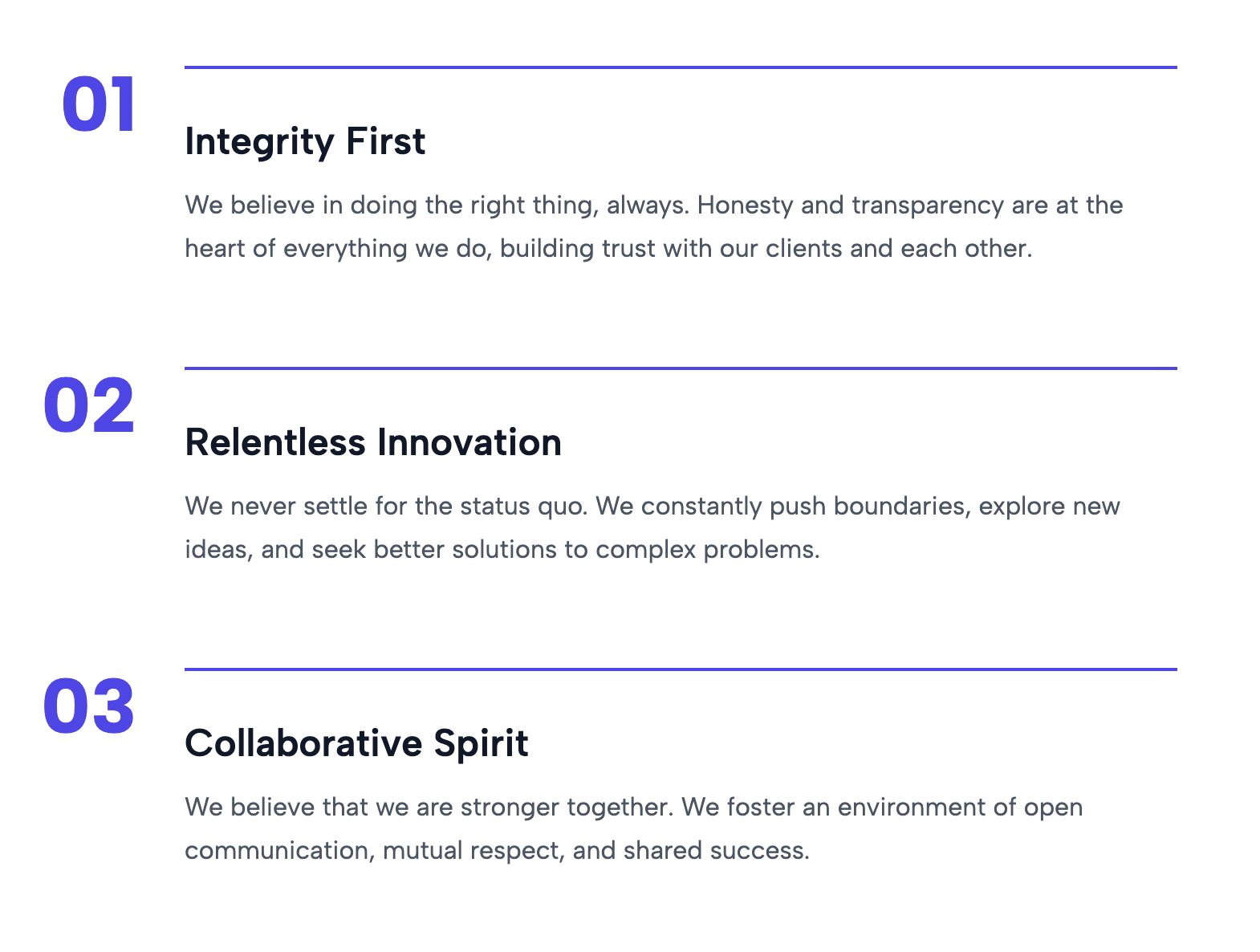
A highly structured, polished approach to laying out your company's core tenets. This template upgrades the standard bulleted list into a visually engaging component that clearly defines what your team stands for.
5. Mission and Vision Split Section

Ideal for dual narratives, this split-screen layout gives equal weight to both your mission (what you do) and your vision (where you are going). It creates a balanced, highly professional look that is perfect for corporate "About Us" pages.
6. Inline Image Headline
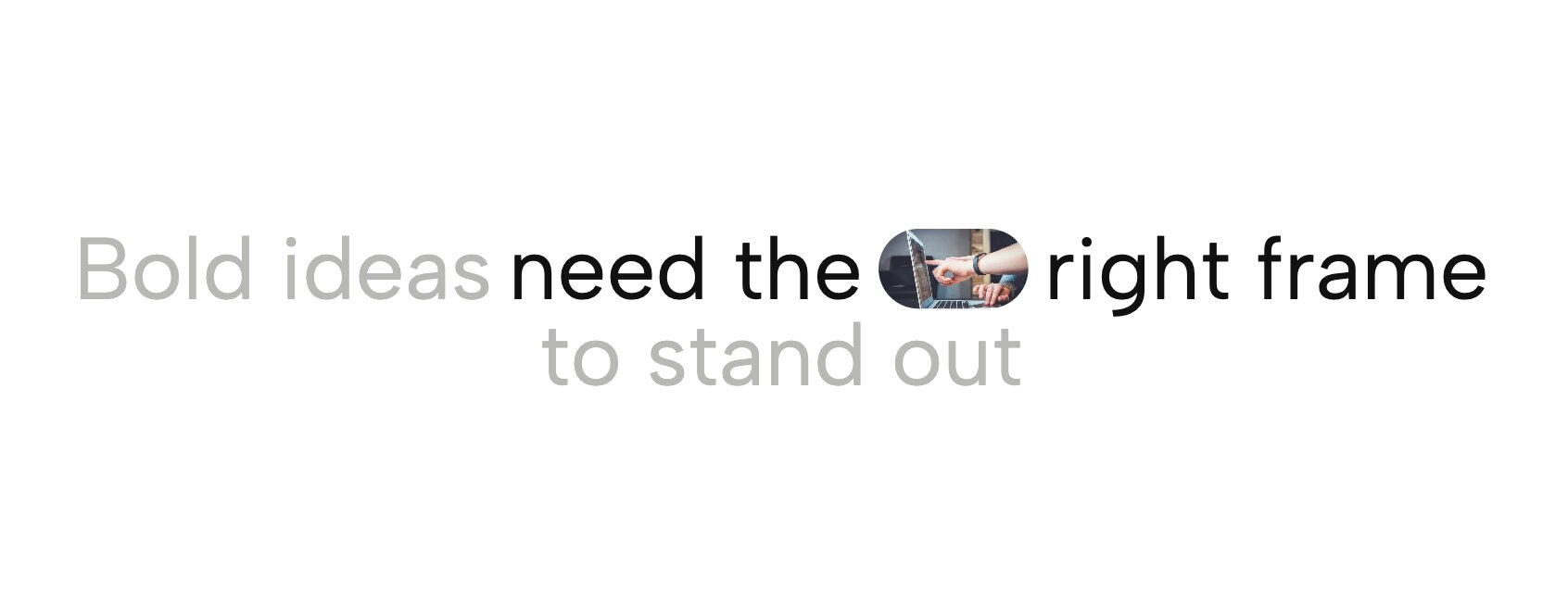
Inject personality directly into your typography. This widget allows you to embed small, rounded image masks inline with your mission statement text, creating a highly engaging and modern typographic layout that feels bespoke.
7. Bold Text Infinite Marquee
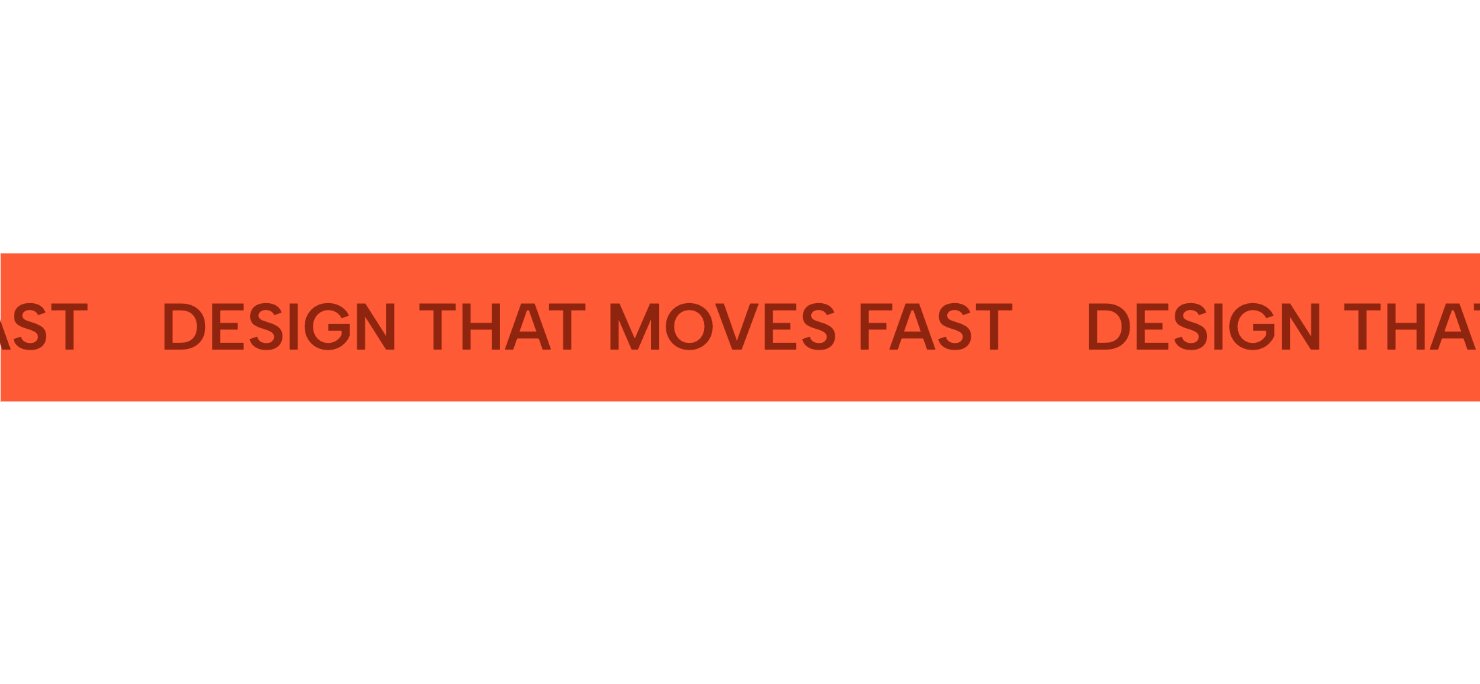
Ensure your message cannot be missed. This high-impact widget loops massive, bold text continuously across the screen. It is an aggressive, unforgettable way to declare your brand's primary objective.
8. Fluid Headline Hero

A responsive typography powerhouse. This template uses fluid scaling to ensure your mission statement perfectly fills the viewport, delivering a bold, edge-to-edge statement that looks stunning on both mobile and desktop.
9. Organic Split Hero Curved Mission Statement

Soften your brand’s presentation with this organic layout. Featuring elegant curved dividers and a split-screen design, it perfectly balances a visual asset with your brand's core manifesto, providing a welcoming and refined aesthetic.
10. Transparent Split Ticker Minimalist Animated Hero Text
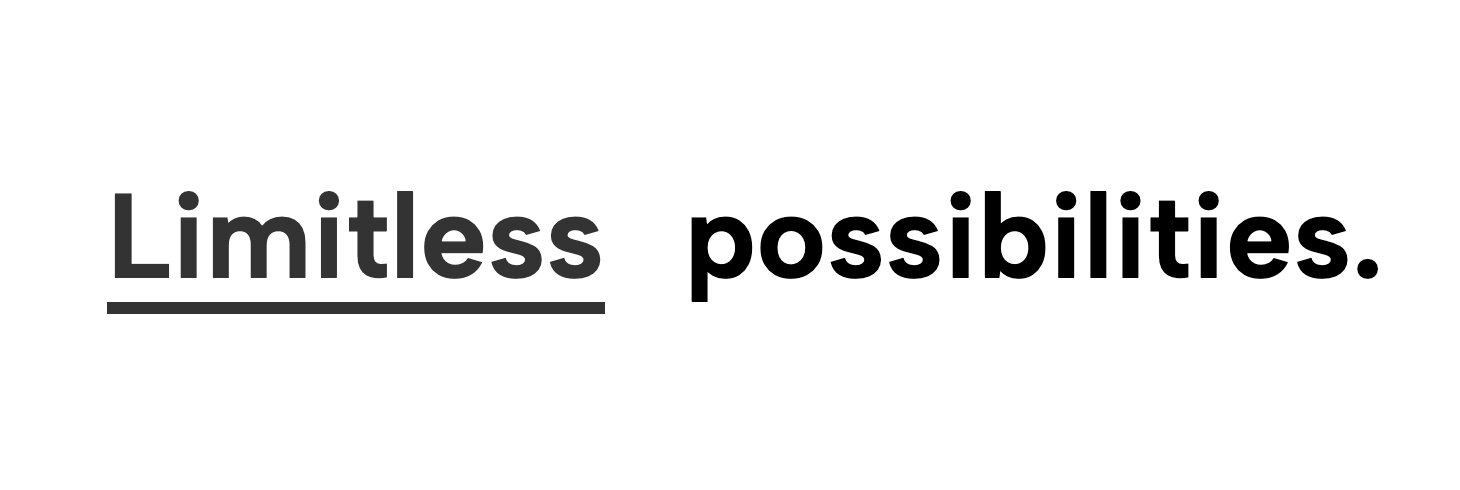
Combine clean minimalism with subtle motion. This layout features a transparent, animated ticker that scrolls smoothly behind or alongside your main static statement, adding a layer of premium interactivity without causing distraction.
11. Infinite Marquee Manifesto
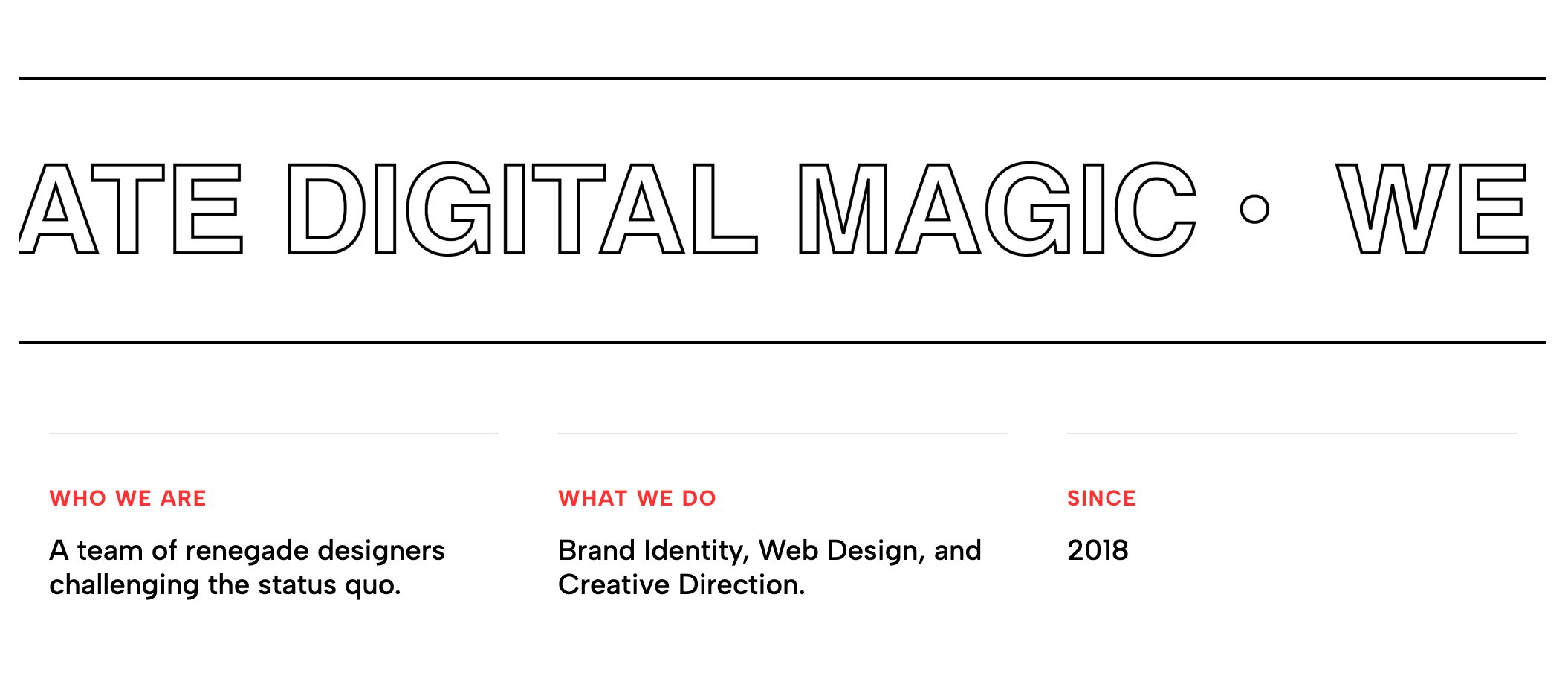
Perfect for agencies and creative studios that have a lot to say. This widget allows you to string together a longer, continuous manifesto that glides seamlessly across the screen, inviting users to read along.
12. Focus Statement Manifesto
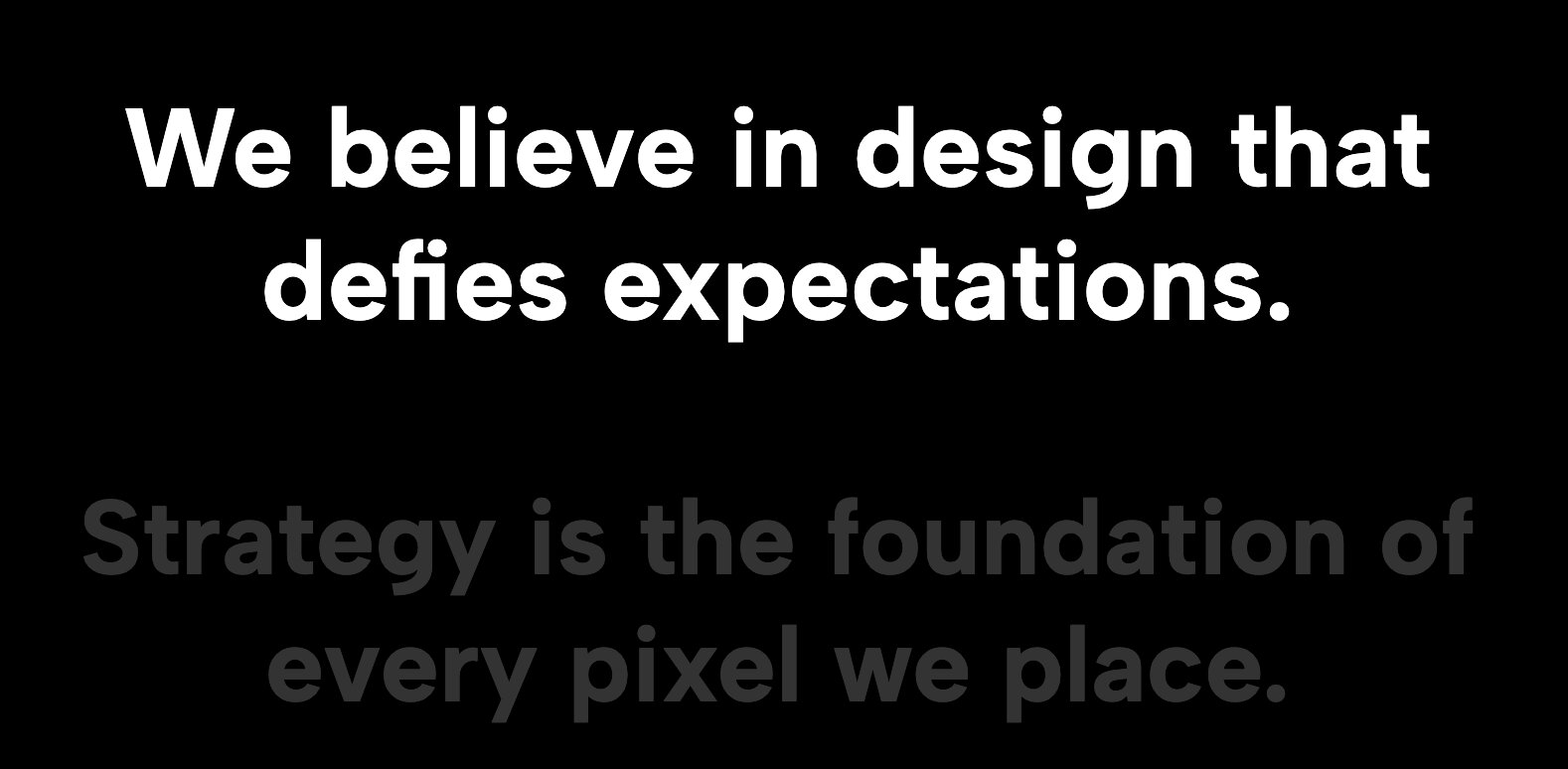
Sometimes simplicity is the ultimate sophistication. This template strips away all distractions, placing a single, beautifully typeset paragraph dead-center on the screen. It commands attention through pure whitespace and typographic scale.
13. Urban Bold Tabs Industrial File Folder Layout
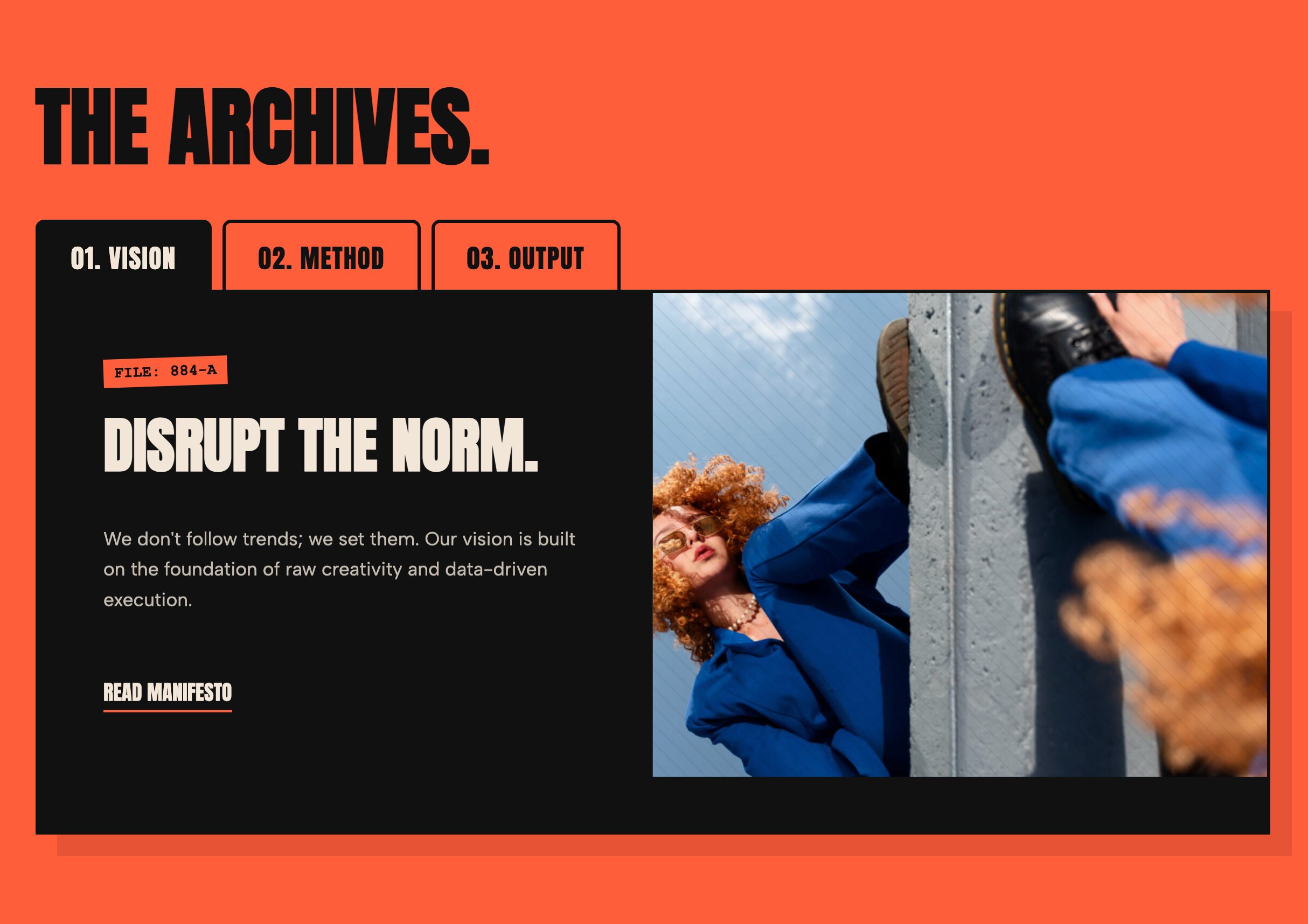
Give your Our Mission Page Design an edgy, tactile feel. This layout utilizes an industrial, folder-tab aesthetic with bold, high-contrast borders, making it an incredible choice for streetwear brands or urban creative agencies.
14. Cinematic Parallax Agency Hero Interactive Portfolio Header
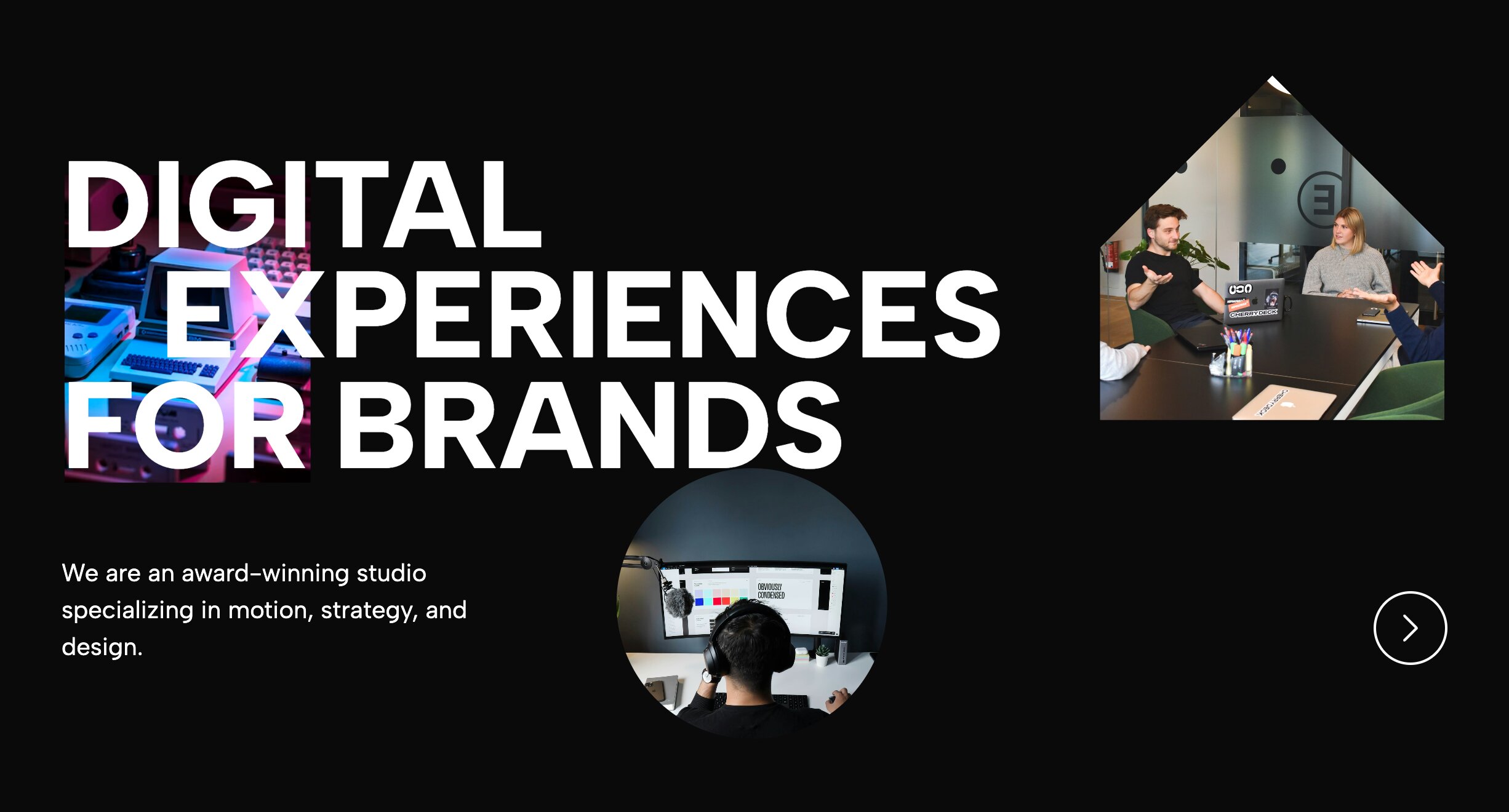
Make your vision statement immersive. This template uses cinematic parallax motion to create depth, allowing your text to glide elegantly over a high-quality background image or video.
15. Brutalist Bordered Headline Statement Hero
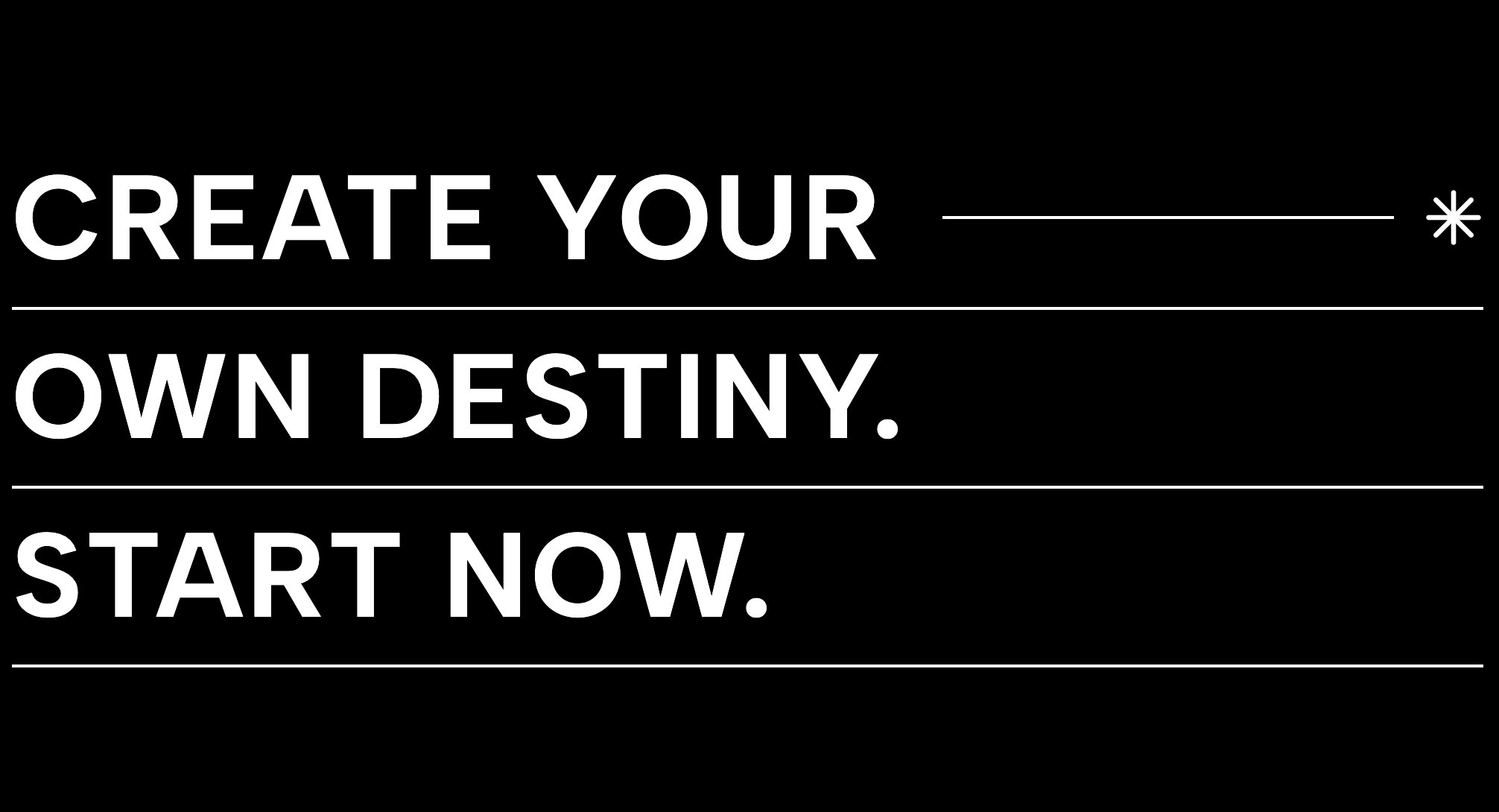
Raw, unapologetic, and highly structured. This brutalist layout uses sharp lines, exposed borders, and striking grid layouts to present your mission statement with maximum visual impact and zero fluff.
16. Social Proof Headline Widget
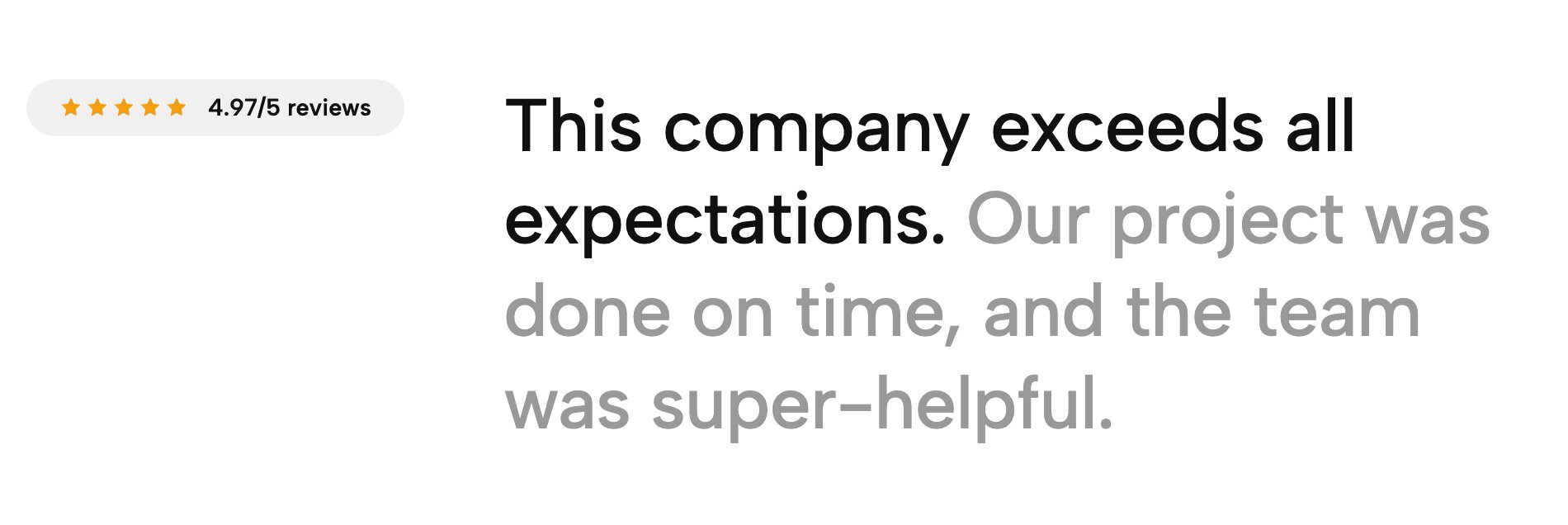
Combine your "why" with your "wins." This widget smartly integrates trust signals—like a star rating or a "trusted by" micro-banner—directly above or below your mission statement, validating your claims instantly.
17. Circular Heading Flow
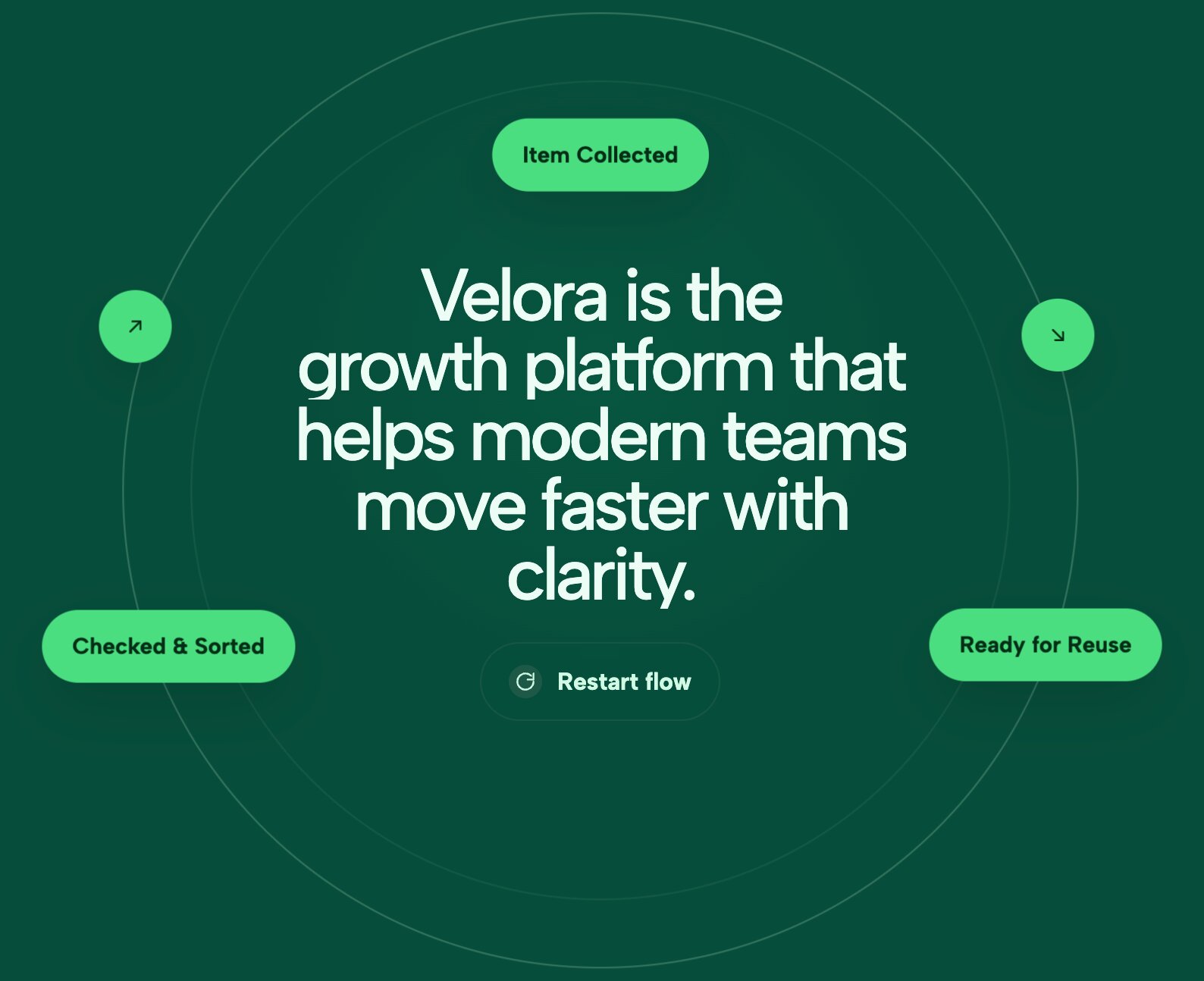
Break free from straight lines. This highly creative widget curves your text into a flowing, circular, or arched pathway. It is a fantastic way to add a playful, organic touch to a creative portfolio or boutique brand.
18. Editorial Statement Hero
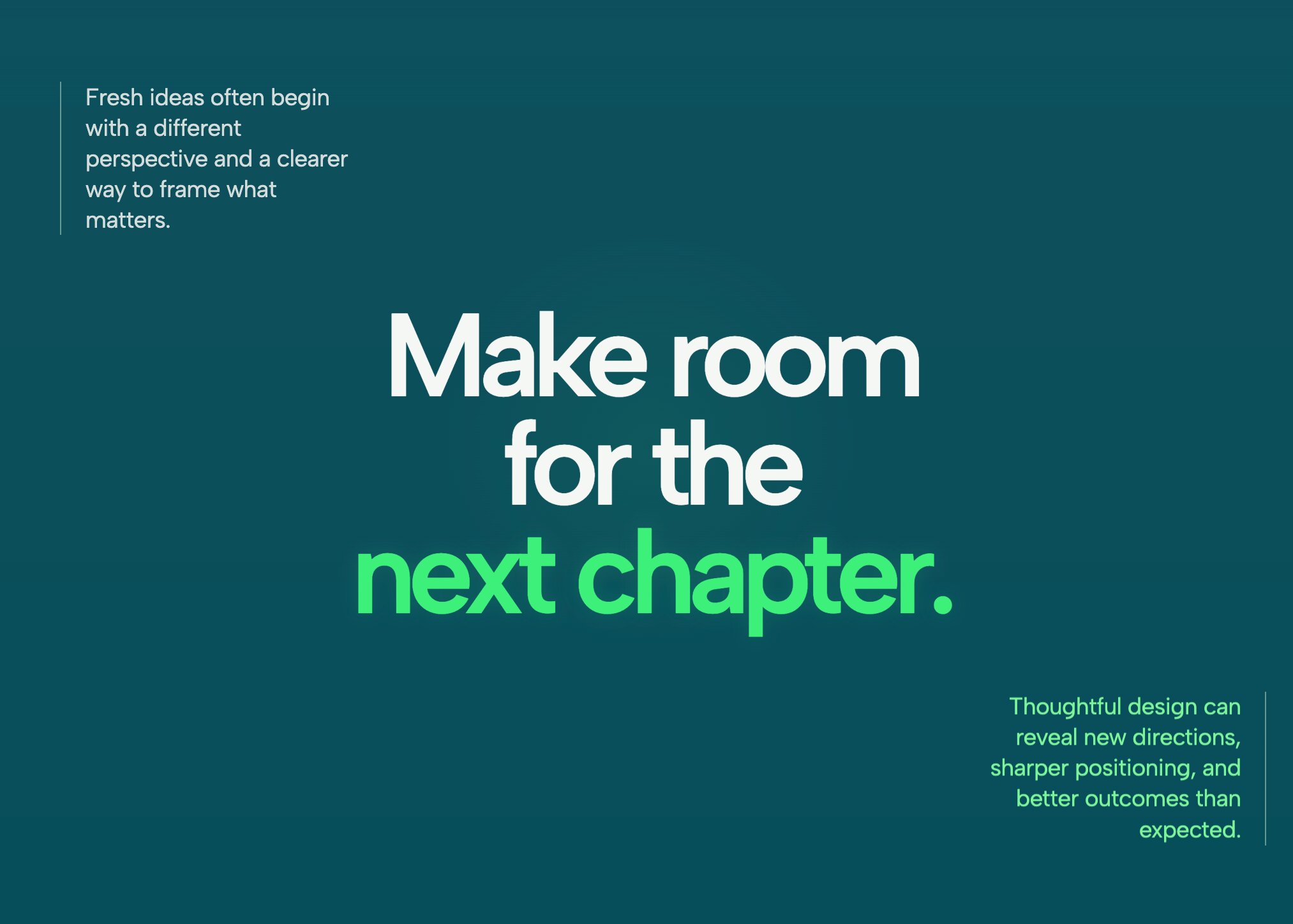
Bring the sophistication of print media to the web. This layout utilizes classic serif typography, precise margins, and elegant spacing to make your mission statement feel like a feature in a high-end magazine.
19. Ethereal Gradient Hero Modern SaaS Header

Wrap your vision in modern, vibrant colors. This template uses a soft, animated, ethereal gradient background to make crisp, white typography pop. It is the gold standard for modern Web3 and SaaS landing pages.
How to Install These Mission and Vision Templates
The best part about these widgets is that they are designed to be universally adaptable, keeping your site fast and free from the bloat of traditional page builder add-ons. Depending on your tech stack, getting these live takes just a few clicks:
- WordPress: You can connect your site directly using the Redesignee WordPress plugin. This allows you to browse the cloud library, customize your favorite layout in the live visual editor, and import the clean, lightweight code straight into Elementor or Gutenberg.
- Squarespace: Streamline your workflow by using the dedicated Squarespace extension. It connects seamlessly to your site, letting you deploy and edit these high-end visual blocks instantly without wrestling with native Squarespace layout limitations.
- Other CMS Platforms (Shopify, Wix, Webflow, etc.): If you are using another platform, installation is just as straightforward. Simply customize your widget in our cloud sandbox, copy the raw code, and paste it into a standard HTML or code block on your site. The components will automatically inherit your global fonts and remain beautifully responsive across all devices.
Comments (0)