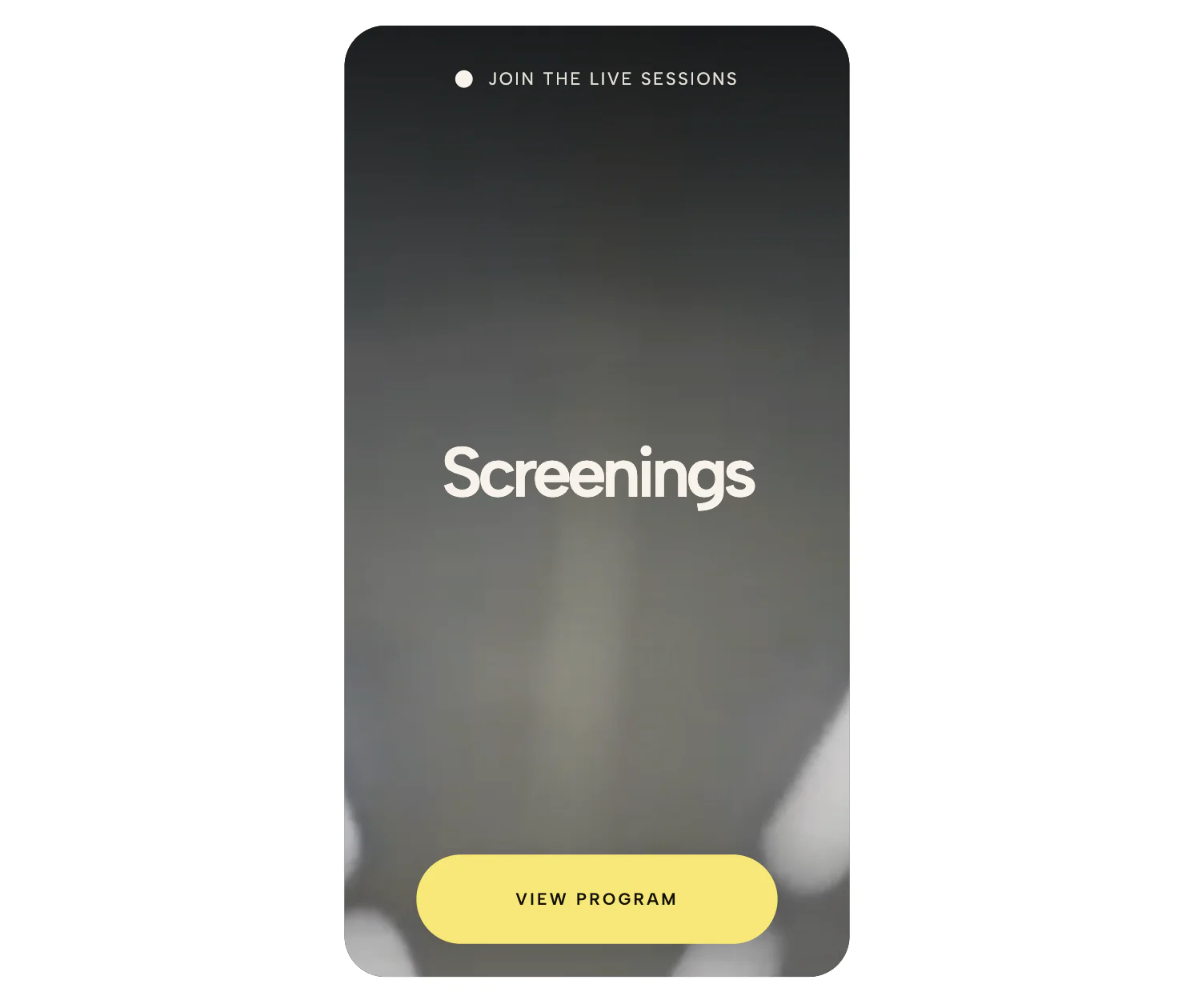
Are you tired of fighting with rigid native video blocks and messy embed codes? Whether you are building in WordPress, designing with Squarespace's Fluid Engine, or coding a custom HTML website, embedding videos often comes with the same frustrating limitations: forced 16:9 landscape ratios, stubborn letterboxing (those unsightly black bars), and unresponsive mobile scaling.
If you’ve ever tried to add a portrait video (9:16 ratio) or tried to force an iframe to stretch and fill its grid container, you already know the struggle. Instead of spending hours searching forums for complicated Custom CSS hacks—like the notorious padding-bottom: 120% wrapper trick or trying to force aspect ratios with media queries—this Custom Responsive Video Widget gives you complete visual control right from the editor.
Built to seamlessly integrate into any platform or page builder, this widget ensures your videos look stunning, perfectly cropped, and fully responsive across all devices—no coding required.
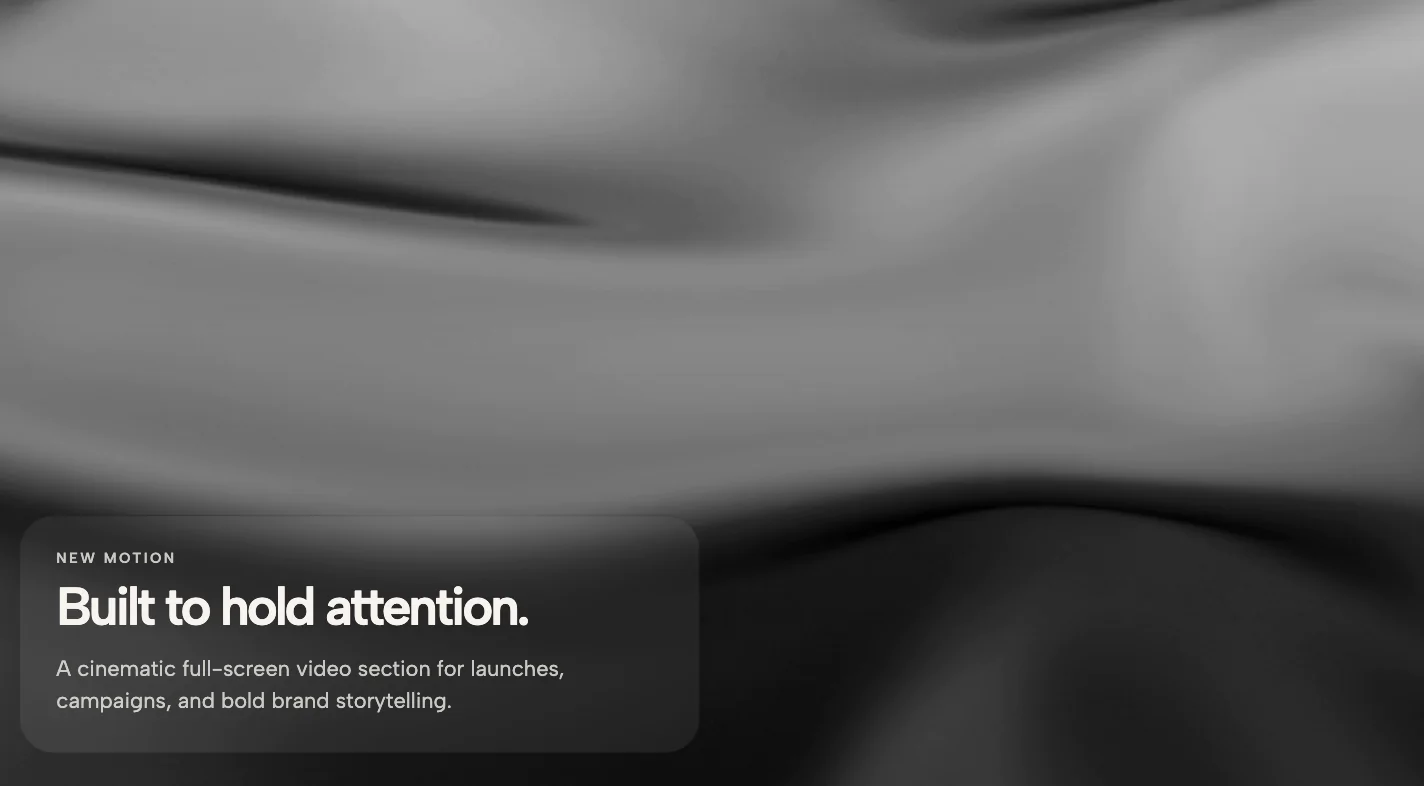
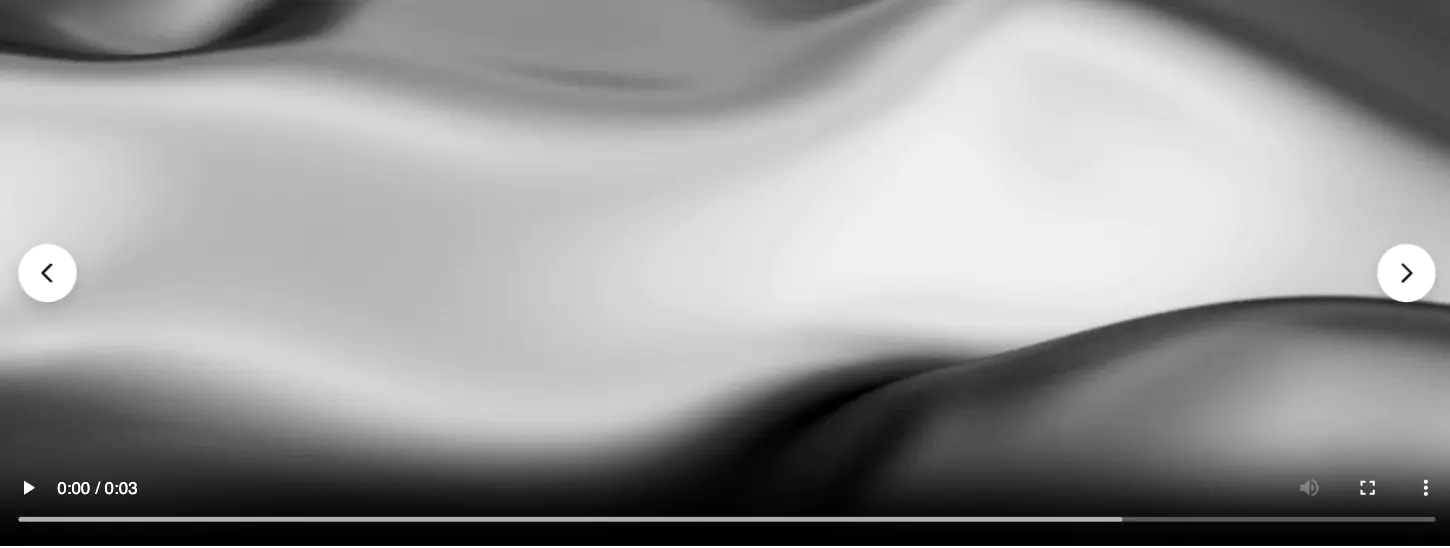
Fill the Container (No More Black Bars!): Say goodbye to letterboxing. With our built-in Object-Fit control, you can choose to stretch, contain, or perfectly "Cover" the container. Whether your grid cell is tall and narrow or wide and short, the video will seamlessly fill the box just like a modern background image.
Perfect Portrait (9:16) Videos: Whether you are embedding TikToks, Instagram Reels, or custom vertical video assets, this block respects your custom dimensions. Just set your max-width and min-height and watch your portrait video scale beautifully without distorting your page layout.
Focal Point Positioning: If you are using the "Cover" setting to fill a container, you don't want the most important part of your video to get cropped out. Our built-in Object-Position (X/Y) inputs let you easily shift the focal point of the video, ensuring the main subject stays perfectly centered on both expansive desktop monitors and narrow phone screens.
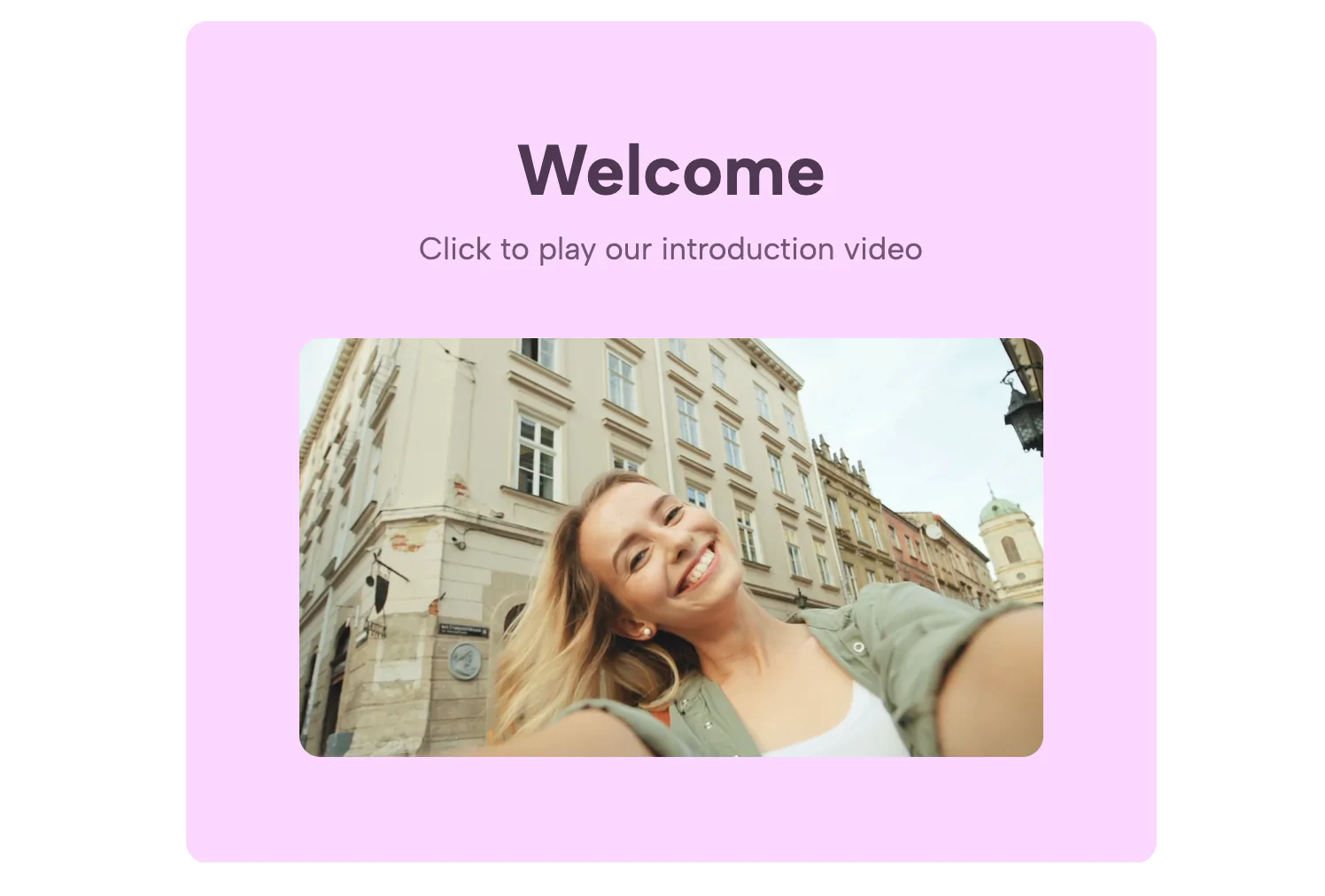
Custom Preview / Poster Images: Don't rely on auto-generated, blurry video thumbnails or blank loading screens. Easily upload a custom, high-resolution poster image that displays before the video plays, ensuring your page loads fast and looks perfectly on-brand.
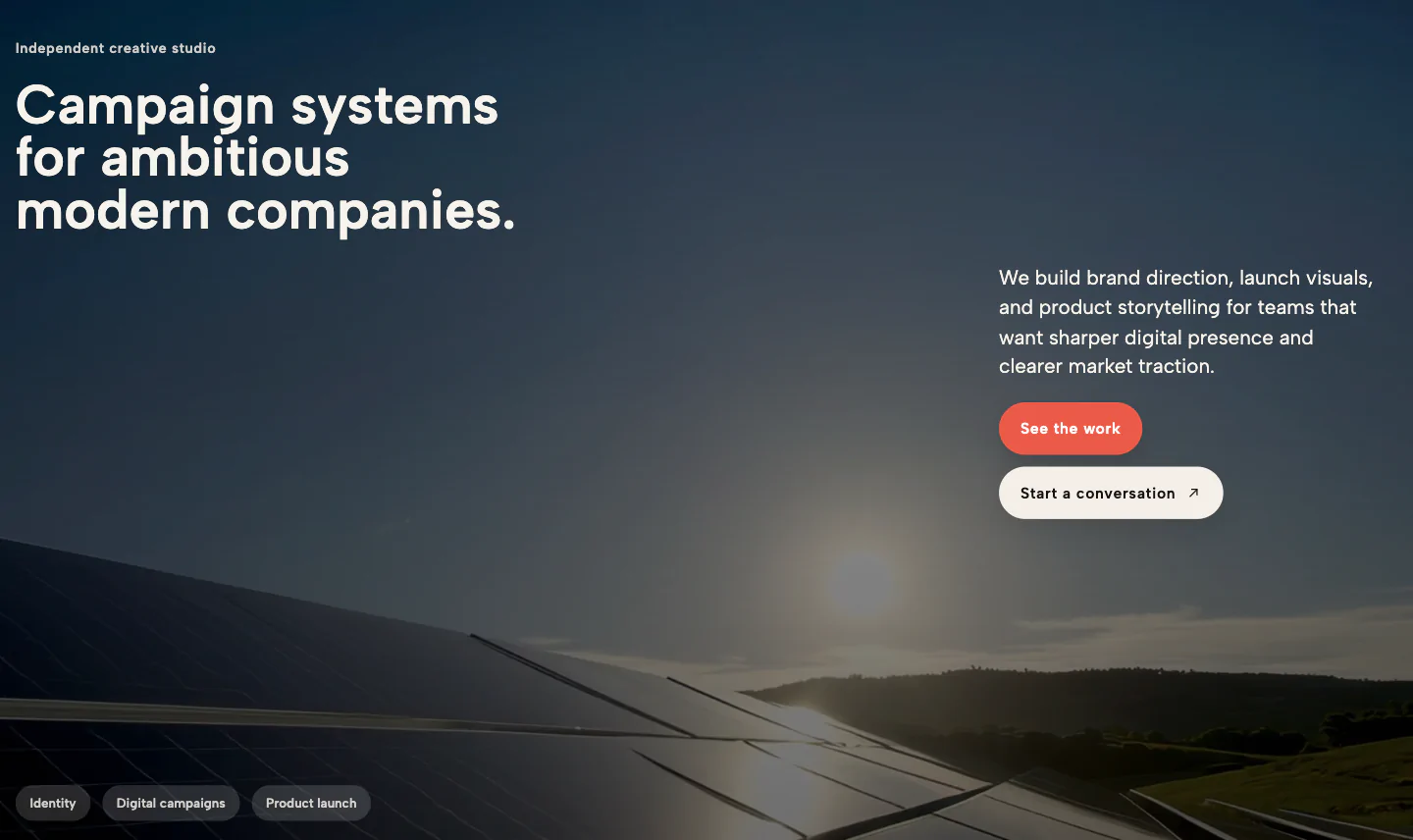
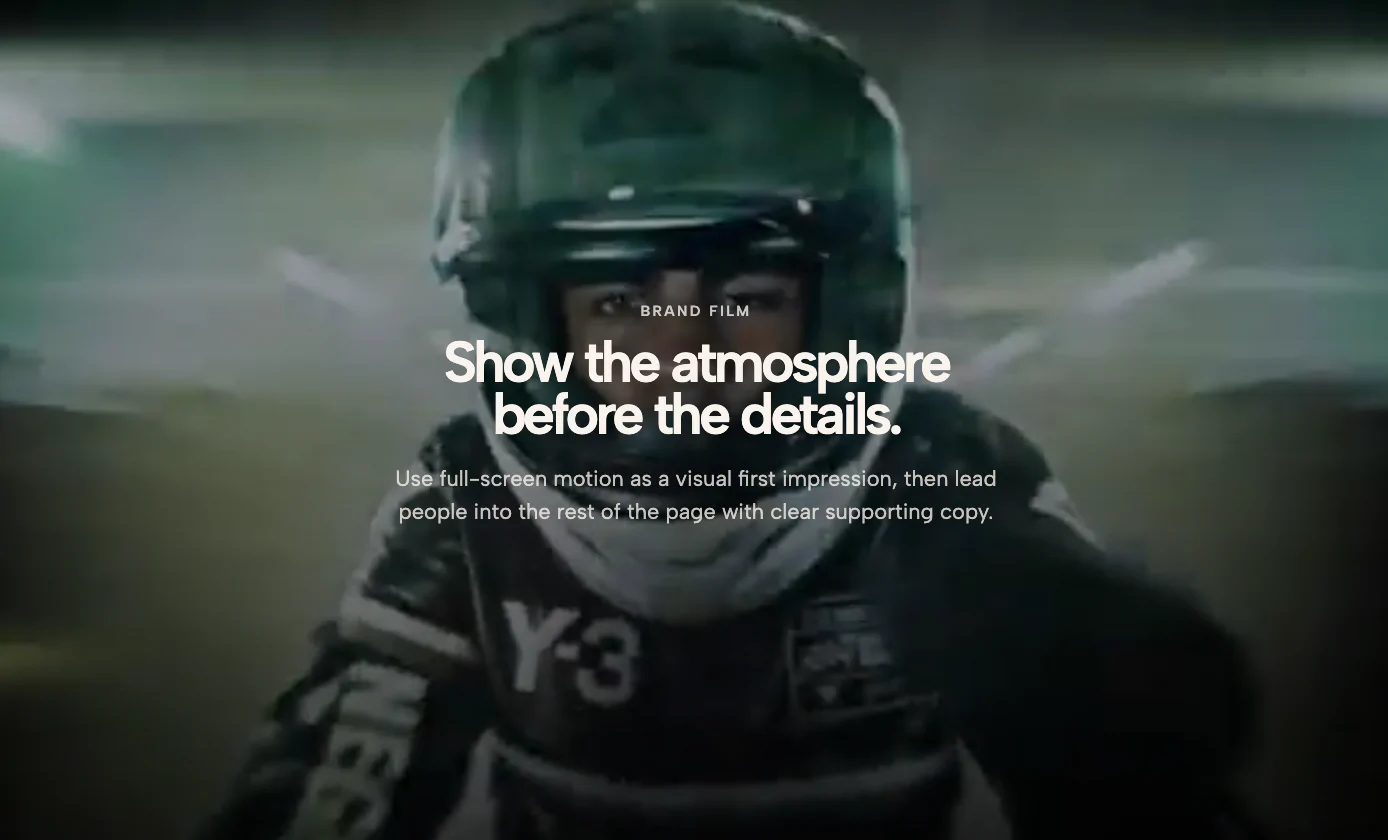
True Background Video Autoplay: Want a silent, looping background video without the messy YouTube or Vimeo interface? Our widget automatically strips away titles, account avatars, and external links. Toggle the Autoplay & Loop setting, and your video instantly transforms into a sleek, silent background element.
Universal Media Support: Paste a raw .mp4 link, a YouTube URL, or a Vimeo link. The widget automatically detects the platform, generates the cleanest possible embed iframe, and natively applies your sizing and aspect ratio rules across the board.
Native media blocks often break or collapse when shifting from a multi-column desktop grid to a stacked mobile view. This custom video block was engineered to be natively fluid. Whether you are dropping it into a WordPress page builder (like Elementor or Gutenberg), a Squarespace 7.1 Fluid Engine layout, or a hand-coded CSS flexbox container, it adapts to the width of its parent automatically.
Stop wasting time injecting @media queries and block-specific CSS into your website's backend just to properly resize a video block. Simply embed this widget, paste your link, adjust your fit, and get back to designing.
Bring this layout to life on your website in just a few clicks.

Edit Responsive Fullsize Video Block visually using the native Squarespace extension
First, ensure you have connected your website to the native Redesignee extension. Once connected, you have two easy ways to build:
Native Block: Simply add the native Redesignee Widget Block directly from the fluid engine editor menu inside Squarespace.
Manual Markdown: Add a standard Code Block, paste your widget’s code snippet, and the Redesignee floating "Customize" button will automatically appear right over the block.
Both methods let you tweak settings, copy items, and design visually in real time. Saving your changes syncs the updates instantly to your live page.
See Squarespace installation guide
Connect natively via Gutenberg or Elementor
Make sure you have the free Redesignee WordPress Plugin installed. To drop the Responsive Fullsize Video Block into Elementor, simply drag and drop the Redesignee widget from your sidebar. If you are using the Gutenberg Block Editor, click the " + " icon and select the Redesignee Block. Launch the Cloud Library directly inside your workspace, choose your customized template, and import it with a single click. It automatically inherits your theme fonts and styles!
WordPress plugin installation guide
Quick copy-and-paste for custom setups
If you are using Webflow, Shopify, Wix, or a custom HTML site, click the "Export Widget" button on this page and ensure the platform selector is set to "HTML". Click "Copy" to copy the clean, un-nested source code snippet directly to your clipboard. Paste this code into any HTML component, Code Block, or Embed tool inside your website builder. All styles, animations, and scripts are self-contained and ready to run.
This Responsive Fullsize Video Block widget is optimized and categorized inside the following layout packs:
Elevate your business site layouts instantly. Browse free and premium corporate modules from our cloud library, adjust elements visually, and copy-paste clean layouts straight to your page engine canvas.
Embrace pristine minimal structures. Tweak crisp whitespace templates visually inside our cloud canvas layout, copy the fast-rendering script output, and paste it straight onto your host site.
Deploy sleek, night-mode interfaces effortlessly. Browse dark-mode cards, dashboards, and deep contrast hero layouts from our cloud library, customize styles visually, and copy-paste clean code.
Published:
Jul 22, 2026 05:49 AM
Category: