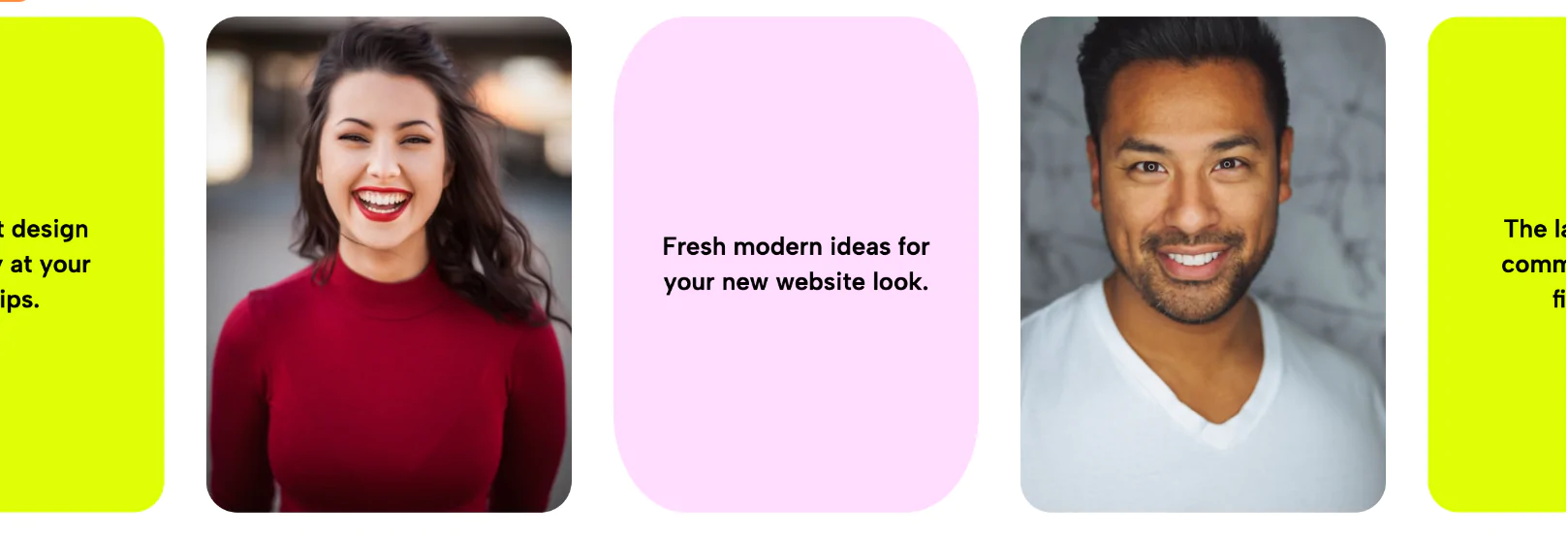
If you are looking to break away from flat, uninspired web design, the Layered Editorial Image Card is the perfect solution. This widget completely transforms standard photography into a modern, geometric focal point.
Instead of placing a plain photo on a blank canvas, this layout introduces beautiful, offset structural layers. The central image is framed by solid, pastel-colored background blocks (like the peach and lavender rectangles seen in the demo), creating a vibrant, overlapping drop-shadow effect that feels incredibly custom and high-end.
What truly sets this widget apart is its fluid entrance animation. As the user scrolls down the page and the image enters the viewport, it doesn't just statically appear. Instead, the offset background layers and the main portrait smoothly slide and stack into place. This crisp, sequenced load-in animation immediately catches the user's eye and adds a layer of premium interactivity without requiring heavy video files or complex code.
Whether you are searching for an Elementor layered image widget, a custom Squarespace image block, or a WordPress animated image frame, this cloud-delivered layout drops right into your site seamlessly.
Best Used For:
By utilizing an animated overlapping image layout, you keep visitors engaged longer, reducing bounce rates. The lightweight code ensures your entrance animation image widget loads lightning-fast, protecting your Core Web Vitals while still delivering an agency-level visual experience. It is the ultimate editorial image layout for creators, agencies, and modern startups looking to add depth and motion to their digital presence.
Bring this layout to life on your website in just a few clicks.

Edit Layered Editorial Image Card visually using the native Squarespace extension
First, ensure you have connected your website to the native Redesignee extension. Once connected, you have two easy ways to build:
Native Block: Simply add the native Redesignee Widget Block directly from the fluid engine editor menu inside Squarespace.
Manual Markdown: Add a standard Markdown Block, paste your widget’s code snippet, and the Redesignee floating "Customize" button will automatically appear right over the block.
Both methods let you tweak settings, copy items, and design visually in real time. Saving your changes syncs the updates instantly to your live page.
See Squarespace installation guide
Connect natively via Gutenberg or Elementor
Make sure you have the free Redesignee WordPress Plugin installed. To drop the Layered Editorial Image Card into Elementor, simply drag and drop the Redesignee widget from your sidebar. If you are using the Gutenberg Block Editor, click the " + " icon and select the Redesignee Block. Launch the Cloud Library directly inside your workspace, choose your customized template, and import it with a single click. It automatically inherits your theme fonts and styles!
WordPress plugin installation guide
Quick copy-and-paste for custom setups
If you are using Webflow, Shopify, Wix, or a custom HTML site, click the "Export Widget" button on this page and ensure the platform selector is set to "HTML". Click "Copy" to copy the clean, un-nested source code snippet directly to your clipboard. Paste this code into any HTML component, Code Block, or Embed tool inside your website builder. All styles, animations, and scripts are self-contained and ready to run.
This Layered Editorial Image Card widget is optimized and categorized inside the following layout packs:
Bring asymmetric, magazine-style aesthetics to your web project canvas. Browse editorial grids and refined typography elements from our cloud repository and copy-paste clean code rows.
Published:
Jul 03, 2026 10:21 AM
Category: