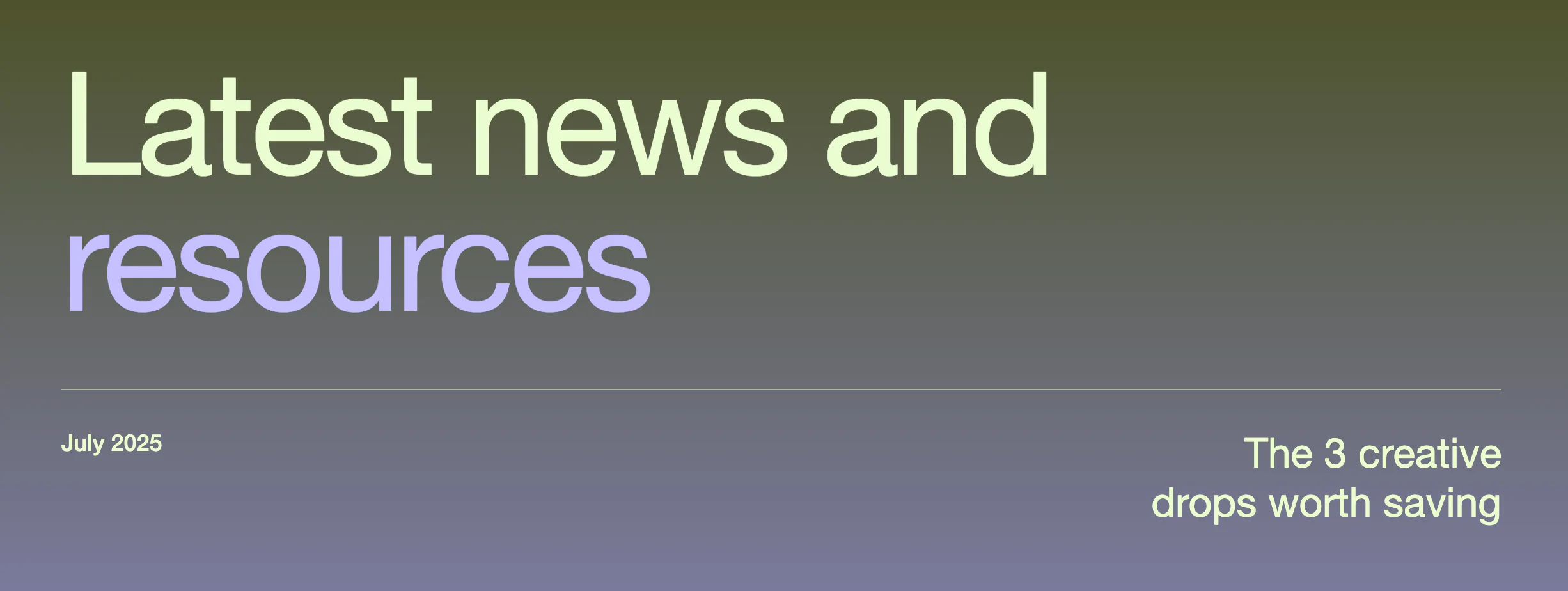
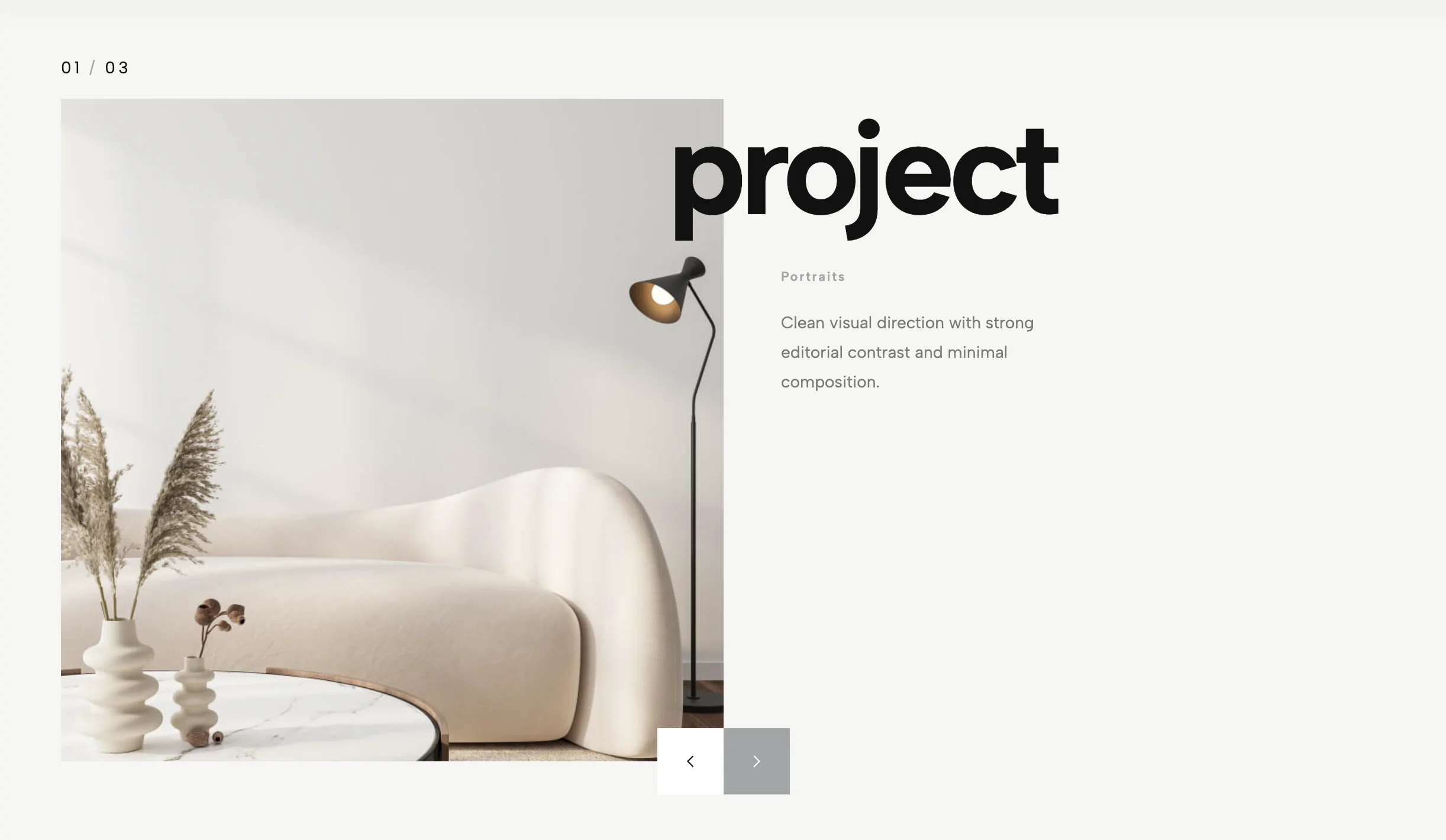
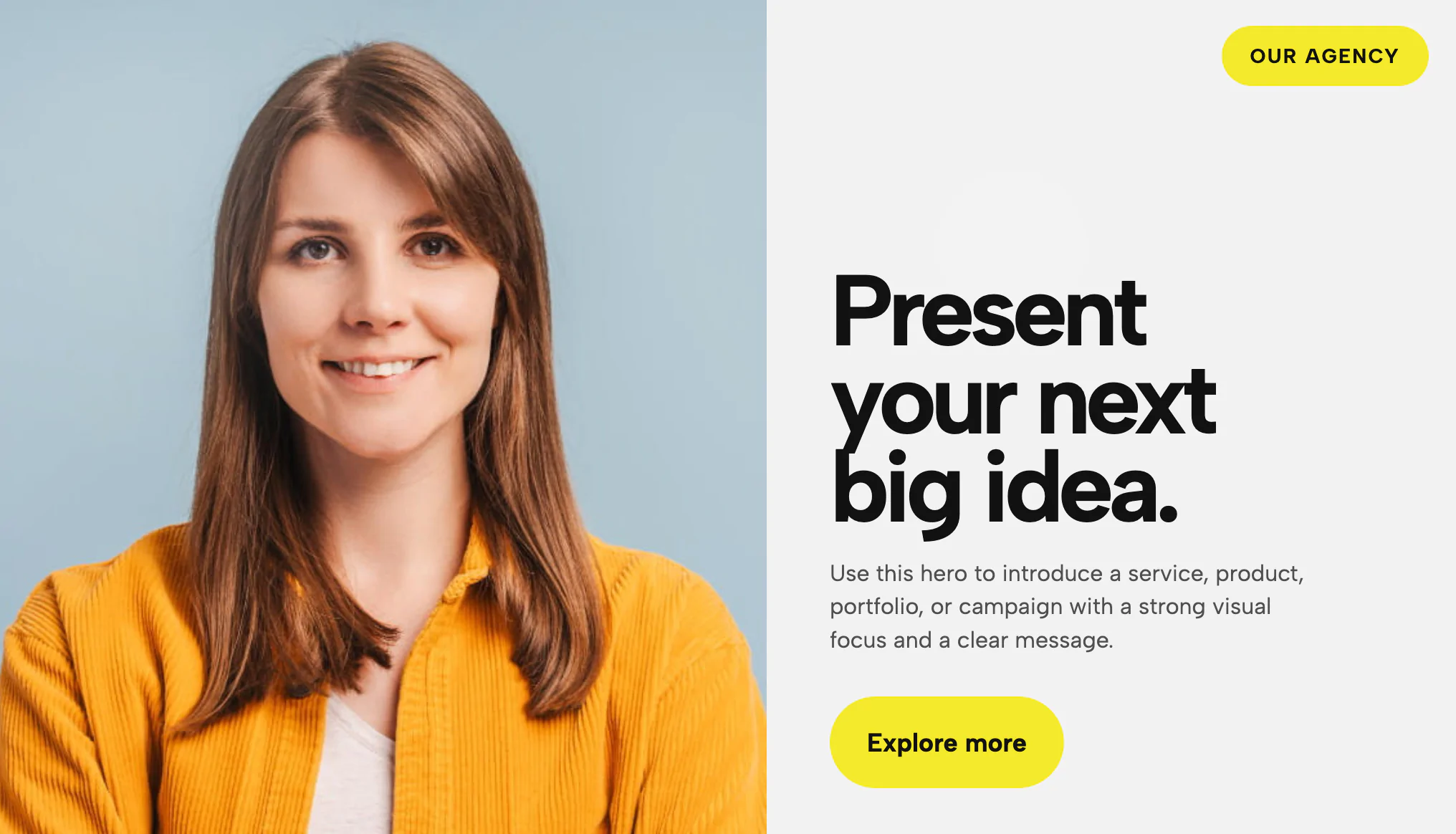
The Gradient Hero Title is an elegant, minimalist hero section designed to create an immediate visual impact with sophisticated color transitions and refined typography. Drawing inspiration from modern presentation design and premium editorial layouts, this widget uses a stunning radial gradient background that smoothly blends between customizable colors, creating depth and visual interest without overwhelming the content. The gradient can be fully customized through CSS variables, allowing you to adjust the primary and secondary colors, gradient position, and intensity to match your brand palette perfectly.
The widget features a prominent headline with generous letter-spacing and refined serif or sans-serif typography, accompanied by optional metadata text positioned in the top-left corner for context like project names, dates, or categories. The clean, centered layout uses ample white space and careful typographic hierarchy to create a sense of luxury and professionalism. The design includes subtle fade-in animations that bring the content to life as the page loads, creating a polished, premium feel. This widget is perfect for presentation slides, pitch decks, portfolio introductions, report covers, landing page heroes, or any scenario where you need to make a sophisticated first impression. The minimalist approach ensures the focus remains on your message while the gradient background adds visual richness and contemporary style. The widget is fully responsive and maintains its elegant proportions across all device sizes.
Bring this layout to life on your website in just a few clicks.

Edit Gradient Hero Title visually using the native Squarespace extension
First, ensure you have connected your website to the native Redesignee extension. Once connected, you have two easy ways to build:
Native Block: Simply add the native Redesignee Widget Block directly from the fluid engine editor menu inside Squarespace.
Manual Markdown: Add a standard Markdown Block, paste your widget’s code snippet, and the Redesignee floating "Customize" button will automatically appear right over the block.
Both methods let you tweak settings, copy items, and design visually in real time. Saving your changes syncs the updates instantly to your live page.
See Squarespace installation guide
Connect natively via Gutenberg or Elementor
Make sure you have the free Redesignee WordPress Plugin installed. To drop the Gradient Hero Title into Elementor, simply drag and drop the Redesignee widget from your sidebar. If you are using the Gutenberg Block Editor, click the " + " icon and select the Redesignee Block. Launch the Cloud Library directly inside your workspace, choose your customized template, and import it with a single click. It automatically inherits your theme fonts and styles!
WordPress plugin installation guide
Quick copy-and-paste for custom setups
If you are using Webflow, Shopify, Wix, or a custom HTML site, click the "Export Widget" button on this page and ensure the platform selector is set to "HTML". Click "Copy" to copy the clean, un-nested source code snippet directly to your clipboard. Paste this code into any HTML component, Code Block, or Embed tool inside your website builder. All styles, animations, and scripts are self-contained and ready to run.
This Gradient Hero Title widget is optimized and categorized inside the following layout packs:
Scale your studio production in record time. Access professional agency sections from our cloud workspace, tweak them visually, and drop clean, native elements straight into your client builds.
Convert your product traffic effortlessly. Tweak tech-focused feature sections and pricing tables in our cloud library, grab the optimized code, and paste them directly into your layout.
Elevate your business site layouts instantly. Browse free and premium corporate modules from our cloud library, adjust elements visually, and copy-paste clean layouts straight to your page engine canvas.
Embrace pristine minimal structures. Tweak crisp whitespace templates visually inside our cloud canvas layout, copy the fast-rendering script output, and paste it straight onto your host site.
Make your layouts stand out instantly. Tweak advanced visual elements inside our cloud design workspace, copy the lightweight framework strings, and drop them seamlessly onto your canvas.
Grab your visitors' attention instantly. Browse our collection of native WordPress hero blocks, customize the typography and backgrounds visually, and copy the markup straight into your Gutenberg editor.
Launch stunning landing pages faster. Explore fully responsive Elementor hero sections with advanced layouts, tweak the design in our cloud library, and drop them seamlessly into your page builder.