Elevate your creative portfolio or agency website with this Modern Split Hero with Aurora Gradients. Inspired by the immersive aesthetics found on top-tier design galleries (like Awwwards), this widget combines a clean split-screen layout with atmospheric visual depth.
The design is anchored by a dark, cinematic background featuring two large, customizable radial blurred circles (often called "aurora" or "orb" gradients). These elements float behind the typography and overlay the hero image, creating a stunning sense of depth and dimensionality without requiring complex WebGL code.
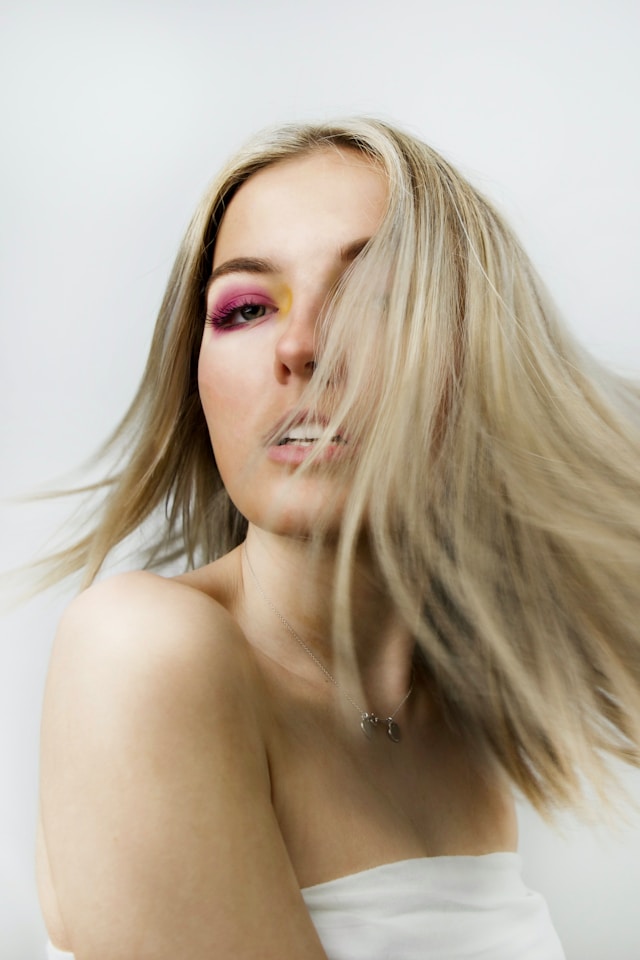
The left column features a glassmorphism-style "Featured Project" badge, a massive headline, and a descriptive paragraph—all of which enter the screen with a smooth, staggered fade-up animation. The right column showcases your hero image, which subtly zooms in upon loading, adding a premium, kinetic feel to the first fold of your website.
Key Features:
Bring this layout to life on your website in just a few clicks.

Edit Aurora Gradient Split Hero - Animated Dark Mode Header visually using the native Squarespace extension
First, ensure you have connected your website to the native Redesignee extension. Once connected, you have two easy ways to build:
Native Block: Simply add the native Redesignee Widget Block directly from the fluid engine editor menu inside Squarespace.
Manual Markdown: Add a standard Code Block, paste your widget’s code snippet, and the Redesignee floating "Customize" button will automatically appear right over the block.
Both methods let you tweak settings, copy items, and design visually in real time. Saving your changes syncs the updates instantly to your live page.
See Squarespace installation guide
Connect natively via Gutenberg or Elementor
Make sure you have the free Redesignee WordPress Plugin installed. To drop the Aurora Gradient Split Hero - Animated Dark Mode Header into Elementor, simply drag and drop the Redesignee widget from your sidebar. If you are using the Gutenberg Block Editor, click the " + " icon and select the Redesignee Block. Launch the Cloud Library directly inside your workspace, choose your customized template, and import it with a single click. It automatically inherits your theme fonts and styles!
WordPress plugin installation guide
Quick copy-and-paste for custom setups
If you are using Webflow, Shopify, Wix, or a custom HTML site, click the "Export Widget" button on this page and ensure the platform selector is set to "HTML". Click "Copy" to copy the clean, un-nested source code snippet directly to your clipboard. Paste this code into any HTML component, Code Block, or Embed tool inside your website builder. All styles, animations, and scripts are self-contained and ready to run.
This Aurora Gradient Split Hero - Animated Dark Mode Header widget is optimized and categorized inside the following layout packs:
Scale your studio production in record time. Access professional agency sections from our cloud workspace, tweak them visually, and drop clean, native elements straight into your client builds.
Deploy sleek, night-mode interfaces effortlessly. Browse dark-mode cards, dashboards, and deep contrast hero layouts from our cloud library, customize styles visually, and copy-paste clean code.
Make your layouts stand out instantly. Tweak advanced visual elements inside our cloud design workspace, copy the lightweight framework strings, and drop them seamlessly onto your canvas.
Grab your visitors' attention instantly. Browse our collection of native WordPress hero blocks, customize the typography and backgrounds visually, and copy the markup straight into your Gutenberg editor.
Launch stunning landing pages faster. Explore fully responsive Elementor hero sections with advanced layouts, tweak the design in our cloud library, and drop them seamlessly into your page builder.
Published:
Jan 10, 2026 05:46 AM
Category: