
Turn your Shorts into a live feed on your site. Paste your channel link, pick a layout, and add one snippet. New Shorts appear automatically.
check_circle Free to use • No API key • No card required






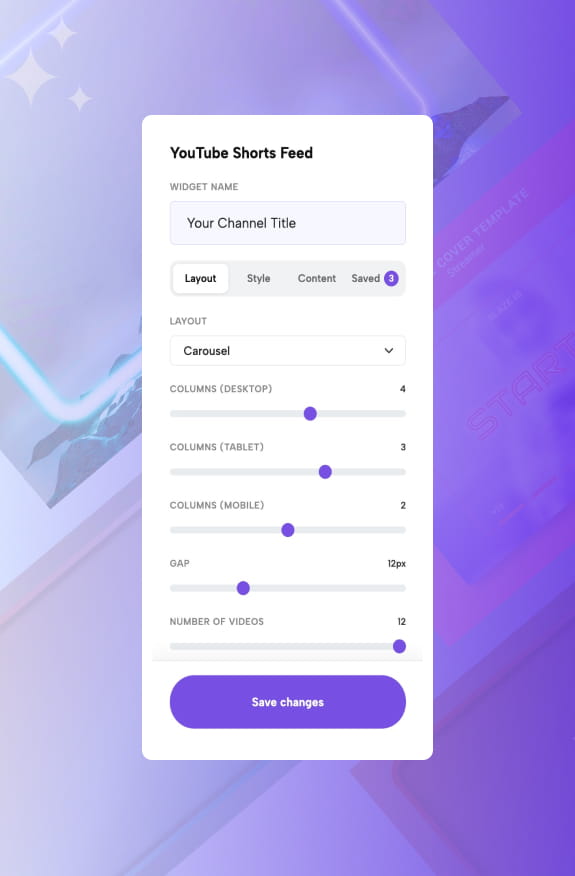
Demo of the Redesignee YouTube Shorts feed: a channel link is entered, the channel's latest Shorts load in a live preview, the layout and styling options are shown in the settings panel.
Your Shorts already show off your work, your products and your personality. Put them where your customers are: on your own website. Paste your channel link once, style the feed to match your brand, and every new Short you post shows up on your site automatically.
Add a YouTube Shorts feed to your website in 3 simple steps.
Enter your YouTube channel link or @handle. Your latest YouTube Shorts load in the editor right away.
Pick a carousel, grid or reel, then match your site's colors and fonts in the live preview.
Click "Save & get code" and paste the snippet into your site. The feed keeps itself up to date.
check_circle Free to use • No card required
defer. Only thumbnails load until someone presses play.One subscription for everything Redesignee makes. Best if you build more than one site.
defer. Until a visitor presses play, the feed shows only lazy-loaded thumbnails, so YouTube's player and its cookies load only when someone actually watches.Want the details? Read the Shorts feed documentation: installation by platform, settings and troubleshooting.